Jitterbit Alternatives in 2026: 8 Tools Compared

- MuleSoft and Boomi suit enterprises that need full integration platforms with API management.
- Workato and Celigo suit business teams that want automation plus enterprise connectors.
- Zapier and Make suit small teams and individuals who want quick, visual automation.
- Tray.io and Pipedream suit developers who want code-friendly integration workflows.
Quick comparison
| Product | Ideal for | Price from | Free version | |
|---|---|---|---|---|
 MuleSoft | Enterprise integration | See website | Free trial | Visit |
 Boomi | Enterprise integration | See website | Free trial | Visit |
 Workato | Business automation | See website | Free trial | Visit |
 Zapier | Quick automation | See website | Yes | Visit |
 Make | Visual automation | See website | Yes | Visit |
 Celigo | SaaS integration | See website | Free trial | Visit |
 Tray.io | Developer automation | See website | Free trial | Visit |
 Pipedream | Code-friendly workflows | See website | Yes | Visit |
The best Jitterbit alternatives
We compared official feature pages, pricing pages, and app-store listings for integration platforms available in October 2026. Jitterbit covers iPaaS, API management, and automation, so the list below covers enterprise platforms, business automation, and developer tools.
MuleSoft
Ideal for: Enterprise integration
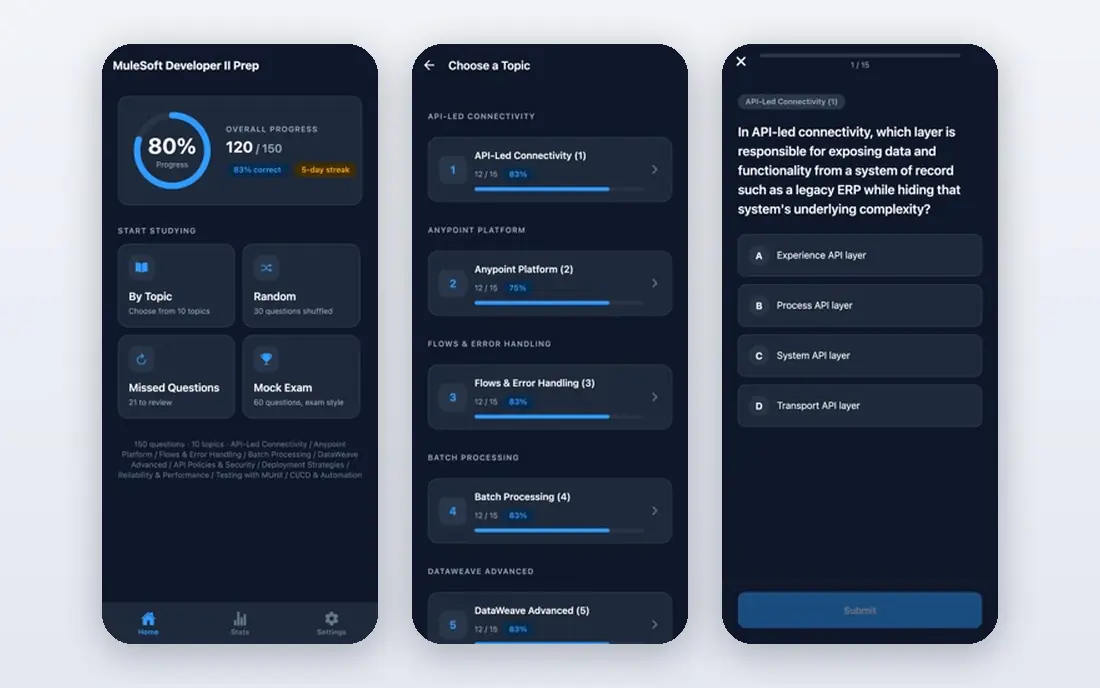
MuleSoft, part of Salesforce, is an integration and API platform covering API design, management, and integration flows. Its Anypoint Platform connects SaaS, databases, and on-premise systems, with reusable APIs and governance for large organizations. It suits enterprises with complex integration needs.
Pricing is quote-based and setup needs expertise, so it fits larger teams. For an enterprise already on Salesforce that needs full API management plus integration, MuleSoft is a leading choice.
- Full API lifecycle management
- Strong enterprise connectors
- Salesforce ecosystem
- Pricing is quote-based
- Setup needs expertise
Boomi
Ideal for: Enterprise integration
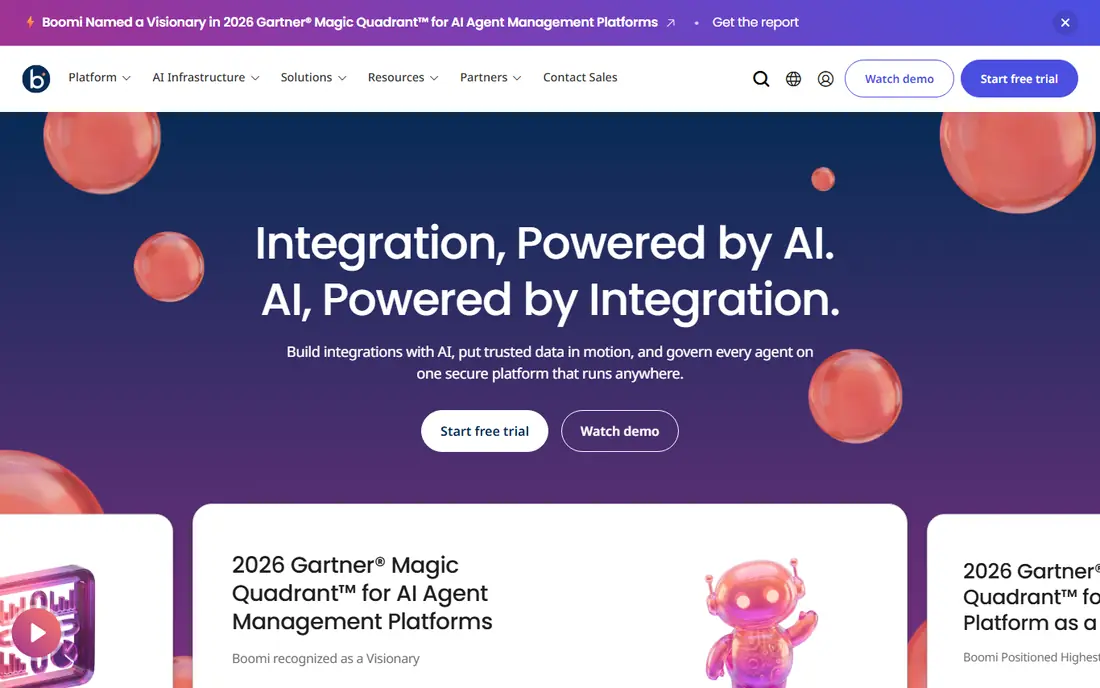
Boomi is a low-code integration platform covering application integration, API management, and data management. Its visual builder connects cloud and on-premise systems, with a large connector library and tools for data quality and governance. It suits enterprises and mid-market companies with many systems to connect.
Pricing is quote-based and the interface can feel complex for simple tasks. For a company that needs a full iPaaS with data management, Boomi is a strong Jitterbit alternative.
- Low-code integration platform
- Strong data management
- Many connectors
- Pricing is quote-based
- Interface can feel complex
Workato
Ideal for: Business automation

Workato is an enterprise automation platform that connects apps, data, and teams with recipes for common workflows. It covers business process automation, data pipelines, and AI agents, with a large connector library and governance for IT teams. Business users can build automations with guidance from IT.
Pricing is quote-based and the platform suits larger teams better than individuals. For a mid-market or enterprise team that wants business automation with IT governance, Workato is a strong pick.
- Strong enterprise automation
- Many app connectors
- AI features
- Pricing is quote-based
- Best for larger teams
Zapier
Ideal for: Quick automation
Zapier is the most widely used automation tool, connecting thousands of apps with Zaps that trigger actions across them. Its editor is easy to learn, templates cover common workflows, and AI features help build and troubleshoot Zaps. A free tier covers basic use with monthly task limits.
Costs grow with task volume, and complex multi-step workflows need higher plans. For a small team or individual who wants automation live in minutes, Zapier's app library and ease make it the default pick.
- Largest app library
- Very easy to start
- Free tier available
- Costs grow with tasks
- Complex workflows need higher plans
Make
Ideal for: Visual automation
Make, formerly Integromat, is a visual automation platform where scenarios show data flow between apps as a diagram. It supports branching, filters, and data mapping, with a free tier for basic use and paid plans that scale by operations. Its visual style suits users who think in flows rather than lists.
Complex scenarios need learning, and the app library is smaller than Zapier's. For a user who wants visual automation at good value, Make is a strong alternative to Zapier and Jitterbit.
- Visual scenario builder
- Good value
- Free tier available
- Learning curve for complex scenarios
- Smaller app library than Zapier
Celigo
Ideal for: SaaS integration
Celigo is an integration platform with prebuilt integrations for NetSuite, Salesforce, Shopify, and other SaaS systems, plus a general iPaaS for custom flows. Its Integration Apps handle common syncs such as order-to-cash, while its platform supports custom integrations and automation.
Pricing is quote-based and the focus is SaaS ecosystems, so on-premise-heavy teams may need another tool. For a company running NetSuite, Salesforce, or Shopify that needs reliable SaaS syncs, Celigo is a strong fit.
- Prebuilt integrations for NetSuite, Salesforce, and Shopify
- IPaaS plus automation
- Pricing is quote-based
- Focused on SaaS ecosystems
Tray.io
Ideal for: Developer automation
Tray.io, now Tray.ai, is an automation platform that combines a visual builder with code-friendly tools for data, AI, and business workflows. It supports complex logic, data transformation, and AI agents, with governance for enterprise teams. Developers can extend flows with code where visual steps are not enough.
Pricing is quote-based and business users may face a learning curve. For a technical team that wants automation with developer control, Tray.io is a powerful choice.
- Visual plus code-friendly builder
- Strong for data and AI workflows
- Enterprise governance
- Pricing is quote-based
- Learning curve for business users
Pipedream
Ideal for: Code-friendly workflows
Pipedream is a workflow platform for developers that combines code with app integrations. Workflows can run Node.js or Python steps alongside prebuilt app actions, with triggers from webhooks, schedules, and app events. A free tier covers basic use, and its app library is large.
Pipedream needs coding skill, so business users may prefer Zapier or Make. For a developer who wants integration workflows with full code control, Pipedream is a strong, affordable choice.
- Code-first workflows with Node.js and Python
- Huge app library
- Free tier
- Needs coding skill
- Interface is developer-focused
How we picked these
We compared official feature pages, pricing pages, and app-store listings for integration platforms available in October 2026. We favored tools with current products, a clear integration or automation use case, and a range of prices, from free tiers to enterprise platforms. We also weighed error handling, monitoring, and data mapping depth, since a quiet integration failure can cost more than a loud one. We did not include our own product in this list.
How to choose a Jitterbit alternative
Start with your scale and skill level. Enterprise integration points to MuleSoft or Boomi, while business automation points to Workato or Celigo. Small teams should try Zapier or Make first, while developers should try Pipedream or Tray.io.
Then test a real integration end to end. Connect your actual systems, check error handling and monitoring, and confirm pricing at your expected volume. Integration tools fail quietly when they are wrong, so monitoring and alerts matter as much as the builder.
Integration projects fail most often on error handling and data mapping, not on connecting apps. Before choosing, test how the tool handles a failed sync: does it retry, alert, and log enough detail to find the cause, or does it fail silently? Check data mapping tools for your hardest case, such as nested records or custom fields, since simple field-to-field mapping hides complexity. Also confirm monitoring and alerting, including who gets notified and how fast, since a broken order sync can cost revenue within hours. Pricing needs a volume model: count transactions, tasks, or operations at your real scale, and ask what happens when you exceed limits. Finally, document every integration, including field mappings and error rules, so a future team member can maintain it. Integrations outlive their builders, and undocumented flows become a risk.
Security and compliance checks should come before any integration goes live. Confirm how the platform stores credentials, whether it supports OAuth and vaulting, and how it logs access to connected systems, since integrations touch sensitive business data. For regulated industries, ask about data residency and audit reports, and check whether data passes through the vendor's servers or stays within your network. Also test what happens when a credential expires or a connected app changes permissions, since a clear error beats a silent failure. Document who owns each integration and who can change it, so a departure or role change does not leave orphaned connections with broad access. A short security review during the trial prevents painful fixes after launch.
Frequently asked questions
What is the best Jitterbit alternative?
MuleSoft and Boomi suit enterprises that need full iPaaS with API management, while Workato suits business automation. Zapier and Make suit small teams, and Pipedream suits developers who want code control.
What is iPaaS?
Integration platform as a service, or iPaaS, connects cloud and on-premise apps, data, and APIs through a managed platform, without building custom integration code for every connection. Jitterbit, MuleSoft, Boomi, and Workato are iPaaS providers.
Is Zapier enough to replace Jitterbit?
Zapier covers many common app automations well, but it lacks the deep data integration, API management, and enterprise governance of Jitterbit, MuleSoft, or Boomi. For simple workflows, Zapier is enough; for complex enterprise integration, a full iPaaS fits better.
Can I use Make for free?
Yes. Make offers a free tier with monthly operations and basic features, while paid plans add more operations, faster intervals, and advanced features. For a small automation need, the free tier may be enough.
What is the difference between Workato and Zapier?
Workato targets enterprises and business teams with governance, data pipelines, and AI agents, while Zapier targets a broader audience with the largest app library and easiest start. Workato suits larger, governed automation programs, while Zapier suits quick individual and team automations.
How do I avoid breaking integrations when an app updates its API?
Use versioned APIs where available, and subscribe to vendor changelogs and deprecation notices for every connected app. Build integrations with error alerts and a staging test, so an API change shows up in testing before production breaks. Keep field mappings documented, and avoid depending on undocumented fields. When a vendor announces a breaking change, schedule the update work early, since API migrations often take longer than expected once edge cases appear.