Jotform Alternatives in 2026: 8 Tools Compared

- Typeform is our pick for forms where completion rate matters, thanks to its conversational one-question flow.
- Google Forms is the best free option for simple forms, especially for teams already using Google Workspace.
- Paperform suits small businesses that want branded forms with payments and bookings built in.
- Formstack fits regulated teams that need documents, e-signatures, and workflow automation beside forms.
- Check response limits and payment features before switching, since those two limits decide most form bills.
Quick comparison
| Product | Ideal for | Price from | Free version | |
|---|---|---|---|---|
 Typeform | Conversational forms | See website | Yes | Visit |
 Google Forms | Free simple forms | Free | Yes | Visit |
 Wufoo | Easy classic forms | See website | Free trial | Visit |
 Formstack | Regulated workflows | See website | Free trial | Visit |
 Paperform | Branded business forms | See website | Yes | Visit |
 Zoho Forms | Affordable Zoho users | See website | Yes | Visit |
 Microsoft Forms | Microsoft 365 teams | Free | Yes | Visit |
 SurveyMonkey | Surveys and feedback | See website | Yes | Visit |
The best Jotform alternatives
Jotform is a capable form builder, but teams often leave for better design, lower cost, or tighter integration with tools they already use. We compared official feature pages, pricing pages, and public reviews for the tools below, looking at builders, logic, payments, integrations, response limits, and price. Each one takes a different approach to the same job, so the right pick depends on what your forms must do.
Typeform
Ideal for: Conversational forms
Typeform is our pick when completion rate matters most. Instead of showing a long page of fields, it asks one question at a time in a conversational flow, which feels lighter for respondents and tends to keep them going to the end. Logic can adapt later questions to earlier answers, and integrations send results to CRMs and email tools.
The trade-off is volume. Free and lower plans limit responses, so a high-traffic survey can push you to a paid tier quickly. For lead capture, quizzes, and customer feedback, Typeform's experience is hard to match.
- One-question-at-a-time flow that lifts completion
- Attractive design
- Logic and integrations included
- Paid plans needed for higher response limits
- Less suited to dense multi-field applications
Google Forms
Ideal for: Free simple forms
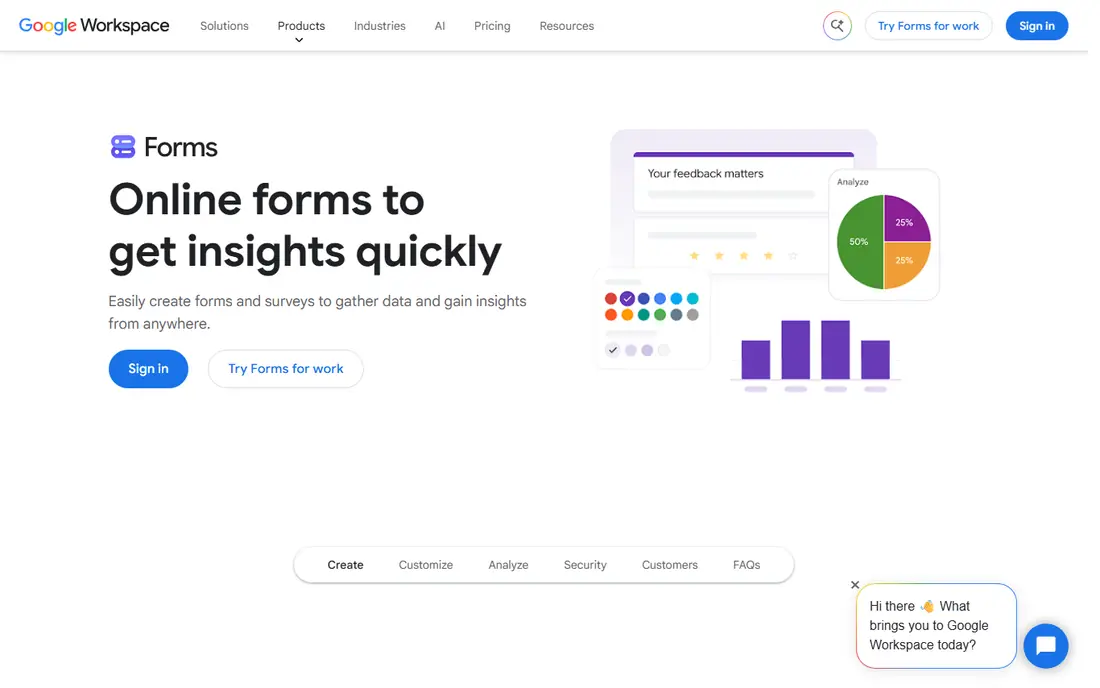
Google Forms is the best free alternative for straightforward forms. Anyone with a Google account can build a form in minutes, share a link, and watch responses land in a spreadsheet automatically. Schools, clubs, and small teams use it for signups, polls, and simple surveys every day.
It lacks the polish and payment features of paid builders, and branding options are minimal. If your form needs payments, advanced logic, or a fully branded look, look elsewhere. For simple, free data collection, Google Forms is unbeatable.
- Completely free
- Results flow straight into Google Sheets
- Very easy to learn
- Limited design and branding
- No built-in payment collection
- Basic logic only
Wufoo
Ideal for: Easy classic forms
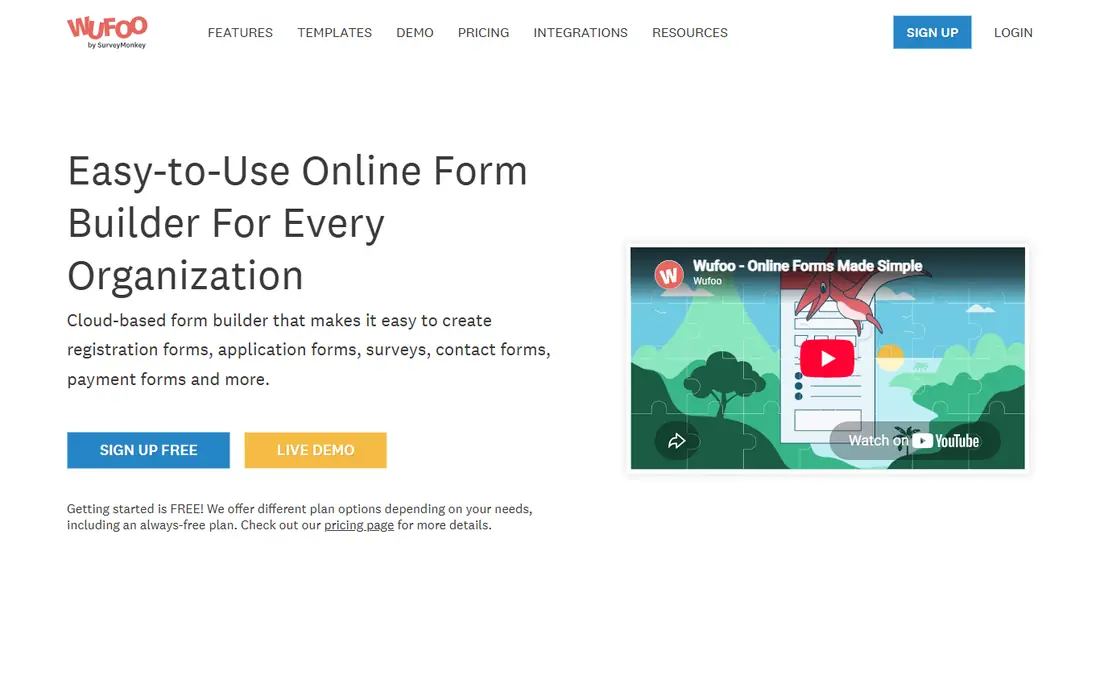
Wufoo has been building online forms for many years, and its strength is simplicity. The drag-and-drop builder is easy to explain to a colleague, forms embed cleanly into websites, and payment integrations cover common providers. Small businesses that want a form up today without a learning curve will appreciate it.
The interface shows its age next to Typeform or Paperform, and workflow automation is lighter. Wufoo suits teams that value a proven, uncomplicated builder over the latest design trends.
- Simple drag-and-drop builder
- Easy embedding
- Long track record with millions of users
- Interface feels older than newer rivals
- Fewer modern workflow features
Formstack
Ideal for: Regulated workflows
Formstack goes beyond forms into documents and signatures, which suits teams in healthcare, finance, and other regulated fields. You can collect a submission, generate a document from it, route it for approval, and capture a signature without leaving the platform. Its Salesforce integration is notably deep, with administration inside Salesforce itself.
That breadth costs more than a simple builder, and setup rewards careful planning. For organizations that treat forms as the start of a compliant workflow, Formstack earns its price.
- Forms plus documents and e-signatures
- Workflow automation
- Strong Salesforce integration
- Pricing sits above simple form builders
- Setup takes more planning
Paperform
Ideal for: Branded business forms
Paperform is built for small businesses that want forms to look like part of their website. Custom fonts, colors, layouts, and domains make a booking or order form feel native, and payments, calculations, and bookings work inside the form itself. AI tools can draft a form from a description, which speeds up setup.
The free plan covers simple forms, while heavier use needs a paid tier. For service businesses, creators, and agencies that care about brand, Paperform is a strong Jotform replacement.
- Beautiful branded forms
- Payments, bookings, and calculations built in
- Free plan available
- Advanced features need paid plans
- Smaller integration catalog than some rivals
Zoho Forms
Ideal for: Affordable Zoho users
Zoho Forms gives budget-conscious teams a lot for little money. The free plan includes a drag-and-drop builder, logic, and integrations, and AI features can generate a form from a plain-language prompt or convert a PDF into a live form. Offline collection on mobile and e-signatures add practical value for field teams.
Design options are solid but less striking than Paperform or Typeform. Teams already using Zoho CRM or other Zoho apps get the most value, since data flows between apps without extra tools.
- Free plan with useful features
- AI form building from prompts or PDFs
- Integrates with Zoho apps
- Design polish trails Typeform and Paperform
- Some AI features need higher tiers
Microsoft Forms
Ideal for: Microsoft 365 teams
Microsoft Forms is the natural choice for organizations already paying for Microsoft 365. It builds surveys, quizzes, and polls quickly, and results open in Excel for analysis. Teachers and internal teams use it for feedback, registrations, and knowledge checks without buying another tool.
Branding and branching logic are basic, and there is no built-in payment support. For internal forms inside a Microsoft workplace, though, its zero extra cost and familiar login make it an easy pick.
- Included with many Microsoft 365 plans
- Results feed into Excel
- Simple quizzes and polls
- Limited branding and logic
- No native payment collection
SurveyMonkey
Ideal for: Surveys and feedback
SurveyMonkey is the survey specialist on this list. It offers deep question types, templates for employee and customer feedback, and analysis tools that turn responses into charts and themes. Organizations that run regular feedback programs will value its reporting and benchmarking features.
It is less suited to order forms or bookings, and the most useful analysis features sit on paid plans. If your main need is understanding people through surveys, SurveyMonkey remains the reference tool.
- Mature survey tools and templates
- Strong analysis and reporting
- Large respondent features
- Best features need paid plans
- Less suited to payment or booking forms
How we picked these
We compared official feature pages, pricing pages, and public reviews for each tool, checking builders, logic, payments, integrations, response limits, and price. We favored tools that are actively maintained in October 2026 and serve a clear use case, from free simple forms to regulated workflows. Where pricing depends on plan or volume, we list it as See website rather than guessing.
How to move your forms to a new builder
Start by listing your current forms and ranking them by importance. Move one low-risk form first, such as a contact form, and test it fully: submissions, notifications, integrations, and the respondent experience on mobile. That pilot will reveal whether field types, logic, and branding carry over cleanly.
Next, check your data exports and notification settings before migrating high-value forms. Confirm where submissions land, who gets notified, and how payment or signature steps behave. Keep the old forms live until the new ones have handled real submissions for a week, and update every link and embed on your website. A careful two-week overlap prevents lost leads and confused respondents.
Test each builder with a real form before you commit, since small differences in logic, layout, and mobile behavior only show up in practice. Build the same contact or order form in two tools and compare how long it takes, how the form looks on a phone, and how clean the collected data appears in the results view. Check integrations next, since a form that feeds your email tool, spreadsheet, or CRM without manual copying saves hours each month. Also confirm response limits, file upload size, payment fees, and data export options on the plan you will actually buy, since free tiers often cap exactly the features growing teams need most. Finally, review privacy terms if you collect personal data, and confirm the vendor supports your region's data rules before you publish a public form.
Frequently asked questions
What is the best free alternative to Jotform?
Google Forms is the best completely free alternative for simple forms. Microsoft Forms is free for Microsoft 365 users, and Typeform, Paperform, Zoho Forms, and SurveyMonkey all offer free plans with limits on responses or features.
Which Jotform alternative is best for payments?
Paperform is our pick for payment forms, since it builds payments, bookings, and calculations into the form. Wufoo also supports payment integrations, and Formstack suits payment-adjacent workflows that need documents and signatures.
Can I import my Jotform forms into another tool?
Most builders accept CSV or spreadsheet imports for data, but full form designs rarely transfer automatically. Plan to rebuild important forms in the new builder and test them before switching links, since logic and branding usually need manual adjustment.
Is Typeform better than Jotform?
Typeform is better for conversational forms where completion rate matters, thanks to its one-question flow and design. Jotform is stronger for dense application-style forms with many fields on one page. Choose based on how your respondents prefer to answer.
What is the best Jotform alternative for surveys?
SurveyMonkey is the best choice for serious survey work, with mature question types and analysis tools. Typeform suits shorter, engaging surveys, while Google Forms covers simple polls at no cost.