Switching From Julius AI? 6 Alternatives Compared

- 1
 Powerdrill AIJulius style analysis for less moneyVisit
- 2
 AkkioNo code predictive modellingVisit
- 3
 Numerous.aiBatch AI tasks across sheet rowsVisit
- 4
 RowsAI analysis inside a real spreadsheetVisit
- 5
 HexTeam notebooks with visible codeVisit
- Powerdrill AI sits first on this list: Julius style analysis for less money.
- Starting prices begin at $3.90/month with Powerdrill AI.
- Free plans exist at 4 of 6 tools (Powerdrill AI, Numerous.ai, Rows, ChatGPT).
- Check the limits for Powerdrill AI before you commit: a smaller, younger vendor than the names around it, heavy or very large datasets will find its limits sooner, credit and job based mechanics need reading before heavy use.
- ChatGPT suits one off data questions in a general assistant.
Direct answer
Powerdrill AI is the first pick on this list for Julius style analysis for less money. For a different need, Akkio covers no code predictive modelling and Numerous.ai covers batch AI tasks across sheet rows. The full list of 6 tools follows, with prices and free plan facts.
Quick comparison
| Product | Ideal for | Price from | Free version | |
|---|---|---|---|---|
| Powerdrill AI | Julius style analysis for less money | $3.90/month | Yes | Visit |
| Akkio | No code predictive modelling | $49/user/month | No | Visit |
| Numerous.ai | Batch AI tasks across sheet rows | $8/month | Yes | Visit |
| Rows | AI analysis inside a real spreadsheet | $8/user/month | Yes | Visit |
| Hex | Team notebooks with visible code | $24/user/month | No | Visit |
 ChatGPT | One off data questions in a general assistant | $20/month | Yes | Visit |
Tool-by-tool breakdown
Choosing Julius AI usually comes down to price, fit and limits. This Ainotely guide sets 6 tools side by side on those three points, with the facts kept short and checkable.
Powerdrill AI
Ideal for: Julius style analysis for less money
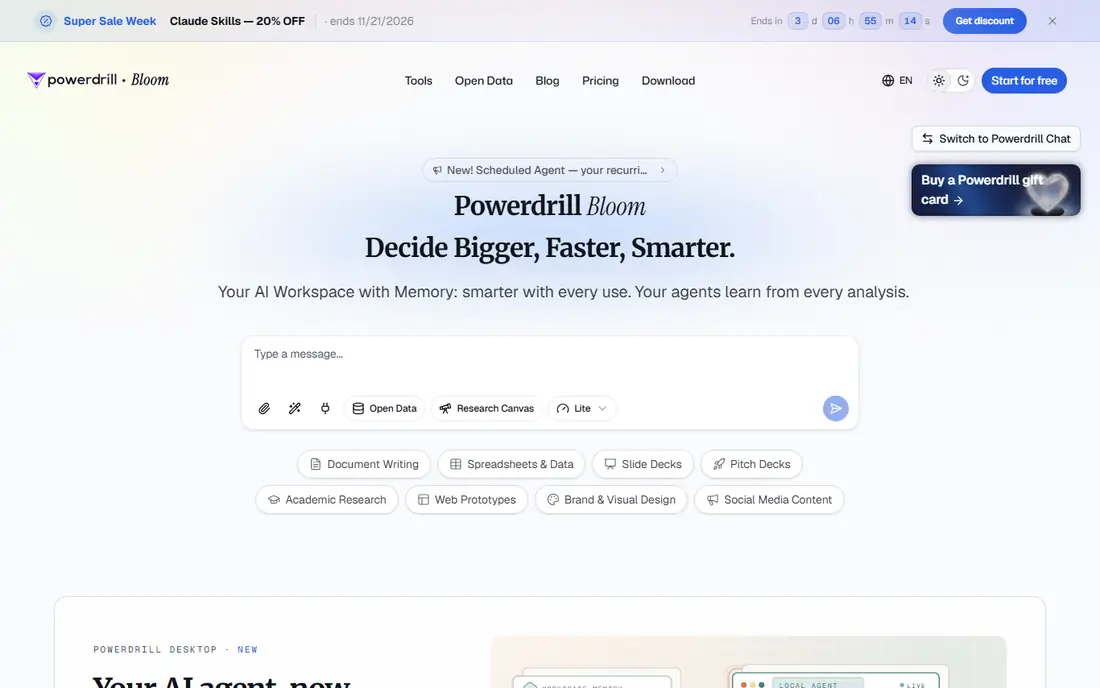
Powerdrill AI is a good fit for Julius style analysis for less money. It takes Julius's core interaction, natural language questions over your files, extends it with an exploration canvas geared toward turning analysis into a presentable story, and charges $3.90 a month at entry against Julius's $20. Powerdrill is a newer name; test it against your ugliest real dataset, including the file sizes and the repeat questions you actually ask, before migrating a workflow.
Where it shines: exports toward slides and documents for presenting findings.
The cautions are about scale and certainty instead of features. For everyday use, for a solo analyst or a small team, that difference buys per year of the tool for per month of the incumbent. The starting price for Powerdrill AI: $3.90/month. Powerdrill AI offers a free plan.
What to check first: heavy or very large datasets will find its limits sooner; younger vendor than the names around it.
- Free plan to evaluate with your own data
- The same upload and ask pattern as Julius at a fraction of the price
- A smaller
Akkio
Ideal for: No code predictive modelling

Pick Akkio if this describes you: no code predictive modelling. Julius tells you what your data says; Akkio builds models that estimate what happens next, churn, conversion, demand, without code, and deploys them where a business can use them.
Do not buy it to replace Julius for charts and summaries. That would be paying five times more for the wrong half of the product. The starting price for Akkio: $49/user/month. Akkio has no free plan.
The main drawbacks: predictive outputs still need a human who understands confidence and leakage; overkill for descriptive questions about what already happened.
- Data preparation and model deployment in one product
- Plans from $49 per user per month reflect a professional tool instead of a toy
- Smaller general analysis community than the chat tools
Numerous.ai
Ideal for: Batch AI tasks across sheet rows
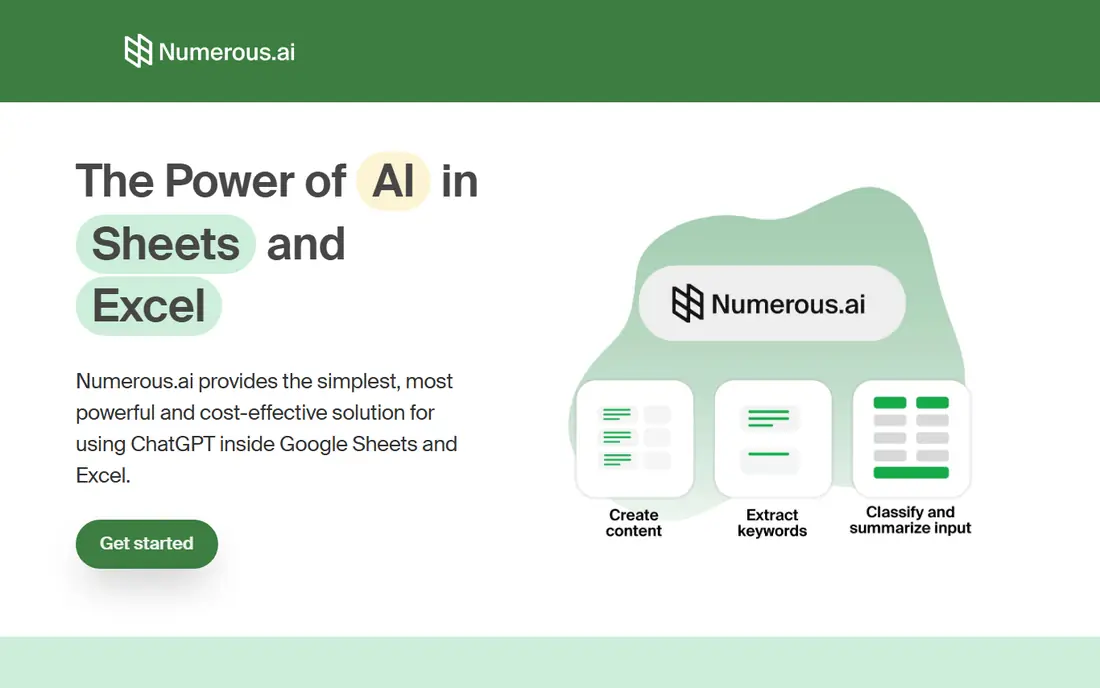
For batch AI tasks across sheet rows, Numerous.ai is a natural candidate. Numerous.ai inverts the Julius pattern.
Main advantages: caches repeated inputs so refreshing a sheet does not repay for the same answers.
At $8 per month billed annually for Personal, with Pro at $24, it is priced like an utility, which is what it is. Price to start with Numerous.ai: $8/month. Free access exists with Numerous.ai. Downsides: sends cell data to model APIs, which your data policy must accept; not an analysis workspace, so open ended exploration belongs elsewhere.
- Personal at $8 per month billed annually
- Extracting and summarizing hundreds of rows
- Character allowances on plans meter heavy use
Rows
Ideal for: AI analysis inside a real spreadsheet
Think of Rows for AI analysis inside a real spreadsheet. Rows is now part of the Superhuman group, per 2026 coverage, which provides a small tool a large parent. In daily use, Rows answers Julius's biggest practical flaw: in Julius, the analysis lives in a chat and dies there.
Best features of Rows: $6 billed yearly.
Its AI analyst takes plain language requests, pulls from dozens of business sources and extracts tables from documents, all without formulas. In practice, pricing is friendly: free to start, Plus at $8 per user per month, with a Pro level for teams that brings a product charge. Rows cost at the entry level: $8/user/month. You can start on Rows without paying.
Downsides: the product's centre of gravity is operations reporting; Spreadsheet thinking caps the size and messiness of data it manages happily.
- A full spreadsheet where AI analysis happens in place, so results stay editable and shareable
- Free plan, Plus at $8 per user per month
- Pro pricing layers on a product fee on top of per user costs
Hex
Ideal for: Team notebooks with visible code
Hex targets team notebooks with visible code. For a data team whose numbers go to executives or publications, that property is the product.
Upsides: made for data teams to share examines as apps.
What to check first: price per user grows with the entire team, not just analysts; heavier to set up than an upload and chat tool.
From a buyer's view, the cost of that rigour is skill. Hex cost at the entry level: $24/user/month. Hex has no free tier.
- Native connections to warehouses like Snowflake and BigQuery
- Notebooks where SQL and Python sit visibly beside charts, so every number can be inspected and rerun
- No free plan to drift
ChatGPT
Ideal for: One off data questions in a general assistant
ChatGPT is built with one off data questions in a general assistant in mind. Choose a specialist when analysis is the job, the same datasets return weekly, or the numbers must be reproducible on demand.
Honest limits: enterprise data controls need the business levels; results live in conversations instead of a durable, refreshable workspace.
Also, ChatGPT is the alternative already installed in your habits. Price to start with ChatGPT: $20/month. ChatGPT offers a free plan.
- Its data analysis writes and runs Python on uploads
- Including most one off CSV and spreadsheet questions, Plus at $20 per month matches Julius Plus
- Limits and persistence follow chat rules
Selection criteria
We compared the tools on published pricing, free plan or trial availability, feature coverage for Julius AI, and the limits each vendor documents. Seat minimums, billing terms and add-ons can move the real cost, so the starting prices here are a guide and not a quote. The sequence is a judgement call: typical use case first, then pricing transparency, then free access. Use the profiles to check fit.
Pre-purchase checklist
- Check the vendor page for the current price: Powerdrill AI starts at $3.90/month here, and seats or billing terms can move it.
- Check what the free option really includes: Powerdrill AI, Numerous.ai, Rows and ChatGPT offer a free plan, and usage caps differ.
- Before choosing Powerdrill AI, weigh its main limit: a smaller, younger vendor than the names around it, heavy or very large datasets will find its limits sooner, credit and job based mechanics need reading before heavy use.
- Before you load data into Numerous.ai, check what an export looks like and who can run it.
- Compare total cost, not headline price: for Rows, add extra seats, add-ons and any usage-based charges.
Frequently asked questions
Which alternative is closest to Julius AI?
Powerdrill for the same upload and ask experience at a much lower price, and Rows if you want the analysis to live inside a spreadsheet afterwards. Both have free plans, so the test costs nothing but your time.
How are the tools for Julius AI ordered?
Powerdrill AI sits first and ChatGPT last because the order follows typical fit for Julius AI, then price clarity and free access. It is a judgement call, so read each profile for fit and limits.
What is the cheapest option for Julius AI in this list?
On published monthly entry prices, Powerdrill AI is the lowest here at $3.90/month. Entry price is only part of the cost, because seats, add-ons and billing terms can change the total.
Can I try these tools before paying?
Often, yes. Powerdrill AI, Numerous.ai, Rows and ChatGPT have a free plan. Use your own data and a real task during the test, and check what the free tier or trial limits before you rely on it.
Which alternative is a good match for teams that need reproducible results?
Powerdrill AI comes first here and is built for Julius style analysis for less money. Buyers with other needs may prefer Akkio (for no code predictive modelling) or Numerous.ai (for batch AI tasks across sheet rows). Compare costs and limits first.
Can ChatGPT really replace Julius AI?
For one off questions over uploaded files, largely yes: its built in analysis writes and runs code and makes charts, and Plus is the same $20 a month.