Best Juro Alternatives in 2026: 8 Options Compared

- Ironclad and DocuSign CLM are the leading enterprise contract platforms, with deep workflow and AI features.
- PandaDoc suits sales and business teams that need proposals, quotes and contracts in one tool.
- Precisely and Concord offer modern contract management at a price suited to smaller and mid-size teams.
- Agiloft, Evisort and LinkSquares cover configurable workflows, AI analysis and repository needs.
Quick comparison
| Product | Ideal for | Price from | Free version | |
|---|---|---|---|---|
 Ironclad | enterprise contract lifecycle | See website | Free trial | Visit |
 PandaDoc | proposals and contracts for sales | See website | Free trial | Visit |
 DocuSign CLM | contract management from DocuSign | See website | Free trial | Visit |
 Precisely | modern contract management | See website | Free trial | Visit |
 Concord | affordable contract collaboration | See website | Free trial | Visit |
 Agiloft | configurable contract workflows | See website | Free trial | Visit |
 Evisort | AI contract analysis | See website | Free trial | Visit |
 LinkSquares | AI-powered contract repository | See website | Free trial | Visit |
The best Juro Alternatives
Here are our picks for the best juro alternatives, covering a mix of well-known leaders and strong smaller options. We compared official feature pages, pricing pages, app-store listings, privacy policies and public reviews to build this list.
Ironclad
Ideal for: enterprise contract lifecycle
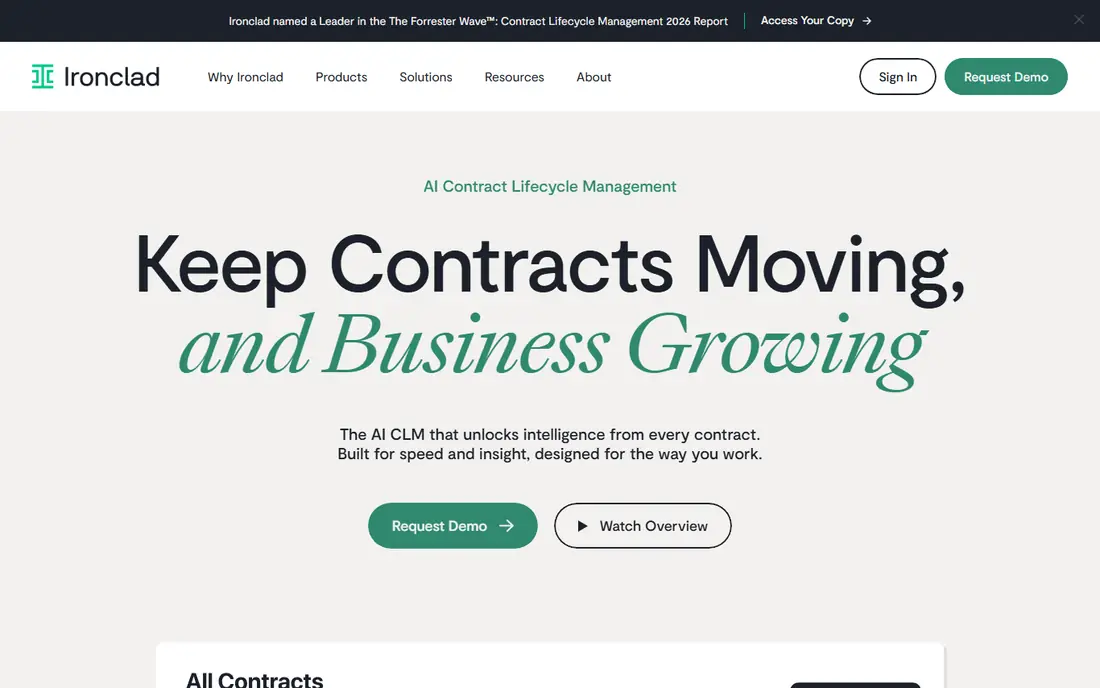
Ironclad is a leading contract lifecycle platform, with workflow automation, AI-assisted review and a repository that makes contracts searchable. Legal and business teams use it to standardise drafting, speed approvals and track obligations across thousands of contracts.
Pricing is enterprise level, and implementation is a project. Smaller teams may find it more than they need. For organisations that treat contracts as a core process, Ironclad is the benchmark.
Bottom line: Ironclad suits enterprise contract lifecycle best. Its strongest point is deep workflow automation, while the main drawback to weigh is enterprise pricing. Check the current pricing page before deciding, since plans and limits change.
- Deep workflow automation
- AI contract review
- Strong integrations
- Enterprise pricing
- Implementation takes time
PandaDoc
Ideal for: proposals and contracts for sales
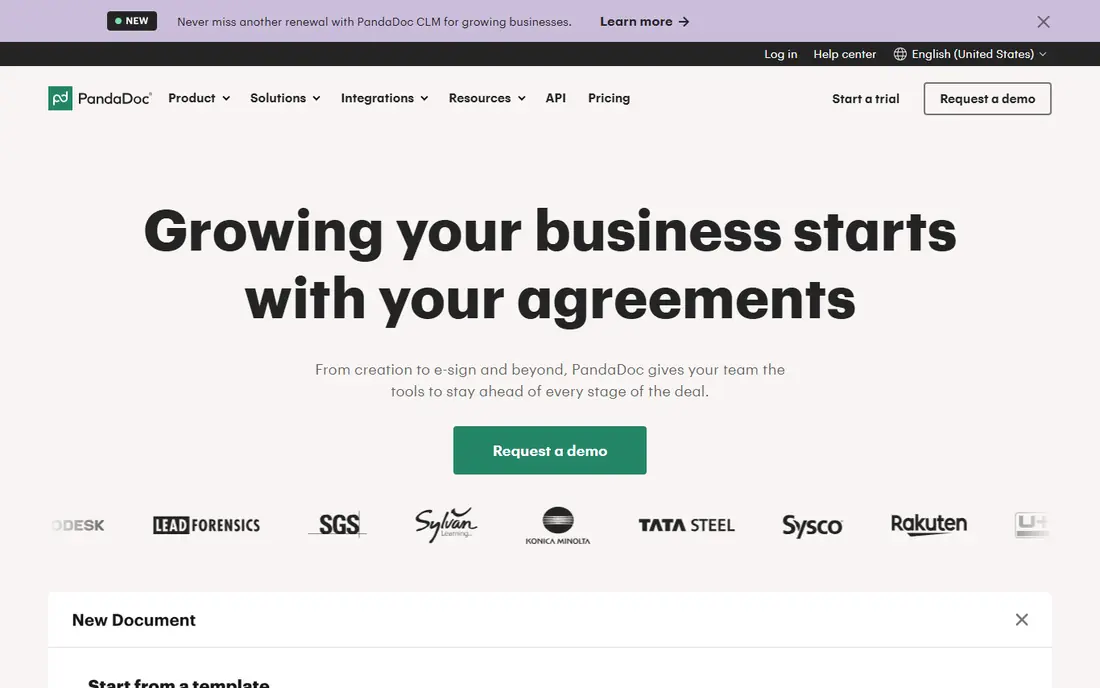
PandaDoc combines document creation, e-signature and payments in a tool that sales teams find easy to use. Proposals, quotes and contracts can be built from templates, sent for signature and tracked, all without legal training. That ease of use is its main strength.
Legal workflow depth is less than dedicated CLM platforms, and advanced features sit on higher tiers. For sales-led teams that need contracts fast, PandaDoc is an excellent pick.
Bottom line: PandaDoc suits proposals and contracts for sales best. Its strongest point is easy document creation, while the main drawback to weigh is legal workflow depth less than Ironclad. Check the current pricing page before deciding, since plans and limits change.
- Easy document creation
- E-signature built in
- Good for sales teams
- Legal workflow depth less than Ironclad
- Advanced features need higher tiers
DocuSign CLM
Ideal for: contract management from DocuSign
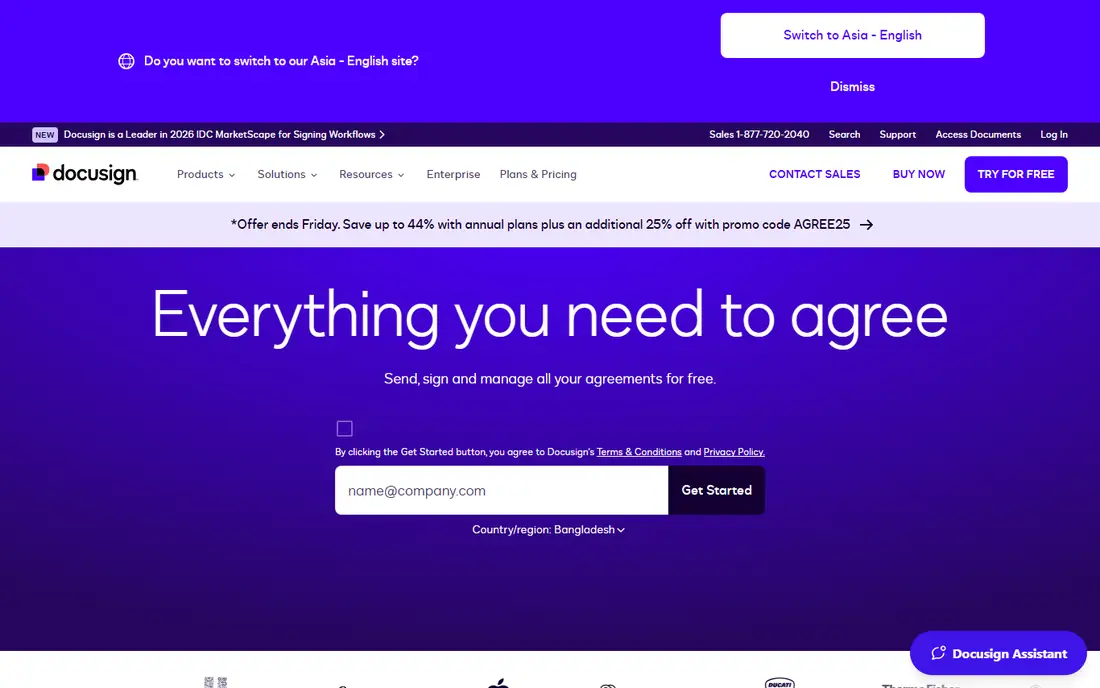
DocuSign CLM builds contract lifecycle management on top of DocuSign's e-signature strength, with drafting, negotiation, approval and repository features. Organisations already using DocuSign for signing get a natural upgrade path to full contract management.
Pricing is enterprise level, and setup can be complex for large deployments. For DocuSign customers and large teams, CLM is a strong alternative.
Bottom line: DocuSign CLM suits contract management from DocuSign best. Its strongest point is strong e-signature heritage, while the main drawback to weigh is enterprise pricing. Check the current pricing page before deciding, since plans and limits change.
- Strong e-signature heritage
- Workflow and repository
- Enterprise integrations
- Enterprise pricing
- Setup can be complex
Precisely
Ideal for: modern contract management
Precisely, formerly Contractbook, offers modern contract management with templates, workflows, e-signature and a searchable repository. Its interface is clean, and pricing suits smaller and mid-size teams better than enterprise platforms.
The ecosystem is smaller than Ironclad, and AI features are still developing. For teams that want modern CLM without enterprise cost, Precisely is a good choice.
Bottom line: Precisely suits modern contract management best. Its strongest point is clean interface, while the main drawback to weigh is smaller ecosystem than Ironclad. Check the current pricing page before deciding, since plans and limits change.
- Clean interface
- Templates and workflows
- Affordable for its class
- Smaller ecosystem than Ironclad
- AI features still growing
Concord
Ideal for: affordable contract collaboration
Concord offers collaborative contract editing, approval workflows and e-signature at an affordable price, with unlimited signatures on paid plans. Teams can draft, negotiate and sign in one place without the cost of enterprise CLM.
Advanced AI features are fewer than in Ironclad or Evisort, and the enterprise footprint is smaller. For affordable, collaborative contract management, Concord is a strong pick.
Bottom line: Concord suits affordable contract collaboration best. Its strongest point is collaborative editing, while the main drawback to weigh is fewer advanced AI features. Check the current pricing page before deciding, since plans and limits change.
- Collaborative editing
- Affordable plans
- Unlimited e-signature on paid plans
- Fewer advanced AI features
- Smaller enterprise footprint
Agiloft
Ideal for: configurable contract workflows
Agiloft is a highly configurable contract and business process platform, with a no-code builder for workflows, approvals and data models. Organisations with complex or unusual contract processes value its flexibility, since it can be shaped to fit rather than forcing a standard flow.
Configuration takes time and expertise, and the interface feels enterprise. For teams with complex processes that standard tools cannot handle, Agiloft is a powerful option.
Bottom line: Agiloft suits configurable contract workflows best. Its strongest point is highly configurable, while the main drawback to weigh is configuration takes time. Check the current pricing page before deciding, since plans and limits change.
- Highly configurable
- No-code workflow builder
- Strong for complex processes
- Configuration takes time
- Interface feels enterprise
Evisort
Ideal for: AI contract analysis
Evisort focuses on AI analysis of contract portfolios, extracting key terms, dates and obligations from existing contracts and making them searchable. Legal teams with large archives use it to understand what they have signed and what is coming due.
Drafting and negotiation are secondary to analysis, so teams that need full lifecycle management may pair it with another tool. Pricing is quoted. For contract intelligence at scale, Evisort is a leading choice.
Bottom line: Evisort suits AI contract analysis best. Its strongest point is strong AI extraction and search, while the main drawback to weigh is analysis focus means drafting is secondary. Check the current pricing page before deciding, since plans and limits change.
- Strong AI extraction and search
- Repository intelligence
- Good for large portfolios
- Analysis focus means drafting is secondary
- Pricing is quoted
LinkSquares
Ideal for: AI-powered contract repository
LinkSquares provides an AI-powered contract repository with analytics on signed contracts, helping teams track obligations, renewals and risks after signing. Its post-signature focus suits legal teams that manage large portfolios.
Drafting features are limited compared with full CLM platforms, and pricing is quoted. For post-signature contract intelligence, LinkSquares is a strong option.
Bottom line: LinkSquares suits AI-powered contract repository best. Its strongest point is aI repository and analytics, while the main drawback to weigh is pricing is quoted. Check the current pricing page before deciding, since plans and limits change.
- AI repository and analytics
- Good for post-signature management
- Pricing is quoted
- Drafting features are limited
How we picked these
We started from the original product and what people use it for, then compared official feature pages, pricing pages, app-store listings, privacy policies and public reviews for each candidate. We kept only products that exist, work in October 2026 and genuinely fit the topic, and we left out products that were discontinued, unrelated or too thin to recommend.
We weighed fit for the topic first, then price and free options, ease of setup and the honest downsides that show up in reviews and documentation. Prices are given as listed on the vendor's own site where we could verify them, and we wrote See website where a price was quoted, unclear or likely to change by plan.
We also left out products that no longer exist, that have been folded into a different product, or that only partly fit the topic. A longer list would have been easier to write, but a list padded with poor fits helps nobody choose, so we kept the list to products we can genuinely recommend for this use.
How to choose a contract management tool
Start with where contracts slow you down. Some teams struggle with drafting, others with negotiation redlines, and others with finding signed contracts later. A tool that excels at drafting will not help a team whose main pain is repository search.
Next, check the signing and approval workflow. Contracts should move through approvals, redlines and signatures without email chaos, and the tool should keep a clear audit trail. Test a full contract journey during a trial, not just the editor.
Finally, check AI features carefully. AI contract review and extraction sound impressive, but accuracy varies by contract type. Test the AI on your own contracts before relying on it for important terms.
Check the renewal price, not just the first bill. Introductory discounts, per-user charges and usage limits can change the cost sharply in year two, so ask for the standard price and model it at your expected team size. A tool that stays affordable as you grow is worth more than a cheap first month.
Read the fine print on limits. Free tiers and entry plans often cap users, projects, storage or monthly usage, and those caps decide whether a plan works in practice. Confirm the limits that matter to you in writing before you commit to a paid plan.
Frequently asked questions
What is Juro used for?
Juro is a contract management platform that helps teams create, negotiate, sign and store contracts in one place. It offers templates, a browser-based editor, approval workflows and a searchable repository.
What is the best Juro alternative?
Ironclad is the strongest enterprise alternative, while PandaDoc suits sales-led teams. Precisely and Concord are good picks for smaller teams that want modern contract management without enterprise cost.
Do I need a contract tool or is e-signature enough?
E-signature alone handles signing, but a contract platform also covers drafting, negotiation, approvals and storage. Teams that handle many contracts benefit from the full workflow, while occasional signers may only need e-signature.
Can AI review my contracts?
Several tools here offer AI review and extraction, which can flag key terms and risks. Accuracy varies, and AI output should always be checked by a human before acting on it, especially for high-value contracts.
How much do contract tools cost?
Pricing is usually per user per month and often quoted for larger plans. Small teams can start affordably with PandaDoc or Concord, while enterprise platforms cost significantly more.
Can I try these options before paying?
Yes, in most cases. Nearly every option on this list offers a free tier or a free trial, and we note that in the comparison table and in each product block. Use the trial for real work rather than a quick look, and check the renewal price before the trial ends so there are no surprises.