This list puts Appian first for orchestrating critical enterprise processes. Listed starting prices: Microsoft Power Apps from $12.00 per user a month. Microsoft Power Apps is the stronger choice for organizations inside the Microsoft ecosystem, while Zoho Creator suits business teams building custom AI apps. The other 2 tools in the list cover narrower or pricier cases.
This Ainotely guide covers 5 options for Kissflow. Each profile lists a starting price, free plan details, strengths and drawbacks, so you can drop poor fits quickly.
Key takeaways
Appian sits first on this list: orchestrating critical enterprise processes.
The cheapest monthly starting price in the list is $12.00 per user per month, offered by Microsoft Power Apps.
Microsoft Power Apps is the only tool of the 5 with a free plan.
Nintex fits end-to-end process and workflow automation.
The main caution on Microsoft Power Apps: governance needs planning at scale.
Best for: Orchestrating critical enterprise processes
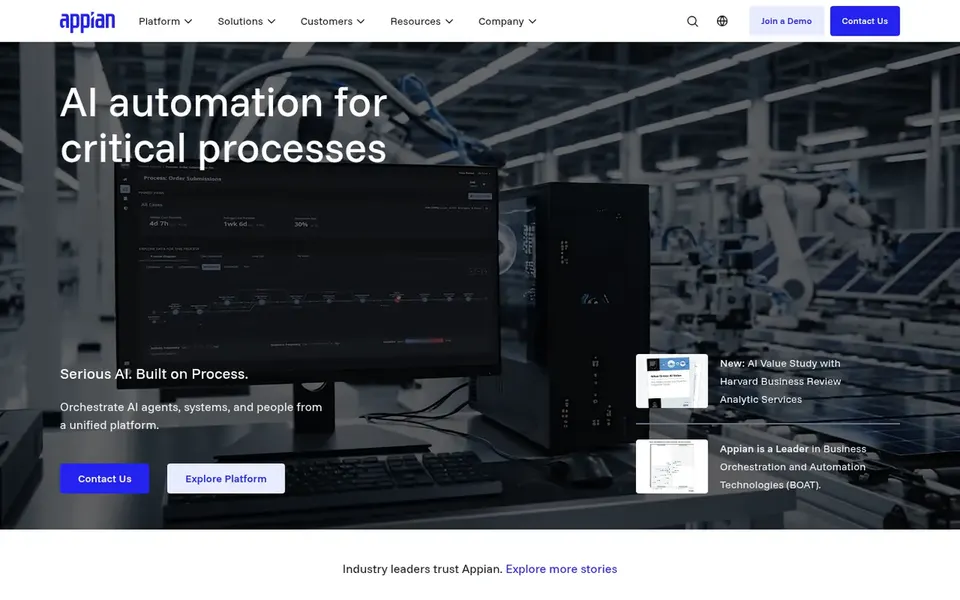
Where Appian fits: orchestrating critical enterprise processes. Appian presents itself as an AI-powered process orchestration system for critical enterprise processes. It is built to coordinate AI agents, systems and people on one enterprise product without replacing the systems a company already runs, which fits large organizations modernizing complicated operations incrementally.
That enterprise orientation can translate into more configuration and governance work at the start. Smaller teams with straightforward approval workflows may prefer a lighter low-code builder, whereas Appian suits where process complexity and system integration are the central challenge. Check the vendor site for Appian pricing; none is listed in this comparison. As for free access: Not stated.
Limits to weigh: May be more than small teams need.
Best for: Organizations inside the Microsoft ecosystem
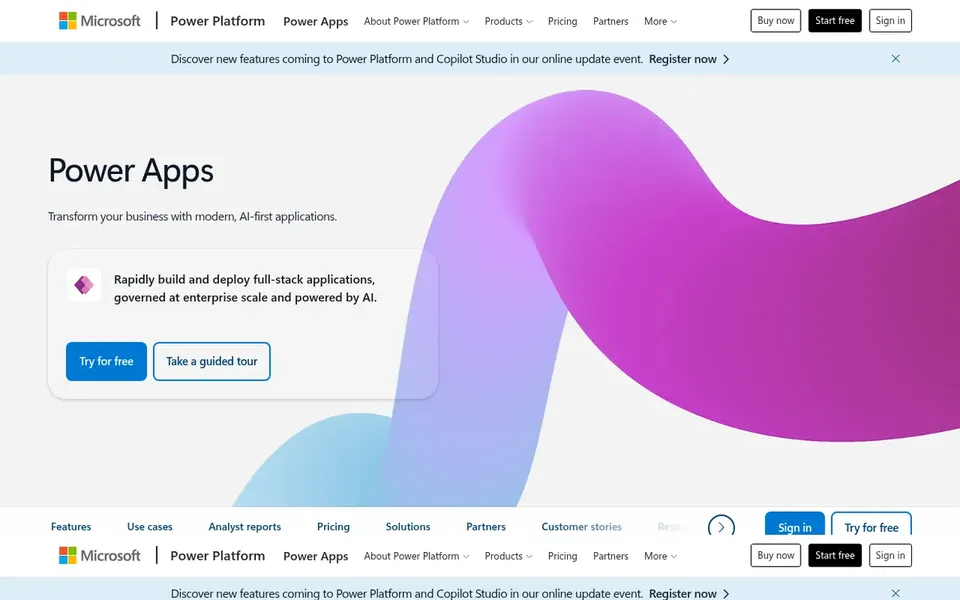
Microsoft Power Apps is a good fit for organizations inside the Microsoft ecosystem. Teams outside the Microsoft ecosystem may find the surrounding dependencies harder to justify, so compare it against more straightforward builders before committing. From a buyer's view, Microsoft Power Apps is a low-code app builder that lets organizations produce custom business apps to simplify processes and boost productivity.
It is a natural fit for businesses already standardized on Microsoft productivity and cloud services, where app makers can link to existing data and identity systems with less friction. The product spans a very wide set of capabilities, which can mean more administrative overhead to govern apps and environments. Microsoft Power Apps pricing: $12.00 per user per month. You can start on Microsoft Power Apps without paying.
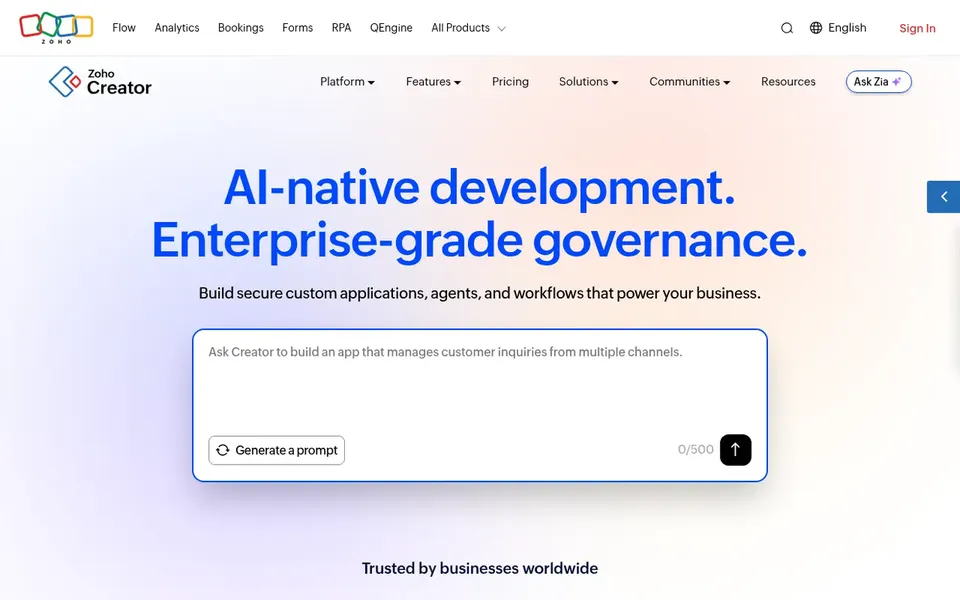
In short, Zoho Creator is for business teams building custom AI apps. Zoho Creator is described as an AI app development product that helps firms build custom applications, agents and workflows securely.
Zoho Creator does not show a starting price in this comparison, so check the vendor site for current pricing. Free plan details: Not stated.
Where it falls short: Best value inside the wider Zoho ecosystem.
Best for: Building governed workflows and applications
Mendix is designed for building governed workflows and applications. It fits organizations that want a structured development model spanning both new applications and existing investments.
Reasons to shortlist it: One system for workflows.
Watch-outs: Modeling approach has a ramp-up time. Beyond that, organizations wanting only straightforward forms and approvals may prefer a lighter builder, whereas those balancing modernization with new app delivery are closer to its stated strengths. No starting price is listed for Mendix here; confirm pricing on the vendor site. As for free access: Not stated.
Best for: End-to-end process and workflow automation
Pick Nintex if this describes you: end-to-end process and workflow automation. Nintex describes itself around process management and workflow automation software, with custom app development for integrated workflow automation.
Nintex shows no starting price here, so confirm the cost on the vendor site. On free options: Free trial.
Where it falls short: Breadth of features needs careful scoping.
Confirm the entry price on the vendor page. For Appian, Zoho Creator, Mendix and Nintex that means a quote rather than a fixed price.
Look at the free plan from Microsoft Power Apps closely: its caps decide whether it is usable for real work.
Run a trial of Nintex with real work before paying for a year; your own workflow is the best test.
Before choosing Appian, weigh its main limit: enterprise scope can mean longer setup.
Check whether Zoho Creator bills monthly or annually, and what cancelling early costs.
Test how quickly Appian answers a pre-sales question; it hints at how support will feel later.
How we picked
Selection started from tools commonly considered for Kissflow, then narrowed to 5 that have clear pricing information or a clear quote process. Plan names, prices and limits change often. Treat the figures here as a starting point and verify them with the vendor. Order on the page follows fit for the typical buyer first, then price transparency and free access. Your own requirements should decide the final pick.
Every price and plan detail on this page comes from the vendors’ own websites. We did not run hands-on tests unless the text says so, and we do not publish star ratings or review scores. See how we score and our disclosure.
Keep your shortlist in one place
Paste prices, trial dates and notes from this guide into Ainotely, our AI note app. It files them into a topic and pulls out tasks like “cancel trial by Friday”. Free 7-day trial, no card needed.
Is Appian the right pick for everyone comparing Kissflow?
No single tool suits every team. Appian comes first because it fits orchestrating critical enterprise processes, while Microsoft Power Apps suits organizations inside the Microsoft ecosystem and Zoho Creator suits business teams building custom AI apps. Match the tool to your own size, budget and workflow before deciding.
Which options for Kissflow have a free plan?
Microsoft Power Apps is the only tool in this list with a free plan. Free plans usually cap users, projects or features, so check the limits on the vendor page. One other tool offers a trial instead.
Which alternative fits small business teams?
Zoho Creator and Microsoft Power Apps are the most approachable starting points for teams building custom apps and workflows. Both emphasize low-code creation, though governance planning still matters as usage grows.
What is the cheapest option for Kissflow in this list?
On published monthly entry prices, Microsoft Power Apps is the lowest here at $12.00 per user per month. Entry price is only part of the cost, because seats, add-ons and billing terms can change the total.
How are the tools for Kissflow ordered?
Appian sits first and Nintex last because the order follows typical fit for Kissflow, then price clarity and free access. It is a judgement call, so read each profile for fit and limits.
What should I look for in a Kissflow alternative?
Start by mapping the workflows you run today and the systems they touch. Then check whether each candidate emphasizes app building, process orchestration or both, and confirm that its integration and governance model matches your team's skills.