Best Klaviyo Alternatives in 2026: 8 Options Compared

- 1
 MailchimpSmall business email marketingVisit
- 2
 OmnisendE-commerce email and SMSVisit
- 3
 ActiveCampaignAdvanced automationVisit
- 4
 Constant ContactSimple small business emailVisit
- 5
 BrevoEmail plus SMS on a budgetVisit
- Our pick for most people is Mailchimp, because it covers the core needs of this category well without the highest price or the steepest learning curve.
- The cheapest way to start is often Omnisend or a free tier, but check what the free plan actually allows before you rely on it for daily work.
- Prices and free tiers change often, so confirm the current plan on the official site before you pay, especially for per-user and per-seat pricing.
- The best choice depends on your main use case, not on the longest feature list, so shortlist two options and trial them with a real task.
Quick comparison
| Product | Ideal for | Price from | Free version | |
|---|---|---|---|---|
| Mailchimp | Small business email marketing | Free | Yes | Visit |
| Omnisend | E-commerce email and SMS | Free | Yes | Visit |
| ActiveCampaign | Advanced automation | See website | Free trial | Visit |
| Constant Contact | Simple small business email | See website | Free trial | Visit |
| Brevo | Email plus SMS on a budget | Free | Yes | Visit |
 Drip | E-commerce CRM and email | See website | Free trial | Visit |
 Kit | Creator email marketing | Free | Yes | Visit |
 Campaign Monitor | Designed email campaigns | See website | Free trial | Visit |
The best klaviyo alternatives
We compared official feature pages, pricing pages, app store listings, privacy policies, and public reviews to build this list. Each option below is a real product that works today, with a clear strength and an honest trade-off, so you can match the choice to your budget and your main task. Use the comparison table to shortlist, then read the full entries for the options that fit your situation.
Mailchimp
Ideal for: Small business email marketing
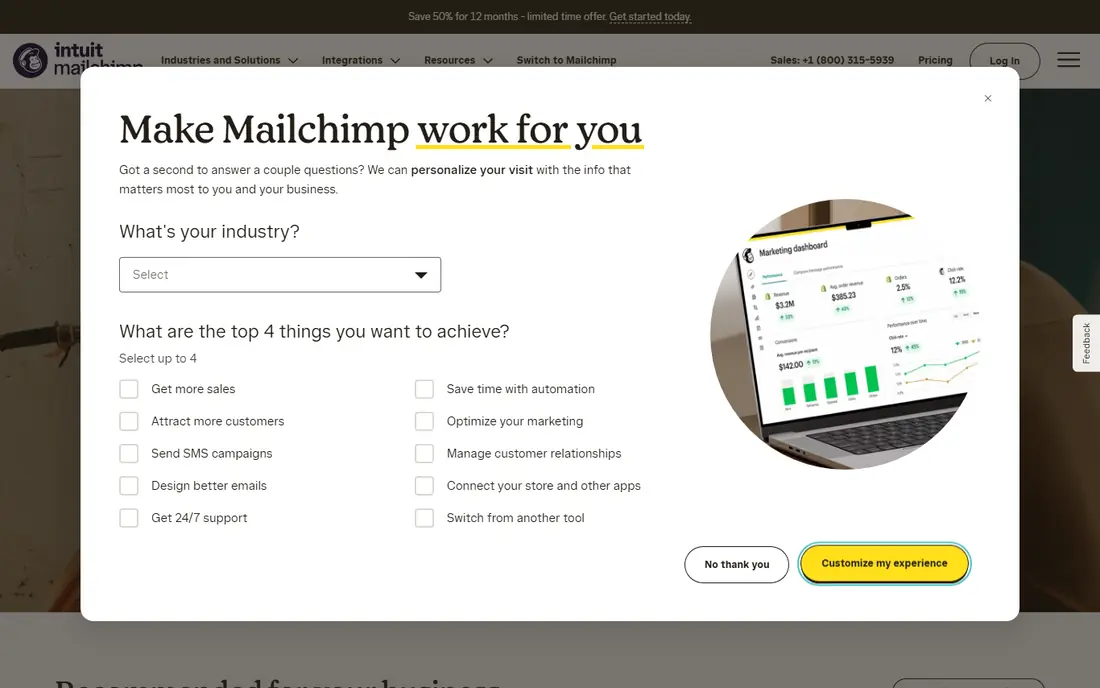
Mailchimp is a widely used email platform for small businesses, with templates, audience tools, and automation. It suits stores that want a familiar tool with broad integrations. For someone whose main need is small business email marketing, that focus matters because it shapes the daily experience, from setup to the features you will actually use each week. On pricing, the starting point is Free, with a free option listed as Yes. That makes it worth checking the full pricing page before you commit, since the plan that looks cheapest can miss a feature you need, while a higher plan may include tools you would otherwise buy separately. The trade-off to weigh is this: pricing rises with contacts; advanced automation needs higher plans. If that trade-off does not block your main task, this option deserves a place on your shortlist, and a short trial with a real project will tell you more than any feature list.
- Easy email builder
- Audience tools
- Many integrations
- Pricing rises with contacts
- Advanced automation needs higher plans
Omnisend
Ideal for: E-commerce email and SMS
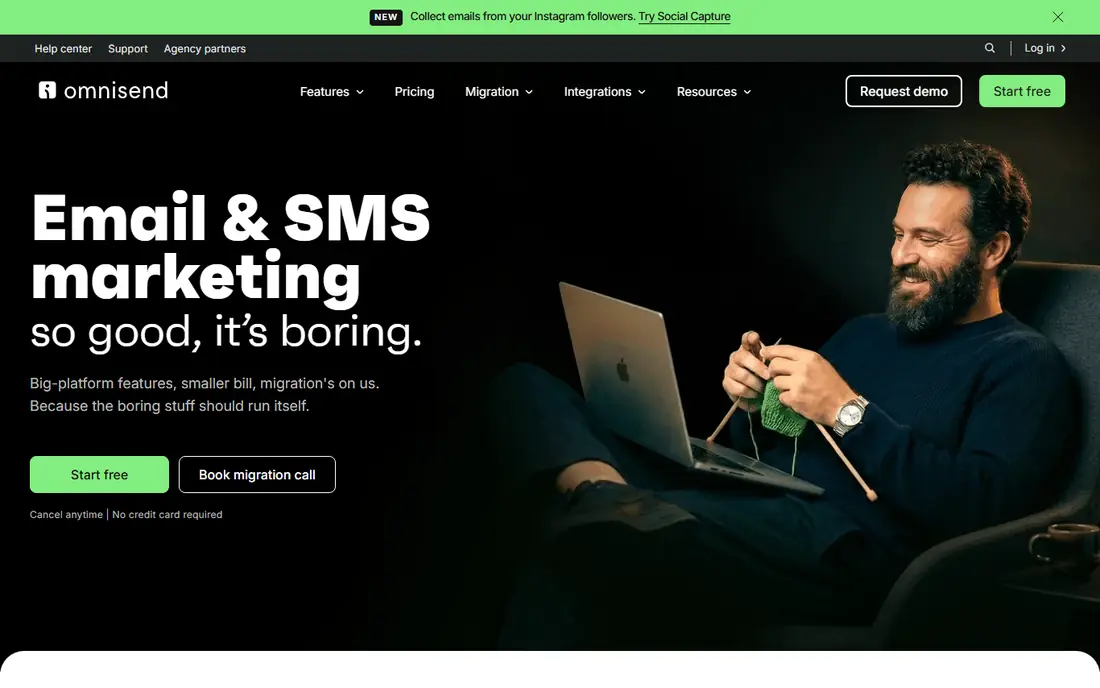
Omnisend is built for online stores, combining email and SMS with automations for abandoned carts, welcome series, and post-purchase messages. It suits Shopify and WooCommerce stores that want e-commerce flows fast. For someone whose main need is e-commerce email and sms, that focus matters because it shapes the daily experience, from setup to the features you will actually use each week. On pricing, the starting point is Free, with a free option listed as Yes. That makes it worth checking the full pricing page before you commit, since the plan that looks cheapest can miss a feature you need, while a higher plan may include tools you would otherwise buy separately. The trade-off to weigh is this: free tier limits sends; reporting depth varies by plan. If that trade-off does not block your main task, this option deserves a place on your shortlist, and a short trial with a real project will tell you more than any feature list.
- E-commerce automations
- Email plus SMS
- Product recommendations
- Free tier limits sends
- Reporting depth varies by plan
ActiveCampaign
Ideal for: Advanced automation
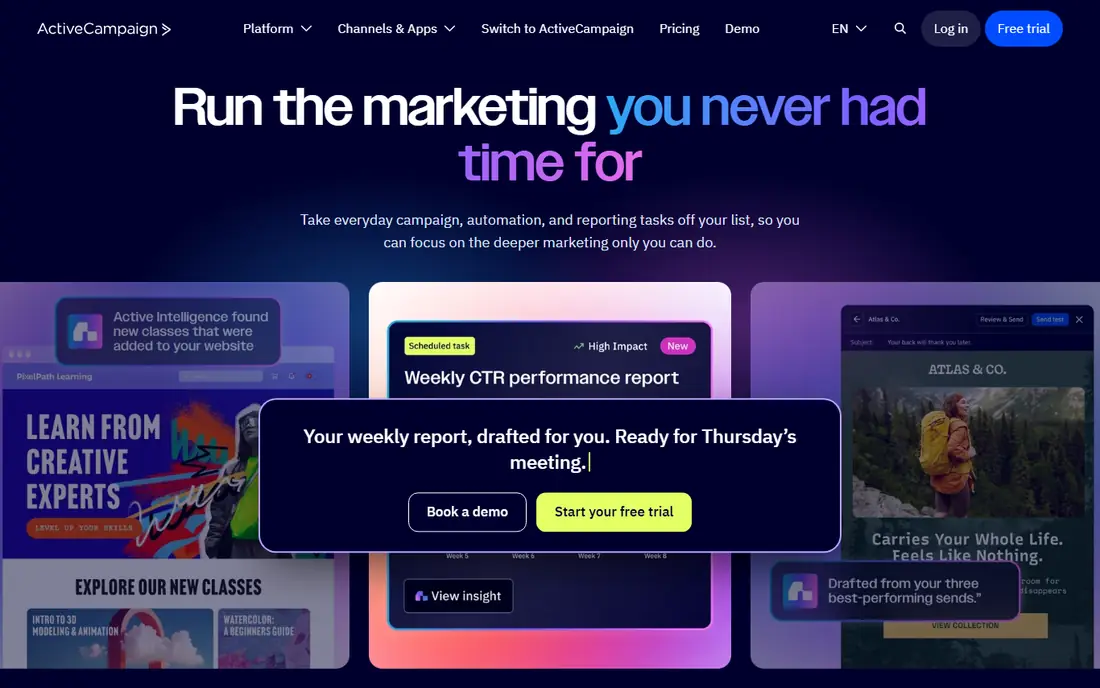
ActiveCampaign suits businesses that need advanced automation and CRM features, with a visual builder for complex customer journeys. It is a strong pick when simple newsletters are no longer enough. For someone whose main need is advanced automation, that focus matters because it shapes the daily experience, from setup to the features you will actually use each week. On pricing, the starting point is See website, with a free option listed as Free trial. That makes it worth checking the full pricing page before you commit, since the plan that looks cheapest can miss a feature you need, while a higher plan may include tools you would otherwise buy separately. The trade-off to weigh is this: learning curve is steeper; pricing is higher than simple tools. If that trade-off does not block your main task, this option deserves a place on your shortlist, and a short trial with a real project will tell you more than any feature list.
- Strong automation builder
- CRM features
- Detailed segmentation
- Learning curve is steeper
- Pricing is higher than simple tools
Constant Contact
Ideal for: Simple small business email
Constant Contact is a straightforward email tool for small businesses, with easy templates and support. It suits owners who want to send regular newsletters without learning a complex automation system. For someone whose main need is simple small business email, that focus matters because it shapes the daily experience, from setup to the features you will actually use each week. On pricing, the starting point is See website, with a free option listed as Free trial. That makes it worth checking the full pricing page before you commit, since the plan that looks cheapest can miss a feature you need, while a higher plan may include tools you would otherwise buy separately. The trade-off to weigh is this: automation is simpler than rivals; e-commerce features are lighter. If that trade-off does not block your main task, this option deserves a place on your shortlist, and a short trial with a real project will tell you more than any feature list.
- Very easy templates
- Event and social tools
- Good support
- Automation is simpler than rivals
- E-commerce features are lighter
Brevo
Ideal for: Email plus SMS on a budget
Brevo prices by emails sent rather than contacts stored, which can save money for large lists that send rarely. It suits budget-conscious businesses that also want SMS and chat tools. For someone whose main need is email plus sms on a budget, that focus matters because it shapes the daily experience, from setup to the features you will actually use each week. On pricing, the starting point is Free, with a free option listed as Yes. That makes it worth checking the full pricing page before you commit, since the plan that looks cheapest can miss a feature you need, while a higher plan may include tools you would otherwise buy separately. The trade-off to weigh is this: templates are plainer than rivals; some features need higher plans. If that trade-off does not block your main task, this option deserves a place on your shortlist, and a short trial with a real project will tell you more than any feature list.
- Pricing based on sends, not contacts
- Email, SMS, and chat
- Automation
- Templates are plainer than rivals
- Some features need higher plans
Drip
Ideal for: E-commerce CRM and email
Drip is an e-commerce CRM with email workflows built around customer behaviour and purchase data. It suits online stores that want segmentation based on what shoppers actually bought and browsed. For someone whose main need is e-commerce crm and email, that focus matters because it shapes the daily experience, from setup to the features you will actually use each week. On pricing, the starting point is See website, with a free option listed as Free trial. That makes it worth checking the full pricing page before you commit, since the plan that looks cheapest can miss a feature you need, while a higher plan may include tools you would otherwise buy separately. The trade-off to weigh is this: no free tier; pricing rises with contacts. If that trade-off does not block your main task, this option deserves a place on your shortlist, and a short trial with a real project will tell you more than any feature list.
- E-commerce customer data
- Visual workflows
- Store integrations
- No free tier
- Pricing rises with contacts
Kit
Ideal for: Creator email marketing
Kit, formerly ConvertKit, is built for creators who sell content, courses, and newsletters. It suits writers and creators who want simple automation and landing pages without e-commerce complexity. For someone whose main need is creator email marketing, that focus matters because it shapes the daily experience, from setup to the features you will actually use each week. On pricing, the starting point is Free, with a free option listed as Yes. That makes it worth checking the full pricing page before you commit, since the plan that looks cheapest can miss a feature you need, while a higher plan may include tools you would otherwise buy separately. The trade-off to weigh is this: e-commerce features are lighter than klaviyo; design options are simple. If that trade-off does not block your main task, this option deserves a place on your shortlist, and a short trial with a real project will tell you more than any feature list.
- Simple creator-focused tools
- Landing pages
- Paid newsletter support
- E-commerce features are lighter than Klaviyo
- Design options are simple
Campaign Monitor
Ideal for: Designed email campaigns
Campaign Monitor focuses on well-designed email campaigns with strong templates and reporting. It suits agencies and brands that care about email design and clear campaign results. For someone whose main need is designed email campaigns, that focus matters because it shapes the daily experience, from setup to the features you will actually use each week. On pricing, the starting point is See website, with a free option listed as Free trial. That makes it worth checking the full pricing page before you commit, since the plan that looks cheapest can miss a feature you need, while a higher plan may include tools you would otherwise buy separately. The trade-off to weigh is this: automation is less advanced than rivals; pricing is mid-range. If that trade-off does not block your main task, this option deserves a place on your shortlist, and a short trial with a real project will tell you more than any feature list.
- Polished templates
- Good reporting
- Agency tools
- Automation is less advanced than rivals
- Pricing is mid-range
How we picked these
We compared official feature pages and pricing pages, app store listings where relevant, privacy policies, and public reviews, and we only listed products that exist and work today and truly fit the topic. We mixed well-known leaders with strong smaller options, and we favoured products with clear pricing, clear free-tier terms, and a clear audience, rather than tools that try to cover every use case at once. We did not claim hands-on testing that did not happen. Instead, we weighed what each product is built for, who it fits best, what it costs to start, and where it falls short, so the pros and cons reflect real trade-offs you will meet in daily use. If a price could not be verified from an official source, we listed it as See website rather than guessing.
What to check before you choose
Start by checking how pricing counts your list: per contact, per send, or per subscriber tier. Then check store integrations, since Klaviyo strength is e-commerce data, and a generic email tool may not match its segmentation. Trial an abandoned-cart flow and a welcome series before you migrate, and confirm you can export lists and suppressions cleanly. Also check support options, since help quality matters when something goes wrong at a busy moment. Look for clear documentation, a responsive support channel, and a way to export your data if you later switch. A tool that is easy to leave is often easier to trust, because you are not locked in by your own files. Finally, trial with a real task, not just a demo. Set up the exact workflow you will use, invite the people who will use it, and test on the devices you own. A week of real use reveals friction that a feature list hides, and it gives you a fair basis to compare your top two options before you pay.
Frequently asked questions
What is the best alternative to Klaviyo?
Omnisend and Drip are closest for e-commerce stores, while Mailchimp suits smaller businesses that want a familiar tool. ActiveCampaign fits businesses that need deeper automation and CRM features.
Is there a free alternative to Klaviyo?
Mailchimp, Omnisend, Brevo, and Kit all offer free tiers with limits on contacts or sends. Check the send limits, since a free tier that blocks your main campaign is not really free.
Can I migrate from Klaviyo easily?
Most platforms support list imports, but flows, segments, and templates usually need rebuilding. Export your lists, suppressions, and key flows before you switch, and test sends after import.
Which alternative is best for Shopify stores?
Omnisend and Drip are built for Shopify-style e-commerce data, while Mailchimp also integrates well. Compare abandoned-cart, post-purchase, and product recommendation flows in a trial.