Best Lambda Labs Alternatives in 2026: 8 Options Compared

- Our pick for most people is CoreWeave, because it balances price, features and ease of use for the widest group of readers.
- Free plans are real here, but the limits matter: check what RunPod and Vast.ai actually include before you commit.
- Prices in this guide come from vendor pricing pages and current comparisons checked in October 2026, and they can change, so confirm the plan on the vendor site before you buy.
- The best choice depends on your budget, your experience level and how much support you want, not on which brand is most famous.
Quick comparison
| Product | Ideal for | Price from | Free version | |
|---|---|---|---|---|
 CoreWeave | GPU cloud for AI at scale | See website | No | Visit |
 RunPod | Affordable GPU pods for developers | See website | Yes | Visit |
 Vast.ai | Low-cost GPU rental marketplace | See website | Yes | Visit |
 Paperspace | GPU cloud for notebooks and teams | See website | Free trial | Visit |
 Modal | Serverless GPU compute for Python teams | See website | Yes | Visit |
 Together AI | Inference and fine-tuning for open models | See website | Yes | Visit |
 Lightning AI | AI development platform with GPU studios | See website | Yes | Visit |
 Crusoe Cloud | GPU cloud with sustainable energy focus | See website | No | Visit |
The best Lambda Labs Alternatives in 2026
We compared official feature pages, pricing pages, app store listings, privacy policies and public reviews to build this list for lambda labs alternatives. Every option below exists and works today, and each one earns its place for a different kind of reader.
CoreWeave
Ideal for: GPU cloud for AI at scale

Here is the short version. CoreWeave suits AI teams that need large GPU capacity with infrastructure built for training and inference. It fits readers who want gpu cloud for ai at scale, and its published feature set matches that promise rather than trying to cover every possible use case at once. The price picture is see website, with a free plan status of no. Its enterprise focus means small teams should check access and minimums early. Before you sign up, check the current plan limits on the official site, because caps on users, usage or features are where most buyers get surprised after the first month.
- Large GPU capacity
- AI-focused infrastructure
- Fast networking
- Enterprise-focused
- Pricing and access are quoted
RunPod
Ideal for: Affordable GPU pods for developers
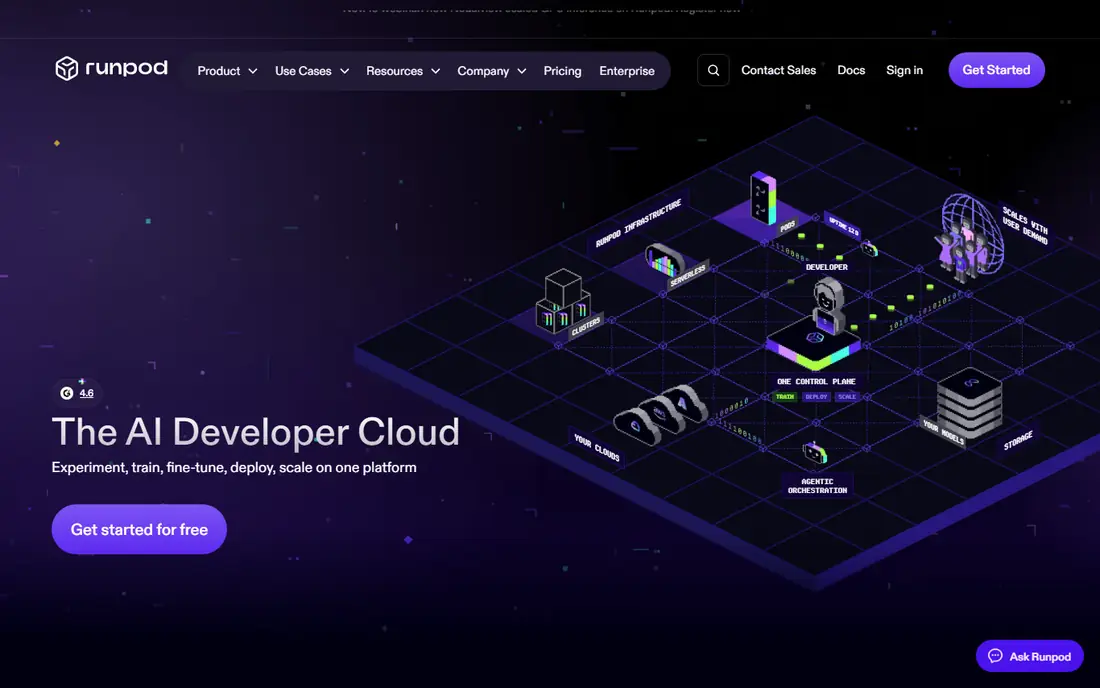
Start here if you want the safe default. RunPod gives developers affordable GPU access with per-second pricing and a wide choice of GPU types. It fits readers who want affordable gpu pods for developers, and its published feature set matches that promise rather than trying to cover every possible use case at once. The price picture is see website, with a free plan status of yes. Community GPU reliability varies, so production workloads should use secure cloud GPUs where offered. Before you sign up, check the current plan limits on the official site, because caps on users, usage or features are where most buyers get surprised after the first month.
- Per-second GPU pricing
- Many GPU types
- Templates and serverless options
- Community GPUs vary in reliability
- Support is lighter than enterprise clouds
Vast.ai
Ideal for: Low-cost GPU rental marketplace
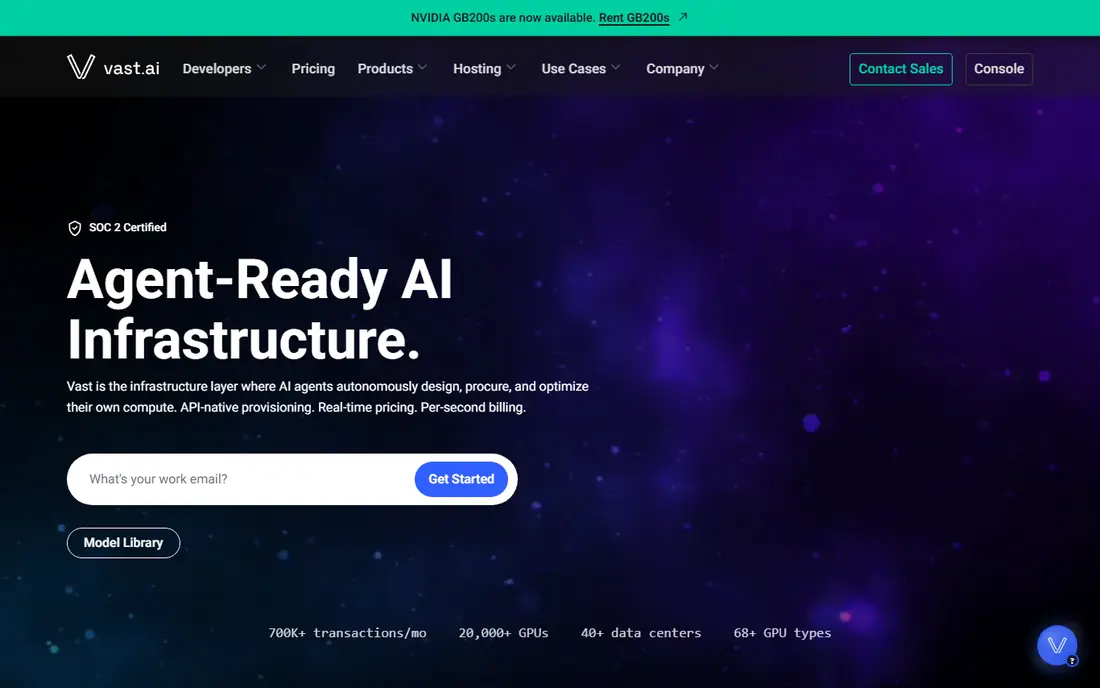
This one suits a specific kind of reader. Vast.ai suits technical users who want the lowest hourly GPU rates from a marketplace of providers. It fits readers who want low-cost gpu rental marketplace, and its published feature set matches that promise rather than trying to cover every possible use case at once. The price picture is see website, with a free plan status of yes. Marketplace machines vary in reliability, so it suits experiments and flexible workloads more than strict production SLAs. Before you sign up, check the current plan limits on the official site, because caps on users, usage or features are where most buyers get surprised after the first month.
- Marketplace pricing
- Many GPU options
- Low hourly rates
- Marketplace reliability varies
- Setup needs technical skill
Paperspace
Ideal for: GPU cloud for notebooks and teams
Consider this if the top picks do not fit. Paperspace, now part of DigitalOcean, suits teams that want GPU notebooks and machines without managing raw cloud infrastructure. It fits readers who want gpu cloud for notebooks and teams, and its published feature set matches that promise rather than trying to cover every possible use case at once. The price picture is see website, with a free plan status of free trial. Capacity and pricing vary by GPU type, so check availability for the GPU you need. Before you sign up, check the current plan limits on the official site, because caps on users, usage or features are where most buyers get surprised after the first month.
- Notebook and machine options
- Gradient platform
- Team collaboration
- Pricing and capacity vary by GPU
- Smaller scale than CoreWeave
Modal
Ideal for: Serverless GPU compute for Python teams
A strong option for a narrower need. Modal suits Python teams that want serverless GPU compute, with functions that scale up and down without managing servers. It fits readers who want serverless gpu compute for python teams, and its published feature set matches that promise rather than trying to cover every possible use case at once. The price picture is see website, with a free plan status of yes. Teams outside Python will find its focus narrower, so check your stack before choosing. Before you sign up, check the current plan limits on the official site, because caps on users, usage or features are where most buyers get surprised after the first month.
- Serverless GPU functions
- Python-first
- Fast scaling
- Python-focused
- Less suited to non-Python stacks
Together AI
Ideal for: Inference and fine-tuning for open models
Worth a close look before you decide. Together AI suits teams that run open models for inference and fine-tuning through a fast API. It fits readers who want inference and fine-tuning for open models, and its published feature set matches that promise rather than trying to cover every possible use case at once. The price picture is see website, with a free plan status of yes. Closed-model workloads and custom training needs may fit a raw GPU cloud better. Before you sign up, check the current plan limits on the official site, because caps on users, usage or features are where most buyers get surprised after the first month.
- Fast inference for open models
- Fine-tuning
- API access
- Model coverage is open-model focused
- Pricing is usage-based
Lightning AI
Ideal for: AI development platform with GPU studios
This belongs on the shortlist for a reason. Lightning AI gives AI developers a studio platform with GPU access and collaboration, built on the PyTorch Lightning ecosystem. It fits readers who want ai development platform with gpu studios, and its published feature set matches that promise rather than trying to cover every possible use case at once. The price picture is see website, with a free plan status of yes. Teams that only need raw GPUs may find the platform layer more than they need. Before you sign up, check the current plan limits on the official site, because caps on users, usage or features are where most buyers get surprised after the first month.
- Studios for AI development
- GPU access
- Collaboration tools
- Pricing grows with GPU use
- Platform focus is broader than raw GPU rental
Crusoe Cloud
Ideal for: GPU cloud with sustainable energy focus
Do not overlook this one. Crusoe Cloud suits AI teams that want GPU clusters with an energy-efficiency story beside performance. It fits readers who want gpu cloud with sustainable energy focus, and its published feature set matches that promise rather than trying to cover every possible use case at once. The price picture is see website, with a free plan status of no. As a newer cloud, capacity and support should be checked for your region and GPU type. Before you sign up, check the current plan limits on the official site, because caps on users, usage or features are where most buyers get surprised after the first month.
- GPU clusters
- AI infrastructure
- Energy-efficient data centres
- Newer cloud with evolving capacity
- Enterprise-focused
How we picked these
We started from official feature pages and pricing pages, then checked app store listings, privacy policies and public reviews to confirm each product still works and still fits the topic. Products that could not be verified, or that only partly matched the topic, were left out, even when they were well known. We favoured a mix of established leaders and strong smaller options, and we weighted price transparency, a usable free tier or trial, and honest limits more heavily than marketing claims. No product on this list paid for its place, and our pick for most people is the one we would suggest to a friend with ordinary needs and an ordinary budget.
How to pick GPU cloud capacity without wasting budget
Start with the workload: training, fine-tuning and inference need different GPUs, memory and uptime. Next, check GPU availability for the exact model you need, since headline capacity does not guarantee the GPU you want in your region. Then compare pricing units: per-second, per-hour and per-token pricing produce very different bills, and idle time is the hidden cost in GPU work. Run a real job during the trial, measure time and cost, and check startup time, storage and networking, since slow data movement can waste GPU hours. Also check reliability and support. Marketplace GPUs cost less but vary in uptime, while enterprise clouds cost more and offer stronger SLAs. Confirm data handling, region availability and export options, so models and datasets remain portable if you switch providers. Finally, set spending limits and alerts from day one, because GPU bills can grow fast when jobs run unattended.
Frequently asked questions
What is the best Lambda Labs alternative?
CoreWeave suits large AI workloads, RunPod suits affordable developer GPUs, and Modal suits Python serverless work. The right pick depends on workload, GPU type and budget.
Is there a cheap GPU cloud alternative?
RunPod and Vast.ai offer some of the lowest hourly rates, especially for flexible or experimental workloads. Production workloads should weigh reliability and support against the lower price.
What GPU do I need for AI training?
Training needs high-memory GPUs and fast networking, while inference can use smaller GPUs and serverless options. Check memory, bandwidth and framework support for your model size.
Can I run open models without owning GPUs?
Yes, Together AI and other inference platforms let you run open models through an API without managing GPUs. Raw GPU clouds suit teams that need custom training or full control.
How do GPU clouds charge?
Most charge per second or per hour of GPU use, plus storage and networking in some cases. Inference platforms may charge per token. Measure a real job before committing to a plan.