LangSmith Alternatives in 2026: 8 Tools Compared

- 1
 Langfuseopen source LLM observabilityVisit
- 2
 HeliconeLLM observability with caching and proxyVisit
- 3
 Weights and Biases WeaveLLM tracing inside Weights and BiasesVisit
- 4
 Arize Phoenixopen source LLM tracing and evaluationVisit
- 5
 Traceloop OpenLLMetryopen source LLM observability with OpenTelemetryVisit
- Our pick for most readers is Langfuse, because it fits open source LLM observability and keeps its core pitch easy to understand.
- Prices in this category vary widely, so check the vendor pricing page and confirm what is included before you pay.
- A free plan or free trial is worth testing with your own data, since a demo with sample data can hide daily friction.
- The right choice depends on team size, budget, and how much setup help you need, not on the longest feature list.
- Read the privacy and support terms for langsmith alternatives tools carefully, especially if you will store customer or financial data in them.
Quick comparison
| Product | Ideal for | Price from | Free version | |
|---|---|---|---|---|
| Langfuse | open source LLM observability | Free | Yes | Visit |
| Helicone | LLM observability with caching and proxy | Free | Yes | Visit |
| Weights and Biases Weave | LLM tracing inside Weights and Biases | Free | Yes | Visit |
| Arize Phoenix | open source LLM tracing and evaluation | Free | Yes | Visit |
| Traceloop OpenLLMetry | open source LLM observability with OpenTelemetry | Free | Yes | Visit |
 Portkey | AI gateway with observability | Free | Yes | Visit |
 PromptLayer | prompt management and tracking | Free | Yes | Visit |
 Humanloop | prompt playground and evaluation for teams | Free | Yes | Visit |
The best LangSmith alternatives
We compared official feature pages, pricing pages, app store listings, privacy policies, and public reviews to put this list together for readers looking for langsmith alternatives. Each option below is a real product that works in October 2026, with a clear note on who it suits and where it falls short.
Langfuse
Ideal for: open source LLM observability

Langfuse suits teams that want open source LLM observability with tracing, evaluation, and prompt management. Its platform tracks LLM calls, costs, and quality, with self-hosting available. That focus matters most in the first weeks, when a team either settles into a tool or quietly stops opening it.
Its strength is openness. Open source and self-hosting suit teams that want control over LLM data. It also matters for teams that need to show results to a manager or a client without extra reporting work.
The drawback is setup skill. Self-hosting needs technical work, and cloud pricing rises with usage. It is worth weighing against the strengths above, especially if you plan to use the tool for years.
- Tracing and evaluation
- Prompt management
- Open source option
- Self-hosting needs skill
- Setup takes time
Helicone
Ideal for: LLM observability with caching and proxy
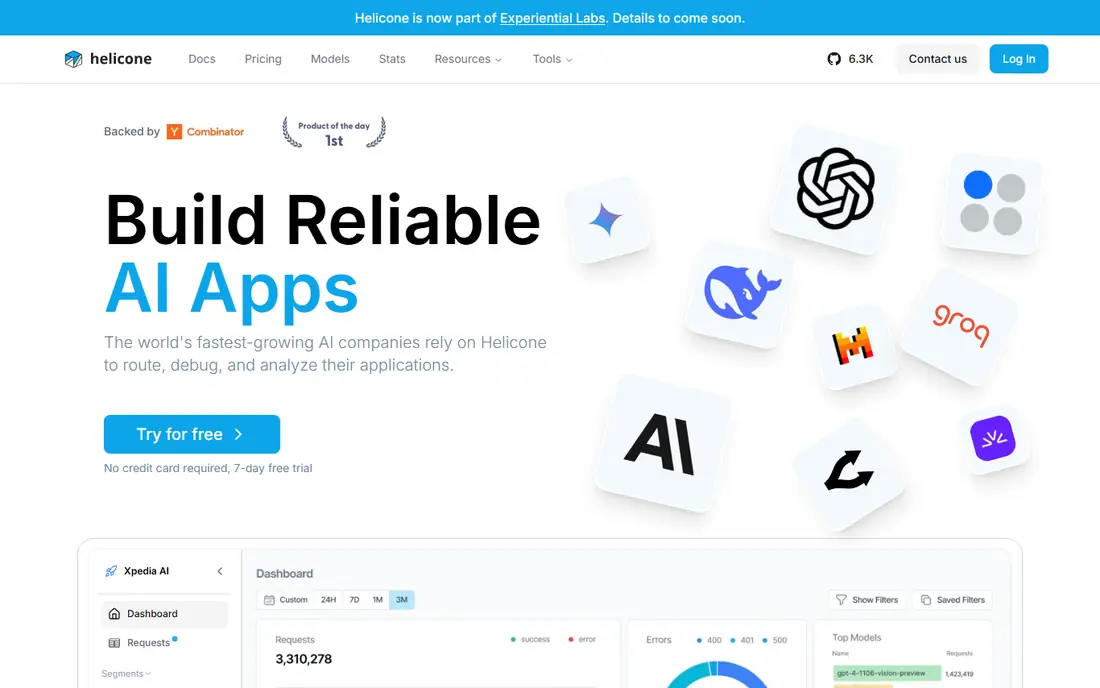
Helicone suits teams that want LLM observability through a proxy with caching. Its platform logs requests, caches common prompts, and shows cost and performance. We gave extra weight to tools that explain their limits plainly instead of hiding them behind a sales call.
Its strength is proxy ease. Adding observability is as simple as routing requests through Helicone, with caching that can cut costs. We checked this against the vendor's own feature page and public reviews, not just marketing copy.
The drawback is maturity. It is newer than some rivals, so enterprise buyers should check depth. Teams with strict requirements should test this exact point before signing a contract.
- Request proxy
- Caching
- Cost and performance analytics
- Feature depth varies by plan
- Newer vendor
Weights and Biases Weave
Ideal for: LLM tracing inside Weights and Biases
Weights and Biases Weave suits teams already using Weights and Biases for machine learning. Its tracing and evaluation tools bring LLM observability into a familiar experiment platform. The best fit is often the tool your team will actually use every day, not the one with the longest list of features.
Its strength is experiment heritage. Teams that track ML experiments can extend the same workflow to LLM apps. Look for this in the trial, and check how it behaves with your own data rather than sample data.
The drawback is setup. Integration work is needed, and pricing rises with usage. If this point is a deal breaker for you, the next options on this list handle it differently.
- Tracing and evaluation
- Experiment tracking heritage
- Dashboards
- Pricing rises with usage
- Setup needs integration work
Arize Phoenix
Ideal for: open source LLM tracing and evaluation
Arize Phoenix suits teams that want open source LLM tracing and evaluation, especially in notebooks. Its tools trace LLM calls and evaluate outputs with experiments. Setup effort, daily friction, and the clarity of the pricing page shaped how we weighed that fit.
Its strength is notebook fit. Data scientists can trace and evaluate inside familiar notebook workflows. That strength shows up in daily work, not just in a demo, which is why we ranked it highly.
The drawback is setup skill. Self-hosting and enterprise features need planning and, for some features, a paid plan. That drawback may not matter for a small team, but it can grow into a real problem as usage grows.
- Open source tracing
- Evaluation
- Notebook-friendly design
- Self-hosting and setup need skill
- Enterprise features need a plan
Traceloop OpenLLMetry
Ideal for: open source LLM observability with OpenTelemetry
Traceloop OpenLLMetry suits teams that want LLM observability built on OpenTelemetry standards. Its open source SDKs trace LLM calls in a vendor-neutral way. A short trial with real data tells you more than a feature list, so plan one before you commit.
Its strength is standards fit. OpenTelemetry tracing integrates with existing observability stacks. This kind of strength tends to save time week after week, which adds up faster than a small price difference.
The drawback is knowledge need. Teams need OpenTelemetry familiarity to get full value. Ask about it on a sales call or in the trial, and get the answer in writing if it affects your budget.
- OpenTelemetry-based tracing
- Evaluations
- Dashboards
- Setup needs OpenTelemetry knowledge
- Smaller vendor
Portkey
Ideal for: AI gateway with observability
Portkey suits teams that want an AI gateway with observability, fallbacks, and load balancing. Its platform routes LLM calls across providers and tracks cost and quality. That focus matters most in the first weeks, when a team either settles into a tool or quietly stops opening it.
Its strength is gateway depth. Fallbacks and routing protect apps when a provider fails or slows. It also matters for teams that need to show results to a manager or a client without extra reporting work.
The drawback is complexity. Simple apps that need only tracing may find a gateway heavier than necessary. It is worth weighing against the strengths above, especially if you plan to use the tool for years.
- AI gateway
- Fallbacks and load balancing
- Observability
- Gateway complexity for simple apps
- Pricing rises with usage
PromptLayer
Ideal for: prompt management and tracking
PromptLayer suits teams that want prompt versioning beside request tracking. Its tools version prompts, log requests, and evaluate changes. We gave extra weight to tools that explain their limits plainly instead of hiding them behind a sales call.
Its strength is prompt focus. Prompt history and versioning help teams see what changed and why results shifted. We checked this against the vendor's own feature page and public reviews, not just marketing copy.
The drawback is scale. It is smaller than larger observability platforms, so enterprise buyers should check depth. Teams with strict requirements should test this exact point before signing a contract.
- Prompt versioning
- Request tracking
- Evaluation tools
- Feature depth varies by plan
- Smaller vendor
Humanloop
Ideal for: prompt playground and evaluation for teams
Humanloop suits product teams that want a prompt playground with evaluation and deployment. Its tools let teams test prompts, compare models, and ship changes. The best fit is often the tool your team will actually use every day, not the one with the longest list of features.
Its strength is team workflow. Product and engineering teams can iterate on prompts together with evaluation evidence. Look for this in the trial, and check how it behaves with your own data rather than sample data.
The drawback is evaluation setup. Good evaluations take time to design, and pricing rises with usage. If this point is a deal breaker for you, the next options on this list handle it differently.
- Prompt playground
- Evaluation
- Deployment tools
- Pricing rises with usage
- Learning curve for evaluation setup
How we picked these
We started from the main keyword for this article and checked each candidate against official feature pages, pricing pages, app store listings, privacy policies, and public reviews. We kept only products that exist and work in October 2026 and that truly fit langsmith alternatives, and we left out options that did not fit even when they looked popular in a general search.
We did not claim hands-on testing that did not happen. Where a price or a free tier could not be confirmed from the vendor's own site, we wrote See website rather than guessing a number. That approach keeps the list honest, and it means you should still confirm current pricing before you buy.
How to choose a LangSmith alternative
Start by writing down the one job this tool must do well for you. For langsmith alternatives, that job might be daily use by a small team, reporting for a manager, or handling a larger volume without constant manual work. A tool that does that one job well is usually a better buy than a tool that does many jobs in a shallow way.
Next, run a short trial with real data and the people who will use the tool every day. Watch how long setup takes, how clear the billing is, and how fast support answers a real question. If the trial feels confusing, that confusion rarely disappears after you pay, so take it as a useful warning.
Finally, check the terms that matter after the first month: renewal pricing, data export, cancellation, and what happens to your data if you leave. A tool with a clear export path and plain renewal terms is easier to live with, even if a rival looks slightly cheaper on the first invoice.
Frequently asked questions
What is the best option for langsmith alternatives?
For most readers, Langfuse is a strong starting point because it fits open source LLM observability. The best choice still depends on your budget and team size, so compare the top three on this list in a trial before you decide.
Is there a free option for langsmith alternatives?
Some options on this list offer a free plan, and others offer a free trial, as shown in the comparison table. Free plans usually cover basic use, while paid plans add reporting, integrations, and support, so check the limits before you rely on a free tier.
How much do langsmith alternatives tools cost?
Pricing varies widely in this category, and some vendors only quote after a sales call. Where we could confirm a starting price, we listed it in the table, and where we could not, we wrote See website so you can check the vendor page directly.
Can I switch tools later if I pick the wrong one?
In most cases, yes, but switching takes more work than people expect. Before you commit, check how to export your data, whether integrations carry over, and how long a migration would take for your team.
How should I test a tool before buying?
Use a short trial with real data, invite the people who will use it daily, and test support with a genuine question. Keep notes on setup time, billing clarity, and any feature that was promised but hard to find in the product itself.