For enterprise information management, OpenText eDOCS is where this list starts. Listed starting prices: M-Files from €65 per seat per month. M-Files is better for AI-powered document management, and SharePoint is better for Microsoft 365 collaboration. The remaining 2 options are covered below with prices and limits.
This Ainotely guide covers 5 options for LexWorkplace. Each profile lists a starting price, free plan details, strengths and drawbacks, so you can drop poor fits quickly.
Key takeaways
Number one here is OpenText eDOCS, a fit for enterprise information management.
Neither OpenText eDOCS nor Worldox, nor any of the other 3 tools, has a permanent free plan; trials and quotes are the norm.
Check the limits for OpenText eDOCS before you commit: may be complicated to implement.
OpenText eDOCS is a good fit for enterprise information management. OpenText eDOCS is part of OpenText's secure information management offerings, built to help organizations run and link data across the enterprise, transforming data into trusted, AI-ready information.
Even so, eDOCS is not specifically tailored for legal workflows and may need significant customization and IT resources. OpenText eDOCS does not show a starting price in this comparison, so check the vendor site for current pricing. On free options: Not stated.
Think of M-Files for AI-powered document management. M-Files is an AI-powered document management system that helps organize documents in context, automate workflows, and cut risk with secure, AI-powered features.
The main drawbacks: Not legal-specific.
It is right for organizations across industries looking to improve document-centric processes with intelligent automation and metadata-driven organization. Price to start with M-Files: €65 per seat per month. Free access: Not stated.
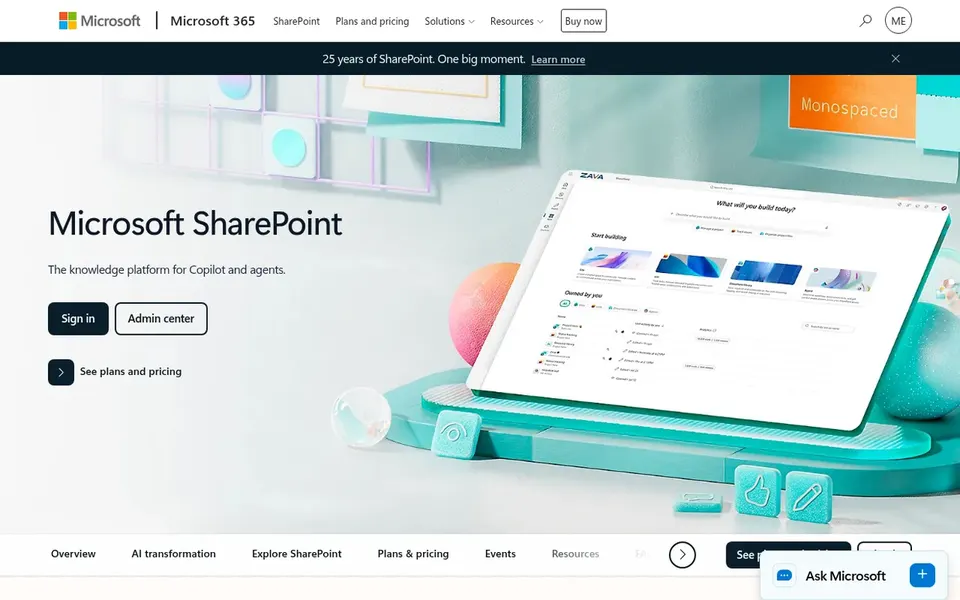
Where SharePoint fits: Microsoft 365 collaboration. Microsoft SharePoint is a collaborative content management and secure file sharing system.
It makes it possible for teams to build, share, and govern trusted knowledge, powering collaboration, communication, automation, and AI experiences across Microsoft 365. However, SharePoint is not tailored specifically for legal workflows, so businesses may have to build custom structures or add legal-specific options. Check the vendor site for SharePoint pricing; none is listed in this comparison. Free access: Not stated.
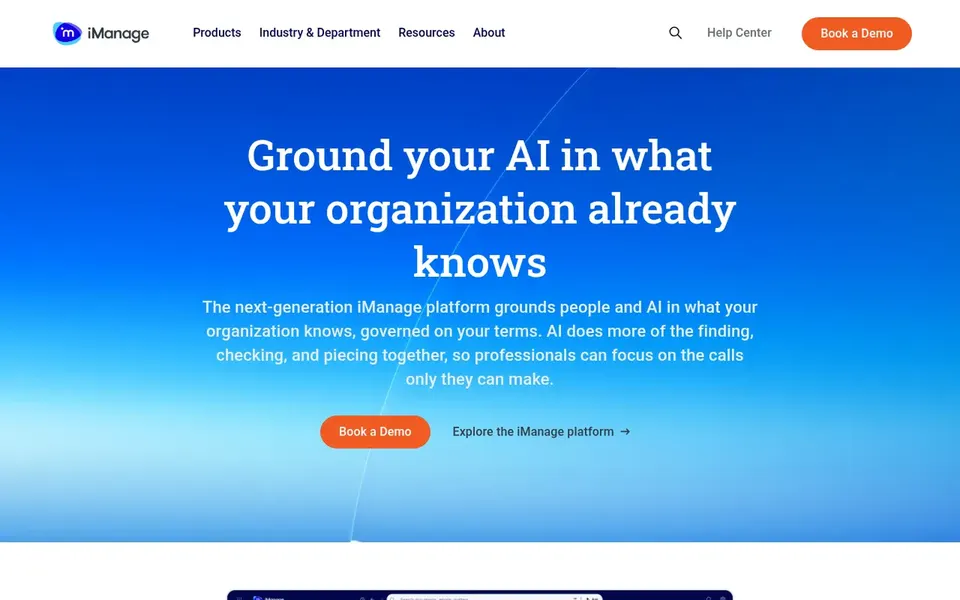
Choose iManage Work for legal knowledge management. iManage Work is an AI knowledge work system made for legal and professional services.
It handles and activates knowledge, aiming to power smarter decisions whereas securely connecting people and AI. That said, iManage Work may involve a steeper ramp-up time and higher configuration effort, which could be challenging for smaller businesses without dedicated IT staff. Check the vendor site for iManage Work pricing; none is listed in this comparison. As for free access: Not stated.
Best for: Legal professionals seeking familiar DMS
Worldox is a good fit for legal professionals seeking familiar DMS. This option may appeal to businesses that value a traditional document management approach with a legal focus.
What to check first: Restricted public feature details.
Worldox does not show a starting price in this comparison, so check the vendor site for current pricing. As for free access: Not stated.
Confirm the entry price on the vendor page. For OpenText eDOCS, SharePoint, iManage Work and Worldox that means a quote rather than a fixed price.
Read the limits listed for OpenText eDOCS first: may be complicated to implement.
Ask the daily users to test Worldox on a live task before you roll it out to everyone.
Check the support hours and onboarding help iManage Work offers; smaller vendors vary a lot here.
Before rolling out M-Files, verify the integrations your workflow depends on.
How we picked
Ainotely used vendor pricing pages and product documentation as the base, then compared plans, free access and documented limits for 5 tools. Where a price is missing, the vendor does not list one publicly or ties it to a quote. Always confirm before budgeting. The sequence is a judgement call: typical use case first, then pricing transparency, then free access. Use the profiles to check fit. Keep it in mind while reading the 5 LexWorkplace alternatives profiles on this page.
Every price and plan detail on this page comes from the vendors’ own websites. We did not run hands-on tests unless the text says so, and we do not publish star ratings or review scores. See how we score and our disclosure.
Keep your shortlist in one place
Paste prices, trial dates and notes from this guide into Ainotely, our AI note app. It files them into a topic and pulls out tasks like “cancel trial by Friday”. Free 7-day trial, no card needed.
What is the best alternative to LexWorkplace for a small law firm?
Start with OpenText eDOCS if you need enterprise information management. M-Files is the better match for AI-powered document management, and SharePoint for Microsoft 365 collaboration. The best choice depends on budget, team size and workflow.
How are the tools for LexWorkplace ordered?
OpenText eDOCS sits first and Worldox last because the order follows typical fit for LexWorkplace, then price clarity and free access. It is a judgement call, so read each profile for fit and limits.
Is OpenText eDOCS the right pick for everyone comparing LexWorkplace?
No single tool suits every team. OpenText eDOCS comes first because it fits enterprise information management, while M-Files suits AI-powered document management and SharePoint suits Microsoft 365 collaboration. Match the tool to your own size, budget and workflow before deciding.
Do these tools publish their prices?
Not all of them. OpenText eDOCS, SharePoint, iManage Work and Worldox publish no starting price, so expect a quote request for those. The rest, M-Files included, show a starting price, though seats and billing terms still change the final cost.
Does any tool for LexWorkplace here have a free plan?
No tool in this list, OpenText eDOCS and Worldox included, has a permanent free plan. Trials and quotes are the usual route, so plan a short evaluation period.