Best LibreOffice Alternatives in 2026: 7 Suites Compared

- 1
 Microsoft 365Best Office compatibilityVisit
- 2
 Google WorkspaceBrowser collaborationVisit
- 3
 OnlyOfficeOffice-compatible suiteVisit
- 4
 WPS OfficeAffordable Office-style suiteVisit
- 5
 Apple iWorkApple device usersVisit
- Microsoft 365 is our pick for most users who need the best Office file compatibility and full desktop apps.
- Google Workspace suits teams that live in browsers and want the smoothest real-time collaboration.
- OnlyOffice suits teams that want strong Office compatibility with self-hosting options.
- WPS Office, Apple iWork, Zoho Workplace, and FreeOffice cover value, Apple devices, business suites, and free desktop use.
- Always test your real documents, since compatibility problems hide in complex formatting, macros, and fonts.
Quick comparison
| Product | Ideal for | Price from | Free version | |
|---|---|---|---|---|
| Microsoft 365 | Best Office compatibility | See website | Free trial | Visit |
| Google Workspace | Browser collaboration | See website | Free trial | Visit |
| OnlyOffice | Office-compatible suite | See website | Free trial | Visit |
| WPS Office | Affordable Office-style suite | See website | Free trial | Visit |
| Apple iWork | Apple device users | Free | Yes | Visit |
 Zoho Workplace | Business suite value | See website | Free trial | Visit |
 FreeOffice | Free desktop Office suite | Free | Yes | Visit |
The best LibreOffice alternatives
LibreOffice gives users free desktop documents, spreadsheets, and presentations, so a good replacement needs solid file compatibility, the apps you use daily, and a price that fits. We compared official feature pages, pricing pages, app store listings, and public reviews, focusing on Office compatibility, collaboration, offline use, and cost.
Microsoft 365
Ideal for: Best Office compatibility
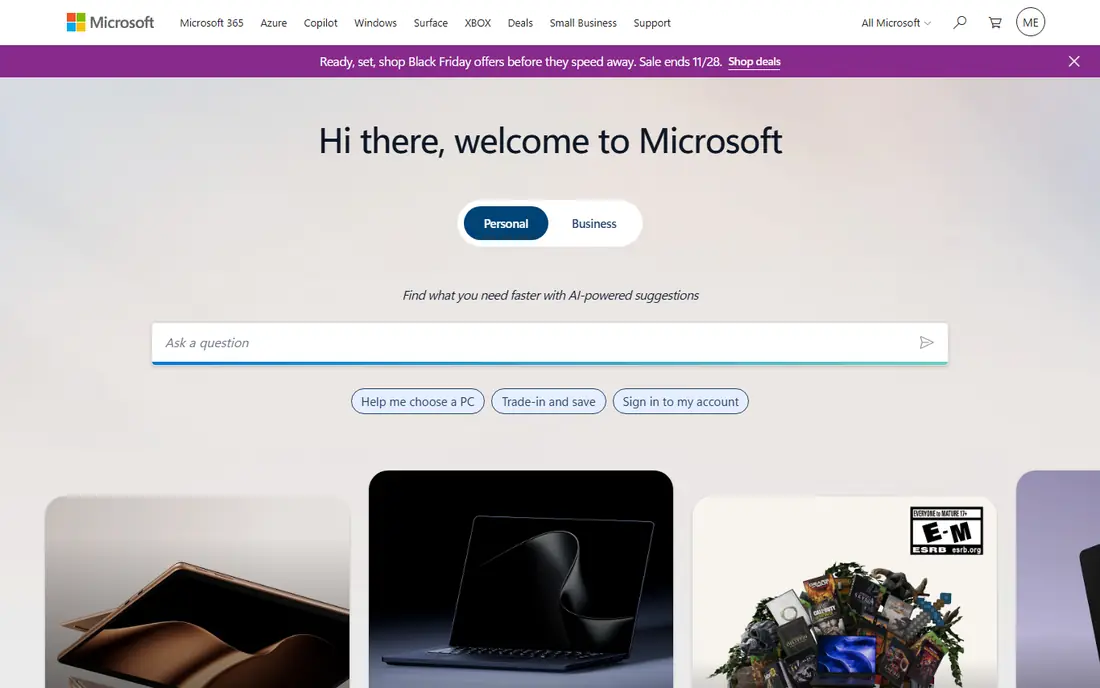
Microsoft 365 is the compatibility benchmark, since Word, Excel, and PowerPoint define the formats most businesses exchange. Desktop apps, web apps, and mobile apps stay in sync through OneDrive, and collaboration, comments, and version history work smoothly for teams. If your documents must open perfectly everywhere, Microsoft 365 is the safest choice.
The cost is a subscription per user, and some advanced features need higher tiers. Free web versions cover basic editing, but full desktop apps need a paid plan. For businesses and students who exchange Office files daily, Microsoft 365 is our top pick.
- Best Word, Excel, and PowerPoint compatibility
- Full desktop and web apps
- Huge ecosystem
- Subscription cost
- Some features need higher tiers
Google Workspace
Ideal for: Browser collaboration
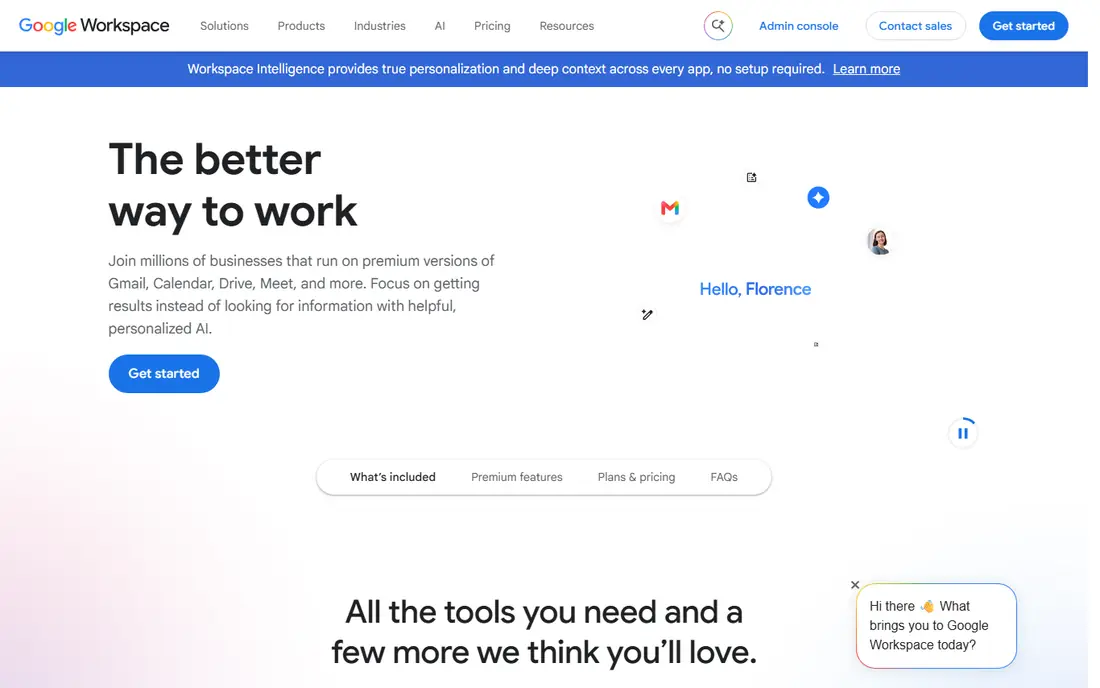
Google Workspace suits teams that live in browsers and collaborate in real time. Docs, Sheets, and Slides let many people edit together with comments, suggestions, and version history, and sharing controls make it easy to work with people inside and outside your organization. Gmail, Drive, and Meet round out the suite.
Office compatibility is good for everyday files but needs care for complex formatting, macros, and Excel features. Offline use also needs setup in Chrome. For teams that prioritize collaboration over pixel-perfect Office fidelity, Google Workspace is an excellent LibreOffice replacement.
- Smoothest real-time collaboration
- Docs, Sheets, and Slides in the browser
- Strong sharing
- Office compatibility needs care for complex files
- Offline use needs setup
OnlyOffice
Ideal for: Office-compatible suite
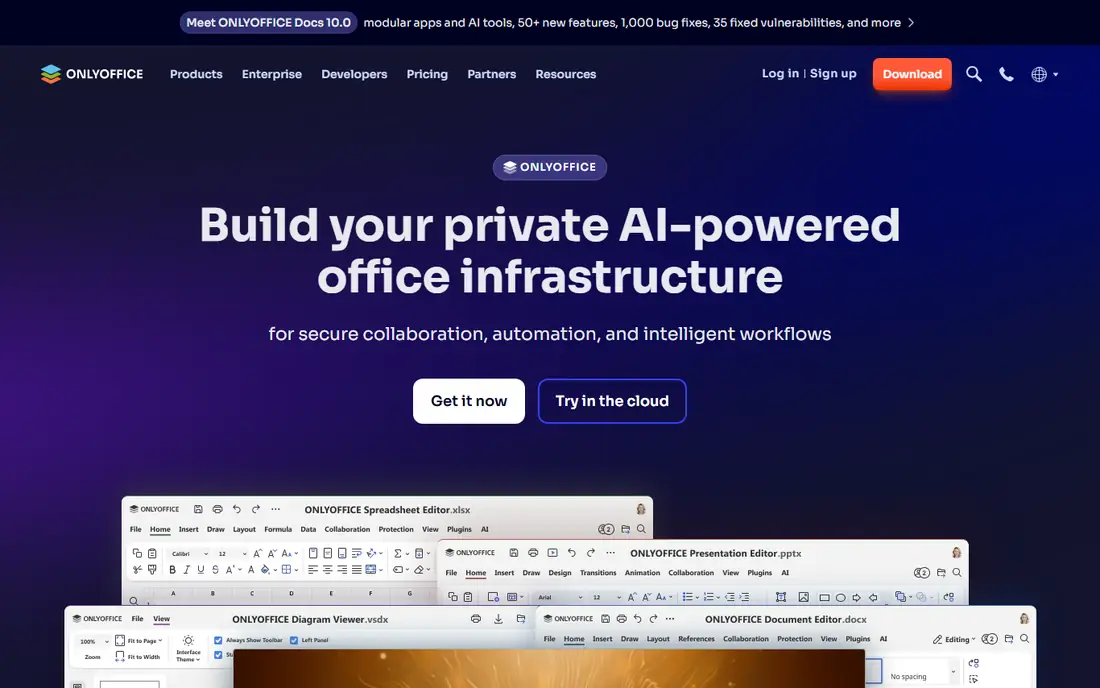
OnlyOffice offers document, spreadsheet, and presentation editors with strong Office format compatibility, plus desktop apps, web editors, and self-hosting options for teams that want control over data. Its interface feels familiar to Office users, which shortens the learning curve for LibreOffice switchers.
The ecosystem is smaller than Microsoft 365 or Google Workspace, so third-party integrations are thinner. For teams that want Office compatibility plus self-hosting, OnlyOffice is a strong and often overlooked pick.
- Strong Office format compatibility
- Desktop, web, and self-hosted options
- Clean interface
- Ecosystem is smaller than Microsoft or Google
- Some features need higher tiers
WPS Office
Ideal for: Affordable Office-style suite
WPS Office gives users Writer, Spreadsheets, and Presentation apps with an interface close to Microsoft Office, plus PDF tools and mobile apps. Its free tier covers basic use, and paid tiers remove ads and add features. That combination suits students, home users, and small businesses on a budget.
The free tier includes ads, and users should read privacy and data handling terms before storing sensitive documents. For affordable, Office-style editing with good compatibility, WPS Office is a practical pick.
- Familiar Office-style interface
- Good format compatibility
- Affordable tiers
- Free tier includes ads
- Privacy and data handling deserve a read
Apple iWork
Ideal for: Apple device users
Apple iWork includes Pages, Numbers, and Keynote, free on Apple devices, with polished design and smooth iCloud sync across Mac, iPad, and iPhone. Keynote in particular is loved for presentations, and collaboration works well inside the Apple ecosystem.
Office compatibility needs care for complex Word and Excel files, and Windows and Android users are limited to web versions. For households and teams that live on Apple devices, iWork is a free and elegant LibreOffice replacement.
- Free on Apple devices
- Pages, Numbers, and Keynote are polished
- Good iCloud sync
- Office compatibility needs care
- Windows and Android support is web-only
Zoho Workplace
Ideal for: Business suite value
Zoho Workplace bundles Writer, Sheet, Show, mail, chat, and storage into a business suite at a competitive price. Teams that already use Zoho CRM or other Zoho apps benefit from shared accounts and data, and the suite covers daily office work well.
Office compatibility varies by file complexity, and the interface differs from Microsoft Office, so users need a short adjustment period. For small businesses that want a full suite at a fair price, Zoho Workplace offers strong value.
- Docs, sheets, and slides plus mail and chat
- Good value
- Broad Zoho ecosystem
- Office compatibility varies by file
- Interface differs from Office
FreeOffice
Ideal for: Free desktop Office suite
FreeOffice, from SoftMaker, offers free desktop word processing, spreadsheet, and presentation apps with good Office format compatibility and a familiar interface. It suits home users and small teams that want a free desktop suite closer to Office than LibreOffice in look and feel.
Some advanced features, such as macros and commercial use rights in some cases, need the paid SoftMaker Office version, and support is lighter than Microsoft or Google. For a free desktop suite with strong Office compatibility, FreeOffice is a solid pick.
- Free desktop apps
- Good Office compatibility
- Familiar interface
- Some features need the paid SoftMaker version
- Support is lighter than rivals
How we picked these
We compared official feature pages, pricing pages, app store listings, and public reviews, and we checked that the homepages listed here belong to the products named. We favored suites that cover documents, spreadsheets, and presentations with real Office compatibility and daily usability. We left out single-app tools and markdown-only editors, and we did not include LibreOffice itself, since this list is about replacements.
We also checked how each product fits different team sizes, since a tool built for enterprises can overwhelm a small team, while a tool built for solo users can stall a growing company. We favored products that scale sensibly, with tiers that add depth without forcing a painful migration later. Free and trial access mattered in our scoring, because a team should be able to test real work before paying. Products that hide core features behind sales calls scored lower than products that let buyers try the actual workflow first.
What to check before you switch
Start with your documents. Open your most complex Word, Excel, and PowerPoint files in each finalist, and check formatting, tables, charts, fonts, and macros. Compatibility problems hide in complex files, so test real work, not blank documents.
Next, test collaboration and offline use. Edit a document with colleagues in real time, check comments and version history, and confirm offline access works for travel or weak internet. A suite that shines online but fails offline will frustrate mobile users.
Finally, count total cost. Include per-user subscriptions, storage, and any paid tiers for desktop apps or advanced features, and compare against your real user count. A free suite with weak compatibility can cost more in rework than a paid suite that opens files cleanly.
Look at total cost over two years rather than the first month alone. A low starting price can rise once you add team members, higher tiers, or the add-ons that hold the features you actually need, while a higher starting price sometimes includes everything and stays flat. List every seat, every add-on, and every usage limit for your real team size, then compare that full number across finalists. Also check contract terms, including minimums, renewal rules, and what happens to your data if you cancel. A tool that exports cleanly and charges fairly for extra seats is easier to live with than a cheaper tool that traps your work. Finally, weigh support quality alongside price, since fast help during setup and outages saves more money than a small monthly discount ever will.
Frequently asked questions
What is the best LibreOffice alternative for Office compatibility?
Microsoft 365 is our pick for Office compatibility, since it defines the formats most businesses use. OnlyOffice and FreeOffice also offer strong Office compatibility for teams that want lower cost or free desktop apps.
Is there a free LibreOffice alternative?
Yes. Apple iWork is free on Apple devices, and FreeOffice offers free desktop apps. Google Docs, Sheets, and Slides are free for personal use, and WPS Office offers a free tier with ads. Check commercial use terms for business deployment.
Which alternative is best for collaboration?
Google Workspace offers the smoothest real-time collaboration, with Docs, Sheets, and Slides built for simultaneous editing. Microsoft 365 also offers strong collaboration through OneDrive and web apps, especially for Office files.
Can I open LibreOffice files in these suites?
Yes, most suites here open ODF files from LibreOffice, though formatting may shift for complex documents. Test your real files in each finalist, and keep LibreOffice installed during the transition for files that need exact fidelity.
Which alternative works best offline?
Microsoft 365 desktop apps, OnlyOffice desktop apps, and FreeOffice offer strong offline desktop use. Google Workspace needs setup for offline access in Chrome, and iWork works offline on Apple devices with iCloud sync when back online.
How long does it take to switch?
Most teams can pilot a new tool in two to four weeks, including setup, data import, and training for the people who will use it daily. A full migration takes longer when years of history, templates, or integrations must move, so plan a staged rollout rather than a single cutover day. Start with one team or one workflow, measure results, and only then move the rest. Keep the old tool running during the overlap so nothing is lost if the new setup needs fixes. Rushing a switch usually costs more time than a careful pilot, since broken workflows frustrate the very people you need to win over.