Best Lindy AI Alternatives in 2026: 7 Tools Compared

- Zapier is our pick for most teams, since it connects thousands of apps and now adds AI agents on top of proven automation.
- Make suits visual builders who want detailed control over complex, multi-step workflows.
- n8n suits technical teams that want self-hosting, code access, and fair pricing at scale.
- Gumloop and Relay.app suit teams that want AI agents for research, documents, and web tasks without heavy setup.
- Relevance AI and Stack AI suit teams building custom AI agents and internal AI tools.
Quick comparison
| Product | Ideal for | Price from | Free version | |
|---|---|---|---|---|
 Zapier | Broad automation plus AI agents | See website | Free trial | Visit |
 Make | Visual complex workflows | See website | Free trial | Visit |
 n8n | Self-hosted technical automation | See website | Free trial | Visit |
 Gumloop | AI agents for web tasks | See website | Free trial | Visit |
 Relay.app | Human-in-the-loop AI workflows | See website | Free trial | Visit |
 Relevance AI | Custom AI agent teams | See website | Free trial | Visit |
 Stack AI | Internal AI apps and agents | See website | Free trial | Visit |
The best Lindy AI alternatives
Lindy built AI agents that handle emails, meetings, research, and repetitive work, so a good replacement needs both automation and AI judgment. We compared official feature pages, pricing pages, and public reviews, focusing on agent features, app integrations, human approval steps, and what free access truly allows.
Zapier
Ideal for: Broad automation plus AI agents
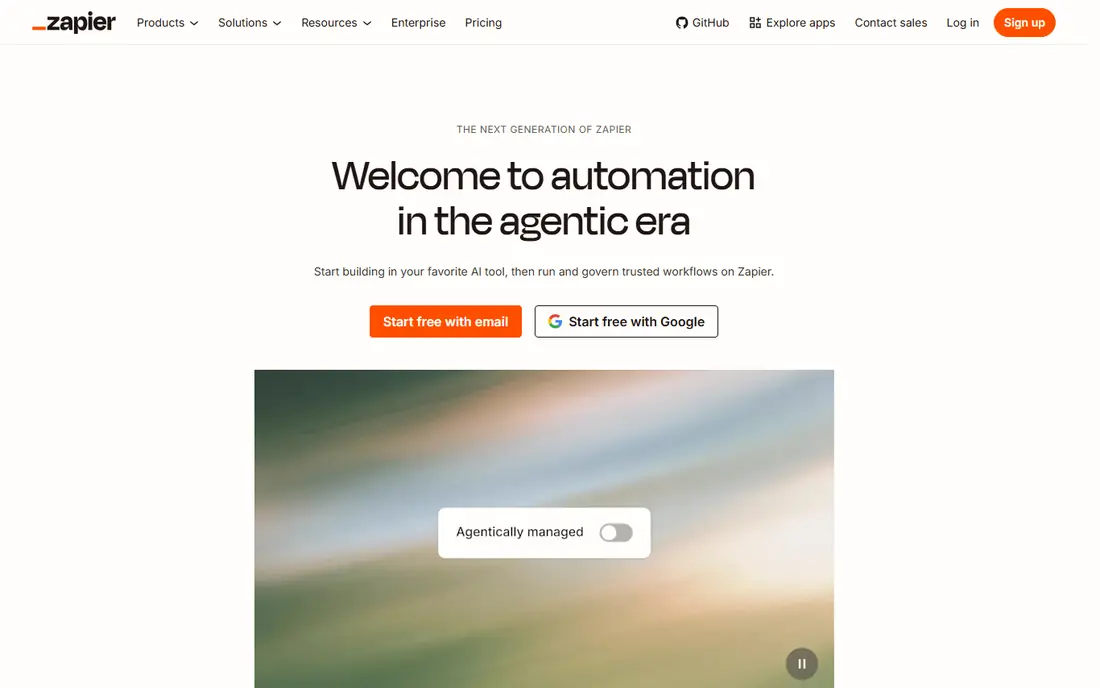
Zapier is the safest general replacement for Lindy. Its automation platform connects thousands of apps, and its newer AI agent features let agents plan steps, use tools, and ask for approval before acting. Teams that already automate with Zapier can add agents to existing workflows instead of starting over on a new platform.
The cost model needs attention. Zapier charges by tasks, so high-volume or looping workflows can get expensive, and very complex logic can be harder to follow than in a visual tool such as Make. For most small and mid-sized teams, though, the integration breadth and gentle learning curve make Zapier the default pick.
- Largest app integration catalog
- AI agents now sit on proven automation
- Easy to start
- Costs scale with tasks
- Complex logic can get tangled across many steps
Make
Ideal for: Visual complex workflows

Make, formerly Integromat, shows each workflow as a visual scenario where you can see data move from step to step. That view makes complex branching, filters, and error handling easier to design and debug than a simple trigger-and-action list. Its app catalog is broad, and its AI features let you add language models and agents into scenarios.
New users should expect a learning period. Make rewards careful design, and a messy scenario can be hard to untangle. Teams that build multi-step workflows with real data shaping will appreciate the control. Teams that want a one-click agent for email triage may prefer Zapier or Relay.app.
- Visual scenario builder
- Detailed control over data and branching
- Strong app catalog
- Learning curve for advanced scenarios
- AI agent features are newer than rivals
n8n
Ideal for: Self-hosted technical automation
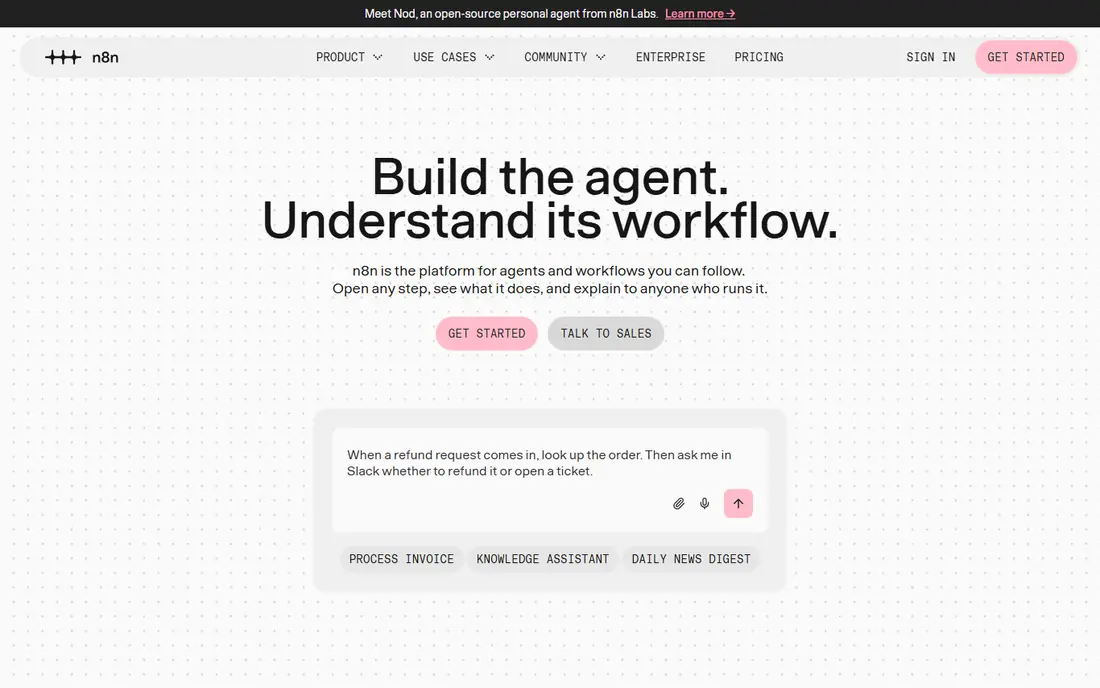
n8n is the technical pick on this list. It offers a visual workflow builder plus code nodes, so technical teams can mix no-code steps with JavaScript or Python where needed. You can run it in the cloud or host it yourself, which appeals to teams with strict data rules or high volumes that would cost a lot on task-based pricing.
Self-hosting is also the catch. Your team owns setup, updates, and uptime, and building AI agents still needs design skill. Non-technical teams will move faster on Zapier or Make. For engineering-led teams that want control and predictable costs, n8n is hard to beat.
- Self-hosting option
- Code nodes for full control
- Fair pricing for high-volume work
- Needs technical skill
- Setup and upkeep fall on your team when self-hosted
Gumloop
Ideal for: AI agents for web tasks
Gumloop focuses on AI agents that do web-based work: research, monitoring, document handling, and repetitive browser tasks. Its visual flow builder lets you chain AI steps with app actions, and its templates give new users a fast start on common jobs such as lead research or content monitoring. That focus makes it feel closer to Lindy than a pure automation tool.
The trade-off is maturity. Gumloop is newer and smaller than Zapier or Make, so its integration catalog and enterprise features are still growing. Teams that need a proven platform for thousands of workflows should weigh that. Teams that want AI agents for research-heavy work will find Gumloop fast and focused.
- AI agents for research and web work
- Visual flow builder
- Useful templates
- Newer and smaller than Zapier
- Some advanced enterprise features are still maturing
Relay.app
Ideal for: Human-in-the-loop AI workflows
Relay.app is built around a simple idea: AI should do the draft work, and humans should approve the important steps. Its builder mixes AI actions with app actions and approval points, which suits operations, support, and admin teams that want speed without giving an agent free rein over customers or money. The interface is clean and quick to learn.
The limit is breadth. Relay.app connects fewer apps than Zapier or Make, so check your core tools before committing. If your stack is covered and you value approval steps, Relay.app is one of the most thoughtful Lindy replacements here, especially for teams that worry about agents acting unchecked.
- AI steps with human approval built in
- Clean builder
- Good for ops and support teams
- Smaller app catalog than Zapier
- Newer platform still expanding
Relevance AI
Ideal for: Custom AI agent teams
Relevance AI lets teams build agents and multi-agent teams for jobs such as research, lead enrichment, and support triage. Templates cover common workflows, and an API lets developers embed agents in other tools. That builder approach suits teams that know exactly which jobs they want agents to do and want to shape the prompts, tools, and outputs.
It is not a ready-made personal assistant. You need to design each agent's job, test its outputs, and set guardrails, which takes more effort than adopting a prebuilt Lindy agent. For teams building a repeatable agent workforce around sales or research, Relevance AI offers strong flexibility.
- Build multi-agent teams for research and sales
- Templates for common jobs
- API access
- More of a builder platform than a ready-made assistant
- Needs clear job design
Stack AI
Ideal for: Internal AI apps and agents
Stack AI helps businesses build internal AI apps, chatbots, and agents that work over their own documents and data. Teams can shape workflows visually, connect knowledge sources, and ship tools for support, operations, or sales enablement without a full engineering project. That business focus makes it a good fit for companies that want AI helpers tied to internal knowledge.
Consumer-style personal assistant features are not its main strength, and larger deployments often need a pricing conversation. If your goal is an internal AI tool that answers from your docs and takes defined actions, Stack AI is a practical pick. If you want a personal inbox and calendar agent, start with Zapier or Relay.app.
- Build internal AI apps and agents without heavy code
- Connects to docs and data
- Business-friendly
- Business focus means less consumer assistant polish
- Pricing needs a sales check for larger use
How we picked these
We compared official feature pages, pricing pages, and public reviews, and we checked that the homepages listed here belong to the products named. We favored tools that combine automation with AI agents, offer human approval or guardrails, and connect to common business apps. We left out pure chatbots with no workflow actions, and we did not include Lindy itself, since this list is about replacements.
We also excluded products that failed our fit checks, including tools whose homepages no longer matched the product, tools that covered only a slice of the topic, and tools aimed at a different audience entirely. That filtering matters, because a long list padded with near-misses helps nobody choose. Every product that made the final list covers the core job in the title, works in October 2026, and offers a real path to try or buy it from the vendor directly.
What to check before you buy
Start with one job, not a platform dream. Pick a single repetitive task, such as triaging inbound emails or researching new leads, and define what good output looks like and which steps need human approval. Then run that job through each finalist and compare accuracy, speed, and how often a human must step in.
Next, check integrations and cost at real volume. Confirm your CRM, inbox, calendar, and docs connect natively, and model the monthly cost for your expected runs, tasks, or credits. Agent platforms can look cheap in a demo and expensive at daily volume, so test with a realistic week of work.
Finally, set guardrails before you scale. Decide which actions agents may take alone, which need approval, and which are off limits, such as sending money or emailing customers without review. Log agent actions, review them weekly at first, and only widen permissions once accuracy is proven.
Use the trial the way you would use the real thing. Pick one genuine project, run it from start to finish, and invite the colleagues who will use the tool every day. Watch for friction in the steps you repeat most, such as setup, daily entry, sharing, and reporting, since those moments decide whether a tool survives after the novelty fades. Keep notes on what slowed you down, what needed a workaround, and what you still could not do by the end of the trial. Then compare those notes across finalists instead of comparing marketing pages. A trial that ends with a finished piece of real work tells you far more than a trial spent clicking through demo data, and it gives your team a fair basis for the final choice.
Frequently asked questions
What is the best Lindy AI alternative for most teams?
Zapier is our pick for most teams, since it pairs a huge integration catalog with newer AI agent features on a proven automation platform. Make suits visual builders with complex workflows, while Relay.app suits teams that want human approval built in.
Are there free Lindy AI alternatives?
Most tools here offer free trials or limited free tiers, but full agent use usually needs a paid plan. Check each pricing page for trial length and credit limits, and test one real job during the trial before committing.
Do I need coding skills to use these tools?
Not for Zapier, Make, Gumloop, or Relay.app, which all offer visual builders. n8n, Relevance AI, and Stack AI reward some technical skill for advanced work. Start with a visual tool if your team has no developers.
How do AI agents differ from normal automation?
Normal automation follows fixed rules, while AI agents can plan steps, read unstructured content, and choose tools to reach a goal. That flexibility helps with research and drafting, but it also means outputs need review. Use approval steps for any action that touches customers or money.
Can AI agents replace a human assistant?
In part. Agents handle repetitive research, drafting, scheduling, and data tasks well, but they still make mistakes and lack judgment on sensitive matters. The best setup pairs agents with human review, so people focus on decisions while agents handle the busywork.
What happens to my data if I cancel?
That depends on the vendor, so read the terms and test an export before you commit. Good vendors let you export your core records in common formats and give you a grace period to download them after cancellation. Weaker vendors limit exports, charge for them, or delete data quickly, which can strand years of work. During your trial, export a sample of your own data and confirm it opens cleanly elsewhere. Keep a local backup of anything critical, and avoid building your whole operation around a tool that will not let your data leave.