Best Linode Alternatives in 2026: 8 Options Compared

- 1
 DigitalOceanDevelopers wanting simple cloud serversVisit
- 2
 VultrLow cost cloud compute worldwideVisit
- 3
 HetznerBudget dedicated and cloud servers in EuropeVisit
- 4
 AWS LightsailSimple projects inside AWSVisit
- 5
 UpCloudFast cloud servers with strong performanceVisit
- Our top pick for most people is DigitalOcean, because it covers the core needs of this category with a clear, well supported product.
- If cost matters most, start with UpCloud and Kamatera, and check their current pricing pages before you commit to a paid plan.
- For larger or more demanding teams, Vultr and Hetzner offer deeper features, though setup and pricing need closer review.
- The right choice depends on what you already use, so shortlist two or three options and try them with your real workflow before you switch.
Quick comparison
| Product | Ideal for | Price from | Free version | |
|---|---|---|---|---|
| DigitalOcean | Developers wanting simple cloud servers | See website | Free trial | Visit |
| Vultr | Low cost cloud compute worldwide | See website | Free trial | Visit |
| Hetzner | Budget dedicated and cloud servers in Europe | See website | See website | Visit |
| AWS Lightsail | Simple projects inside AWS | See website | Free trial | Visit |
| UpCloud | Fast cloud servers with strong performance | See website | Free trial | Visit |
 OVHcloud | European hosting with many options | See website | See website | Visit |
 Kamatera | Flexible custom cloud servers | See website | Free trial | Visit |
 Contabo | High resource servers at low prices | See website | See website | Visit |
The best linode alternatives
We compared official feature pages, pricing pages, app store listings, privacy policies, and public reviews to build this list of linode alternatives. Each option below is a real product that works in October 2026 and fits this topic, with an honest note on where it falls short.
DigitalOcean
Ideal for: Developers wanting simple cloud servers

DigitalOcean is the friendliest Linode alternative for developers who want simple droplets and clear pricing. It is best for developers wanting simple cloud servers. Its strengths include simple pricing; clean control panel; good tutorials. For readers weighing linode alternatives, that combination makes it a serious option rather than a filler pick, and it earned its place here on the strength of its official feature set and public reception. The honest catch is worth stating plainly. Fewer enterprise services than hyperscalers; support tiers cost extra That trade off matters more for some readers than others, so weigh it against what you actually need day to day. On pricing, check the vendor site for the current plan, since tiers and limits change over time. If it matches your main use case, it is a reasonable choice, and if it does not, another option on this list likely fits better.
- Simple pricing
- Clean control panel
- Good tutorials
- Fewer enterprise services than hyperscalers
- Support tiers cost extra
Vultr
Ideal for: Low cost cloud compute worldwide
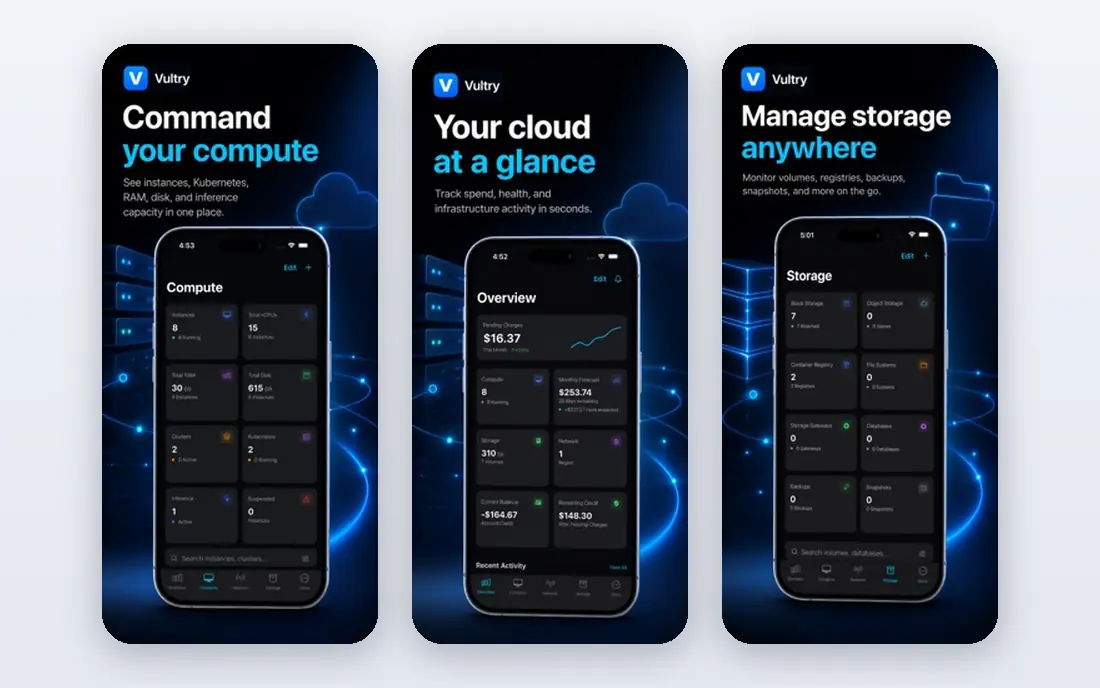
Vultr suits developers and small hosts that want cheap compute in many regions. It is best for low cost cloud compute worldwide. Its strengths include many global locations; low priced instances; hourly billing. For readers weighing linode alternatives, that combination makes it a serious option rather than a filler pick, and it earned its place here on the strength of its official feature set and public reception. The honest catch is worth stating plainly. Support is leaner than larger clouds; managed services are limited That trade off matters more for some readers than others, so weigh it against what you actually need day to day. Before you commit, test it with the task you do most often, since that reveals fit faster than a feature list. If it matches your main use case, it is a reasonable choice, and if it does not, another option on this list likely fits better.
- Many global locations
- Low priced instances
- Hourly billing
- Support is leaner than larger clouds
- Managed services are limited
Hetzner
Ideal for: Budget dedicated and cloud servers in Europe

Hetzner is hard to beat on price for European hosting, especially dedicated servers. It is best for budget dedicated and cloud servers in europe. Its strengths include very competitive pricing; dedicated servers; european data centers. For readers weighing linode alternatives, that combination makes it a serious option rather than a filler pick, and it earned its place here on the strength of its official feature set and public reception. The honest catch is worth stating plainly. US presence is limited; support is mostly online That trade off matters more for some readers than others, so weigh it against what you actually need day to day. We would shortlist it alongside one rival from this list and compare them on your actual workflow. If it matches your main use case, it is a reasonable choice, and if it does not, another option on this list likely fits better.
- Very competitive pricing
- Dedicated servers
- European data centers
- US presence is limited
- Support is mostly online
AWS Lightsail
Ideal for: Simple projects inside AWS
Lightsail is a good bridge when you want simple servers with a path into wider AWS services. It is best for simple projects inside aws. Its strengths include simple instances with aws backing; predictable pricing; easy scaling path. For readers weighing linode alternatives, that combination makes it a serious option rather than a filler pick, and it earned its place here on the strength of its official feature set and public reception. The honest catch is worth stating plainly. Less flexible than full EC2; AWS console can confuse beginners That trade off matters more for some readers than others, so weigh it against what you actually need day to day. It is worth checking current pricing and plan limits on the vendor site, since those details change. If it matches your main use case, it is a reasonable choice, and if it does not, another option on this list likely fits better.
- Simple instances with AWS backing
- Predictable pricing
- Easy scaling path
- Less flexible than full EC2
- AWS console can confuse beginners
UpCloud
Ideal for: Fast cloud servers with strong performance
UpCloud appeals to teams that prioritize raw server speed for their workloads. It is best for fast cloud servers with strong performance. Its strengths include fast storage performance; global data centers; simple pricing. For readers weighing linode alternatives, that combination makes it a serious option rather than a filler pick, and it earned its place here on the strength of its official feature set and public reception. The honest catch is worth stating plainly. Smaller ecosystem than big clouds; fewer managed services That trade off matters more for some readers than others, so weigh it against what you actually need day to day. On pricing, check the vendor site for the current plan, since tiers and limits change over time. If it matches your main use case, it is a reasonable choice, and if it does not, another option on this list likely fits better.
- Fast storage performance
- Global data centers
- Simple pricing
- Smaller ecosystem than big clouds
- Fewer managed services
OVHcloud
Ideal for: European hosting with many options
OVHcloud fits users who want many server types from a European provider. It is best for european hosting with many options. Its strengths include wide range from vps to dedicated; european data centers; competitive pricing. For readers weighing linode alternatives, that combination makes it a serious option rather than a filler pick, and it earned its place here on the strength of its official feature set and public reception. The honest catch is worth stating plainly. Support quality varies; panel takes learning That trade off matters more for some readers than others, so weigh it against what you actually need day to day. Before you commit, test it with the task you do most often, since that reveals fit faster than a feature list. If it matches your main use case, it is a reasonable choice, and if it does not, another option on this list likely fits better.
- Wide range from VPS to dedicated
- European data centers
- Competitive pricing
- Support quality varies
- Panel takes learning
Kamatera
Ideal for: Flexible custom cloud servers
Kamatera suits users who want to size every part of a server exactly to their workload. It is best for flexible custom cloud servers. Its strengths include highly customizable instances; hourly billing; global locations. For readers weighing linode alternatives, that combination makes it a serious option rather than a filler pick, and it earned its place here on the strength of its official feature set and public reception. The honest catch is worth stating plainly. Interface feels dated; managed services are limited That trade off matters more for some readers than others, so weigh it against what you actually need day to day. We would shortlist it alongside one rival from this list and compare them on your actual workflow. If it matches your main use case, it is a reasonable choice, and if it does not, another option on this list likely fits better.
- Highly customizable instances
- Hourly billing
- Global locations
- Interface feels dated
- Managed services are limited
Contabo
Ideal for: High resource servers at low prices
Contabo is a budget pick when you need plenty of CPU and storage for little money. It is best for high resource servers at low prices. Its strengths include generous resources for the price; vps and dedicated options; european and us locations. For readers weighing linode alternatives, that combination makes it a serious option rather than a filler pick, and it earned its place here on the strength of its official feature set and public reception. The honest catch is worth stating plainly. Setup times can be longer; support is ticket based That trade off matters more for some readers than others, so weigh it against what you actually need day to day. It is worth checking current pricing and plan limits on the vendor site, since those details change. If it matches your main use case, it is a reasonable choice, and if it does not, another option on this list likely fits better.
- Generous resources for the price
- VPS and dedicated options
- European and US locations
- Setup times can be longer
- Support is ticket based
How we picked these
We started from the topic itself and looked for products that truly fit it, not just well known names in a nearby category. We compared official feature pages, pricing pages, app store listings, privacy policies, and public reviews, and we left out products we could not verify or that did not match the topic. Prices and free tiers in this article come from vendor sites where we could confirm them, and where a price was not clear we wrote See website rather than guessing. We also aimed for a mix of large, established options and smaller tools that serve a specific audience well. No product here was added to fill space, and our notes on weaknesses come from public reviews and plan limits rather than from hands on testing, which we do not claim.
What to check before you choose
Start with the job you need done most often, then check whether each shortlisted product handles that job without extra tools or workarounds. A long feature list means little if the core task feels awkward, so give weight to the workflow you will repeat daily. Next, look at total cost, not just the headline price, including per user fees, usage limits, and add ons that your team will actually need. Also check how the product fits what you already use, including sign in, data import, and support options when something goes wrong. Read the privacy policy for products that handle personal or customer data, and confirm contract terms, renewal rules, and cancellation steps before you pay. Finally, run a trial with real data and real teammates where a trial is offered, and keep notes on what slowed you down, since that trial experience is often the best guide to a long term fit.
Frequently asked questions
What are the best linode alternatives?
The best choice depends on your size and budget, but DigitalOcean, Vultr, and AWS Lightsail are strong starting points for most readers. Compare them on the task you do most often, then check current pricing before you decide.
Are there free linode alternatives?
Some options on this list offer a free tier or a free trial, including UpCloud where noted in the comparison table. Free tiers usually limit features or usage, so check the vendor pricing page to see what is included before you rely on a free plan.
How much do linode alternatives cost?
Pricing varies widely, from free tiers to quote based enterprise plans, so there is no single typical price. Use the starting price column as a guide and confirm the current plan on each vendor site, since tiers change over time.
How do I switch from my current tool?
Start by exporting your data from your current tool and checking import options on your new choice. Run both tools side by side for a short trial period, move one workflow at a time, and confirm that integrations and permissions work before you cancel the old plan.
Which option is best for small teams?
Small teams often do best with simpler, lower cost tools such as UpCloud or Kamatera, which are easier to set up and learn. Larger teams with complex needs may prefer Vultr, even though setup takes more time.