Best LogMeIn Resolve Alternatives in 2026: 8 Tools Compared

- 1
 TeamViewerBroad, widely supported remote supportVisit
- 2
 AnyDeskFast, lightweight ad hoc sessionsVisit
- 3
 SplashtopSupport teams that want good valueVisit
- 4
 Zoho AssistLow-cost help desk supportVisit
- 5
 ConnectWise ScreenConnectIT teams and managed service providersVisit
- TeamViewer and AnyDesk are the most widely supported choices for ad hoc remote support sessions.
- Splashtop and Zoho Assist offer strong value for small support teams and help desks.
- ScreenConnect and BeyondTrust suit IT teams that need deep control and audit trails.
- RealVNC and RemotePC fit teams that want simple, always-on access to a fixed set of machines.
- Test unattended access and mobile support before committing, since those features vary widely.
Quick comparison
| Product | Ideal for | Price from | Free version | |
|---|---|---|---|---|
| TeamViewer | Broad, widely supported remote support | See website | Yes | Visit |
| AnyDesk | Fast, lightweight ad hoc sessions | See website | Free trial | Visit |
| Splashtop | Support teams that want good value | See website | Free trial | Visit |
| Zoho Assist | Low-cost help desk support | See website | Free trial | Visit |
| ConnectWise ScreenConnect | IT teams and managed service providers | See website | Free trial | Visit |
 BeyondTrust Remote Support | Secure, audited enterprise support | See website | Free trial | Visit |
 RealVNC Connect | Simple always-on remote access | See website | Free trial | Visit |
 RemotePC | Low-cost unattended access | See website | Free trial | Visit |
The best LogMeIn Resolve alternatives
LogMeIn Resolve, formerly GoToAssist, covers remote support well, but its pricing and packaging push many teams to compare rivals. The tools below all let a technician see and control another computer remotely, but they differ in price, security controls, and how they handle unattended machines and mobile devices.
TeamViewer
Ideal for: Broad, widely supported remote support
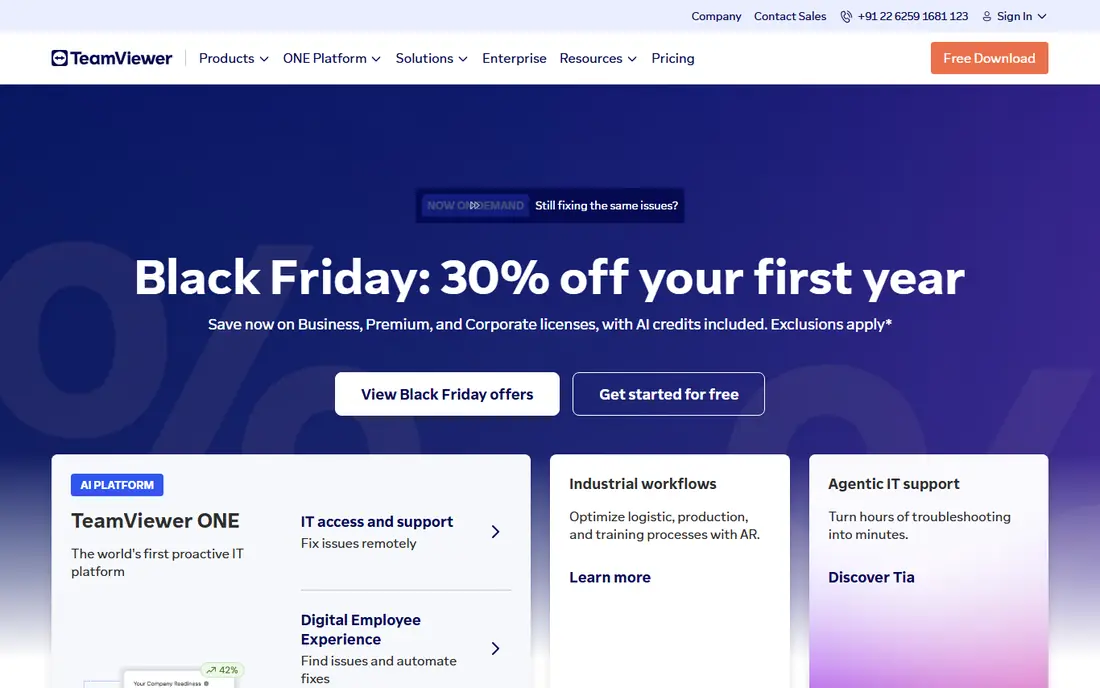
TeamViewer is the default most people have already used at least once, and that familiarity is a real advantage in support. Sending a customer a session link and walking them through a fix takes minutes, and the client runs on Windows, Mac, Linux, mobile, and even some IoT devices. File transfer, chat, and session recording are built in rather than bolted on.
The price is the main reason teams look elsewhere. Business plans cost more than leaner rivals, and small firms sometimes run into the personal-use detection system. If your support volume is high, your customers are non-technical, and you need broad platform coverage, TeamViewer is still our pick for most people.
- Works across nearly every platform
- Easy session invites for non-technical users
- Strong file transfer and session recording
- Business pricing is high for small teams
- Personal-use detection can flag legitimate small business use
AnyDesk
Ideal for: Fast, lightweight ad hoc sessions
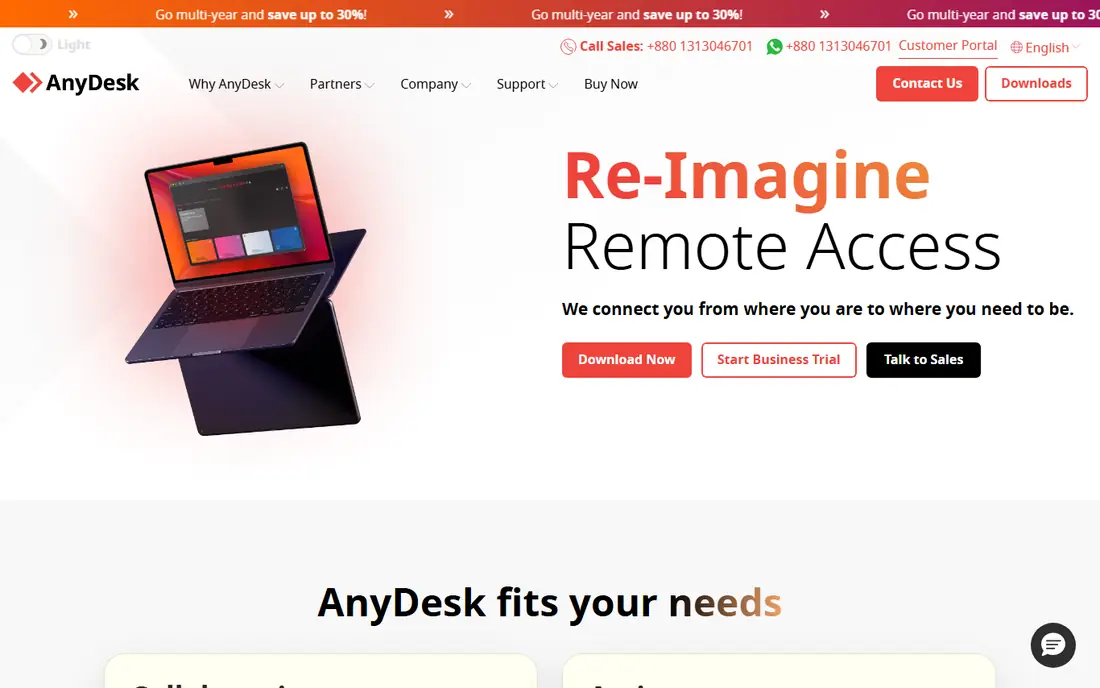
AnyDesk built its name on speed. The client is small, sessions start quickly even on slow connections, and the interface stays out of the way. For a support tech who jumps between dozens of short sessions a day, that lightness adds up to real time saved, and unattended access covers machines that need regular check-ins.
It is less of a full IT platform than ScreenConnect or BeyondTrust. Admin controls, reporting, and integrations are thinner, so large IT departments may want more. For small and mid-size support teams that value speed and simplicity over enterprise governance, AnyDesk is a strong, fairly priced option.
- Small, fast client that starts quickly
- Low bandwidth use
- Simple address-book and unattended access
- Fewer enterprise admin controls than bigger rivals
- Interface is spare
Splashtop
Ideal for: Support teams that want good value
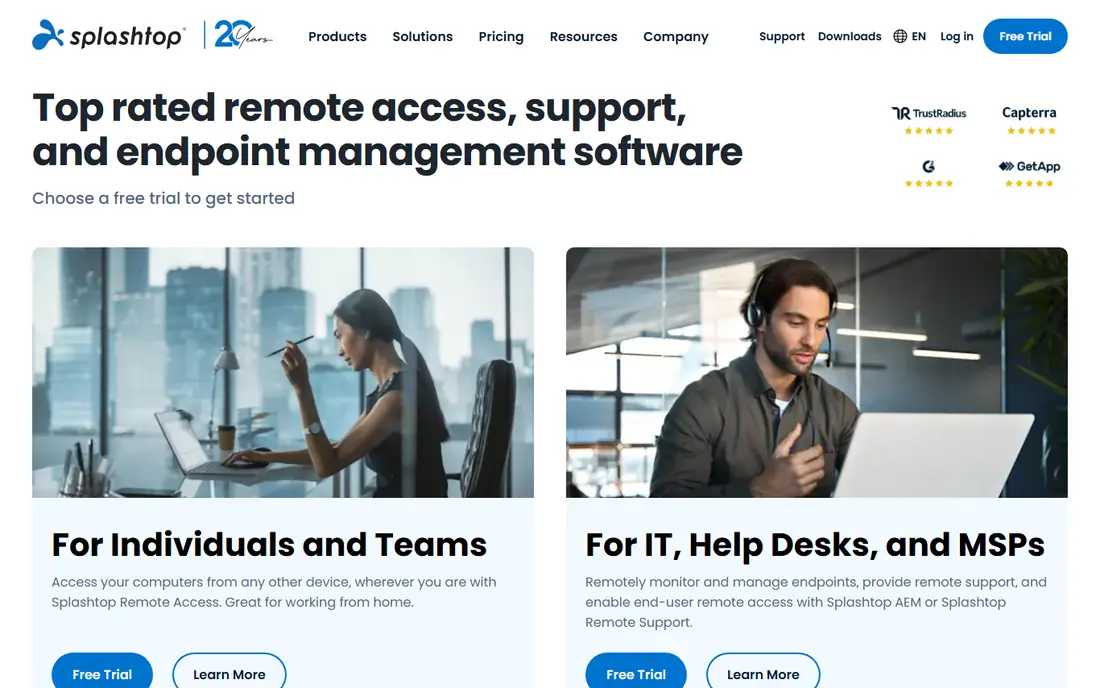
Splashtop splits its products by job, with Splashtop SOS for attended support and Splashtop Remote Support for unattended machines. That split keeps pricing sensible: a help desk pays for attended support without buying a full remote access suite it does not need. Performance is good, including for graphics-heavy work, which matters for creative and engineering users.
The range of editions does make buying confusing, so compare the SOS and Business Access plans carefully before purchase. Support teams that want TeamViewer-style sessions at a lower price, with solid performance, will find Splashtop one of the best-value choices here.
- Competitive pricing for SOS-style support
- Good performance for video and graphics
- Separate products for help desk and remote access
- Product lineup can confuse buyers
- Some advanced features need higher tiers
Zoho Assist
Ideal for: Low-cost help desk support
Zoho Assist is the budget pick that still covers the basics properly. Technicians can run attended sessions, set up unattended access, transfer files, and reboot machines remotely, and the Zoho Desk integration lets support tickets and sessions live in one workflow. For a small help desk, that combination is hard to beat at the price.
It is not aimed at large IT departments. Advanced controls such as deep device management and detailed compliance reporting are thinner than in BeyondTrust or ScreenConnect. If your team already uses Zoho, or if you want capable support at a low monthly cost, Zoho Assist is an easy recommendation.
- Low price for attended and unattended support
- Integrates with Zoho Desk
- Simple setup
- Fewer advanced IT features than enterprise tools
- Mobile support is more limited
ConnectWise ScreenConnect
Ideal for: IT teams and managed service providers
ScreenConnect, now part of ConnectWise, is built for IT professionals rather than casual support. It offers attended and unattended access, a shared toolbox of repair utilities, scripting, and session auditing, and it can be hosted by ConnectWise or run on your own servers. Managed service providers like the way it ties into ticketing and billing.
That depth means a steeper setup. Small teams may find it more tool than they need, and pricing requires a conversation rather than a simple checkout. For IT teams and MSPs that live in remote support all day, ScreenConnect is the workhorse choice.
- Deep remote access and automation
- Self-hosted option available
- Strong toolbox and scripting
- Setup and pricing take more effort
- Interface feels technical
BeyondTrust Remote Support
Ideal for: Secure, audited enterprise support
BeyondTrust Remote Support is the choice when security and audit trails matter as much as the fix itself. Every session can be recorded, permissions are granular, and the product is designed for regulated environments where support access must be provable after the fact. It handles attended and unattended access, mobile devices, and headless systems.
The trade-off is cost and complexity. BeyondTrust is priced for enterprises and takes more planning to deploy than AnyDesk or Zoho Assist. If you support systems in finance, healthcare, or government, or if your auditors ask who accessed what and when, BeyondTrust is the right tier to buy.
- Strong security and audit controls
- Granular permissions
- Appliance and cloud deployment
- Enterprise pricing
- More setup than simpler tools
RealVNC Connect
Ideal for: Simple always-on remote access
RealVNC Connect is refreshingly simple. You install it on the machines you need to reach, sign in, and connect, with cloud connectivity handling the networking or direct connections for teams that prefer them. It suits offices, labs, and home setups where the same machines need regular access.
It is less suited to ad hoc customer support, since it lacks the ticket integration and session workflows of a help desk tool. For always-on access to a known set of computers, especially across Windows, Mac, Linux, and Raspberry Pi, RealVNC Connect is a dependable, low-fuss choice.
- Straightforward setup for a fixed set of machines
- Cross-platform clients
- Cloud and direct connection options
- Less of a help desk tool
- Session features are simpler than rivals
RemotePC
Ideal for: Low-cost unattended access
RemotePC competes mainly on price, and it does so without cutting the core features. Always-on access, file transfer, remote printing, and session recording are included, and plans cover a set number of computers at a flat rate, which suits small businesses with a handful of machines to maintain.
The console and client look plain next to TeamViewer, and IT management features are basic. If your need is simple, low-cost access to your own machines rather than a polished customer support operation, RemotePC gives you the essentials for less money than almost any rival here.
- Low price for many computers
- Always-on access and file transfer
- Simple web-based console
- Interface is plain
- Fewer IT management features than enterprise tools
How we picked these
We compared official feature pages, pricing pages, app store listings, and public reviews for each tool, and we checked that each product is actively offered in October 2026. We kept tools that provide real remote control for support, not just screen sharing or chat, and we spread the list across consumer-friendly support tools, value options, and enterprise-grade platforms. We did not include tools that have shut down or that only offer screen sharing with no remote control.
What to check before you switch
Remote support touches other people's computers, so security and fit matter more than a feature list.
Unattended access and permissions
Test unattended access on a real machine, including reboot and reconnect behavior. Check that permissions let you limit who can access which machines, since broad access is the most common security mistake in remote support.
Mobile and platform coverage
Confirm the platforms your customers actually use. Some tools cover Windows and Mac well but handle mobile devices or Linux poorly, and that gap only shows up when a customer calls from the unsupported device.
Session audit and recording
If you work in a regulated field, confirm session recording, logging, and reporting before you buy. These features are easy to assume and expensive to add later, and they are the first thing an auditor asks about.
Frequently asked questions
What is the closest alternative to GoToAssist?
TeamViewer and Splashtop SOS are the closest in day-to-day use, since both focus on attended support sessions started from a simple link or code. ScreenConnect is closer for IT teams that also need unattended access and scripting.
Is there a free remote support tool?
TeamViewer offers a free tier for personal use, and most tools here offer free trials. For business support, free options are limited, and Zoho Assist and RemotePC are among the lowest-cost paid choices for small teams.
Do these tools work on Mac and mobile devices?
Yes, all eight support Windows and Mac, and most support iOS and Android for viewing or controlling. Check mobile control specifically, since some tools let a technician view a phone screen but not control it.
Can I access unattended computers with these tools?
Yes, all eight offer unattended access, though setup and pricing differ. RemotePC and RealVNC Connect are the simplest for a fixed set of machines, while ScreenConnect and BeyondTrust add stronger controls for larger fleets.
Is remote support software safe for customers?
It is safe when used properly: use unique session codes, require customer approval for attended sessions, limit unattended access by role, and keep session logs. Never ask a customer to install remote access software from an unsolicited call or message, since that is a common scam pattern.