Best mabl Alternatives in 2026: 7 Tools Compared

- Playwright is our pick for most engineering teams, thanks to its speed, browser coverage, and free open source core.
- Cypress suits teams that want fast, developer-friendly testing with a clear dashboard and strong community.
- Selenium suits teams with broad language and grid needs, while Katalon suits teams that want low-code test creation.
- Testim, Leapwork, and Functionize cover AI-assisted, visual, and enterprise testing needs with different strengths.
- Always test with your real app, since flakiness and maintenance effort vary more than feature lists suggest.
Quick comparison
| Product | Ideal for | Price from | Free version | |
|---|---|---|---|---|
 Cypress | Developer-friendly web testing | See website | Free trial | Visit |
 Playwright | Fast cross-browser automation | Free | Yes | Visit |
 Selenium | Open source browser automation | Free | Yes | Visit |
 Katalon | Low-code test automation | See website | Free trial | Visit |
 Testim | AI-assisted test creation | See website | Free trial | Visit |
 Leapwork | Visual no-code automation | See website | Free trial | Visit |
 Functionize | AI-driven enterprise testing | See website | See website | Visit |
The best mabl alternatives
mabl combines low-code test creation with AI help and cloud runs, so a good replacement needs stable tests, broad browser coverage, and reporting your team will actually read. We compared official feature pages, pricing pages, documentation, and public reviews, focusing on test creation, flakiness handling, integrations, and cost at real test volume.
Cypress
Ideal for: Developer-friendly web testing
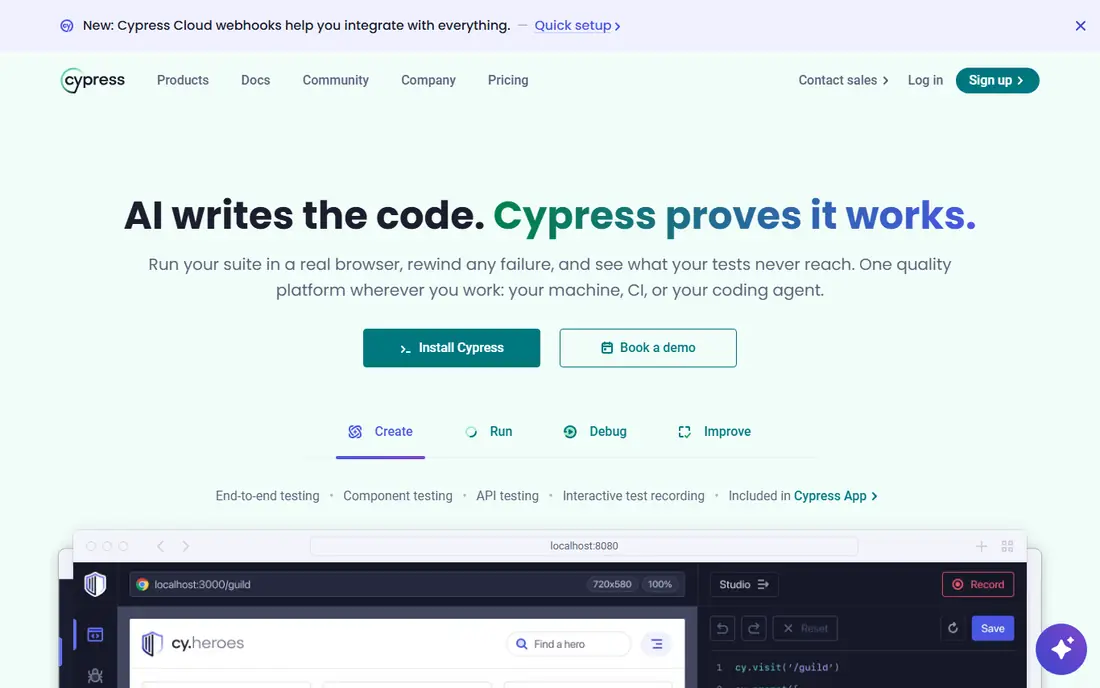
Cypress is loved by developers for its fast local test runs, time-travel debugging, and clear error output. You write tests in JavaScript, watch them run in a real browser, and inspect each step when something fails. Its cloud dashboard adds parallel runs, test history, and flaky test detection for teams that need scale.
The limits are browser and mobile coverage. Cypress focuses on web testing in Chromium-based browsers plus Firefox and WebKit support that is less complete than Playwright, and native mobile testing needs other tools. For web teams that want a productive, well-documented tool, Cypress is a strong mabl replacement.
- Fast local runs and clear debugging
- Strong community
- Dashboard for parallel runs and history
- Cross-browser and mobile coverage is narrower than Playwright
- Cloud features need a paid plan
Playwright
Ideal for: Fast cross-browser automation
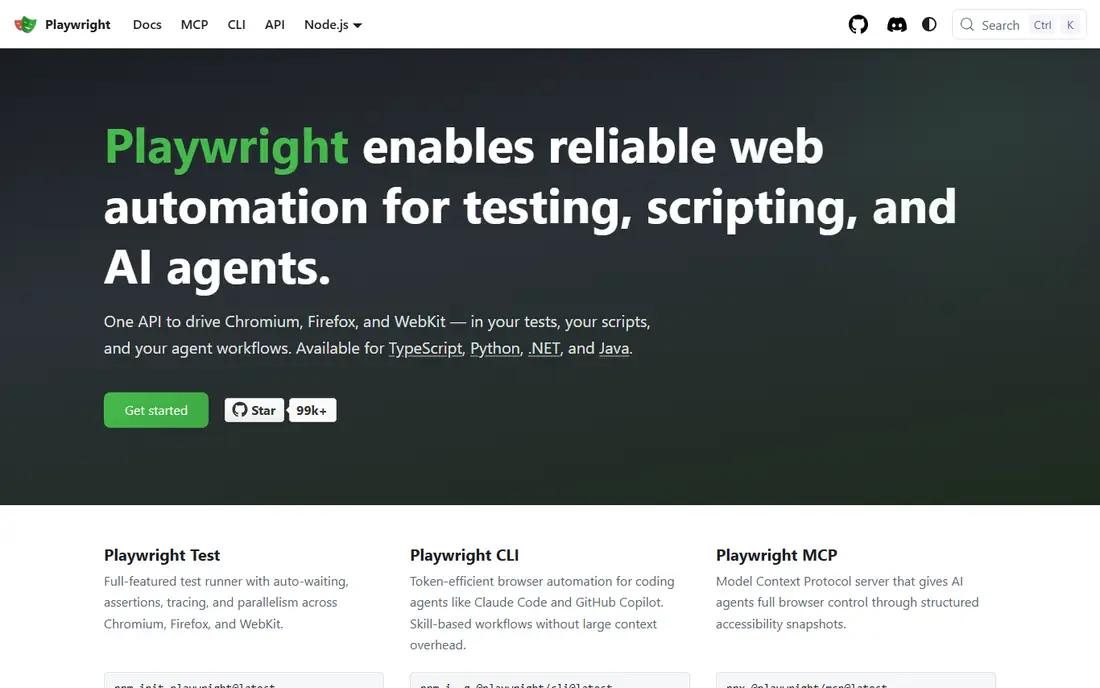
Playwright, from Microsoft, is our top pick for engineering teams. It is free and open source, supports Chromium, Firefox, and WebKit from one API, and uses auto-waiting to reduce flaky tests. Parallel runs, tracing, and mobile emulation come built in, and its test runner and reporting tools keep improving.
Playwright is code-first, so non-technical testers will need engineering help or a wrapper tool. Cloud runs, dashboards, and test management also need setup or third-party services. For teams with developers who test, Playwright offers the best mix of speed, coverage, and cost on this list, since the core tool is free.
- Free and open source
- Chromium, Firefox, and WebKit support
- Fast, stable auto-waiting
- Code-first tool needs engineering skill
- Reporting and cloud runs need setup
Selenium
Ideal for: Open source browser automation
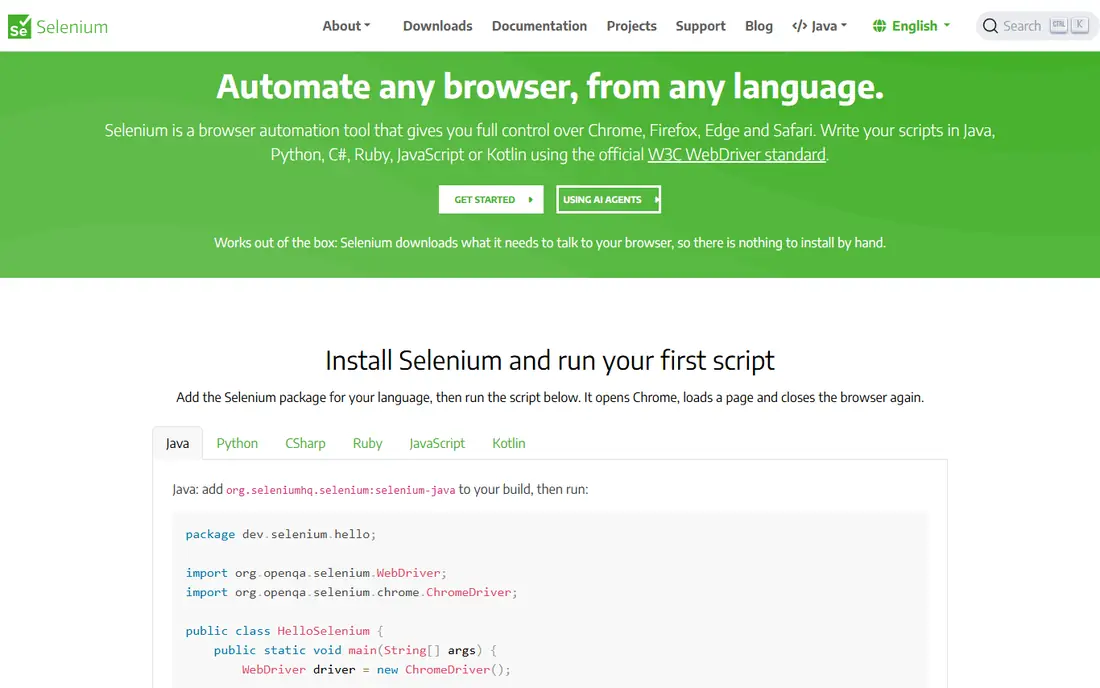
Selenium is the veteran open source browser automation tool, with support for many programming languages, browsers, and grid setups for parallel runs. Its ecosystem includes drivers, grids, and integrations built over many years, and large enterprises still rely on it for broad coverage.
Newer tools have passed Selenium on ease of use. You handle waits, flakiness, and reporting yourself, and there is no built-in AI test creation like mabl offers. For teams with existing Selenium skills and broad language needs, it remains a solid, free foundation. For teams starting fresh, Playwright or Cypress will feel faster.
- Free and open source
- Broad language and browser support
- Huge ecosystem and grid options
- More setup and flakiness handling than newer tools
- No built-in AI test creation
Katalon
Ideal for: Low-code test automation
Katalon suits teams that want low-code test creation without giving up depth. Its Studio tool offers record and playback, keyword-driven tests, and scripting when you need it, covering web, API, mobile, and desktop apps. Built-in reporting, integrations, and test management help QA teams run suites without stitching together many tools.
The free tier has limits, and very large or complex projects can feel heavier than code-first tools such as Playwright. For QA teams with mixed technical skill that want one platform for several app types, Katalon is a practical mabl replacement.
- Low-code test creation with record and playback
- Web, API, mobile, and desktop coverage
- Good reporting
- Free tier limits apply
- Heavy projects can feel slower than code-first tools
Testim
Ideal for: AI-assisted test creation
Testim, from Tricentis, is the closest AI-assisted match to mabl on this list. Its low-code authoring and AI features help create tests quickly and keep them stable as your app changes, with smart locators that adapt to UI shifts. That focus suits teams whose apps change often and whose tests break too easily.
Pricing is quote-based for larger use, and teams that want full code control will find Playwright more flexible. For QA teams that want AI help with test creation and maintenance without hiring automation engineers, Testim is a strong candidate.
- AI helps create and stabilize tests
- Low-code authoring
- Good for fast-changing apps
- Enterprise pricing needs a quote
- Code-level control is less than Playwright
Leapwork
Ideal for: Visual no-code automation
Leapwork builds tests as visual flowcharts, so non-technical testers can design automation by connecting blocks rather than writing code. It covers web and desktop apps, with scheduling, reporting, and integrations for CI pipelines. Teams with business testers often adopt it faster than code-first tools.
Very complex apps can produce large visual flows that need careful organization, and pricing is handled through sales. For organizations that want testers, analysts, and engineers to share one visual automation language, Leapwork is a distinctive and practical choice.
- Fully visual flowchart test building
- Web and desktop coverage
- Good for non-coders
- Pricing is quote-based
- Visual flows can get large on complex apps
Functionize
Ideal for: AI-driven enterprise testing
Functionize uses AI and machine learning to create, execute, and maintain tests at scale, with cloud runs and enterprise reporting. Its approach suits large teams with big test suites that need to keep pace with frequent releases, since AI maintenance reduces the manual work of fixing broken tests.
Small teams should weigh cost and scope. Functionize is built and priced for enterprise use, and its depth may be more than a small web team needs. For large organizations that want AI-driven testing with enterprise support, Functionize is a serious mabl replacement.
- AI creates and maintains tests at scale
- Cloud execution
- Enterprise reporting
- Enterprise focus and pricing
- Smaller teams may find it heavy
How we picked these
We compared official feature pages, pricing pages, documentation, and public reviews, and we checked that the homepages listed here belong to the products named. We favored tools that automate web app testing with stable runs, broad coverage, and reporting, whether code-first, low-code, or AI-assisted. We left out unit-test-only tools and manual testing tools with no automation, and we did not include mabl itself, since this list is about replacements.
We also checked how each product fits different team sizes, since a tool built for enterprises can overwhelm a small team, while a tool built for solo users can stall a growing company. We favored products that scale sensibly, with tiers that add depth without forcing a painful migration later. Free and trial access mattered in our scoring, because a team should be able to test real work before paying. Products that hide core features behind sales calls scored lower than products that let buyers try the actual workflow first.
What to check before you switch
Start with your hardest tests. Pick the flows that break most often, such as login, checkout, and dynamic content, and rebuild them in each finalist. Measure flakiness over repeated runs, since a tool that looks easy in a demo can still produce unstable suites on your real app.
Next, check CI and reporting. Confirm the tool runs in your pipeline, supports parallel runs, and reports failures in a way developers will read. Test integrations with your issue tracker and chat tools, since fast feedback loops matter more than any single feature.
Finally, model cost at real volume. Count monthly test runs, parallel workers, and seats, and compare cloud pricing against free open source tools plus your engineering time. A free core tool with high maintenance can cost more than a paid platform that keeps tests stable.
Pay attention to support and update pace before you commit. Read the help center, check whether guides match the current version of the product, and test support with a real question during the trial. A vendor that answers clearly and fixes problems quickly is worth more than a slightly lower price from a vendor that leaves you waiting. Also check how often the product changes and whether updates break existing workflows, since a tool that shifts under you every month can cost your team steady retraining time. Stability matters most for tools your whole team depends on daily, so favor vendors with a clear changelog and a reputation for careful releases.
Frequently asked questions
What is the best mabl alternative for most teams?
Playwright is our pick for most engineering teams, since it is free, fast, and covers all major browsers. Cypress suits developer-friendly web testing, while Testim suits QA teams that want AI-assisted, low-code test creation.
Is there a free mabl alternative?
Yes. Playwright and Selenium are free and open source, and Katalon, Cypress, and Testim offer free trials or limited free tiers. Free open source tools need more setup and maintenance than paid platforms, so compare total effort, not just license cost.
Do I need coding skills to use these tools?
It depends. Playwright and Selenium need coding skill, while Katalon, Testim, and Leapwork offer low-code or visual creation for non-coders. Match the tool to your testers skill, since a tool nobody can maintain will not survive a release cycle.
Which alternative handles fast-changing apps best?
Testim and Functionize focus on AI-assisted maintenance for changing apps, while Playwright reduces flakiness through auto-waiting and stable locators. Test with your own changing screens, since no tool fixes every UI shift automatically.
Can these tools test mobile apps too?
Katalon covers mobile testing alongside web and API, while Playwright focuses on mobile web emulation rather than native apps. Leapwork covers desktop and web. If native mobile testing is a core need, confirm coverage before choosing a web-first tool.
Can I use more than one of these tools together?
Yes, and many teams do, especially when one tool handles a core job well and another covers a niche need. The trick is to define which tool owns each job so records do not split across systems and confuse your team. Check integrations and data flow between the tools before committing, and name one system as the source of truth for each kind of record. Two tools that share data cleanly can beat one tool that does both jobs poorly, but two tools with no connection usually create duplicate work and errors.