Best MadCap Flare Alternatives in 2026: 8 Tools Compared

- 1
 PaligoStructured, reusable technical contentVisit
- 2
 Adobe FrameMakerLong, complex technical manualsVisit
- 3
 HelpNDocSmall teams on a budgetVisit
- 4
 Document360Customer-facing knowledge basesVisit
- 5
 GitBookProduct and developer documentationVisit
- Paligo and Heretto suit teams that want structured, topic-based authoring with reuse across many outputs.
- Document360 and GitBook are the quickest routes to a polished, searchable help center for customers.
- HelpNDoc gives small teams a low-cost desktop authoring tool with strong output options.
- Adobe FrameMaker still fits long, complex technical documents, especially in regulated industries.
- Confluence works best when docs live alongside the rest of a team's everyday collaboration.
Quick comparison
| Product | Ideal for | Price from | Free version | |
|---|---|---|---|---|
| Paligo | Structured, reusable technical content | See website | Free trial | Visit |
| Adobe FrameMaker | Long, complex technical manuals | See website | Free trial | Visit |
| HelpNDoc | Small teams on a budget | See website | Yes | Visit |
| Document360 | Customer-facing knowledge bases | See website | Free trial | Visit |
| GitBook | Product and developer documentation | See website | Yes | Visit |
 ClickHelp | Hosted help authoring without servers | See website | Free trial | Visit |
 Heretto | Component content at enterprise scale | See website | Free trial | Visit |
 Confluence | Docs alongside team collaboration | See website | Yes | Visit |
The best MadCap Flare alternatives
MadCap Flare is a capable help authoring tool, but its price, learning curve, and desktop-first workflow push many teams to look elsewhere. The tools below cover the same core job, which is writing once and publishing help in several formats, but they differ in how much structure they impose and how much they cost.
Paligo
Ideal for: Structured, reusable technical content
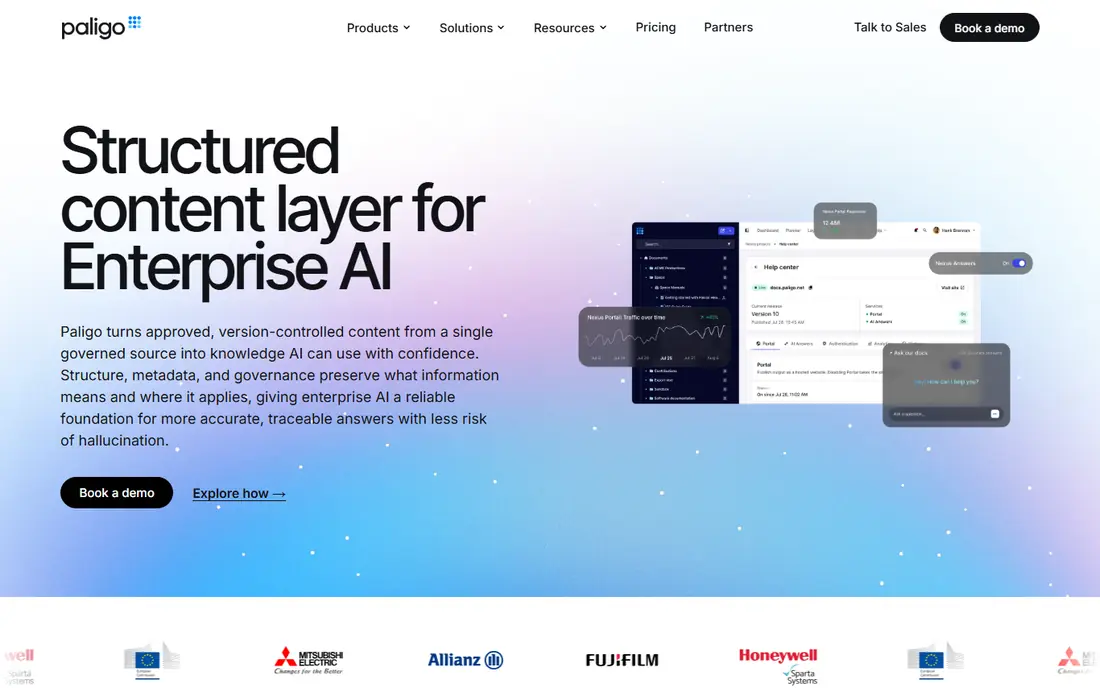
Paligo is the closest match for teams that liked Flare's single-sourcing model but want a cloud-based tool. Content lives as reusable topics, so a warning note or a procedure written once can appear in a user guide, a help center, and a PDF manual without being copied and pasted. That reuse pays off fast when a product ships frequent updates, since one edit flows everywhere the topic is used.
The trade-off is discipline. Paligo rewards teams that plan their content model up front, and writers used to free-form word processing may find the structured approach strict at first. Pricing is not published, so small teams should ask for a quote early and compare the total against a desktop tool. For documentation teams of three or more who publish to several channels, Paligo is our pick for most people.
- True topic-based authoring with content reuse
- Strong PDF and HTML5 output
- Built-in collaboration and review workflows
- Pricing is quote-based and can be steep for small teams
- Structured authoring takes time to learn
Adobe FrameMaker
Ideal for: Long, complex technical manuals

FrameMaker has been around for decades, and that history shows in the best way when a document runs to hundreds of pages. It manages cross-references, indexes, tables of contents, and conditional text without breaking a sweat, which is why aerospace, medical device, and manufacturing writers still rely on it. If your output is a printed manual or a regulated PDF, FrameMaker remains hard to beat.
It is less attractive for teams that want a live, searchable web help center with instant updates. Collaboration is clunkier than in cloud tools, and the interface will feel familiar to long-time technical writers but old-fashioned to newcomers. Pick FrameMaker when document complexity matters more than web publishing speed.
- Handles very large documents with ease
- Strong structured and unstructured authoring
- Mature PDF publishing
- Desktop-only workflow feels dated next to cloud tools
- Licensing cost adds up for large teams
HelpNDoc
Ideal for: Small teams on a budget
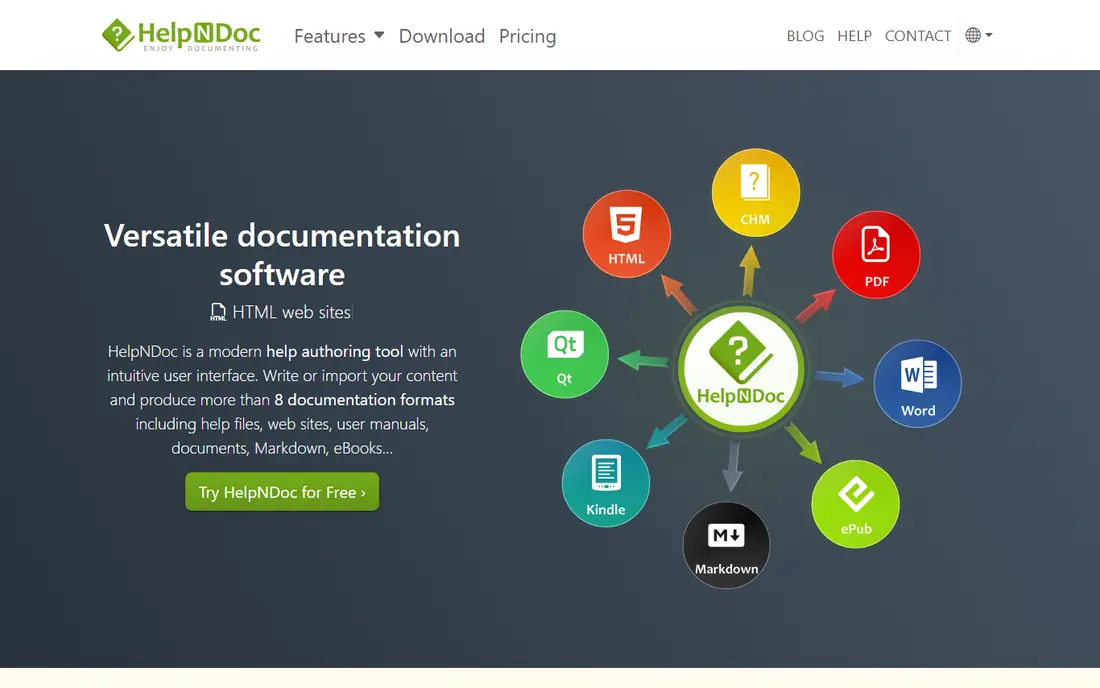
HelpNDoc is the budget option that still feels like a real authoring tool rather than a stripped-down demo. One project can produce a website, a PDF manual, a Word document, and a Windows help file, which covers most small-team needs in a single purchase. The editor is straightforward, and the free personal edition lets a solo writer start without spending anything.
The limits show up as teams grow. There is no shared cloud workspace, so writers pass project files around or use their own version control, and review workflows are manual. If you are one or two writers producing help for a desktop product or a small site, HelpNDoc delivers a lot for the money. Larger teams that need simultaneous editing should look at the cloud options on this list.
- Free personal edition
- Publishes to HTML, PDF, Word, and CHM
- Simple editor that new writers learn fast
- Windows-only desktop app
- Weaker collaboration than cloud tools
- No built-in hosted help center
Document360
Ideal for: Customer-facing knowledge bases
Document360 is built for the reader-facing side of documentation. You write in a simple editor, organize articles into categories, and get a fast help center with search, version history, and feedback buttons. Support teams like the analytics, which show the articles customers open most and the searches that return nothing, since that points straight at the gaps to fill next.
It is not a full replacement for Flare's single-sourcing depth. If you need the same content in a printed manual and five output formats, a structured tool fits better. But if your main goal is a help center that customers can actually find and use, Document360 gets you there with far less setup than Flare, and the hosted model means no servers to maintain.
- Clean, searchable help center out of the box
- Versioning and category management
- Analytics on what readers actually open
- Less suited to single-sourced print manuals
- Costs rise with team size and advanced features
GitBook
Ideal for: Product and developer documentation
GitBook started as a docs tool for developers and it still shows. Teams can write in a friendly editor or sync content from a Git repository, so docs can live in the same review process as code. The published result looks modern, loads fast, and works well on mobile, which matters when readers open docs from a phone during a setup step.
For pure technical writing teams, GitBook is lighter than Flare. It does not push topic-based reuse as hard, and very large structured content sets can feel less organized. But for software companies whose docs are read by developers and product users, GitBook's balance of good looks, Git integration, and a free tier is hard to argue with, and it is our pick for developer-facing docs.
- Clean reading experience
- Git-based workflows for developer teams
- Free tier for small public docs
- Less depth for heavily structured enterprise content
- Advanced permissions sit on higher plans
ClickHelp
Ideal for: Hosted help authoring without servers
ClickHelp covers the whole job in one place: you author, publish, and host your help center from the same account. That matters for teams that do not want to manage a separate hosting setup or stitch a publishing pipeline together. It supports topic reuse, variables, and conditional content, so one project can serve different product editions or audiences.
The community and third-party integrations are smaller than those around Confluence or GitBook, so teams that rely on a long list of add-ons may feel the gap. Still, for a documentation team that wants Flare-style authoring with the hosting handled for them, ClickHelp is a strong, fairly priced middle path, and the trial makes it easy to test with a real project.
- Full authoring plus hosting in one subscription
- Single-sourcing and conditional content
- Reader analytics included
- Smaller ecosystem than bigger rivals
- Interface takes a few days to feel natural
Heretto
Ideal for: Component content at enterprise scale
Heretto, formerly known as easyDITA, is aimed at organizations that treat content as components rather than documents. Writers build small, reusable pieces, assemble them into guides, and publish to web and PDF. The approach shines when the same safety warning, spec table, or procedure must appear across dozens of product variants and languages, since updates happen once.
That power comes with setup cost and a learning curve, and pricing is aimed at enterprise budgets. Small teams will find it more than they need. If your documentation problem is scale, reuse, and translation across a big product line, Heretto is the most Flare-like structured option here, delivered as a cloud service.
- Component content management built for reuse
- DITA support
- Strong review and localization workflows
- Enterprise pricing and setup effort
- More than small teams need
Confluence
Ideal for: Docs alongside team collaboration
Confluence is not a help authoring tool in the Flare sense, but many teams use it as one, and for internal docs it often works better. Pages are easy to create, search is built in, and the Jira integration ties docs to the work they describe. The free tier covers small teams, which makes it an easy first step.
The catch is publishing polish. Confluence pages look like wiki pages, and producing a branded, customer-facing help center or a print-ready manual takes add-ons and effort. If your audience is internal staff and your docs change constantly, Confluence is a fine, low-friction choice. If your audience is customers reading a polished help center, pick a dedicated docs tool instead.
- Free tier for small teams
- Deep Jira integration
- Huge template and add-on library
- Not a dedicated help authoring tool
- Output formatting and PDF publishing are limited
How we picked these
We compared official feature pages, pricing pages, app store listings, privacy policies, and public reviews for each tool, and we checked that each product is actively offered in October 2026. We favored tools that cover Flare's core job, which is authoring content once and publishing it in more than one format, and we kept a mix of structured authoring tools, hosted help centers, and budget options. We did not include tools that only handle wikis with no publishing workflow, or tools that have shut down.
What to check before you switch
Moving help authoring tools is a bigger job than moving a note-taking app, so test with a real slice of content before committing.
Import and output
Import a sample project, including images, tables, and conditional text, and publish it to every format you actually ship. Import tools often handle simple pages well and struggle with complex tables or cross-references, so check the messy pages, not just the clean ones.
Reuse and translation
If you reuse content or translate docs, test that workflow on day one. Topic reuse, variables, and translation management are the features that are hardest to add later, and they are where cheaper tools most often fall short.
Reader experience
Read the published output on a phone and on a slow connection. Help centers fail quietly when search is weak or pages load slowly, and readers simply leave. Pick the tool whose output you would be happy to send a customer to.
Frequently asked questions
Can I import a MadCap Flare project into these tools?
Some tools offer importers for common formats such as HTML, Word, and Markdown, but a direct Flare project import is uncommon. Plan on importing HTML or Word output and rebuilding styles, variables, and conditional logic by hand, and test with a sample project before you commit.
Which MadCap Flare alternative is cheapest?
HelpNDoc has a free personal edition and low-cost paid editions, and Confluence and GitBook both offer free tiers for small teams. The cheapest choice depends on team size, since per-seat pricing on hosted tools can pass a one-time desktop license once a team grows.
Do I need structured authoring to replace Flare?
No, not unless you reuse a lot of content across outputs or translate heavily. Teams that publish one help center and one PDF can do well with a simpler editor such as Document360 or GitBook, while teams with many product variants benefit from structured tools like Paligo or Heretto.
Can these tools publish both web help and PDF?
Most of them can, but the quality varies. Paligo, FrameMaker, and HelpNDoc have the strongest PDF output, while GitBook and Confluence focus more on web reading and treat PDF as a secondary export. Check sample output in both formats before you buy.
Is cloud or desktop authoring better for technical docs?
Cloud tools make collaboration and hosting easier, while desktop tools give you full control over files and output. Teams with several writers usually gain more from cloud collaboration, while solo writers with strict file-control needs may prefer a desktop tool.