Microsoft Forms Alternatives in 2026: 8 Tools Compared

- 1
 Google FormsFree simple formsVisit
- 2
 TypeformConversational formsVisit
- 3
 JotformFull-featured form builderVisit
- 4
 SurveyMonkeySurvey research platformVisit
- 5
 Zoho FormsForms for Zoho usersVisit
- Google Forms is the closest free rival, with simple forms and spreadsheet integration.
- Typeform and Paperform suit polished, conversational forms where design matters.
- Jotform and Formstack cover advanced forms, payments, and workflows.
- SurveyMonkey fits research surveys with analysis tools built in.
- Zoho Forms and Wufoo suit teams already using Zoho or wanting simple embeddable forms.
Quick comparison
| Product | Ideal for | Price from | Free version | |
|---|---|---|---|---|
| Google Forms | Free simple forms | Free | Yes | Visit |
| Typeform | Conversational forms | See website | Yes | Visit |
| Jotform | Full-featured form builder | See website | Yes | Visit |
| SurveyMonkey | Survey research platform | See website | Yes | Visit |
| Zoho Forms | Forms for Zoho users | See website | Yes | Visit |
 Wufoo | Simple embeddable forms | See website | Yes | Visit |
 Formstack | Forms plus workflows | See website | Free trial | Visit |
 Paperform | Design-led form builder | See website | Free trial | Visit |
The best Microsoft Forms alternatives
We weighed official feature pages, pricing, app store listings, privacy policies, and public reviews before ranking these options. The notes below give each option a fair hearing, including where it falls short.
Google Forms
Ideal for: Free simple forms
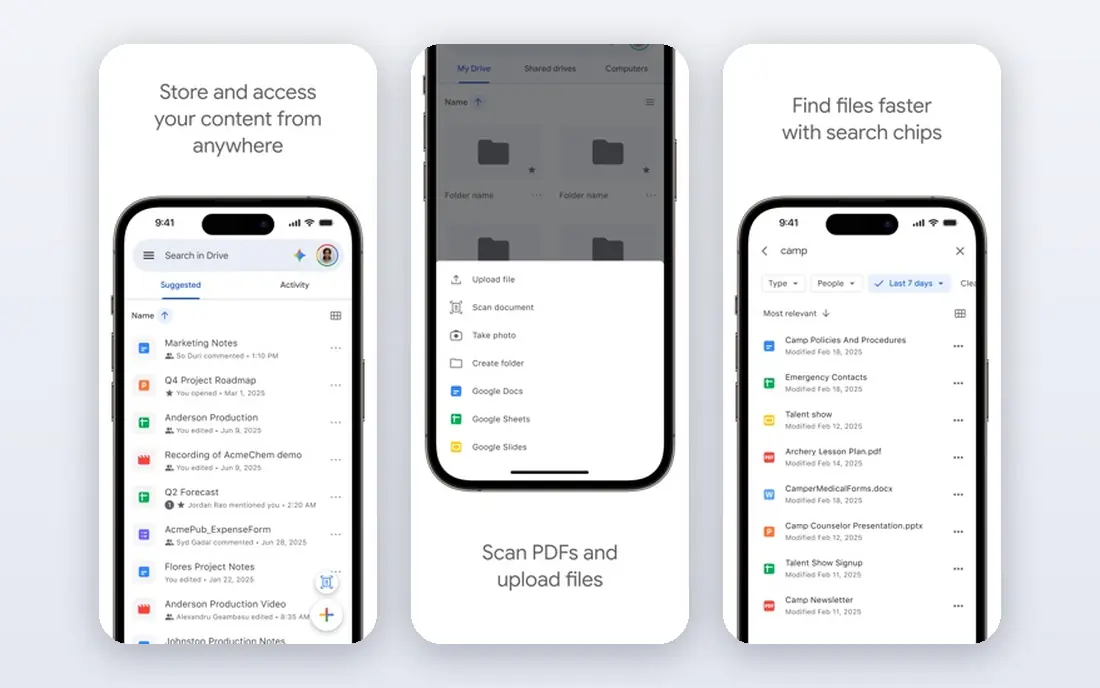
If Free simple forms is the job, start here: it offers free, simple forms with Sheets integration and easy sharing. That simplicity makes it the fastest way to collect responses without a subscription. It fits readers who want a practical option without a long setup, and it pairs well with the other choices on this list for comparison.
The honest catch is that design options are basic, and logic features are limited. There is no charge for the core product, though paid upgrades exist in most cases. That balance of strengths and limits is what kept it on the list, even though it is not the right pick for every reader.
- Free and simple
- Sheets integration
- Easy sharing
- Design options are basic
- Logic is limited
Typeform
Ideal for: Conversational forms
This option suits Conversational forms well, since it presents forms one question at a time in a polished, conversational style. That design often improves completion for surveys and lead forms. It fits readers who want a practical option without a long setup, and it pairs well with the other choices on this list for comparison.
What holds it back a little is that the free plan is limited, and pricing rises with response volume. Pricing is quoted rather than published as a single list price, so check the vendor site for the current figure for your setup. That balance of strengths and limits is what kept it on the list, even though it is not the right pick for every reader.
- Polished conversational design
- Logic
- Integrations
- Free plan is limited
- Pricing rises with responses
Jotform
Ideal for: Full-featured form builder
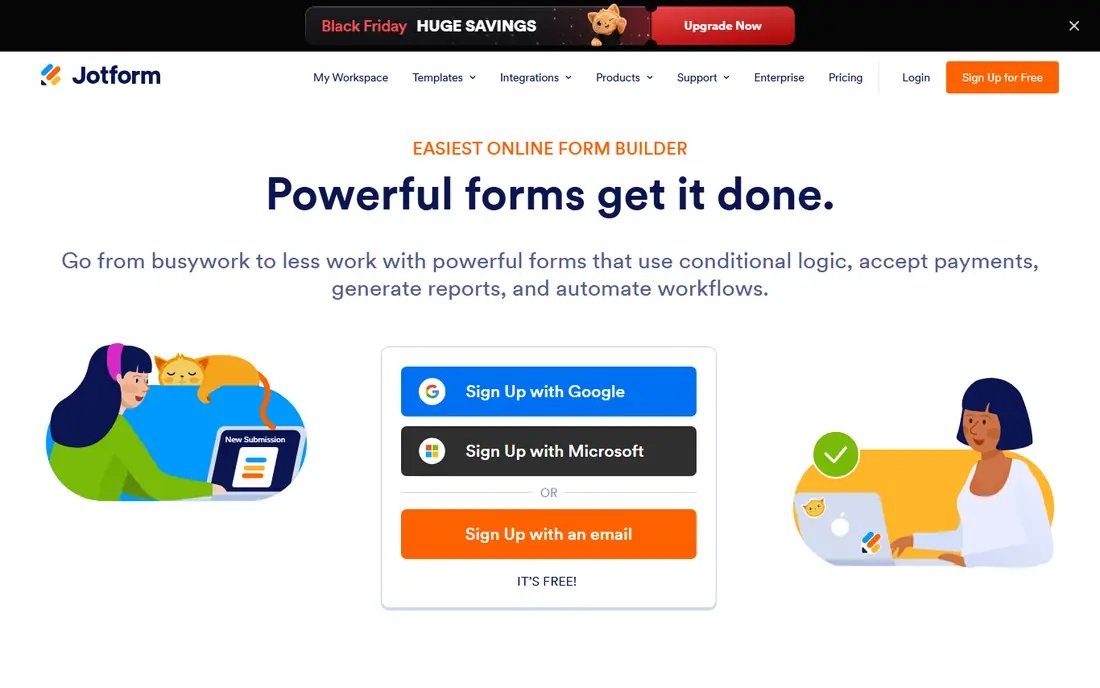
Buyers focused on Full-featured form builder will find a lot to like, as it offers a huge template range plus payments and workflows for advanced forms. That breadth covers everything from registrations to order forms. It fits readers who want a practical option without a long setup, and it pairs well with the other choices on this list for comparison.
The downside to weigh is that the free plan limits submissions, and the interface is busy. Pricing is quoted rather than published as a single list price, so check the vendor site for the current figure for your setup. That balance of strengths and limits is what kept it on the list, even though it is not the right pick for every reader.
- Huge template range
- Payments
- Workflows
- Free plan limits submissions
- Interface is busy
SurveyMonkey
Ideal for: Survey research platform
For teams or readers weighing Survey research platform, this is a strong candidate because it provides survey templates with analysis tools and benchmarking. Analysis features help research teams make sense of results without exporting everything. It fits readers who want a practical option without a long setup, and it pairs well with the other choices on this list for comparison.
Before you commit, note that the free plan is limited, and paid tiers cost more. Pricing is quoted rather than published as a single list price, so check the vendor site for the current figure for your setup. That balance of strengths and limits is what kept it on the list, even though it is not the right pick for every reader.
- Survey templates
- Analysis tools
- Benchmarking
- Free plan is limited
- Paid tiers cost more
Zoho Forms
Ideal for: Forms for Zoho users
When Forms for Zoho users matters most, this option stands out for it integrates with Zoho apps and offers logic, payments, and a mobile app. That integration suits teams already running Zoho CRM or Workplace. It fits readers who want a practical option without a long setup, and it pairs well with the other choices on this list for comparison.
One limitation worth knowing is that it works best inside Zoho, and the free plan limits entries. Pricing is quoted rather than published as a single list price, so check the vendor site for the current figure for your setup. That balance of strengths and limits is what kept it on the list, even though it is not the right pick for every reader.
- Zoho integration
- Logic and payments
- Mobile app
- Best inside Zoho
- Free plan limits entries
Wufoo
Ideal for: Simple embeddable forms
For Simple embeddable forms, this one earns a close look because it offers an easy builder with simple embedding for websites. Payment support covers basic order and donation forms. It fits readers who want a practical option without a long setup, and it pairs well with the other choices on this list for comparison.
The trade-off is that the interface is older, and the free plan is limited. Pricing is quoted rather than published as a single list price, so check the vendor site for the current figure for your setup. That balance of strengths and limits is what kept it on the list, even though it is not the right pick for every reader.
- Easy embedding
- Simple builder
- Payment support
- Older interface
- Free plan is limited
Formstack
Ideal for: Forms plus workflows
If Forms plus workflows is the job, start here: it pairs form building with advanced workflows and document features. That workflow depth suits teams automating approvals after submission. It fits readers who want a practical option without a long setup, and it pairs well with the other choices on this list for comparison.
The honest catch is that pricing is higher, and setup takes care. Pricing is quoted rather than published as a single list price, so check the vendor site for the current figure for your setup. That balance of strengths and limits is what kept it on the list, even though it is not the right pick for every reader.
- Advanced workflows
- Integrations
- Document features
- Pricing is higher
- Setup takes care
Paperform
Ideal for: Design-led form builder
This option suits Design-led form builder well, since it gives strong design control for forms that need to look like a brand page. Payments and logic cover bookings, orders, and applications. It fits readers who want a practical option without a long setup, and it pairs well with the other choices on this list for comparison.
What holds it back a little is that pricing is per plan, and the template range is smaller than Jotform. Pricing is quoted rather than published as a single list price, so check the vendor site for the current figure for your setup. That balance of strengths and limits is what kept it on the list, even though it is not the right pick for every reader.
- Beautiful design control
- Payments
- Logic
- Pricing per plan
- Smaller template range
How we picked these
We started from the topic itself and kept only products that exist, work in October 2026, and truly fit what a reader searching this topic would want. We compared official feature pages, pricing pages, app store listings, privacy policies, and public reviews, and we left out products whose pricing or core features we could not verify. Where a price was not published clearly, we wrote See website rather than guessing a figure.
We also gave weight to fit over fame. A well-known name stayed on the list only if it matched the topic, and a smaller option earned a place when it solved the same problem well. We did not claim hands-on testing that did not happen, and we noted honest weaknesses alongside the strengths for every option.
Picking a form tool that fits your forms
Start with form type. A simple feedback form needs only Google Forms, while a branded application or order form benefits from Typeform or Paperform. A research survey benefits from SurveyMonkey analysis. Matching type to tool saves money.
Next, check logic, payments, and integrations. Confirm branching logic, payment methods, and spreadsheet or CRM connections work for your exact flow. A form that cannot connect to your system creates manual copying.
Finally, test on a phone. Most respondents answer on mobile, so a form that looks good on desktop but breaks on a phone will lose responses. Test the full flow, including payments, before launch.
Frequently asked questions
What is the best free Microsoft Forms alternative?
Google Forms is the best free rival for simple forms, with unlimited responses and Sheets integration. Typeform and Jotform offer free plans with tighter limits.
Can these tools take payments?
Yes, Jotform, Typeform, Paperform, Zoho Forms, and Wufoo support payments, though methods and fees vary. Check supported gateways for your country.
Do alternatives work without Microsoft 365?
Yes, all of these work independently of Microsoft 365. Google Forms needs a Google account, while others work with any email.
Which tool is best for surveys?
SurveyMonkey suits research surveys with analysis tools, while Typeform suits shorter, conversational surveys. Google Forms covers simple surveys free.
Can I embed forms on my website?
Yes, most form builders offer embed codes for websites. Check embed options and mobile behavior before choosing.