Microsoft Visio Alternatives in 2026: 8 Tools Compared

- 1
 LucidchartCollaborative diagrammingVisit
- 2
 diagrams.netFree diagramming toolVisit
- 3
 MiroCollaborative whiteboardVisit
- 4
 WhimsicalSimple diagrams and boardsVisit
- 5
 CreatelyDiagram and visual workspaceVisit
- Lucidchart is the closest full Visio rival, with diagramming plus collaboration.
- diagrams.net is the best free option, with solid diagramming at no cost.
- Miro and Whimsical suit collaborative whiteboarding and simpler diagrams.
- Creately and EdrawMax cover templates and diagram types beyond flowcharts.
- yEd and Gliffy suit technical users and teams already inside other platforms.
Quick comparison
| Product | Ideal for | Price from | Free version | |
|---|---|---|---|---|
| Lucidchart | Collaborative diagramming | See website | Yes | Visit |
| diagrams.net | Free diagramming tool | Free | Yes | Visit |
| Miro | Collaborative whiteboard | See website | Yes | Visit |
| Whimsical | Simple diagrams and boards | See website | Yes | Visit |
| Creately | Diagram and visual workspace | See website | Yes | Visit |
 EdrawMax | Diagram software with templates | See website | Free trial | Visit |
 yEd Graph Editor | Free graph diagram tool | Free | Yes | Visit |
 Gliffy | Diagramming inside work tools | See website | Free trial | Visit |
The best Microsoft Visio alternatives
We compared official feature pages, pricing pages, app store listings, privacy policies, and public reviews to put this list together. The notes below give each option a fair hearing, including where it falls short.
Lucidchart
Ideal for: Collaborative diagramming

If Collaborative diagramming is the job, start here: it offers full diagram types with collaboration and integrations for teams. That breadth covers flowcharts, org charts, and architecture diagrams in one tool. It fits readers who want a practical option without a long setup, and it pairs well with the other choices on this list for comparison.
The honest catch is that the free plan limits diagrams, and pricing is per user. Pricing is quoted rather than published as a single list price, so check the vendor site for the current figure for your setup. That balance of strengths and limits is what kept it on the list, even though it is not the right pick for every reader.
- Full diagram types
- Collaboration
- Integrations
- Free plan limits diagrams
- Pricing per user
diagrams.net
Ideal for: Free diagramming tool
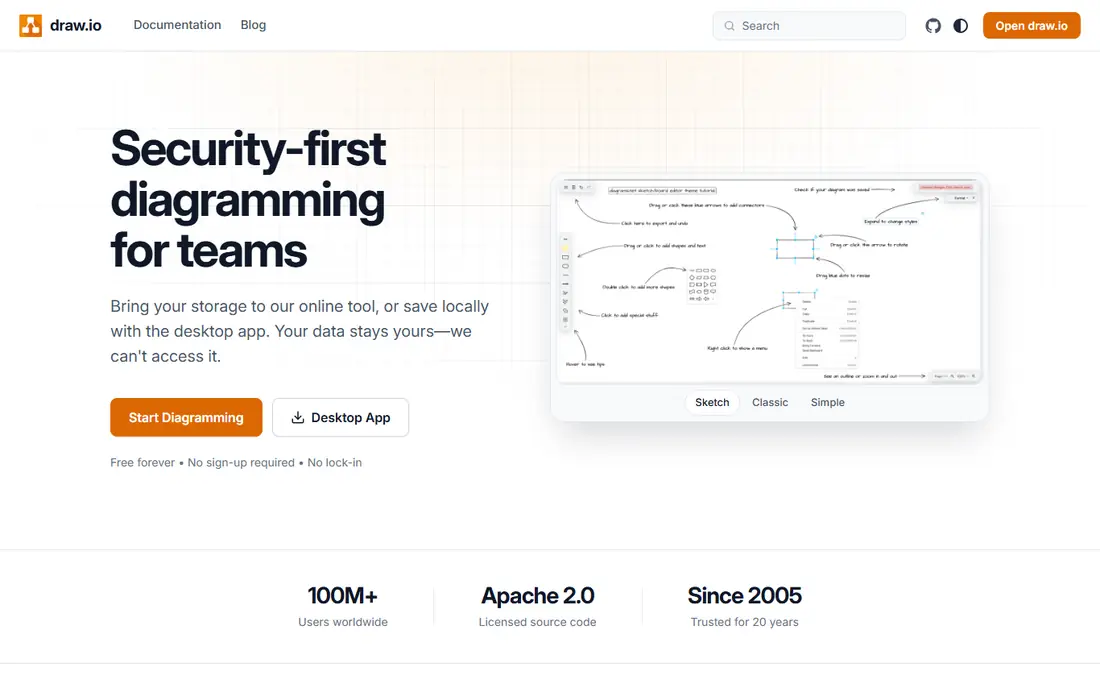
This option suits Free diagramming tool well, since it offers free, open diagramming with offline use and a choice of storage. That free access makes it the easiest Visio replacement to try. It fits readers who want a practical option without a long setup, and it pairs well with the other choices on this list for comparison.
What holds it back a little is that templates are fewer, and collaboration is basic. There is no charge for the core product, though paid upgrades exist in most cases. That balance of strengths and limits is what kept it on the list, even though it is not the right pick for every reader.
- Free and open
- Offline use
- Storage choice
- Fewer templates
- Collaboration is basic
Miro
Ideal for: Collaborative whiteboard

Buyers focused on Collaborative whiteboard will find a lot to like, as it combines whiteboarding with diagrams and collaboration on a shared canvas. That canvas suits workshops and brainstorming that end in a diagram. It fits readers who want a practical option without a long setup, and it pairs well with the other choices on this list for comparison.
The downside to weigh is that diagram precision is lower than dedicated tools, and pricing is per user. Pricing is quoted rather than published as a single list price, so check the vendor site for the current figure for your setup. That balance of strengths and limits is what kept it on the list, even though it is not the right pick for every reader.
- Whiteboarding plus diagrams
- Collaboration
- Templates
- Diagram precision is lower
- Pricing per user
Whimsical
Ideal for: Simple diagrams and boards
For teams or readers weighing Simple diagrams and boards, this is a strong candidate because it offers simple flowcharts, wireframes, and boards in a clean design. That simplicity helps teams diagram fast without learning a complex tool. It fits readers who want a practical option without a long setup, and it pairs well with the other choices on this list for comparison.
Before you commit, note that the free plan is limited, and the diagram range is narrower. Pricing is quoted rather than published as a single list price, so check the vendor site for the current figure for your setup. That balance of strengths and limits is what kept it on the list, even though it is not the right pick for every reader.
- Simple flowcharts
- Wireframes
- Clean design
- Free plan is limited
- Diagram range is narrower
Creately
Ideal for: Diagram and visual workspace
When Diagram and visual workspace matters most, this option stands out for it offers many diagram types with templates and collaboration. That range covers business and technical diagrams alike. It fits readers who want a practical option without a long setup, and it pairs well with the other choices on this list for comparison.
One limitation worth knowing is that the free plan is limited, and the interface is busy to some users. Pricing is quoted rather than published as a single list price, so check the vendor site for the current figure for your setup. That balance of strengths and limits is what kept it on the list, even though it is not the right pick for every reader.
- Many diagram types
- Templates
- Collaboration
- Free plan is limited
- Interface is busy to some
EdrawMax
Ideal for: Diagram software with templates
For Diagram software with templates, this one earns a close look because it offers a huge template range with offline desktop apps and many diagram types. That template depth speeds up uncommon diagrams. It fits readers who want a practical option without a long setup, and it pairs well with the other choices on this list for comparison.
The trade-off is that pricing is per license, and collaboration is lighter than cloud rivals. Pricing is quoted rather than published as a single list price, so check the vendor site for the current figure for your setup. That balance of strengths and limits is what kept it on the list, even though it is not the right pick for every reader.
- Huge template range
- Offline desktop
- Many diagram types
- Pricing per license
- Collaboration is lighter
yEd Graph Editor
Ideal for: Free graph diagram tool
If Free graph diagram tool is the job, start here: it offers free graph diagramming with automatic layout for complex graphs. Automatic layout saves time on large, tangled diagrams. It fits readers who want a practical option without a long setup, and it pairs well with the other choices on this list for comparison.
The honest catch is that the interface is technical, and collaboration is minimal. There is no charge for the core product, though paid upgrades exist in most cases. That balance of strengths and limits is what kept it on the list, even though it is not the right pick for every reader.
- Free graph layouts
- Automatic layout
- Desktop app
- Interface is technical
- Collaboration is minimal
Gliffy
Ideal for: Diagramming inside work tools
This option suits Diagramming inside work tools well, since it embeds diagramming inside Confluence and Jira, with templates and sharing. That embedding suits teams that already document work in Atlassian tools. It fits readers who want a practical option without a long setup, and it pairs well with the other choices on this list for comparison.
What holds it back a little is that standalone use is thinner, and pricing is per user. Pricing is quoted rather than published as a single list price, so check the vendor site for the current figure for your setup. That balance of strengths and limits is what kept it on the list, even though it is not the right pick for every reader.
- Diagrams inside Confluence and Jira
- Templates
- Sharing
- Standalone use is thinner
- Pricing per user
How we picked these
We started from the topic itself and kept only products that exist, work in October 2026, and truly fit what a reader searching this topic would want. We compared official feature pages, pricing pages, app store listings, privacy policies, and public reviews, and we left out products whose pricing or core features we could not verify. Where a price was not published clearly, we wrote See website rather than guessing a figure.
We also gave weight to fit over fame. A well-known name stayed on the list only if it matched the topic, and a smaller option earned a place when it solved the same problem well. We did not claim hands-on testing that did not happen, and we noted honest weaknesses alongside the strengths for every option.
Choosing a Visio alternative for your diagrams
Start with diagram type. Flowcharts and org charts suit almost any tool here, while network and architecture diagrams benefit from Lucidchart or EdrawMax templates. Whiteboard-style work suits Miro better than a precise diagram tool.
Next, check collaboration and storage. Confirm real-time editing, commenting, and where files are stored, especially if your team uses Google Workspace, Microsoft 365, or Confluence. A tool that fights your existing system will be avoided.
Finally, test import and export. If you have existing Visio files, check how cleanly they import, and check PDF and image export for sharing with people who do not use the tool.
Frequently asked questions
What is the best free Visio alternative?
diagrams.net is the best free option, with full diagramming at no cost and offline use. yEd is another free choice for graph-heavy diagrams.
Can alternatives open Visio files?
Many can import Visio files, but fidelity varies by diagram type and tool. Test import with your actual files before committing.
Is Lucidchart better than Visio?
Lucidchart suits cloud collaboration and cross-platform use, while Visio suits Microsoft-centric teams. The better choice depends on your existing tools.
Do I need a diagram tool or a whiteboard?
Precise diagrams need a diagram tool, while brainstorming suits a whiteboard like Miro. Some teams use both, starting on a whiteboard and finishing in a diagram tool.
Can I diagram offline?
Yes, diagrams.net and EdrawMax offer offline use, while most cloud tools need a connection. Check offline support if you work without reliable internet.