6 Best Microsoft Whiteboard Alternatives for 2026

- 1
 FigJamDesign teamsVisit
- 2
 CreatelyAll-in-one diagrammingVisit
- 3
 Canva WhiteboardsVisual content creatorsVisit
- 4
 MiroLarge remote teamsVisit
- 5
 ExcalidrawFast sketches, developersVisit
- This list starts with FigJam, which is built for design teams.
- Mural suits enterprise workshops.
- The cheapest monthly starting price in the list is $3 per user per month, offered by FigJam.
- A fair warning about Canva Whiteboards: Pro from $12.99 a month.
- Free access is easy to find: 6 of the 6 tools have a free plan, for example FigJam, Creately, Canva Whiteboards and Miro.
Direct answer
Start with FigJam if you need design teams. Alternatives: Creately for all-in-one diagramming, and Canva Whiteboards for visual content creators. All 6 tools are compared below on price, free plan and limits.
Quick comparison
| Product | Ideal for | Price from | Free version | |
|---|---|---|---|---|
| FigJam | Design teams | $3 per user a month | Yes | Visit |
| Creately | All-in-one diagramming | $5 per user per month | Yes | Visit |
| Canva Whiteboards | Visual content creators | $12.99 a month | Yes | Visit |
| Miro | Large remote teams | $8 per user a month | Yes | Visit |
| Excalidraw | Fast sketches, developers | Free | Yes | Visit |
 Mural | Enterprise workshops | $12 per user a month | Yes | Visit |
The best Microsoft Whiteboard
Choosing Microsoft Whiteboard usually comes down to price, fit and limits. This Ainotely guide sets 6 tools side by side on those three points, with the facts kept short and checkable.
FigJam
Ideal for: Design teams
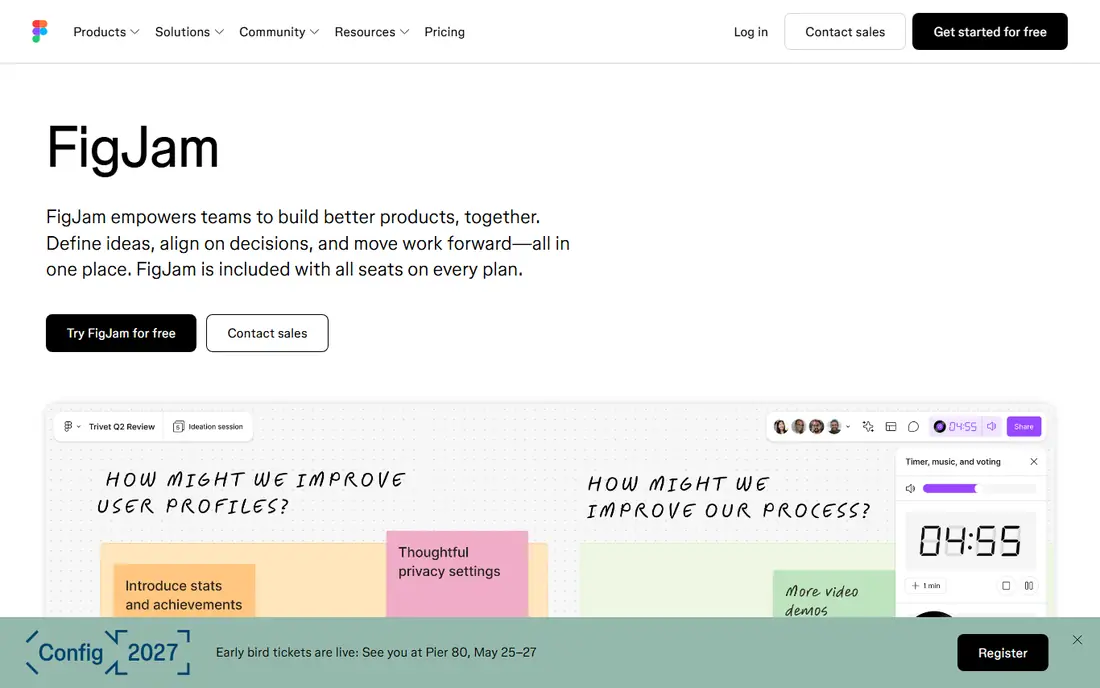
In short, FigJam is for design teams. That closeness beats generic whiteboards for design teams.
Points against: Fewer diagram types than Lucid.
In practice, pick Miro when general versatility leads. In daily use, pick FigJam when Figma integration leads. FigJam pricing: $3 per user per month. You can start on FigJam without paying.
- Clean interface
- Simple brainstorming for design-centric teams
- Pricing varies by source ($3 to $5)
Creately
Ideal for: All-in-one diagramming

Pick Creately if this describes you: all-in-one diagramming. Creately gives you all-in-one diagramming with over 9,000 templates and 70 or more diagram types, plus custom databases and item-level notes and attachments that competitors lack. It spans UML, ERD, flowcharts, network diagrams, and more with intelligent connectors.
Beyond that, the custom database feature deserves a second look, since it lets teams attach structured data to diagrams, turning a flowchart into a living document that updates as the underlying data changes. That capability separates Creately from pure whiteboards, which treat diagrams as pictures instead of data. Pick Miro when collaboration scale leads. Starting cost for Creately: $5 per user per month. Free access exists with Creately.
Downsides: Visual modeling focus may exceed straightforward needs.
- 70+ diagram types
- Custom databases
- Less brand recognition than Miro
Canva Whiteboards
Ideal for: Visual content creators
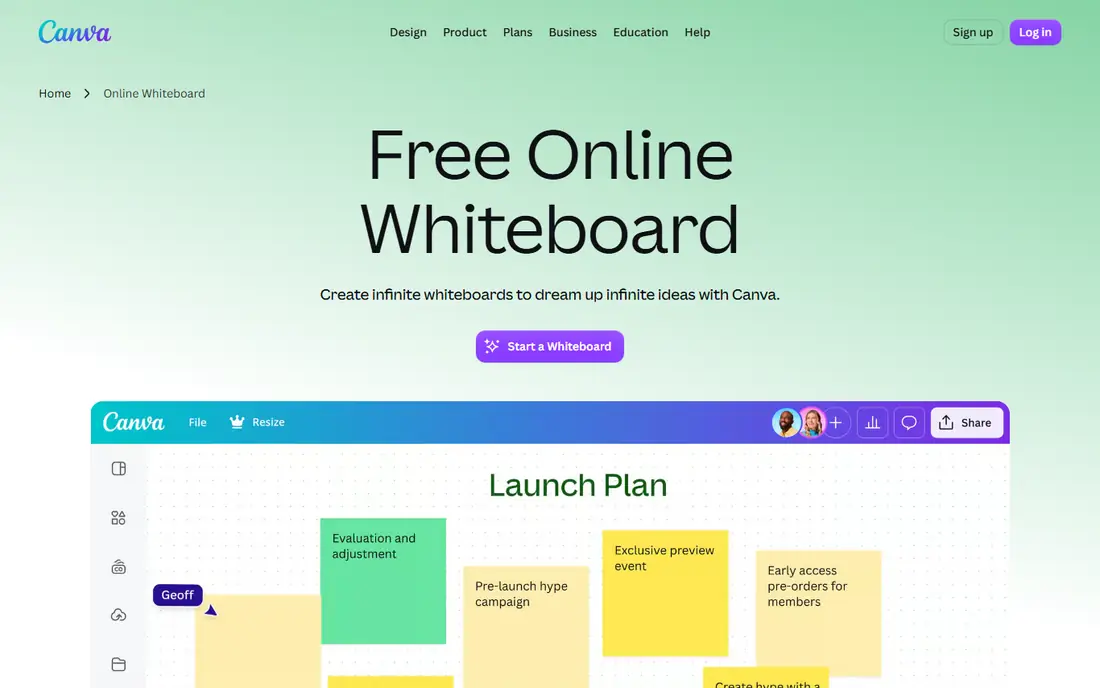
Where Canva Whiteboards fits: visual content creators. Canva Whiteboards suit visual content creators with a massive graphics library, letting teams build visually rich boards from Canva's assets.
Trade-offs to know: Less workshop depth than Miro.
From a buyer's view, workshop facilitation depth trails Miro and Mural, and the design-first approach fits creators more than facilitators. The starting price for Canva Whiteboards: $12.99 per month. Canva Whiteboards offers a free plan.
- Massive graphics library
- Visual content creation
- Pro from $12.99 a month
Miro
Ideal for: Large remote teams
Where Miro fits: large remote teams. It provides an infinite canvas with thousands of templates for retrospectives, customer journey maps, and sprint planning, plus deep integrations with Jira, Asana, Slack, and Zoom. Beyond that, pick FigJam when design integration leads.
For everyday use, pick Miro when large remote teams need scale and templates. Enterprise levels add advanced permissions, SSO, and admin controls for large organizations. That level ladder matters for budgeting: a team that starts free and grows into Business pays double the Starter rate, so forecast the level the team will actually need in per year, not just the entry price today. Teams that stay small can live on Starter indefinitely, whereas teams running enterprise workshops should budget for Business or Enterprise from the start rather than migrating mid-year and retraining users. Starting cost for Miro: $8 per user per month. You can start on Miro without paying.
Where it is weaker: Ramp-up time from feature depth.
- Deepest integrations and template library
- Used by 99% of Fortune 100
- Performance issues on very large boards
Excalidraw
Ideal for: Fast sketches, developers
Excalidraw was built for fast sketches, developers. Templates and integrations are thinner, and team features need Excalidraw+ at additional cost.
Honest limits: Fewer templates and integrations.
In daily use, pick Excalidraw when fast, free sketching leads. That speed beats every premium tool for ad hoc explanations and technical discussions. Starting cost for Excalidraw: Free. Excalidraw includes a free tier.
- Free and open source
- Hand-drawn style fits developers
- No built-in workshop tools
Mural
Ideal for: Enterprise workshops
Mural is built with enterprise workshops in mind. Mural supplies enterprise-grade collaboration for workshops, with facilitation tools and over 500 templates.
For everyday use, Facilitators run guided sessions with frameworks designed for enterprise workshops, not just freeform boards. In daily use, the enterprise focus displays in permissions, security, and admin controls that large firms need. On cost, Mural starts like this: $12 per user per month. Mural offers a free plan.
Honest limits: Less template breadth than Creately.
- 500+ templates
- Enterprise-grade collaboration
- Moderate ramp-up time
How the list was put together
Ainotely looked at what each vendor publishes: pricing, plan limits, feature coverage for Microsoft Whiteboard and stated drawbacks. No hands-on testing is claimed. Prices and plan limits come from vendor pages and can change, so confirm them on the vendor site before you buy. We ordered the tools by general fit, then by how clearly pricing is shown, then by free access. A buyer with unusual needs may reorder them.
What to confirm before you sign up
- Confirm the entry price on the vendor page: FigJam starts at $3 per user per month, but seat counts and billing terms change the total.
- Look at free plan limits closely: FigJam, Creately, Canva Whiteboards and others have one, and the caps decide whether it is usable for real work.
- Before choosing FigJam, weigh its main limit: fewer diagram types than Lucid.
- Ask Canva Whiteboards whether prices are locked for the first term and what happens at renewal.
- Check the integration list for Creately against the tools you run today, and note which ones need a higher plan.
Frequently asked questions
Can I try these tools before paying?
Often, yes. FigJam, Creately, Canva Whiteboards and others have a free plan. Use your own data and a real task during the test, and check what the free tier or trial limits before you rely on it.
Do these tools publish their prices?
Yes. Every tool from FigJam to Mural shows a starting price, though seats, add-ons and billing terms still change the final cost.
How are the tools for Microsoft Whiteboard ordered?
The order follows typical fit for Microsoft Whiteboard, with FigJam first and Mural last, then price clarity and free access. It is editorial judgement, not a score, so another team could rank the tools differently.
Is FigJam the right pick for everyone comparing Microsoft Whiteboard?
No single tool suits every team. FigJam comes first because it fits design teams, while Creately suits all-in-one diagramming and Canva Whiteboards suits visual content creators. Match the tool to your own size, budget and workflow before deciding.
Which alternative has the most templates?
Creately leads with over 9,000 templates and 70 or more diagram types, far above Miro's 1,000 or more and Mural's 500 or more. That breadth fits teams that diagram numerous different things.
Should I stay on Microsoft Whiteboard?
Stay when Microsoft 365 dominates the team's workflow and entry-level whiteboarding suffices, since the tool costs nothing additional. Move when template, diagramming, or facilitation gaps cost more time than a premium alternative's subscription.