Best Multilogin Alternatives in 2026: 8 Browsers Compared

- 1
 GoLoginEasy multi-profile browsingVisit
- 2
 Dolphin AntyFree starter profilesVisit
- 3
 AdsPowerAgency account managementVisit
- 4
 KameleoDeep fingerprint controlVisit
- 5
 IncognitonSmall team profile sharingVisit
- GoLogin and Dolphin Anty are the most approachable starting points, with free plans and simple profile setup.
- AdsPower and MoreLogin suit agencies that run many client accounts from shared workspaces.
- Kameleo stands out for deep fingerprint control and mobile profile options.
- Incogniton and Octo Browser offer a good balance of price and profile management for smaller teams.
- Hidemyacc fits users who want automation features alongside standard profile management.
Quick comparison
| Product | Ideal for | Price from | Free version | |
|---|---|---|---|---|
| GoLogin | Easy multi-profile browsing | See website | Yes | Visit |
| Dolphin Anty | Free starter profiles | See website | Yes | Visit |
| AdsPower | Agency account management | See website | Yes | Visit |
| Kameleo | Deep fingerprint control | See website | Free trial | Visit |
| Incogniton | Small team profile sharing | See website | Yes | Visit |
 Octo Browser | Fast profile switching | See website | Free trial | Visit |
 Hidemyacc | Automation plus profiles | See website | Free trial | Visit |
 MoreLogin | Low-cost agency profiles | See website | Yes | Visit |
The best Multilogin alternatives
Multilogin built its name on letting one person manage many separate browser profiles, each with its own cookies, fingerprints, and proxy settings. The tools below do the same job, and they differ mainly in price, profile limits, fingerprint controls, and team features. We focused on legitimate uses here: agencies managing client ad accounts, testers checking sites from different setups, and teams that keep work accounts separate.
GoLogin
Ideal for: Easy multi-profile browsing
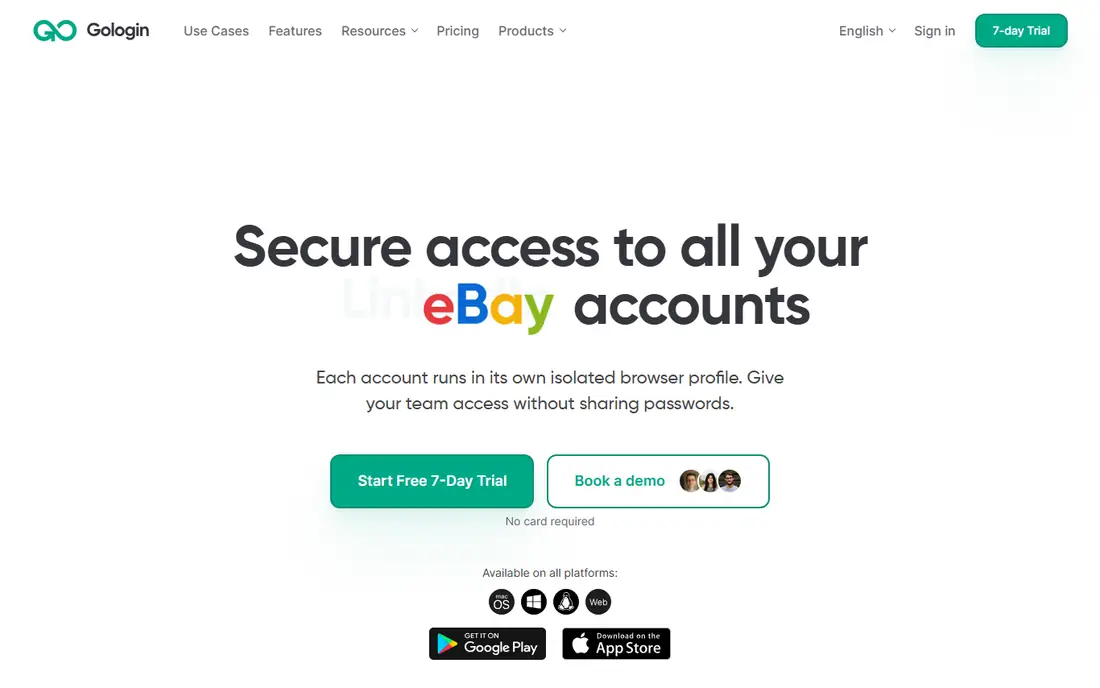
GoLogin is the easiest of these tools to start with. You create a profile, pick an operating system and browser fingerprint, attach a proxy, and open a separate browser window that behaves like a different machine. Profiles sync through the cloud, so you can move between a desktop and a laptop without copying files by hand. The free plan covers a small number of profiles, which is enough to test the workflow before paying.
The limits appear as usage grows. Fine-grained fingerprint controls and larger profile counts require paid plans, and teams that run hundreds of profiles will find the bill climbs with each tier. For solo users and small teams that want a clean, simple replacement for Multilogin, GoLogin is our pick for most people.
- Simple setup with a free plan
- Cloud profile sync across devices
- Built-in proxy management
- Advanced fingerprint settings sit on higher plans
- Heavy users can hit profile limits fast
Dolphin Anty
Ideal for: Free starter profiles
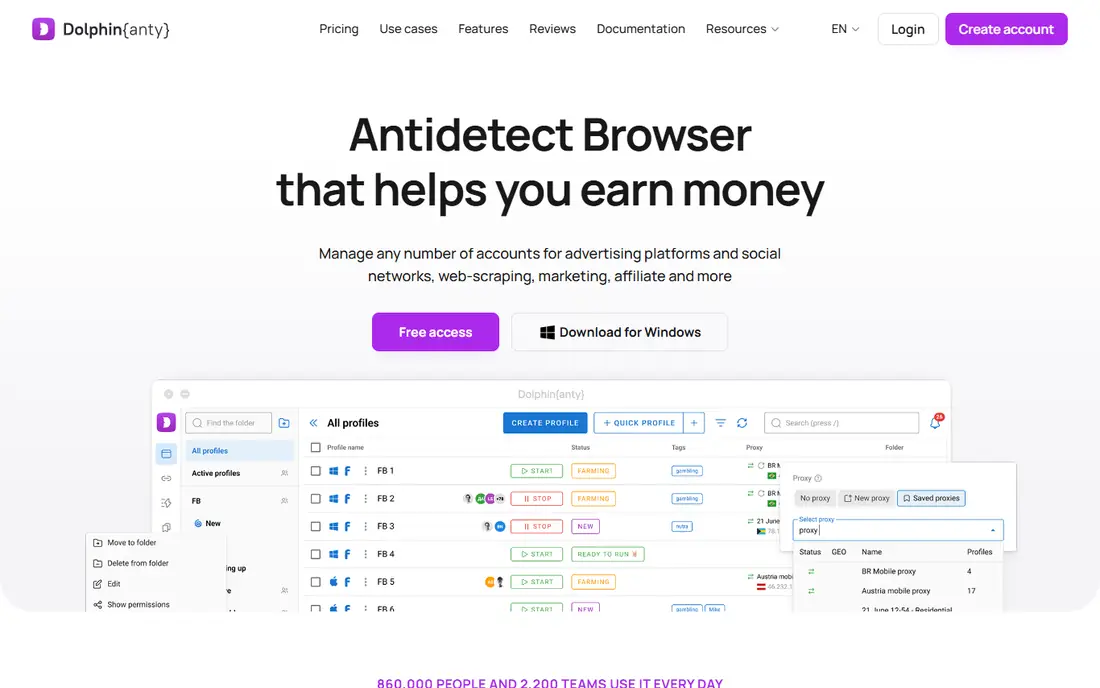
Dolphin Anty is popular with affiliate marketers and agencies because its free plan is genuinely usable, not just a short trial. You can create a set of profiles, assign proxies, and add notes and tags to each one, which helps when a team shares a pool of accounts. Profile creation is fast, and bulk actions save time when you set up many profiles at once.
The interface packs a lot onto each screen, so new users may need a day or two to find everything. Paid plans add more profiles, team seats, and automation options. If your main need is a low-cost start with room to grow, Dolphin Anty is a strong choice.
- Free plan with several profiles
- Quick profile creation
- Useful team and proxy tools
- Interface can feel busy at first
- Some advanced features need paid plans
AdsPower
Ideal for: Agency account management
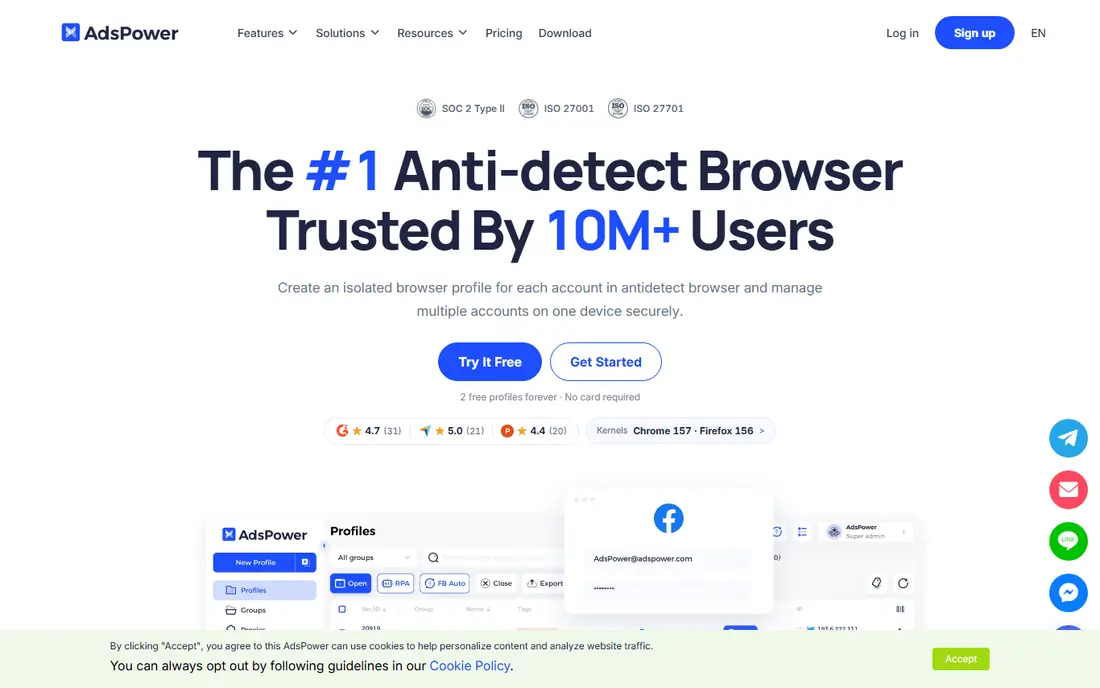
AdsPower is designed around teams that manage accounts for clients. You can group profiles by client, give staff members limited roles, and control who can open, edit, or export each profile. That structure matters once more than two people touch the same accounts, since it cuts down on mix-ups and accidental changes.
AdsPower also offers automation tools and an API for repetitive tasks such as opening profiles and running scripts. The trade-off is complexity: the settings menus run deep, and casual users may find more than they need. For agencies that already work in a structured way, AdsPower fits well.
- Built for agencies with member roles and permissions
- Automation and API options
- Free plan available
- Learning curve for the full feature set
- Pricing rises with profile and seat counts
Kameleo
Ideal for: Deep fingerprint control
Kameleo gives you more control over browser fingerprints than most tools on this list. You can adjust canvas, WebGL, audio, fonts, and other signals, and you can create mobile profiles that mimic Android devices. That detail appeals to testers and researchers who need profiles to look like specific real devices.
That control comes with cost and effort. Kameleo is priced above the budget options, and getting the most from it means learning what each fingerprint setting does. If your work depends on profiles passing close inspection, Kameleo is worth the extra money. If you just need separate logins, a simpler tool will do.
- Detailed fingerprint customization
- Desktop and mobile profiles
- Strong anti-detection focus
- Higher starting price than simpler rivals
- Setup takes more time
Incogniton
Ideal for: Small team profile sharing
Incogniton keeps the experience simple. Profiles are easy to create, team members can share access with notes attached, and the interface stays out of the way. The free plan covers a handful of profiles, which suits freelancers and very small teams that manage a modest set of accounts.
The tool is less strong on automation and bulk scripting than AdsPower or Hidemyacc, so teams that need heavy scripting should look elsewhere. For a small team that wants shared profiles without a steep learning curve, Incogniton is a solid, affordable pick.
- Free plan for a small profile set
- Team sharing and notes
- Straightforward interface
- Fewer automation features than AdsPower
- Profile limits on lower plans
Octo Browser
Ideal for: Fast profile switching
Octo Browser focuses on speed. Profiles launch quickly, switching between them is smooth, and the interface stays clean even with a large profile list. Teams can share profiles, set roles, and add tags and notes, which covers the basics of collaborative account work.
The downside is pricing: there is a trial but no lasting free tier, so it costs money from the start. Fingerprint controls are good but not as deep as Kameleo. If you value a fast, tidy daily workflow and you are happy to pay, Octo Browser is a pleasant tool to use.
- Quick profile launch and switching
- Clean interface
- Team collaboration tools
- No permanent free plan
- Fewer fingerprint options than Kameleo
Hidemyacc
Ideal for: Automation plus profiles
Hidemyacc combines profile management with automation, so you can record or script repetitive browser actions and run them across profiles. That appeals to teams that do the same checks or data-entry steps on many accounts each day. Proxy support is built in, and profiles can be shared with team members.
The interface is functional rather than polished, and building reliable automations takes some practice. If you only need separate profiles, a simpler tool will feel lighter. If automation is part of your daily work, Hidemyacc gives you both jobs in one subscription.
- Built-in automation and scripting
- Profile management with proxy support
- Team features
- Interface is less polished than GoLogin
- Automation setup needs some technical skill
MoreLogin
Ideal for: Low-cost agency profiles
MoreLogin positions itself as a budget option, and its pricing reflects that. You get profile creation, proxy assignment, fingerprint basics, and team sharing at a lower cost than most rivals, with a free tier for trying it out. Setup is quick, and the interface does not get in the way.
The trade-off is depth. Advanced fingerprint controls, automation, and integrations are thinner here than on Kameleo or AdsPower, and the smaller user base means fewer tutorials when you get stuck. For cost-sensitive teams with straightforward profile needs, MoreLogin is good value.
- Low-cost plans with a free tier
- Simple profile and proxy setup
- Team sharing
- Smaller community and fewer guides than bigger rivals
- Advanced features are limited
How we picked these
We compared official feature pages, pricing pages, app listings, privacy policies, and public reviews for each tool, and we checked that each product is actively offered in October 2026. We favored tools that provide separate browser profiles with distinct cookies and fingerprints, proxy support, and a way to organize or share profiles. We kept a mix of free, budget, and advanced options, and we left out tools that only manage passwords or only switch accounts inside one browser.
What to check before you switch
Multi-login browsers touch account security, so test carefully and stay inside the rules of the platforms you use.
Profiles and fingerprints
Create a test profile, attach a proxy, and check that cookies and logins stay separate from your other profiles. Test fingerprint settings with a detection-check site if your work needs it, and confirm that a profile opened on a second device looks the same as on the first.
Team controls
If a team will share profiles, test roles and permissions before moving real accounts over. Make sure staff can only open what they should, and that notes and tags survive when a profile changes hands. Audit logs, where offered, help you trace who opened an account and when.
Rules and account safety
Read the terms of each platform you manage accounts on, since some services limit multiple accounts or automated access. Use these tools for legitimate work such as agency account management, testing, and keeping client work separate, and keep credentials in a proper password manager rather than in shared notes.
Frequently asked questions
What is a multi-login browser?
It is a browser tool that creates separate profiles, each with its own cookies, storage, and fingerprint settings, so each profile looks like a different device. That lets one person stay logged in to many accounts without the sessions mixing.
Are Multilogin alternatives legal?
The tools themselves are legal software, and they are commonly used by agencies, testers, and researchers. How you use them matters, so follow the terms of each platform you access and use them only for accounts you are authorized to manage.
Which Multilogin alternative is free?
GoLogin, Dolphin Anty, AdsPower, Incogniton, and MoreLogin all offer free plans with limited profile counts. The free tier is a good way to test the workflow, but teams with many profiles will need a paid plan.
Do I need a proxy with these tools?
A proxy is usually needed when profiles should appear from different locations or networks. Most of these tools support proxies from third-party providers, but they do not always include proxies in the subscription price, so check that cost separately.
Which tool is best for agencies?
AdsPower and MoreLogin suit agencies best, since they offer client grouping, member roles, and shared workspaces. GoLogin and Dolphin Anty also work for small agencies that want a simpler setup.