7 n8n Alternatives Workflow Automation Tools, Compared in 2026

- 1
 PipedreamDevelopers who want code steps inside workflowsVisit
- 2
 KestraData engineering and scheduled orchestrationVisit
- 3
 Pabbly ConnectBudget teams running numerous straightforward automationsVisit
- 4
 ZapierNon-technical teams that require numerous app connectionsVisit
- 5
 Node-REDFree self-hosted flows, IoT, and edge devicesVisit
- Top of the list is Pipedream, which targets developers who want code steps inside workflows.
- The lowest published monthly entry price here is $12 per user/month, from Make.
- What to know about Zapier first: multi-step workflows get costly quick.
- Make suits visual builders who want branching and data tools.
Direct answer
If you need developers who want code steps inside workflows, Pipedream is the first tool to look at here. Kestra is the stronger choice for data engineering and scheduled orchestration, while Pabbly Connect suits budget teams running numerous straightforward automations. Details, prices and limits for the rest of the 7 tools are below.
Quick comparison
| Product | Ideal for | Price from | Free version | |
|---|---|---|---|---|
| Pipedream | Developers who want code steps inside workflows | See website | Yes | Visit |
| Kestra | Data engineering and scheduled orchestration | $0 | Yes | Visit |
| Pabbly Connect | Budget teams running numerous straightforward automations | See website | Yes | Visit |
| Zapier | Non-technical teams that require numerous app connections | $19.99 per user/month (billed annually) | Yes | Visit |
| Node-RED | Free self-hosted flows, IoT, and edge devices | $0 | Yes | Visit |
 Gumloop | AI workflows that read, enrich, and summarize documents | $37 per user/month (billed yearly) | Free trial (14 days) | Visit |
 Make | Visual builders who want branching and data tools | $12 per user/month (billed annually) | Yes | Visit |
n8n Alternatives Workflow Automation Tools profiles
Ainotely put together this guide to n8n alternatives workflow automation tools for readers who want a clear shortlist without reading every vendor page. It compares 7 tools on starting price, free plans, who each one suits and where each one falls short.
Pipedream
Ideal for: Developers who want code steps inside workflows
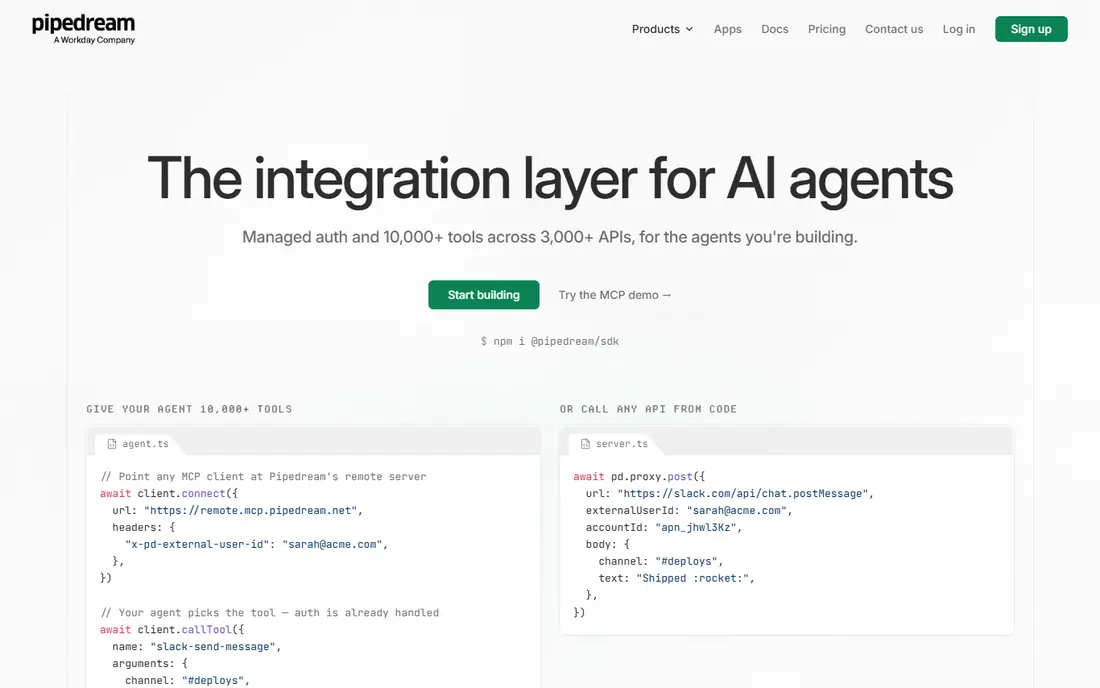
Choose Pipedream for developers who want code steps inside workflows. Rather than relying only on prebuilt actions, you can drop in a code step, call any API, transform data with a library, and control exactly what happens when a request fails.
Where it is weaker: Production pricing is higher than the free level recommends.
That adaptability makes it capable for API-heavy work, data enrichment, and custom integrations that visual tools manage awkwardly. Pricing for Pipedream is not stated here, so ask the vendor for current figures. Free access exists with Pipedream.
- Huge API coverage through code
- Code steps in Node.js and Python
- Not aimed at non-technical users
Kestra
Ideal for: Data engineering and scheduled orchestration
Kestra makes the most sense for data engineering and scheduled orchestration. Business users will find Kestra too technical for everyday automation.
Downsides: No broad SaaS app catalog.
As for the details, there is no straightforward catalog of SaaS actions for marketing or sales tasks, and setting it up needs server or container skill. If your team already runs data pipelines and wants a free, open-source orchestrator with capable scheduling, Kestra is a capable n8n alternative in that niche. Price to start with Kestra: $0. You can start on Kestra without paying.
- Open source with no per-run fees when self-hosted
- Declarative workflows stored as code
- Setup needs infrastructure skill
Pabbly Connect
Ideal for: Budget teams running numerous straightforward automations

Pabbly Connect works best for budget teams running plenty of straightforward automations. Its pricing model counts external actions differently from internal steps, which can make high-volume lead routing or form syncing less expensive than on Zapier.
Pabbly Connect does not show a starting price in this comparison, so check the vendor site for current pricing. You can start on Pabbly Connect without paying.
Points against: Smaller integration library.
- Low entry cost for high volume
- Flat pricing with internal tasks often unlimited
- Advanced logic is restricted
Zapier
Ideal for: Non-technical teams that require numerous app connections
In short, Zapier is for non-technical teams that require numerous app connections. You pick a trigger, like a new form submission. An action, like adding a row to a sheet or sending a message, and the workflow runs without code.
Watch-outs: Multi-step workflows get costly fast.
Thousands of apps are covered, and templates shorten setup for lead routing, notifications, and file handling. From a buyer's view, Zapier bills by task, and each step in a workflow can count separately, so a five-step flow that runs commonly can burn through a plan rapidly. The starting price for Zapier: $19.99 per user/month. A free plan is available with Zapier.
- Solid templates for typical jobs
- Largest app catalog in this list
- Restricted branching and data logic on lower plans
Node-RED
Ideal for: Free self-hosted flows, IoT, and edge devices
Node-RED is designed for free self-hosted flows, IoT, and edge devices. There are no per-run fees, and the community supplies numerous contributed nodes. Node-RED shines when the job involves hardware, local networks, or a free self-hosted flow engine.
What to check first: Business app catalog is restricted.
It is overkill as a straightforward form-to-sheet tool. In practice, business app integrations are also narrower than Zapier or Make. Starting cost for Node-RED: $0. Node-RED has a free plan.
- Visual flow editor
- Local systems
- Security and updates are your responsibility
Gumloop
Ideal for: AI workflows that read, enrich, and summarize documents
In short, Gumloop is for AI workflows that read, enrich, and summarize documents. Gumloop is designed around AI work instead of straightforward app syncing. AI steps consume credits at rates that rely on the model and the amount of data processed.
So a flow that looks cheap in testing can cost more in production. Gumloop removed its permanent free plan during 2026 in favor of a trial, so budget a premium plan from the start. More specifically, credit pricing is the risk. Gumloop pricing: $37 per user/month. On free options: Free trial (14 days).
Limits to weigh: No permanent free plan.
- Handy for research and lead data
- AI-native nodes for extraction and enrichment
- Credit-based pricing makes large runs hard to predict
Make
Ideal for: Visual builders who want branching and data tools
Make is aimed squarely at visual builders who want branching and data tools. Concepts like bundles, iterators, and aggregators take time, and a badly designed scenario can consume operations rapidly. From a buyer's view, the free plan bundles monthly credits for testing.
Drawbacks to consider: Error handling needs careful setup.
The entry premium plan handles a handy volume of operations for small companies. On top of that, documentation and community templates help, but the first complicated flow will take longer than the equivalent Zap in Zapier. Beyond that, Make is the better pick when workflows need real logic and you can invest a few hours in learning the canvas. On top of that, new users should expect a ramp-up time. Price to start with Make: $12 per user/month. Make offers a free plan.
- Visual canvas with routers, filters, iterators
- Solid value for multi-step flows
- Ramp-up time is steeper than Zapier
What went into this list
For each of the 7 tools we noted price, free plan or trial, fit for n8n alternatives workflow automation tools and the main limit, using vendor pages and documentation. Seat minimums, billing terms and add-ons can move the real cost, so the starting prices here are a guide and not a quote. Tools are placed by general fit for n8n alternatives workflow automation tools, with price clarity and free access as tie-breakers. A different team can reasonably rank them differently.
Before you commit
- Ask Pipedream and Pabbly Connect for a written quote, since no starting price is shown.
- Read the fine print on the free plans from Pipedream, Kestra, Pabbly Connect and others; seat, project and feature caps differ.
- Run a trial of Gumloop with real work before paying for a year; your own workflow is the best test.
- Read the limits listed for Pipedream first: not designed for non-technical users.
- Check how data leaves Node-RED: formats, limits and whether exports are available on every plan.
- Add up seats, add-ons and usage charges for Pabbly Connect before comparing it with cheaper entries.
Frequently asked questions
Can I try these options before paying?
Often, yes. Pipedream, Kestra, Pabbly Connect and others have a free plan and Gumloop offers a free trial. Use your own data and a real task during the test, and check what the free tier or trial limits before you rely on it.
How are the n8n alternatives workflow automation tools ordered?
The order follows typical fit for n8n alternatives workflow automation tools, with Pipedream first and Make last, then price clarity and free access. It is editorial judgement, not a score, so another team could rank the tools differently.
Do these tools publish their prices?
Not all of them. Pipedream and Pabbly Connect publish no starting price, so expect a quote request for those. The rest, Kestra included, show a starting price, though seats and billing terms still change the final cost.
How do I avoid surprise bills with automation tools?
Set usage alerts where the vendor gives you them, and test a high-volume day during the trial instead of only a single run.
Which n8n alternatives workflow automation tools have a free plan?
6 of the 7 tools have a free plan, including Pipedream, Kestra, Pabbly Connect and Zapier. Free plans usually cap users, projects or features, so check the limits on the vendor page. One other tool offers a trial instead.
Which n8n alternative is a good match for self-hosting?
The first pick on this list is Pipedream, because it suits developers who want code steps inside workflows. Kestra is better for data engineering and scheduled orchestration, and Pabbly Connect for budget teams running numerous straightforward automations. Check price and limits against your own needs before choosing.