Nitter Alternatives in 2026: 8 Tools Compared

- Bluesky, Mastodon, and Threads are the main open alternatives to X, with their own communities and feeds.
- RSSHub and RSS readers let users follow public posts and news without an account on every platform.
- X Pro, Hootsuite, and Buffer help users manage and schedule posts on X and other networks.
- No tool fully replaces Nitter's anonymous, lightweight X browsing, since X now limits public access.
Quick comparison
| Product | Ideal for | Price from | Free version | |
|---|---|---|---|---|
 Bluesky | Open social alternative | Free | Yes | Visit |
 Mastodon | Decentralized social | Free | Yes | Visit |
 Threads | Meta social app | Free | Yes | Visit |
 xcancel | Lightweight X viewing | Free | Yes | Visit |
 RSSHub | RSS feeds for sites | Free | Yes | Visit |
 X Pro | Official X management | See website | No | Visit |
 Hootsuite | Social management | See website | Free trial | Visit |
 Buffer | Simple scheduling | See website | Yes | Visit |
The best Nitter alternatives
We compared official feature pages, pricing pages, and app-store listings for social tools available in October 2026. Nitter was a lightweight, privacy-friendly front end for X, and its alternatives fall into three groups: other social networks, RSS tools, and management tools. No tool below offers the exact same anonymous X browsing, since X has tightened public access.
Bluesky
Ideal for: Open social alternative

Bluesky is a social network built on the AT Protocol, with custom feeds, moderation tools, and an open design that lets other apps build on the same network. Many journalists, researchers, and public figures post on Bluesky, and public posts can often be browsed without an account. Its feed choices let users pick algorithms rather than accept one default.
The community is smaller than X, and many X accounts have not moved to Bluesky. For a user who wants an open, lightweight social feed, Bluesky is the closest community alternative to X.
- Open protocol
- Custom feeds
- No account needed to browse many posts
- Smaller community than X
- Some X accounts are not on Bluesky
Mastodon
Ideal for: Decentralized social
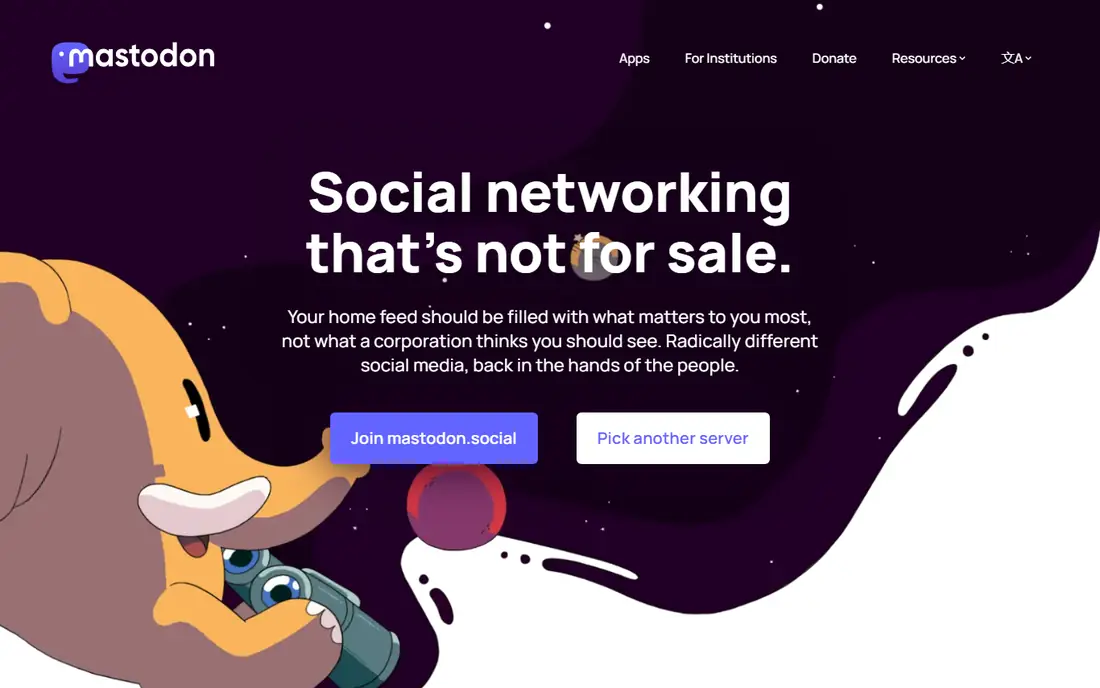
Mastodon is a decentralized social network made of independent servers that connect through ActivityPub. Users pick a server, post publicly or privately, and follow users on other servers. There are no ads, and each server sets its own moderation rules.
Server choice confuses beginners, and the community is fragmented across servers. For a user who values decentralization and privacy over a single large feed, Mastodon is a strong alternative.
- Decentralized servers
- No ads
- Strong privacy and moderation tools
- Server choice confuses beginners
- Community is fragmented across servers
Threads
Ideal for: Meta social app
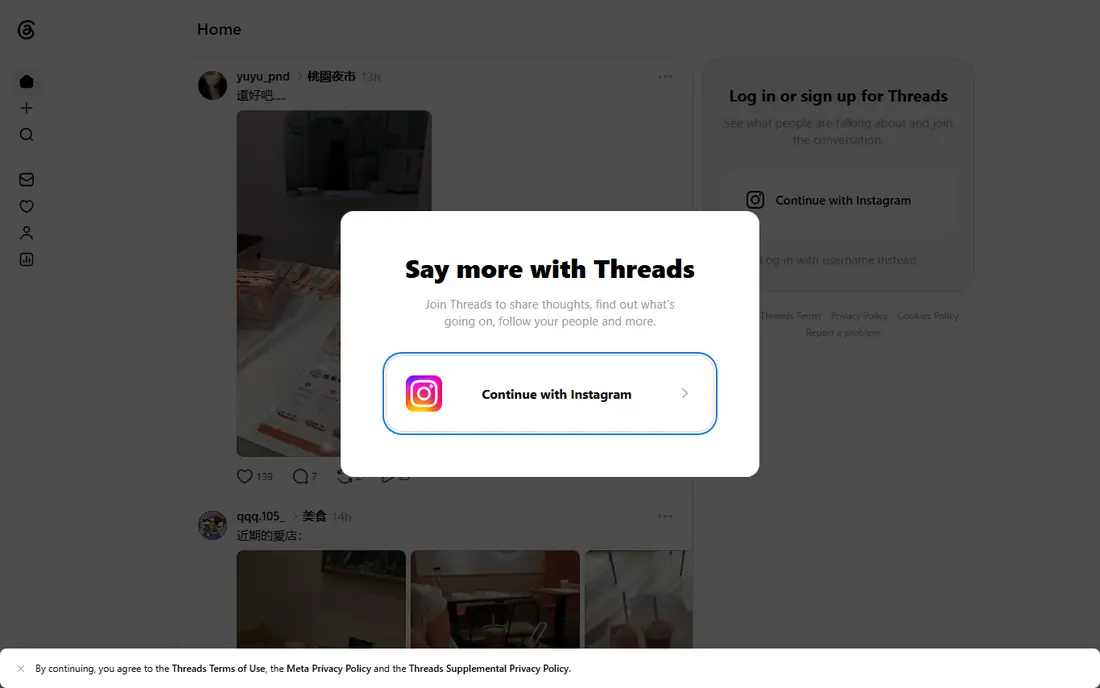
Threads, from Meta, is a text-based social app linked to Instagram, with a large user base and simple posting. Public posts can often be browsed without an account, and the app integrates with Instagram accounts for easy setup. It suits users who want a mainstream social feed without X.
Meta ownership means its data practices follow Meta's policies, and power-user features are thinner than X's. For a user who wants a large, simple social feed, Threads is an easy alternative.
- Large user base through Instagram
- Simple posting
- Public browsing for many posts
- Meta ownership and data practices
- Fewer power-user features than X
xcancel
Ideal for: Lightweight X viewing
xcancel is a lightweight front end that mirrors Nitter's approach, letting users view X posts and profiles through a simpler interface without an account for many posts. It suits readers who want to check a public post or profile quickly without opening X itself.
Reliability varies as X changes its access rules, and features are limited compared with full X. For a reader who wants the closest Nitter-style experience, xcancel is worth trying, with the caveat that access may change.
- Lightweight front end for X posts
- No account needed for many posts
- Simple interface
- Reliability varies as X changes access
- Fewer features than full X
RSSHub
Ideal for: RSS feeds for sites
RSSHub is an open-source tool that creates RSS feeds for sites that do not offer them, including social platforms, news sites, and video sites. Users can self-host RSSHub or use a public instance, then read feeds in any RSS reader such as Feedly or NetNewsWire. That setup replaces scrolling with a clean, chronological feed.
Setup needs technical skill for self-hosting, and some feeds break as sites change their structure. For a reader who wants to follow public posts and news without an account on every platform, RSSHub plus an RSS reader is a powerful combination.
- Creates RSS feeds for many sites
- Self-hosting option
- Works with any RSS reader
- Setup needs technical skill
- Some feeds break as sites change
X Pro
Ideal for: Official X management
X Pro, formerly TweetDeck, is X's official multi-column dashboard for managing feeds, lists, and scheduled posts. It suits power users who follow many accounts and topics, with columns for home, mentions, lists, and searches. It is the official way to manage X at scale.
X Pro needs a paid X Premium subscription, and it is neither anonymous nor lightweight. For a user who stays on X and wants a better management view, X Pro is the official option.
- Official X tool
- Multi-column feeds
- Scheduling and lists
- Needs a paid X subscription
- Not anonymous or lightweight
Hootsuite
Ideal for: Social management
Hootsuite is a social media management platform covering X, Instagram, Facebook, LinkedIn, TikTok, and YouTube, with scheduling, analytics, and team collaboration. It suits businesses and creators who manage many accounts and need approval workflows and reports.
Pricing is higher than Buffer, and the interface can feel busy for a single user. For a team that manages social across many networks, Hootsuite's breadth and reporting are strong.
- Manages many networks
- Scheduling and analytics
- Team collaboration
- Pricing is higher than Buffer
- Interface can feel busy
Buffer
Ideal for: Simple scheduling
Buffer is a simple social scheduling tool for X, Instagram, Facebook, LinkedIn, TikTok, and other networks, with a clean interface and a free tier. Users can queue posts, check basic analytics, and manage a few channels without the complexity of a full management platform.
Management features are simpler than Hootsuite, and deeper analytics need paid plans. For an individual or small team that wants simple scheduling, Buffer is an easy pick.
- Simple scheduling
- Clean interface
- Free tier available
- Management features are simpler than Hootsuite
- Analytics need paid plans
How we picked these
We compared official feature pages, pricing pages, and app-store listings for social tools available in October 2026. We favored tools with current products, a clear social or reading use case, and a range of prices, from free networks to paid management platforms. We also checked where followed accounts actually post now, plus reader and scheduling workflows, since a replacement must fit a real daily habit. We did not include our own product in this list.
How to choose a Nitter alternative
Start with your goal. If you want a new social home, try Bluesky, Mastodon, or Threads and see where the accounts you follow post. If you want to read without an account, try xcancel for X posts and RSSHub plus an RSS reader for broader news. If you manage social accounts, try Buffer for simple scheduling or Hootsuite for team management.
Then accept that no single tool fully replaces Nitter. X has limited public access, so a combination often works best: a social network for community, RSS for reading, and a management tool for posting. Test each for a week with your actual follows before settling.
Replacing a reading habit takes more than picking a new app. Start by listing the accounts and topics you actually follow, then check where each one posts now, since many accounts split across X, Bluesky, Threads, and Mastodon. A single new network rarely covers all of them, so a combination usually works better: one network for community, plus RSS for reading. For RSS, pick a reader you enjoy opening daily, and prune feeds aggressively, since an overloaded reader gets ignored just like an overloaded timeline. If you manage accounts, check scheduling and analytics against your real workflow, including approval steps for team posts. Finally, protect your attention: turn off non-essential notifications, use lists or custom feeds to separate work from leisure, and review your setup after a month. A reading system that respects your time will last longer than one that merely replaces a feed.
Frequently asked questions
What happened to Nitter?
Nitter was a lightweight front end for X that stopped working reliably as X tightened access to public posts and profiles. Its instances have largely shut down or become unreliable, which is why users now turn to other networks, RSS tools, or lightweight front ends such as xcancel.
Can I browse X without an account?
X now limits public browsing without an account, though some posts and profiles remain visible. Lightweight front ends such as xcancel may show some posts, but reliability varies as X changes its rules.
What is the best Nitter alternative?
Bluesky suits most users as an open social alternative, while Mastodon suits decentralized fans and Threads suits mainstream users. For reading without an account, RSSHub plus an RSS reader is the most reliable long-term approach.
Is Bluesky free?
Yes. Bluesky is free to use, with a free account for posting and browsing. Public posts can often be browsed without an account, and custom feeds let users shape their experience.
Can RSSHub replace social media?
RSSHub plus an RSS reader can replace scrolling for reading news and public posts, with a chronological feed and no algorithm. It does not replace posting, replies, or community interaction, so most users pair it with a social network.
Can I follow X accounts from Bluesky or Mastodon?
Not directly, since each network is separate. Some accounts cross-post to Bluesky, Threads, or Mastodon, and bridges exist for some use cases, but they vary in reliability and may break as platforms change rules. The practical approach is to follow an account where it actually posts, and use RSS tools for public content where feeds are available. For must-follow X accounts, check whether they post elsewhere, and consider an RSS setup for news and blogs that does not depend on any single social network.