No-Code Alternatives to Traditional Databases

- 1
 AirtableRelational data with views, automations and interfacesVisit
- 2
 NotionDatabases inside docs, wikis and team pagesVisit
- 3
 CodaDocs that work like apps, with formulas and buttonsVisit
- 4
 SoftrClient portals and internal tools on top of Airtable or NotionVisit
- 5
 GlideMobile-friendly internal apps built from a spreadsheetVisit
- Airtable is the closest no-code match for a relational database, with 50,000 records per base on Team at $20 a user a month.
- Notion is the cheapest way to start: Plus costs $10 a member a month and its databases come with docs, wikis and pages in one workspace.
- Baserow and NocoDB are the open source options: Baserow Premium is $10 a user a month and NocoDB self-hosting is free forever.
- Bubble is the only tool here that builds a full web app with logic and user accounts, but its workload-unit billing makes costs hard to predict.
- Softr and Glide turn a spreadsheet or an Airtable base into a working app or portal without writing code.
Quick comparison
| Product | Ideal for | Price from | Free version | |
|---|---|---|---|---|
| Airtable | Relational data with views, automations and interfaces | $20 per user/month | Yes | Visit |
| Notion | Databases inside docs, wikis and team pages | $10 per user/month | Yes | Visit |
| Coda | Docs that work like apps, with formulas and buttons | $12 per Doc Maker/month | Yes | Visit |
| Softr | Client portals and internal tools on top of Airtable or Notion | $19 per month | Yes | Visit |
| Glide | Mobile-friendly internal apps built from a spreadsheet | $25 per month | Yes | Visit |
 Bubble | Full web apps with logic, workflows and user accounts | $32 per month | Yes | Visit |
 Baserow | Open source Airtable alternative you can self-host | $10 per user/month | Yes | Visit |
 NocoDB | Open source database with a flat price for unlimited seats | $12 per seat/month | Yes | Visit |
The best no-code alternatives to traditional databases
Airtable
Ideal for: Relational data with views, automations and interfaces
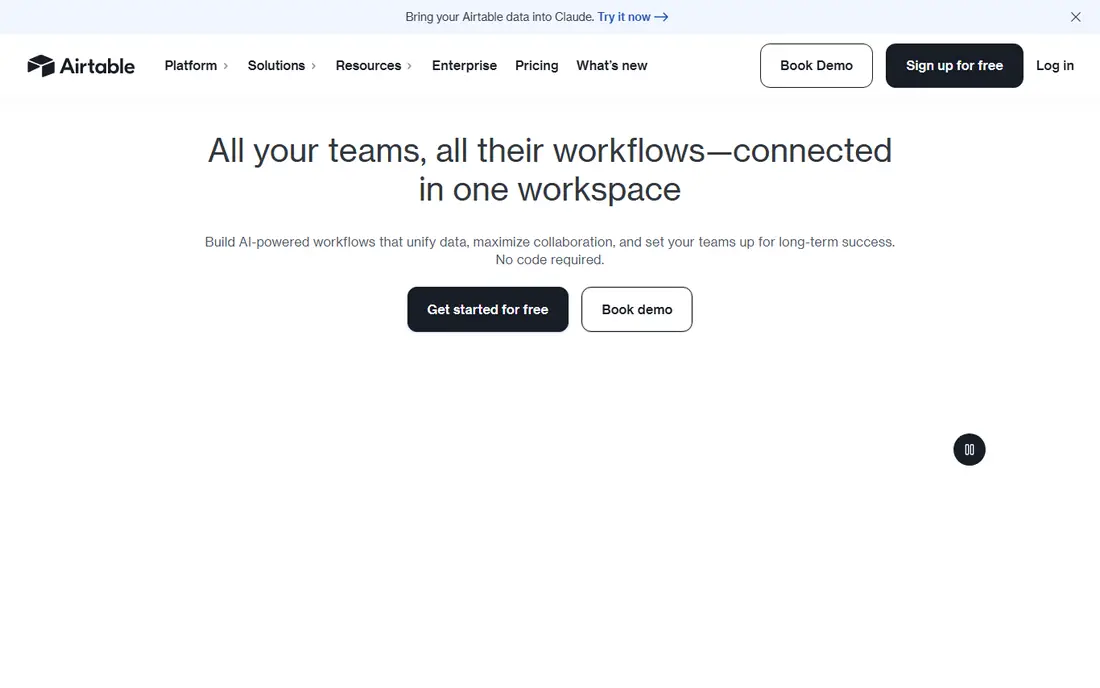
Airtable is the closest no-code match for a relational database. Tables link to each other, views filter and group records, and automations move data between tables or out to other tools. The pricing page, read today, lists Team at $20 a user a month billed annually and Business at $45, with a Free plan at $0. Team includes 50,000 records per base, 20 GB of attachments, 25,000 automation runs a month and 15,000 AI credits per seat.
The seat rule is the cost driver. Airtable charges for every user with edit permissions, and on Team it also charges for commenters; read-only collaborators are free. A base that grows past 50,000 records forces a jump to Business at $45 a seat, which is a 125 percent increase per person. Check the record cap before you build.
- 50,000 records per base and 25,000 automation runs a month on Team
- Interfaces, forms and two-way sync turn a base into an app
- Charges per editor seat, so a 10-person team costs $200 a month before any add-ons
- Two-way sync and the admin panel need Business at $45
Notion
Ideal for: Databases inside docs, wikis and team pages
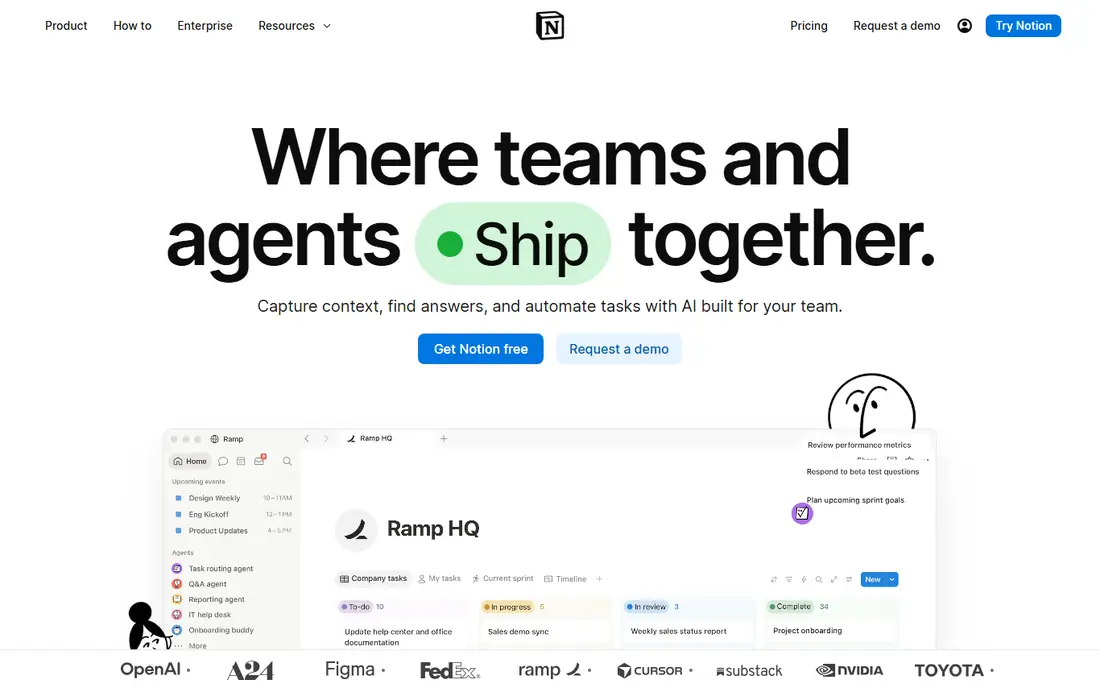
Notion is a workspace where databases live next to docs, wikis and project pages, so a table of customers can sit beside the notes about them. Databases support relations, rollups, formulas, subtasks and dependencies, and views include tables, boards, timelines, calendars and galleries. Plus costs $10 a member a month billed annually and Business $20, per October 2026 reads of the pricing page; the live page confirmed the plan structure and that full AI starts on Business, though the prices did not render in our text read.
The trade off is depth. Notion databases are flexible, but they lack Airtable's automation run limits, field-level permissions and two-way sync, and large databases slow down before they hit any published cap. Guests are free, which keeps the bill down when outside people only need to view a page. For notes plus structured data, Notion Plus is the cheapest start here.
- Plus costs $10 a member a month and adds unlimited file uploads, 30-day history and custom forms
- Databases link to docs, tasks and wikis in one workspace
- No published record cap means performance, not price, sets the limit on large databases
- Full AI features need Business at $20 a member a month
Coda
Ideal for: Docs that work like apps, with formulas and buttons
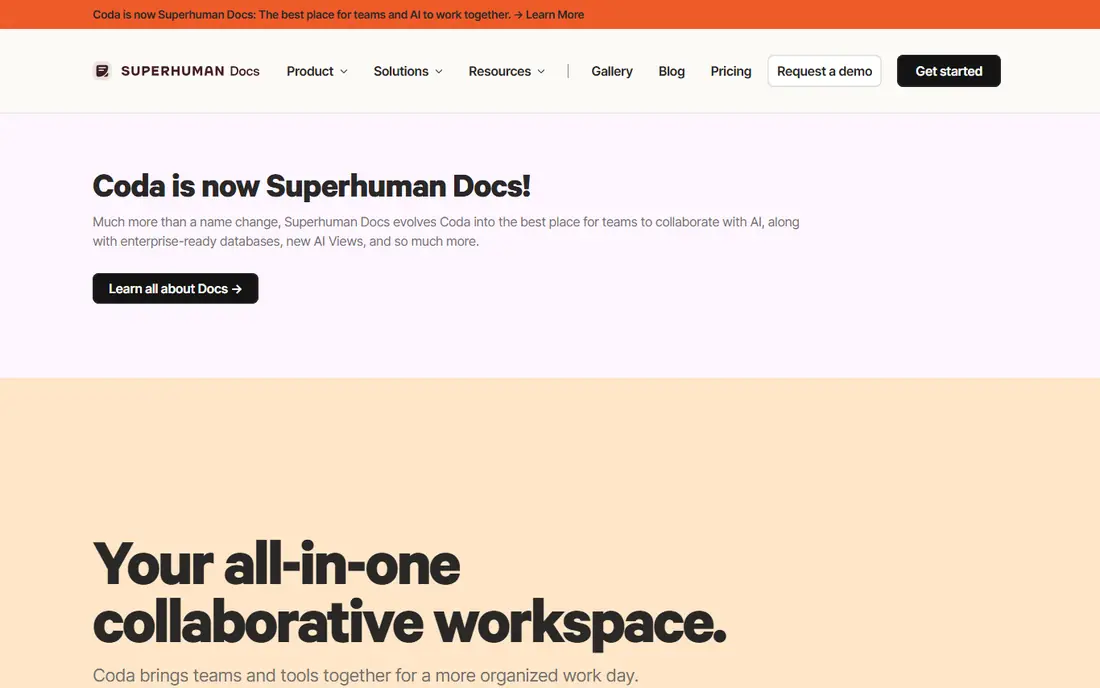
Coda, now sold as Superhuman Docs after the Superhuman acquisition, turns a document into an app: tables with formulas, buttons that run actions, automations and packs that pull in data from Gmail, Slack, Jira and more. The pricing page, read today, lists Free at $0, Pro at $12 a Doc Maker a month billed annually and Business at $33, with Enterprise custom. Only Doc Makers are charged; editors and viewers cost nothing.
That seat model makes Coda cheap for a team where few people build and many people use. Three Doc Makers on Pro cost $36 a month for a whole team. The limits are the Beta status of Databases, which need the Business plan, and the smaller automation quota on Free and Pro compared with Airtable. For docs with buttons and formulas, Coda Pro is the best value here.
- Charges only per Doc Maker, so editors and viewers are free
- Pro includes unlimited doc size, AI features and 30-day version history
- Databases are a Beta feature and need Business at $33 a Doc Maker a month
- Coda is now sold as Superhuman Docs, so the brand and pricing page changed in 2026
Softr
Ideal for: Client portals and internal tools on top of Airtable or Notion
Softr is a no-code app builder for client portals, vendor portals, intranets and CRMs, built on top of Airtable, Notion, Google Sheets or its own databases. You pick blocks for lists, forms, charts and user accounts, set permissions per user group, and publish on a custom domain. Basic costs $19 a month billed annually, Pro $99 and Business $329, per November 2026 reads of the pricing page; the live page did not render prices in our text read.
Softr charges per workspace, not per user, which makes it cheap for apps with many outside users: Pro includes 10 team users and 50 client users, and extra client users cost from $1 a month. Softr's own databases are simpler than Airtable, so most teams pair it with Airtable and pay for both. For a client portal on an existing Airtable base, Softr Pro is the fastest route here.
- Turns an Airtable or Notion database into a portal with logins and permissions in minutes
- Pro covers 500,000 records and 50 client users for $99 a month
- Needs a data source, since Softr's own databases are basic
- The free plan allows only 5 app users and 5,000 records
Glide
Ideal for: Mobile-friendly internal apps built from a spreadsheet
Glide, now GlideOS, is an AI software platform for building internal business apps from a spreadsheet, a prompt or a file. Its SheetSense system turns spreadsheet context into working software, and the AI agent builds pages, workflows and automations. The pricing page, read today, lists Free at $0, Basic at $25 a month, Plus at $50 and Pro at $125, with Enterprise custom. Pro includes 5 team members, unlimited published apps and workflows, and 500 credits.
The split between GlideOS and Glide Classic matters. GlideOS is a standalone product with its own plans, and there is no tool to move a Glide Classic app into GlideOS, so existing Glide users start fresh. Credits are the other watchpoint: the Free plan includes a limited number, and building with the AI agent consumes them. For a spreadsheet-first team, Glide Pro is the quickest build here.
- Builds an app from a spreadsheet, a prompt or a file with an AI agent
- Pro starts at $125 a month with unlimited published apps and workflows
- GlideOS is a separate product from Glide Classic with no migration path between them
- The free plan allows no published apps, and pricing is credit-based
Bubble
Ideal for: Full web apps with logic, workflows and user accounts
Bubble is the most powerful tool here: a visual app builder with a built-in database, workflows, user accounts, payments and plugins that can produce a complete web product. The Free plan costs $0 with 50,000 workload units a month for building and learning. Starter costs $32 a month billed annually for a web-only app, Growth $119 and Team $349, per November 2026 reads of the pricing page; Starter rose from $29 on 20 October 2026. The live page did not render prices in our text read.
The workload unit is the cost to watch. Every database search, workflow and API call uses units, and Starter includes 175,000 a month, Growth 250,000 and Team 500,000, with overages at about $0.30 per 1,000 units. A busy app can exceed its allowance, and with overages off the app goes offline. Bubble also has no code export, so the app lives on Bubble. For a real product, Bubble is the only tool here that builds it end to end.
- Builds complete web apps with a visual editor, database, workflows and plugins, with no code
- Starter includes 175,000 workload units a month
- Workload-unit billing makes the real cost hard to predict, and overages cost $0.30 per 1,000 units
- There is no code export, so leaving Bubble means rebuilding
Baserow
Ideal for: Open source Airtable alternative you can self-host
Baserow is an open source no-code database with grid, form, gallery, kanban, calendar and timeline views, automations, AI features and a full API. The pricing page, read today, lists a Free cloud plan at $0 with 3,000 rows per workspace, Premium at $10 a user a month billed annually with 50,000 rows, and Advanced at $18 with 250,000 rows. Self-hosting is free and unlimited, with all five roles included.
The open source model is the point. You can run Baserow on your own server with no row cap and no per-user fee, which no other tool here allows, and the code is public. The cloud plans are cheaper than Airtable at the same seat count, but the free cloud tier is small at 3,000 rows, and features such as role-based permissions, audit logs and single sign-on sit on Advanced or Enterprise. For control of your data, Baserow is the pick.
- Open source with a free self-hosted option and no record cap on your own server
- Premium costs $10 a user a month with 50,000 rows per workspace
- The free cloud plan caps at 3,000 rows per workspace
- Role-based permissions and audit logs need Advanced at $18 a user a month
NocoDB
Ideal for: Open source database with a flat price for unlimited seats
NocoDB turns a database into a spreadsheet interface, with grid, kanban, gallery, form, calendar and map views, automations, interfaces and a full API. It can sit on top of an existing Postgres or MySQL database, which makes it the only tool here that works with a database you already own. The pricing page, read today, lists a Free cloud plan at $0 for up to 3 users and 1,000 records, Plus at $12 a seat a month billed annually, and Business at $24.
The flat-rate option is the value. Plus costs $108 a month for unlimited seats once you pay for 9 users, and Business costs $216 a month flat for unlimited seats with 300,000 records and 10 external database connections. The catch is that Plus does not support external database connections, so the headline feature needs Business. For a team that already runs Postgres, NocoDB Business is the cheapest way to give it a spreadsheet face.
- Plus costs $108 a month flat for unlimited seats, and self-hosting is free forever with 63,000 plus GitHub stars
- Connects to an existing Postgres or MySQL database
- Plus does not support external database connections, which need Business at $216 a month
- The free cloud plan allows only 3 users and 1,000 records
What 10 users and 60,000 records cost
Worked example: a team of 10 people sharing one dataset of 60,000 records, using each vendor's list prices read on 12 November 2026. Bubble and Glide are left out because they meter workload units and credits, not records.
| Tool | Monthly cost for the example | | Airtable | $450 on Business, the 125,000-record cap | | Notion | $100 on Plus, no published record cap | | Coda | $36 on Pro with 3 Doc Makers, unlimited doc size | | Softr | $99 on Pro, 500,000 records, needs a data source | | Baserow | $180 on Advanced, the 250,000-row cap | | NocoDB | $216 on Business, 300,000 records, unlimited seats |
The seat rule decides the bill more than the headline price. Airtable charges every editor, so 10 users cost $450 once the dataset passes 50,000 records. Coda charges only Doc Makers, so the same team costs $36 if 3 people build and the rest edit for free. NocoDB charges a flat $216 for unlimited seats, which beats Airtable for a large team even though its per-seat price is higher.
How we chose
We opened the pricing pages of all eight vendors on 12 November 2026. Airtable, Coda, Glide, Baserow and NocoDB prices come from the live pages; Notion, Softr and Bubble prices come from October and November 2026 reads of their pricing pages, since those pages did not render prices in our text read, and we flag each one. We compared record and row caps, seat rules, free tiers, automation limits and whether the tool can export your data. We did no hands-on testing.
What to check before you buy
Check the record or row cap on your plan and what happens when you hit it, since Airtable blocks new records and Baserow caps rows per workspace. Check who counts as a billable seat: Airtable charges editors, Coda charges only Doc Makers, and NocoDB Plus charges a flat $108 for unlimited seats. Check export options and whether you can leave with your data, since Bubble has no code export. Check whether the tool stores your data or connects to a database you already own, and whether automations and AI credits are metered separately.
Frequently asked questions
What is the best no-code alternative to a traditional database?
Airtable is the best all-round choice for most teams, with relational tables, views, automations and interfaces at $20 a user a month on Team. Notion Plus at $10 a member a month is the cheapest start when your data lives next to docs and wikis. Baserow and NocoDB are the picks when you want open source code or a free self-hosted option, and Bubble is the pick when you need a full web app rather than a tracker.
Can I replace MySQL with Airtable?
For a small to medium dataset with simple queries, yes. Airtable handles linked tables, filtered views and automations without any setup, and its API covers most integrations. For large datasets, heavy transactions, complex joins or strict compliance needs, no: Airtable caps records per base, charges per editor and stores your data on its own servers. NocoDB is the middle route, since it puts a spreadsheet interface on top of a MySQL or Postgres database you already run.
How many records can Airtable hold?
The Free plan allows 1,000 records per base, Team allows 50,000 and Business allows 125,000, with attachment storage of 1 GB, 20 GB and 100 GB per base. When a base hits its cap, Airtable blocks new records until you upgrade, though your existing data stays usable. Enterprise Scale raises the caps further on a custom quote. If your dataset will pass 50,000 records, budget for Business at $45 a user a month rather than Team at $20.
Is Baserow really free?
Self-hosting Baserow is free forever, with unlimited rows, storage and seats, and the code is open source. The free cloud plan costs $0 but caps at 3,000 rows per workspace and 2 GB of storage. Premium costs $10 a user a month billed annually with 50,000 rows per workspace, and Advanced costs $18 with 250,000 rows. Role-based permissions, audit logs and single sign-on need Advanced or Enterprise, so check the feature table before you pick a tier.
What is the difference between Softr and Glide?
Softr builds client portals and internal tools on top of a database you already have, usually Airtable or Notion, with logins and per-group permissions; Pro costs $99 a month. Glide builds mobile-friendly internal apps from a spreadsheet, a prompt or a file, using an AI agent; Pro starts at $125 a month. Softr fits a portal for outside users, while Glide fits a field or office app your own team uses every day.
Can I export my data from these tools?
Yes, with one exception. Airtable, Notion, Coda, Baserow and NocoDB all export to CSV, and Baserow and NocoDB also export to JSON and Excel, with full APIs for a complete move. Softr and Glide export through their data sources, since they sit on top of Airtable, Notion or a spreadsheet. Bubble is the exception: you can export your data, but there is no code export, so the app itself must be rebuilt if you leave.