Best No Code Low Code Automation Make.com Alternatives in 2026: 8 Options Compared

- Our pick for most people is Zapier, because it balances price, features and ease of use for the widest group of readers.
- Free plans are real here, but the limits matter: check what n8n and IFTTT actually include before you commit.
- Prices in this guide come from vendor pricing pages and current comparisons checked in October 2026, and they can change, so confirm the plan on the vendor site before you buy.
- The best choice depends on your budget, your experience level and how much support you want, not on which brand is most famous.
Quick comparison
| Product | Ideal for | Price from | Free version | |
|---|---|---|---|---|
 Zapier | Easiest automation for non-technical teams | See website | Yes | Visit |
 n8n | Open-source automation for technical teams | See website | Yes | Visit |
 IFTTT | Simple personal automation | See website | Yes | Visit |
 Microsoft Power Automate | Automation inside Microsoft 365 | See website | Free trial | Visit |
 Workato | Enterprise automation and integrations | See website | No | Visit |
 Integrately | Low-cost automation for small teams | See website | Yes | Visit |
 Pabbly Connect | Low-cost automation with lifetime deals | See website | Free trial | Visit |
 Activepieces | Open-source automation for growing teams | See website | Yes | Visit |
The best No Code Low Code Automation Make.com Alternatives in 2026
We compared official feature pages, pricing pages, app store listings, privacy policies and public reviews to build this list for no code low code automation make.com alternatives. Every option below exists and works today, and each one earns its place for a different kind of reader.
Zapier
Ideal for: Easiest automation for non-technical teams
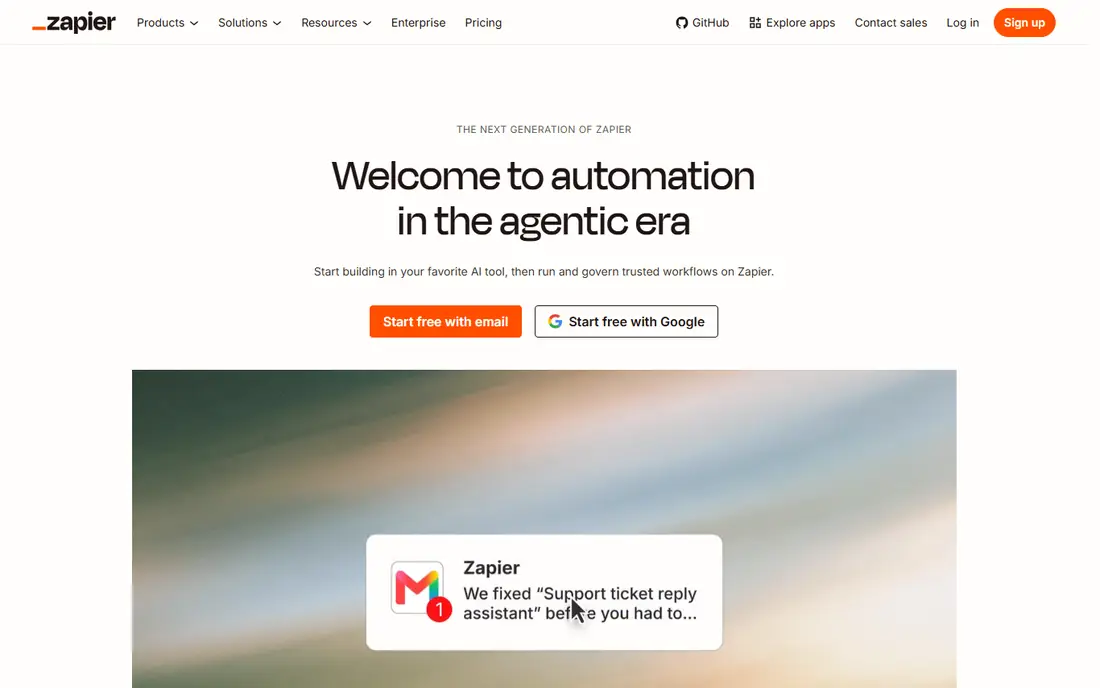
Here is the short version. Zapier is the easiest automation tool for most teams, with thousands of app connections and flows that a non-technical user can build in an afternoon. It fits readers who want easiest automation for non-technical teams, and its published feature set matches that promise rather than trying to cover every possible use case at once. The price picture is see website, with a free plan status of yes. Task-based pricing means high-volume flows cost more, so count tasks before you compare plans. Before you sign up, check the current plan limits on the official site, because caps on users, usage or features are where most buyers get surprised after the first month.
- Huge app library
- Simple multi-step flows
- AI-assisted building
- Pricing grows with tasks
- Complex logic costs more
n8n
Ideal for: Open-source automation for technical teams
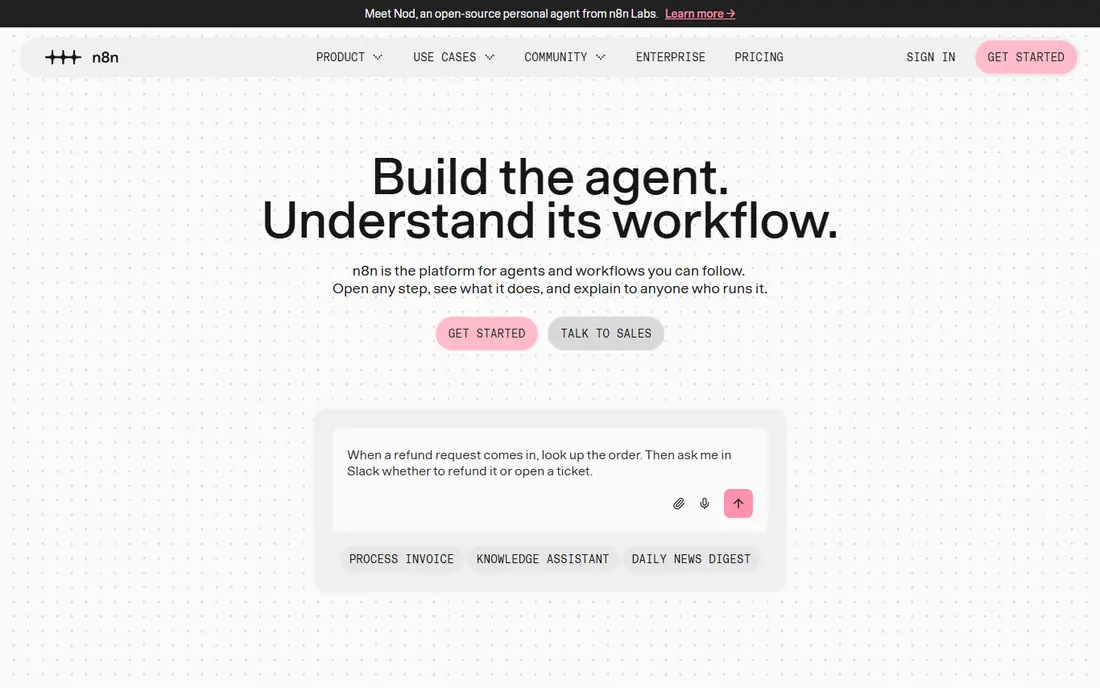
Start here if you want the safe default. n8n gives technical teams an open-source automation platform with visual flows plus code steps for complex logic. It fits readers who want open-source automation for technical teams, and its published feature set matches that promise rather than trying to cover every possible use case at once. The price picture is see website, with a free plan status of yes. Self-hosting is real work, so teams without a technical owner should use the cloud version. Before you sign up, check the current plan limits on the official site, because caps on users, usage or features are where most buyers get surprised after the first month.
- Open source
- Self-host option
- Code steps beside visual flows
- Needs technical skill
- Hosting and updates are your job if self-hosted
IFTTT
Ideal for: Simple personal automation
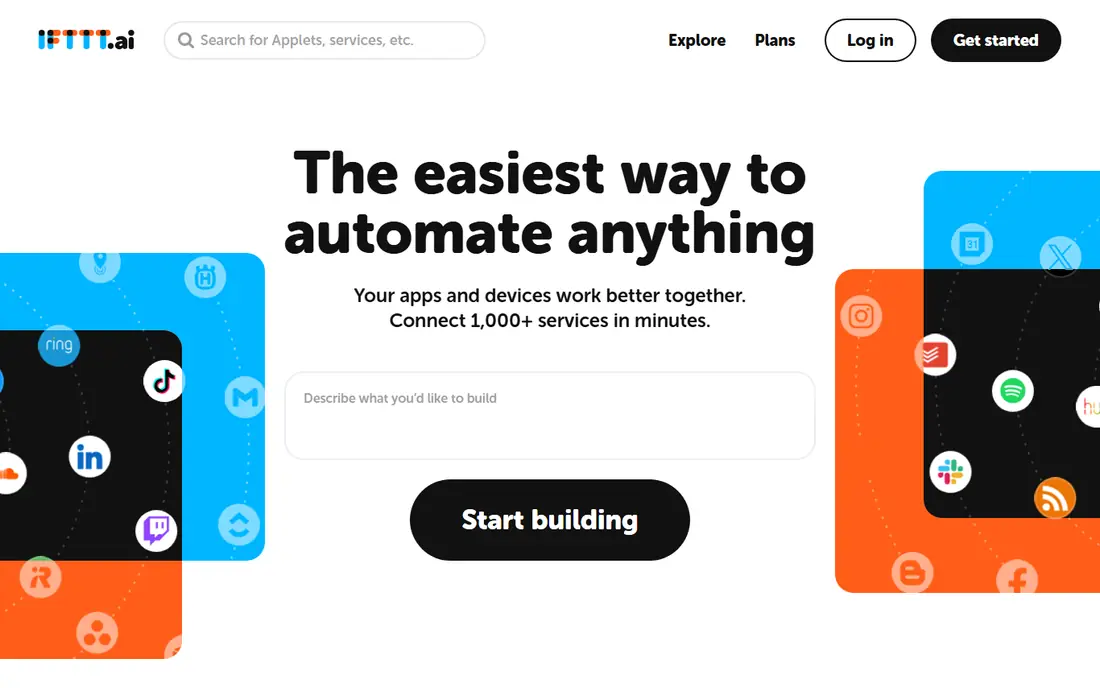
This one suits a specific kind of reader. IFTTT suits personal automation and simple device or app triggers, with applets that anyone can set up. It fits readers who want simple personal automation, and its published feature set matches that promise rather than trying to cover every possible use case at once. The price picture is see website, with a free plan status of yes. Business workflows with branching logic will outgrow it quickly, so judge it on personal use. Before you sign up, check the current plan limits on the official site, because caps on users, usage or features are where most buyers get surprised after the first month.
- Simple applets
- Consumer app integrations
- Easy setup
- Business logic is limited
- Free tier limits applets
Microsoft Power Automate
Ideal for: Automation inside Microsoft 365
Consider this if the top picks do not fit. Microsoft Power Automate suits organisations already using Microsoft 365, because flows connect Office, Teams and Dynamics cleanly. It fits readers who want automation inside microsoft 365, and its published feature set matches that promise rather than trying to cover every possible use case at once. The price picture is see website, with a free plan status of free trial. Outside Microsoft, its advantage fades, so test your non-Microsoft apps during the trial. Before you sign up, check the current plan limits on the official site, because caps on users, usage or features are where most buyers get surprised after the first month.
- Deep Microsoft integrations
- Desktop flows
- AI builder
- Best inside Microsoft
- Pricing varies by plan and flow type
Workato
Ideal for: Enterprise automation and integrations
A strong option for a narrower need. Workato suits larger organisations that need governed enterprise integrations across many systems. It fits readers who want enterprise automation and integrations, and its published feature set matches that promise rather than trying to cover every possible use case at once. The price picture is see website, with a free plan status of no. The price and expertise needed suit enterprise teams, not small businesses automating a few flows. Before you sign up, check the current plan limits on the official site, because caps on users, usage or features are where most buyers get surprised after the first month.
- Enterprise integrations
- Recipes and bots
- Strong governance
- Enterprise pricing
- Setup needs integration expertise
Integrately
Ideal for: Low-cost automation for small teams
Worth a close look before you decide. Integrately gives small teams a low-cost automation tool with many one-click flows that cover common tasks. It fits readers who want low-cost automation for small teams, and its published feature set matches that promise rather than trying to cover every possible use case at once. The price picture is see website, with a free plan status of yes. Teams that need deep logic or a huge app library may find its limits sooner. Before you sign up, check the current plan limits on the official site, because caps on users, usage or features are where most buyers get surprised after the first month.
- Low price
- Many app integrations
- One-click automations
- Smaller library than Zapier
- Advanced logic is simpler
Pabbly Connect
Ideal for: Low-cost automation with lifetime deals
This belongs on the shortlist for a reason. Pabbly Connect suits budget-conscious teams that want many integrations at a low monthly or lifetime cost. It fits readers who want low-cost automation with lifetime deals, and its published feature set matches that promise rather than trying to cover every possible use case at once. The price picture is see website, with a free plan status of free trial. The plainer interface and smaller support team are the trade-offs, so trial it on your key flows first. Before you sign up, check the current plan limits on the official site, because caps on users, usage or features are where most buyers get surprised after the first month.
- Low price
- Many integrations
- Internal tasks included
- Interface is plainer than Zapier
- Support is smaller
Activepieces
Ideal for: Open-source automation for growing teams
Do not overlook this one. Activepieces gives teams an open-source automation option with visual flows and a cloud or self-host choice. It fits readers who want open-source automation for growing teams, and its published feature set matches that promise rather than trying to cover every possible use case at once. The price picture is see website, with a free plan status of yes. Its app library is smaller than Zapier, so check your must-have apps before you commit. Before you sign up, check the current plan limits on the official site, because caps on users, usage or features are where most buyers get surprised after the first month.
- Open source
- Visual flows
- Self-host or cloud
- Smaller app library than Zapier
- Newer product with evolving features
How we picked these
We started from official feature pages and pricing pages, then checked app store listings, privacy policies and public reviews to confirm each product still works and still fits the topic. Products that could not be verified, or that only partly matched the topic, were left out, even when they were well known. We favoured a mix of established leaders and strong smaller options, and we weighted price transparency, a usable free tier or trial, and honest limits more heavily than marketing claims. No product on this list paid for its place, and our pick for most people is the one we would suggest to a friend with ordinary needs and an ordinary budget.
How to pick an automation tool that survives real volume
Start by listing the apps you must connect, because the app library decides the shortlist faster than any feature list. Next, count tasks or operations per month, since pricing units differ sharply: Zapier counts tasks, Make counts operations, and others count runs or credits. Then check logic needs: simple triggers suit IFTTT or Integrately, while branching, loops and data transforms need Zapier, Make, n8n or Workato. Build your hardest flow during the trial, not your easiest, because that is where limits appear. Also check error handling, monitoring and data handling, since a failed automation that nobody notices can lose orders or contacts. Confirm who will own flows after launch, because automations without owners break quietly when an app changes its API. Finally, keep a record of each flow in plain language, so a new team member can understand and fix it without reverse-engineering the whole setup.
Frequently asked questions
What is the best Make.com alternative?
Zapier suits non-technical teams, n8n suits technical teams that want open source, and Power Automate suits Microsoft shops. The right pick depends on team skills, apps and volume.
Is there a free Make.com alternative?
Zapier, n8n, IFTTT, Integrately and Activepieces offer free tiers, though each limits tasks, flows or features. Free tiers suit testing and light use, not high-volume production flows.
What is the difference between no-code and low-code automation?
No-code tools let non-technical users build flows visually, while low-code tools add code steps for complex logic. Many tools now cover both, so check whether your team needs code options.
How much does automation cost?
Costs depend on tasks, operations or runs per month, plus users and premium apps. Count your real monthly volume before comparing plans, since headline prices rarely match high-volume bills.
Can I self-host automation software?
Yes, n8n and Activepieces offer self-hosting, which suits teams that want data control. Self-hosting needs updates, backups and monitoring, so budget for that work.