Notepad Alternatives in 2026: 8 Tools Compared

- 1
 Visual Studio CodeAll-round code editingVisit
- 2
 Sublime TextFast native editingVisit
- 3
 BBEditMac text editingVisit
- 4
 NovaMac native editingVisit
- 5
 GeanyLightweight editingVisit
- Visual Studio Code suits most users, with a free editor, extensions, and strong language support.
- Sublime Text and Nova suit users who want a fast, polished native editor.
- BBEdit suits Mac users who want a long-standing, reliable text editor.
- Geany, Kate, Notepadqq, and UltraEdit cover Linux, cross-platform, and large-file needs.
Quick comparison
| Product | Ideal for | Price from | Free version | |
|---|---|---|---|---|
| Visual Studio Code | All-round code editing | Free | Yes | Visit |
| Sublime Text | Fast native editing | See website | Free trial | Visit |
| BBEdit | Mac text editing | See website | Yes | Visit |
| Nova | Mac native editing | See website | Free trial | Visit |
| Geany | Lightweight editing | Free | Yes | Visit |
 Kate | Linux editing | Free | Yes | Visit |
 Notepadqq | Notepad++ style on Linux | Free | Yes | Visit |
 UltraEdit | Large file editing | See website | Free trial | Visit |
The best Notepad alternatives
We compared official feature pages, pricing pages, and app-store listings for text and code editors available in October 2026. The keyword covers Notepad and Notepad++ users, so the list includes general editors and code editors that suit both.
Visual Studio Code
Ideal for: All-round code editing
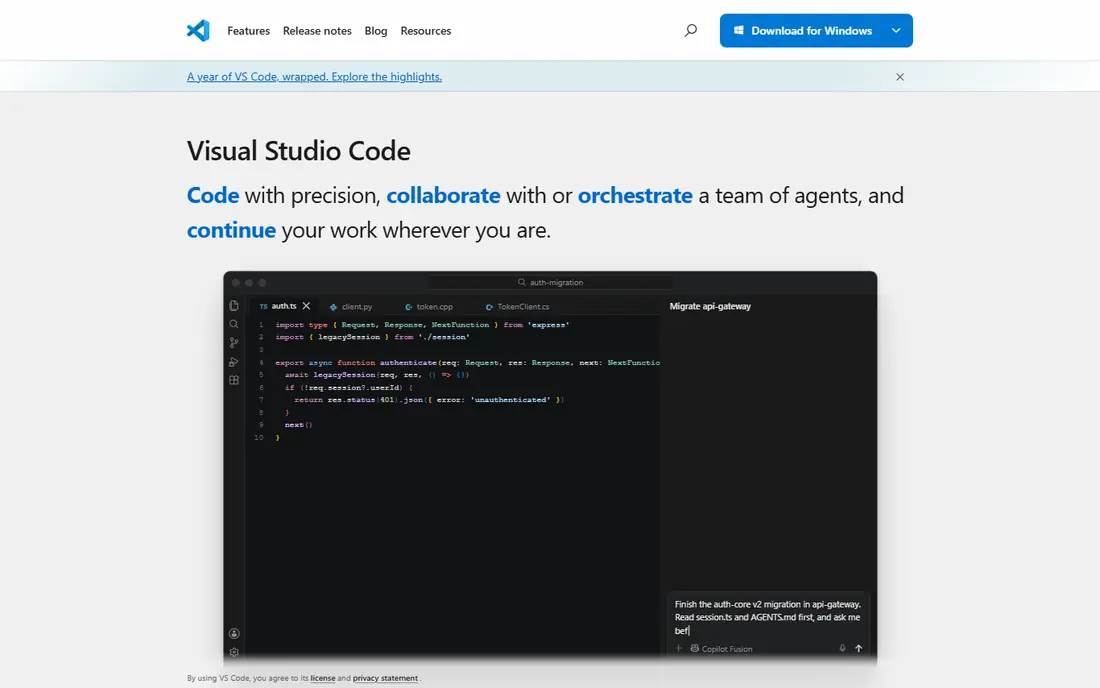
Visual Studio Code, from Microsoft, is a free code editor with a huge extension library, integrated terminal, Git support, and AI assistance through Copilot. It supports nearly every programming language, with debugging, IntelliSense, and remote development for servers and containers. A large community keeps extensions current.
VS Code is heavier than a plain text editor, and its Electron base means it uses more memory than native editors. For most users who want one editor for notes, code, and projects, VS Code's breadth and price make it the default pick.
- Free
- Huge extension library
- Strong language and AI support
- Heavier than a plain text editor
- Electron-based, not native
Sublime Text
Ideal for: Fast native editing
Sublime Text is a fast, native text editor for Windows, Mac, and Linux, known for speed, multi-cursor editing, and a large package library. It opens large files quickly, supports many languages, and offers a distraction-free mode for focused writing. An evaluation version is free to try, with a paid license for continued use.
The interface feels less modern than VS Code, and some features need packages. For a user who values speed above all, Sublime Text remains one of the fastest editors available.
- Very fast
- Multi-cursor editing
- Large package library
- Paid license for continued use
- Interface is less modern than VS Code
BBEdit
Ideal for: Mac text editing
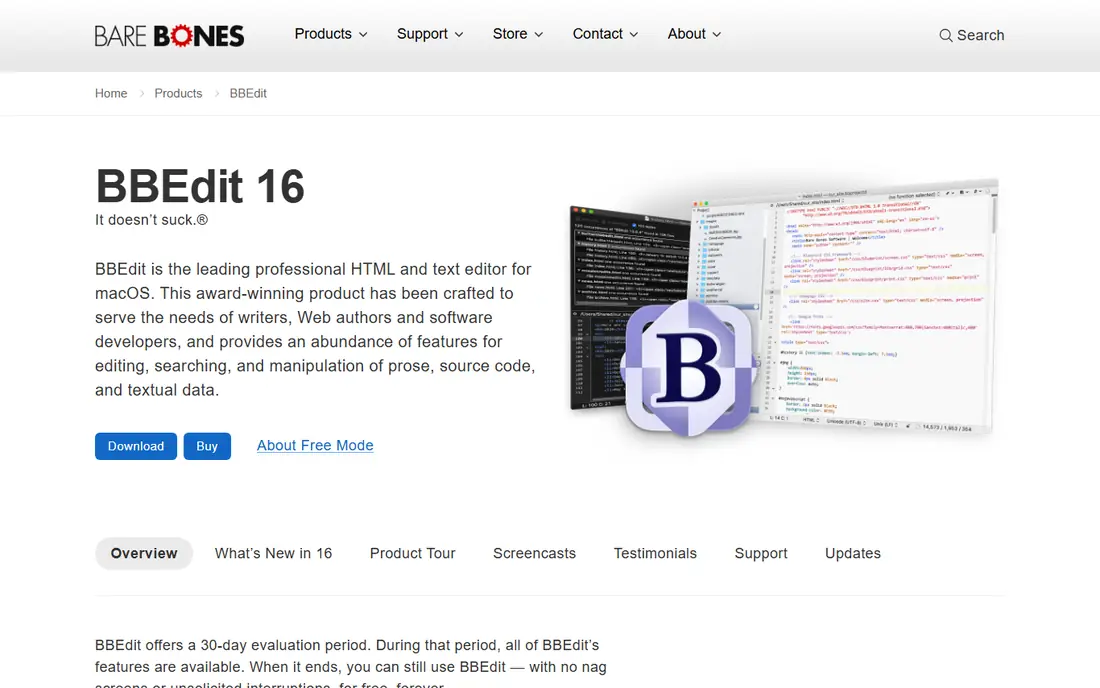
BBEdit, from Bare Bones Software, is a long-standing Mac text editor with strong text processing, search, and multi-file editing. It supports many languages, offers a free tier with core features, and its paid version adds Git integration, FTP, and advanced tools. Its reliability over decades backs its reputation.
BBEdit is Mac only, and its interface is traditional rather than modern. For a Mac user who wants a dependable editor for text and code, BBEdit is a trusted choice.
- Long-standing Mac editor
- Strong text processing
- Free tier available
- Mac only
- Interface is traditional
Nova
Ideal for: Mac native editing
Nova, from Panic, is a native Mac code editor built for speed and polish. It offers a clean interface, built-in terminal, Git support, and tools for web development, with extensions for languages and workflows. A trial covers evaluation, with a paid license for full use.
Nova is Mac only and its extension library is smaller than VS Code's. For a Mac user who wants a native, polished editor and is willing to pay, Nova is a beautiful choice.
- Native Mac app
- Fast and polished
- Built-in tools for web development
- Mac only
- Paid license
- Smaller extension library than VS Code
Geany
Ideal for: Lightweight editing
Geany is a free, open-source text editor that runs on Windows, Mac, and Linux, with a focus on speed and simplicity. It supports syntax highlighting, code folding, and basic IDE features such as build commands and symbol lists, while staying light on resources. Plugins extend its features.
The interface is basic compared with VS Code, and advanced features need plugins. For a user on an older machine or a Linux user who wants a light editor, Geany is a practical pick.
- Free and open source
- Very lightweight
- Cross-platform
- Fewer features than VS Code
- Interface is basic
Kate
Ideal for: Linux editing
Kate, from KDE, is a free text editor for Linux with multi-document editing, syntax highlighting, and a plugin system. It supports sessions, split views, and terminal integration, and it works well inside KDE desktops. Windows and Mac versions exist but are less polished.
Kate is best on Linux, so Windows and Mac users may prefer VS Code or Sublime Text. For a Linux user who wants a capable free editor, Kate is a strong choice.
- Free and open source
- Strong for KDE and Linux
- Multi-document editing
- Best on Linux
- Windows and Mac versions are less polished
Notepadqq
Ideal for: Notepad++ style on Linux
Notepadqq is a free, open-source editor for Linux modeled on Notepad++, with a similar interface, tabs, and syntax highlighting. It suits Linux users who miss Notepad++ and want a familiar editor without switching to a full IDE.
The community is smaller than Notepad++'s, and the plugin set is thinner. For a Linux user who wants a Notepad++-like experience, Notepadqq is the closest match.
- Free and open source
- Notepad++ style interface
- Linux-focused
- Smaller community than Notepad++
- Fewer plugins
UltraEdit
Ideal for: Large file editing
UltraEdit is a commercial text editor for Windows, Mac, and Linux, known for handling very large files that choke other editors. It offers multi-caret editing, column mode, powerful search, and support for many languages, with a trial for evaluation.
UltraEdit needs a paid license, and parts of the interface feel dated. For a user who regularly opens huge log or data files, UltraEdit's large-file performance justifies the cost.
- Handles very large files
- Strong search and multi-caret editing
- Cross-platform
- Paid license
- Interface feels dated in places
How we picked these
We compared official feature pages, pricing pages, and app-store listings for text and code editors available in October 2026. We favored tools with current products, cross-platform or platform-specific strengths, and a clear audience, from beginners to large-file users. We also tested startup speed, large-file handling, and extension support, since an editor must cope with real files and daily workflows. We did not include our own product in this list.
How to choose a Notepad alternative
Start with your platform and main use. Windows and cross-platform users should try VS Code first, while Mac users should try BBEdit or Nova. Linux users should try Kate, Geany, or Notepadqq, depending on whether they want a full editor or a Notepad++ style.
Then test with a real file. Open a large file, try multi-cursor editing, and check extension or plugin support for your languages. A fast editor that handles your actual work matters more than a feature list.
An editor choice is personal, but a few practical checks help. Test startup speed and large-file handling with your real files, since an editor that feels fast on small notes may struggle with logs or data files. Check extension or plugin support for your languages and workflows, including linting, formatting, and Git integration, since those tools shape daily work more than themes do. Also consider sync and settings portability: an editor whose settings travel across machines saves setup time when you switch computers. For team use, confirm that the editor handles your project's line endings, encoding, and indentation consistently, since mismatches create noisy diffs. Finally, try the editor for a full week of real work, not just an afternoon, since comfort issues such as keybindings and search behavior only show up with daily use. The best editor is the one that stays out of your way.
Keybindings and customization often decide whether an editor sticks. Check whether the editor lets you remap keys, import settings from your current editor, and sync those settings across machines, since relearning muscle memory costs weeks of speed. Also test search and replace across many files, including regular expressions, since that feature matters for refactoring and large projects. For writers, check word count, focus modes, and export options, since those small features shape daily comfort. Finally, consider the editor's future: an actively maintained editor with regular releases is a safer bet than one with sporadic updates, especially for security fixes. A week-long trial with your real keybindings and settings will tell you whether the editor feels like home.
Frequently asked questions
What is the best Notepad alternative?
Visual Studio Code suits most users with a free editor and huge extension library, while Sublime Text suits users who want speed. Mac users should try BBEdit or Nova, and Linux users should try Kate or Geany.
Is Visual Studio Code free?
Yes. Visual Studio Code is free for Windows, Mac, and Linux, with extensions and AI features available. Copilot, its AI assistant, has its own pricing for full use.
Is Sublime Text free?
Sublime Text offers a free evaluation version with full features, but continued use requires a paid license. Many users buy a license after trying it, since the evaluation has no time limit in practice.
Can I use Notepad++ on Mac or Linux?
Notepad++ is Windows-only, but Notepadqq offers a similar experience on Linux, while VS Code, Sublime Text, and BBEdit cover Mac and Linux well. Wine can run Notepad++ on other platforms, but native editors work better.
What is the best editor for large files?
UltraEdit handles very large files well, while Sublime Text also opens large files quickly. VS Code can struggle with extremely large files, so large-file users should test with their actual data.
Should I use a code editor or a plain text editor for notes?
It depends on what you write. A plain text editor suits quick notes and simple documents with minimal setup, while a code editor suits notes mixed with code, Markdown, or structured text, thanks to syntax highlighting, search, and extensions. Many users keep both: a light editor for quick notes and VS Code for projects. If your notes live in Markdown, a code editor with a Markdown preview gives a good balance of simplicity and power.