Notion Alternatives Without AI in 2026: 6 Picks Compared

- 1
 Standard NotesPrivacy above everythingVisit
- 2
 Trilium NotesSelf-hosted hierarchical notesVisit
- 3
 AnytypePrivacy-first Notion-style objectsVisit
- 4
 LogseqOutliner-first daily notesVisit
- 5
 BearApple ecosystem Markdown notesVisit
- The list opens with Standard Notes, aimed at privacy above everything.
- Obsidian suits local Markdown knowledge graph.
- A free plan is offered by 6 of the 6 tools, including Standard Notes, Trilium Notes, Anytype and Logseq.
- What to know about Trilium Notes first: setup takes technical skill.
Direct answer
Start with Standard Notes if you need privacy above everything. Trilium Notes is the stronger choice for self-hosted hierarchical notes, while Anytype suits privacy-first Notion-style objects. Prices, free plans and limits for all 6 tools follow.
Quick comparison
| Product | Ideal for | Price from | Free version | |
|---|---|---|---|---|
| Standard Notes | Privacy above everything | Free | Yes | Visit |
| Trilium Notes | Self-hosted hierarchical notes | Free | Yes | Visit |
| Anytype | Privacy-first Notion-style objects | Free | Yes | Visit |
| Logseq | Outliner-first daily notes | Free | Yes | Visit |
| Bear | Apple ecosystem Markdown notes | Free | Yes | Visit |
 Obsidian | Local Markdown knowledge graph | Free | Yes | Visit |
The full Notion Alternatives Without AI list
Short on time? The summary and table above give the quick view of 6 tools for Notion Alternatives Without AI, and the profiles that follow give the detail behind each entry.
Standard Notes
Ideal for: Privacy above everything

Pick Standard Notes if this describes you: privacy above everything. The trade is capability: databases, graphs, and Notion-style objects are absent, so users who require structured workspaces should prefer Anytype or Obsidian.
Where it is weaker: Smaller ecosystem; Databases and graphs absent.
The starting price for Standard Notes: Free. You can start on Standard Notes without paying.
- Freemium model with premium extensions
- End-to-end encrypted sync built in
- More straightforward feature set than Notion
Trilium Notes
Ideal for: Self-hosted hierarchical notes
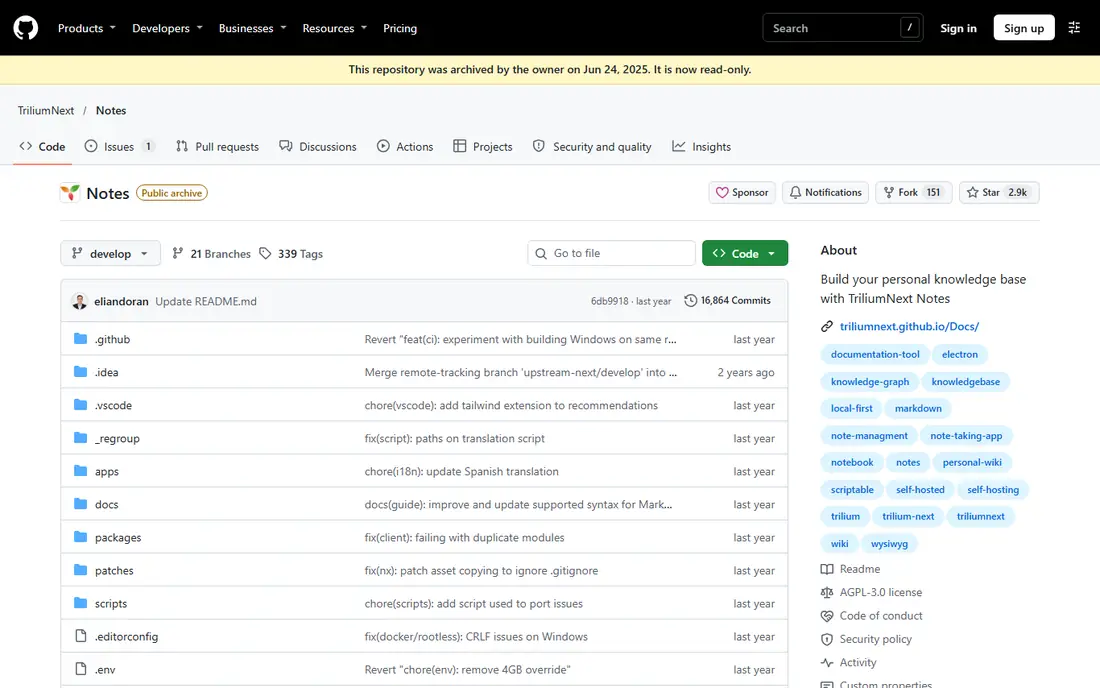
Think of Trilium Notes for self-hosted hierarchical notes. More specifically, there is no built-in AI assistant, which keeps the tool concentrated on structure and ownership.
Trade-offs to know: Setup takes technical skill; Smaller community than Obsidian.
The community is smaller than Obsidian, so plugins and themes are fewer. Entry price for Trilium Notes: Free. You can start on Trilium Notes without paying.
- No built-in AI
- Free and open source
- Interface technical
Anytype
Ideal for: Privacy-first Notion-style objects
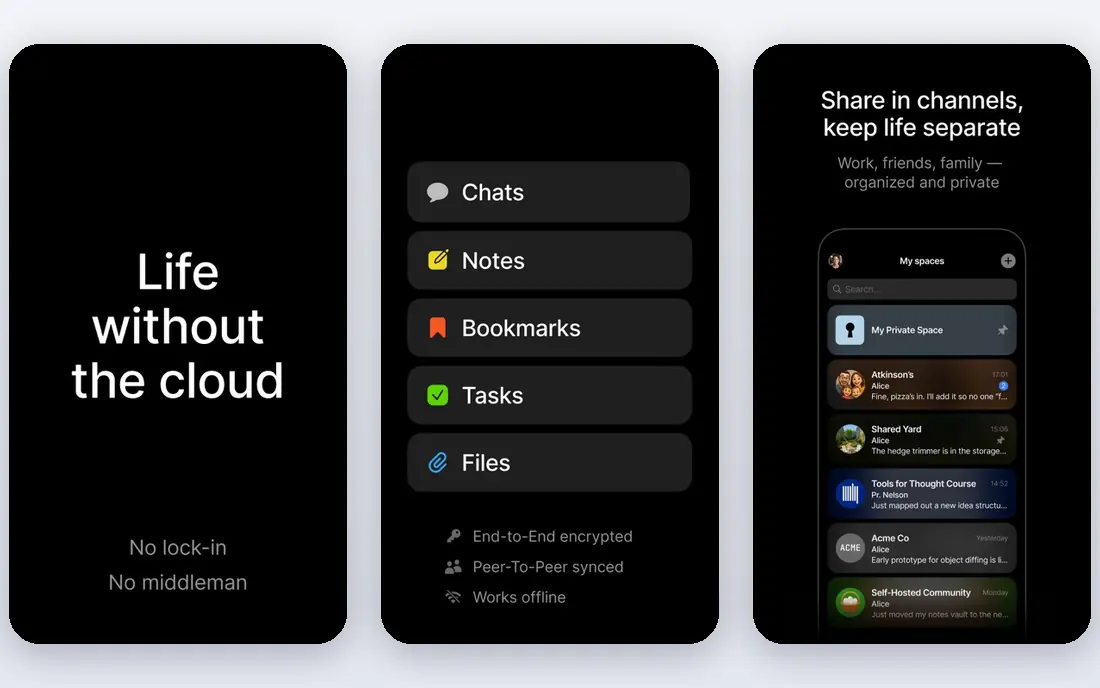
Pick Anytype if this describes you: privacy-first Notion-style objects. Anytype is the closest thing to Notion object-and-relation model that runs local-first. Beyond that, the trade is maturity and vocabulary: it has its own terms for objects, sets, and spaces with a genuine ramp-up time, and polish is still catching up to ambition.
The free level handles 1 GB of network storage in one source, with Builder at $99 a year adding more storage, whereas another source lists premium plans from $5 a month. As for the details, for people who left Notion missing the databases more than the docs, Anytype is the one to try first. It carries no built-in AI assistant in the core product. Everything is encrypted on the device, works offline, and syncs peer-to-peer when wanted, with no central server holding the notes. Anytype cost at the entry level: Free. You can start on Anytype without paying.
Where it is weaker: Still maturing; Own vocabulary with ramp-up time.
- Offline-first
- End-to-end encrypted
- Premium plans add network storage
Logseq
Ideal for: Outliner-first daily notes
In short, Logseq is for Outliner-first daily notes. Logseq is the closest Obsidian alternative that takes a fundamentally different approach: where Obsidian is file-first, Logseq is block-first, so every bullet point is an addressable unit that can be referenced, embedded, or queried from anywhere.
Honest limits: Rough mobile app.
There is no built-in AI assistant, which keeps the tool centred on outlining and linking. Logseq cost at the entry level: Free. A free plan is available with Logseq.
Where Logseq stands out: Daily journal workflow.
- Built-in flashcards and whiteboard
- Block-first referencing
- Smaller plugin ecosystem near 200
Bear
Ideal for: Apple ecosystem Markdown notes
Bear is designed for Apple ecosystem Markdown notes. It offers a clean editor, very good iOS app, tagging, and fast search, with a free level and Pro at $2.99 a month for sync across devices, themes, and export choices.
Where it is weaker: Apple only; no Windows or Android.
Where Bear stands out: Quick; Markdown support. Apple users who want the prettiest straightforward notes without AI should choose Bear. On top of that, databases and graph views are absent, and collaboration is restricted. The starting price for Bear: Free. You can start on Bear without paying.
- No built-in AI
- Beautiful design
- Collaboration restricted
Obsidian
Ideal for: Local Markdown knowledge graph
Obsidian makes the most sense for local Markdown knowledge graph. The honest caveats are setup time and polish: it is a workshop, not a finished tool.
Users should expect to spend live on vaults, themes, and plugin curation before it feels like theirs. Solo thinkers who value ownership and speed over team collaboration should choose Obsidian. Price to start with Obsidian: Free. Obsidian offers a free plan.
Where it falls short: Sync costs $4 to $5 a month; Workshop, not finished tool.
- Plugin ecosystem over 1,500 plugins
- No built-in AI assistant
- Editor displays Markdown syntax
How we compared the tools
Selection started from tools commonly considered for Notion Alternatives Without AI, then narrowed to 6 that have clear pricing information or a clear quote process. Plan names, prices and limits change often. Treat the figures here as a starting point and verify them with the vendor. The order reflects how well each tool fits the most common buying scenario for Notion Alternatives Without AI, then price clarity, then free plan access. It is a starting point, not a verdict.
What to confirm before you sign up
- Confirm the entry price on the vendor page for Standard Notes and the others: seat counts and billing terms change the total.
- Look at free plan limits closely: Standard Notes, Trilium Notes, Anytype and others have one, and the caps decide whether it is usable for real work.
- Before choosing Standard Notes, weigh its main limit: more straightforward feature set than Notion.
- Test how quickly Logseq answers a pre-sales question; it hints at how support will feel later.
- Map your must-have features to a specific Standard Notes plan before you compare prices.
Frequently asked questions
How are the tools for Notion Alternatives Without AI ordered?
The order follows typical fit for Notion Alternatives Without AI, with Standard Notes first and Obsidian last, then price clarity and free access. It is editorial judgement, not a score, so another team could rank the tools differently.
Can I try these tools before paying?
Often, yes. Standard Notes, Trilium Notes, Anytype and others have a free plan. Use your own data and a real task during the test, and check what the free tier or trial limits before you rely on it.
Do these tools publish their prices?
Yes. Every tool from Standard Notes to Obsidian shows a starting price, though seats, add-ons and billing terms still change the final cost.
Which options for Notion Alternatives Without AI have a free plan?
6 of the 6 tools have a free plan, including Standard Notes, Trilium Notes, Anytype and Logseq. Free plans usually cap users, projects or features, so check the limits on the vendor page.
What does local-first mean for a notes app?
That hands offline use with no pre-download, no account requirement for most apps, and data that outlives the company through plain files or exports you control.