Best Numberbarn Alternatives in 2026: 8 Options Compared

- 1
 Google Voicesmall businesses wanting a simple second numberVisit
- 2
 Grasshoppersolo businesses wanting a professional numberVisit
- 3
 OpenPhonestartups wanting shared team numbersVisit
- 4
 Nextivasmall businesses wanting voice plus messagingVisit
- 5
 RingCentralgrowing teams needing a full phone systemVisit
- Our pick for most readers is Google Voice, because it balances a clear small businesses wanting a simple second number focus with broad support and documentation.
- If price matters most, start with the free tiers from Nextiva and Dialpad, then check the paid limits before you commit.
- For larger teams, Grasshopper and OpenPhone offer deeper controls, but they also need more setup time and a larger budget.
- Check the official pricing page for every shortlisted option, since plans and free tiers change and the vendor page is the final word.
Quick comparison
| Product | Ideal for | Price from | Free version | |
|---|---|---|---|---|
| Google Voice | small businesses wanting a simple second number | Free | Yes | Visit |
| Grasshopper | solo businesses wanting a professional number | See website | Free trial | Visit |
| OpenPhone | startups wanting shared team numbers | See website | Free trial | Visit |
| Nextiva | small businesses wanting voice plus messaging | See website | Free trial | Visit |
| RingCentral | growing teams needing a full phone system | See website | Free trial | Visit |
 Vonage | businesses wanting flexible VoIP plans | See website | See website | Visit |
 Dialpad | teams wanting AI call summaries | See website | Free trial | Visit |
 Ooma | small offices wanting simple VoIP hardware | See website | See website | Visit |
The best numberbarn alternatives
We compared official feature pages, pricing pages, app-store listings, privacy policies, and public reviews for these numberbarn alternatives. Shortlist two or three and test them against your own workflow before you switch.
Google Voice
Ideal for: small businesses wanting a simple second number
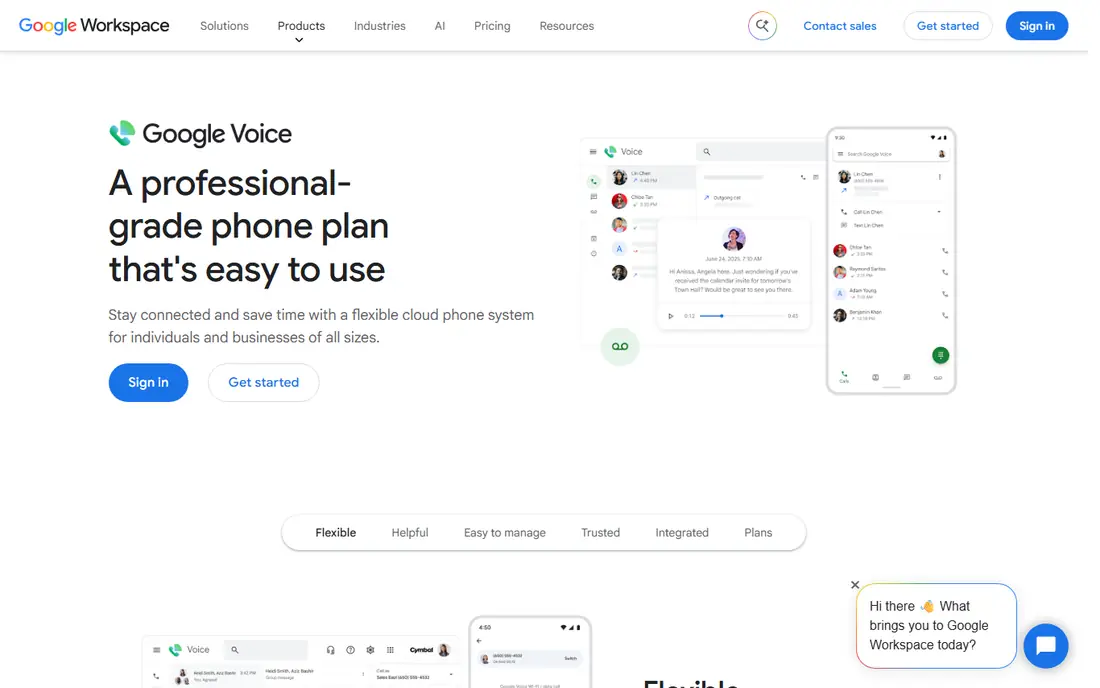
For readers comparing numberbarn alternatives, Google Voice stands out first for small businesses wanting a simple second number. A simple second number tied to a Google account. That combination makes it a natural first stop, even if it is not the right fit for every team.
On pricing, the listing here shows Free as the starting price and Yes for a free plan, but treat those fields as a starting point only. We recommend opening the official pricing page and checking the exact tier, because seat limits, usage limits, and add-ons can change the total cost.
The honest catch is this: Business features are lighter than full phone systems. That limit does not rule it out, but it should shape your shortlist. If small businesses wanting a simple second number is your main need and the catch does not block your workflow, keep it near the top. If the catch does block you, move to the next entry in this list rather than trying to work around it for months.
- A simple second number tied to a Google account
- Clear focus on small businesses wanting a simple second number
- Documentation and support pages that explain the main workflows
- Business features are lighter than full phone systems
- Pricing and limits vary by tier, so the vendor page needs a check
Grasshopper
Ideal for: solo businesses wanting a professional number
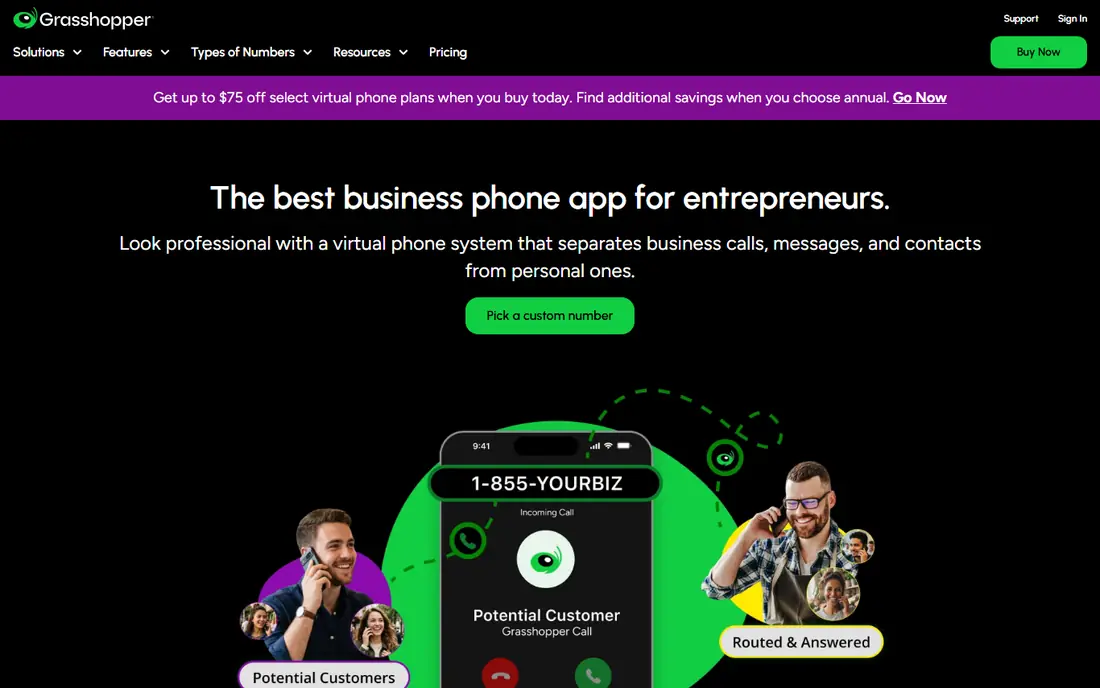
Grasshopper earns its place here because it focuses on solo businesses wanting a professional number. A virtual number with call handling for small teams. Readers who match that profile will usually get value from it faster than from a broader tool.
Pricing deserves a close look before you sign up, with See website shown as the starting price and Free trial for a free plan in this article. Vendor pages are the reliable source, and a short trial will tell you more than a feature list can. The product works best when its main job matches yours, which is solo businesses wanting a professional number, and buyers who use it for a different job often report the most friction.
Every option in this list has a trade-off, and for Grasshopper it is that it has no hardware phone focus, so larger offices may outgrow it. Weigh that against the strength above, and ask whether your team will hit that limit in the first few months. If not, this is a solid pick. If so, a different entry here will probably serve you better, and the comparison table at the top makes that switch easy to spot.
- A virtual number with call handling for small teams
- Clear focus on solo businesses wanting a professional number
- Documentation and support pages that explain the main workflows
- It has no hardware phone focus, so larger offices may outgrow it
- Pricing and limits vary by tier, so the vendor page needs a check
OpenPhone
Ideal for: startups wanting shared team numbers
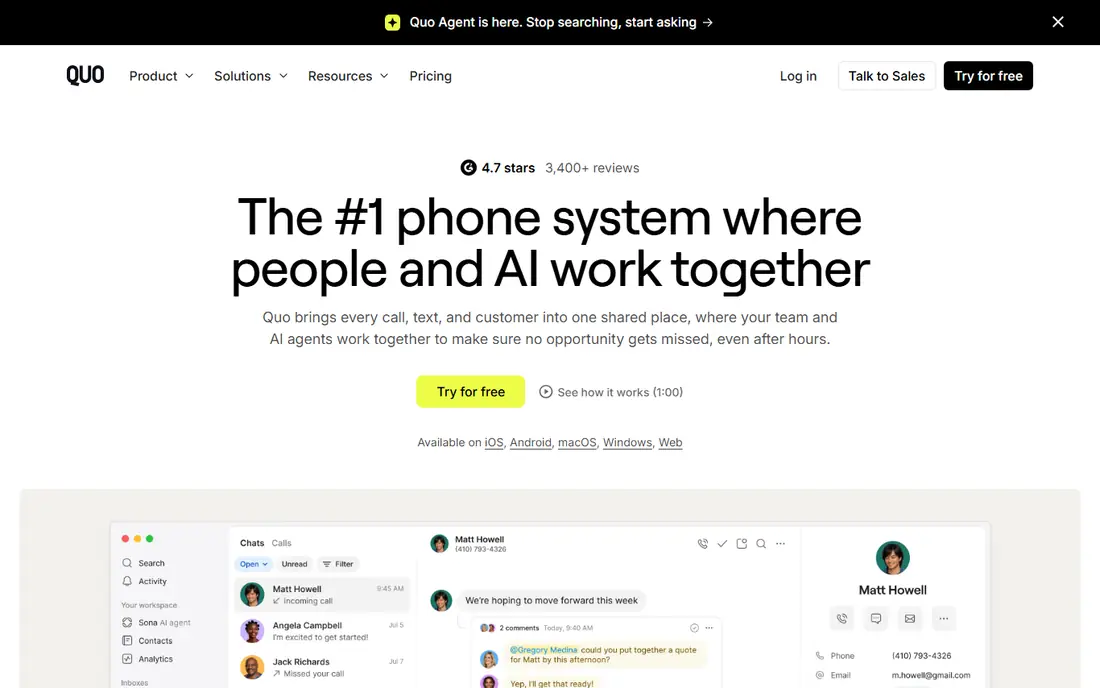
We included OpenPhone for teams that need startups wanting shared team numbers. Shared numbers, messaging, and contacts for small teams. It is not the cheapest or the simplest option in this list, but its focus is clear and easy to judge.
We would start a trial with a real task, not a demo task, and check how it handles startups wanting shared team numbers under normal load. The starting price shown here is See website and the free plan field is Free trial, but the vendor page should confirm both. When the fit is right, the product feels focused rather than generic, and that focus is its main advantage over broader rivals in this list.
The drawback to note is that advanced call center features are limited. We mention it plainly because readers often discover it only after migration, when switching again costs time. Test that specific point during a trial, with your own data and your own team, and keep a second option warm until you are sure.
- Shared numbers, messaging, and contacts for small teams
- Clear focus on startups wanting shared team numbers
- Documentation and support pages that explain the main workflows
- Advanced call center features are limited
- Pricing and limits vary by tier, so the vendor page needs a check
Nextiva
Ideal for: small businesses wanting voice plus messaging
Nextiva is a strong choice when small businesses wanting voice plus messaging is the main job. Voice, video, and messaging in one business system. That clarity helps when you are comparing a long list and need to cut it down quickly.
Before you commit, compare the total cost for your team size, not just the headline price shown as See website, with a free plan field of Free trial. Free tiers and trials help, but limits on users, volume, or features can matter more than the monthly figure. Used for small businesses wanting voice plus messaging, this option is straightforward to judge, and a short pilot usually reveals whether the workflow fits your team.
No product here is perfect, and Nextiva is no exception: pricing rises with the features a team adds. That is a normal trade-off, not a reason to dismiss it outright. Shortlist it when small businesses wanting voice plus messaging matches your priority, and skip it when a different priority in this article matters more to your team.
- Voice, video, and messaging in one business system
- Clear focus on small businesses wanting voice plus messaging
- Documentation and support pages that explain the main workflows
- Pricing rises with the features a team adds
- Pricing and limits vary by tier, so the vendor page needs a check
RingCentral
Ideal for: growing teams needing a full phone system
For readers comparing numberbarn alternatives, RingCentral stands out first for growing teams needing a full phone system. A mature cloud phone system with many integrations. That combination makes it a natural first stop, even if it is not the right fit for every team.
On pricing, the listing here shows See website as the starting price and Free trial for a free plan, but treat those fields as a starting point only. We recommend opening the official pricing page and checking the exact tier, because seat limits, usage limits, and add-ons can change the total cost.
The honest catch is this: The full feature set can be more than a tiny team needs. That limit does not rule it out, but it should shape your shortlist. If growing teams needing a full phone system is your main need and the catch does not block your workflow, keep it near the top. If the catch does block you, move to the next entry in this list rather than trying to work around it for months.
- A mature cloud phone system with many integrations
- Clear focus on growing teams needing a full phone system
- Documentation and support pages that explain the main workflows
- The full feature set can be more than a tiny team needs
- Pricing and limits vary by tier, so the vendor page needs a check
Vonage
Ideal for: businesses wanting flexible VoIP plans
Vonage earns its place here because it focuses on businesses wanting flexible VoIP plans. Flexible business VoIP with developer APIs. Readers who match that profile will usually get value from it faster than from a broader tool.
Pricing deserves a close look before you sign up, with See website shown as the starting price and See website for a free plan in this article. Vendor pages are the reliable source, and a short trial will tell you more than a feature list can. The product works best when its main job matches yours, which is businesses wanting flexible VoIP plans, and buyers who use it for a different job often report the most friction.
Every option in this list has a trade-off, and for Vonage it is that plan details vary, so compare the exact tier before buying. Weigh that against the strength above, and ask whether your team will hit that limit in the first few months. If not, this is a solid pick. If so, a different entry here will probably serve you better, and the comparison table at the top makes that switch easy to spot.
- Flexible business VoIP with developer APIs
- Clear focus on businesses wanting flexible VoIP plans
- Documentation and support pages that explain the main workflows
- Plan details vary, so compare the exact tier before buying
- Pricing and limits vary by tier, so the vendor page needs a check
Dialpad
Ideal for: teams wanting AI call summaries
We included Dialpad for teams that need teams wanting AI call summaries. AI transcripts and summaries built into calls. It is not the cheapest or the simplest option in this list, but its focus is clear and easy to judge.
We would start a trial with a real task, not a demo task, and check how it handles teams wanting AI call summaries under normal load. The starting price shown here is See website and the free plan field is Free trial, but the vendor page should confirm both. When the fit is right, the product feels focused rather than generic, and that focus is its main advantage over broader rivals in this list.
The drawback to note is that some AI features sit on higher tiers. We mention it plainly because readers often discover it only after migration, when switching again costs time. Test that specific point during a trial, with your own data and your own team, and keep a second option warm until you are sure.
- AI transcripts and summaries built into calls
- Clear focus on teams wanting AI call summaries
- Documentation and support pages that explain the main workflows
- Some AI features sit on higher tiers
- Pricing and limits vary by tier, so the vendor page needs a check
Ooma
Ideal for: small offices wanting simple VoIP hardware
Ooma is a strong choice when small offices wanting simple VoIP hardware is the main job. Simple setup with office phone hardware options. That clarity helps when you are comparing a long list and need to cut it down quickly.
Before you commit, compare the total cost for your team size, not just the headline price shown as See website, with a free plan field of See website. Free tiers and trials help, but limits on users, volume, or features can matter more than the monthly figure. Used for small offices wanting simple VoIP hardware, this option is straightforward to judge, and a short pilot usually reveals whether the workflow fits your team.
No product here is perfect, and Ooma is no exception: it is less flexible for fully remote, app-only teams. That is a normal trade-off, not a reason to dismiss it outright. Shortlist it when small offices wanting simple VoIP hardware matches your priority, and skip it when a different priority in this article matters more to your team.
- Simple setup with office phone hardware options
- Clear focus on small offices wanting simple VoIP hardware
- Documentation and support pages that explain the main workflows
- It is less flexible for fully remote, app-only teams
- Pricing and limits vary by tier, so the vendor page needs a check
How we picked these
We started with the numberbarn alternatives topic and looked for products that exist and work in October 2026 and truly fit it, rather than tools that only mention the topic in passing. We compared official feature pages, pricing pages, app-store listings, privacy policies, and public reviews, and we left out products we could not verify.
What to check before you choose
Start with the job, not the feature list. Write down the one task you need done every week, the number of people who will use the tool, and the systems it must connect with. Then test your top two options with that exact task.
Next, check the total cost for a full year, including seats and usage charges. Ask what happens when you cancel, whether you can export your data, and how support works. Those answers matter more over time than a small difference in monthly price.
Frequently asked questions
What are the best numberbarn alternatives?
The best choice depends on your main job. Google Voice is our general pick, Nextiva suits teams that want a lighter start, and Grasshopper suits larger teams that need deeper controls. Shortlist two or three, then test them with a real task before you commit.
Are there free numberbarn alternatives?
Yes, some options in this list offer a free tier or a free trial, as shown in the comparison table. Free tiers usually limit users, volume, or features, so check the vendor page for the current limits. A free tier is a good way to test fit, but it may not cover a full team for long.
How much do numberbarn alternatives cost?
Costs vary widely, from free tiers to enterprise pricing, and they often depend on seats or usage. We wrote See website where we could not verify a current figure, because guessing a price would mislead readers. Always check the official pricing page for the tier you actually need.
How do I switch from one option to another?
Start by exporting your data from the old tool and checking what the new tool can import. Run both tools in parallel for a short period, move one workflow at a time, and keep the old tool until the new one handles a real week of work. That order reduces the risk of lost data or missed work.