Ollama Alternatives in 2026: 7 Options Compared

- Our pick for most readers is LM Studio, because it covers the core needs of this topic with the fewest compromises.
- Free options exist here: LM Studio, GPT4All, Jan, LocalAI, AnythingLLM, Open WebUI all offer a free plan, so you can start without paying.
- Prices and free tiers change, so check the vendor site for the current plan before you buy, and treat any price in this article as a starting point.
- The right choice depends on your size and budget: the cheapest option is not always the best fit, and the biggest platform is not always needed.
Quick comparison
| Product | Ideal for | Price from | Free version | |
|---|---|---|---|---|
 LM Studio | users who want local models with a simple app | Free | Yes | Visit |
 GPT4All | users who want a free local chat app | Free | Yes | Visit |
 Jan | users who want an open local AI desktop app | Free | Yes | Visit |
 LocalAI | developers who want a local API for models | Free | Yes | Visit |
 AnythingLLM | teams who want local models plus documents | Free | Yes | Visit |
 Msty | users who want a polished local model app | See website | Free | Visit |
 Open WebUI | self-hosters who want a web chat for models | Free | Yes | Visit |
The best ollama alternatives
We compared 7 options for this guide, looking at official feature pages, pricing pages, app store listings, privacy policies, and public reviews. We did not claim hands-on testing we did not do. Instead, we weighed what each product actually offers, what it costs, and where it falls short, so you can compare them on equal terms. The list below mixes well-known leaders with strong smaller options. Some readers will want the cheapest start, others will want depth or support, and the notes under each product say which group it suits best. Read the comparison table first for a quick view, then the product notes for the detail that matters to your choice.
LM Studio
Ideal for: users who want local models with a simple app
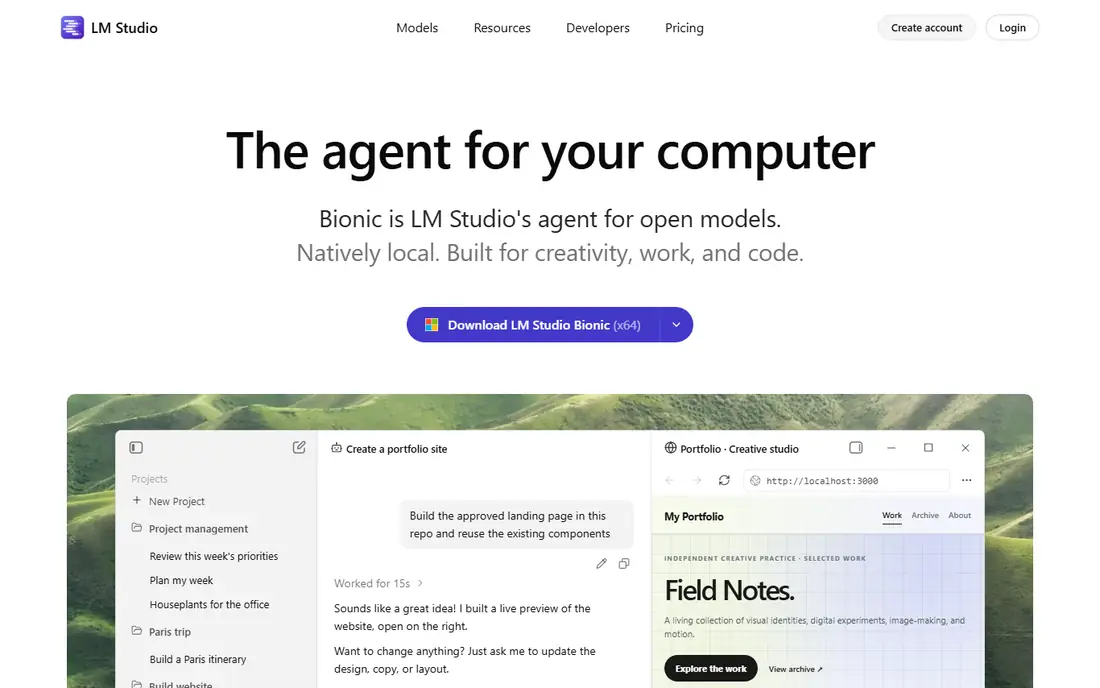
LM Studio suits users who want to run language models on their own computer through a clear desktop app. That makes it a natural fit for users who want local models with a simple app, where the daily workflow matters more than a long feature list. Its ease is the strength, since finding, downloading, and chatting with a model takes a few clicks. It starts free, which keeps the first step low risk while you test it. The catch is hardware, since larger models need a strong computer to run at a good speed.
- Easy model download and chat interface
- Runs models locally on desktop
- Server mode for apps
- Needs a capable computer for larger models
- Model quality depends on the model chosen
GPT4All
Ideal for: users who want a free local chat app
GPT4All suits users who want a free, private chat app that runs models locally without an account or cloud service. For users who want a free local chat app, that combination of focus and simplicity is what keeps it on this list. Its free access is the draw, since local chat works without a subscription. It starts free, which keeps the first step low risk while you test it. The catch is model power, since local models vary, and smaller ones answer less well than large hosted models.
- Free and open local chat
- Model library included
- Works offline once models are downloaded
- Smaller models can be weaker than hosted models
- Interface is simpler than paid tools
Jan
Ideal for: users who want an open local AI desktop app
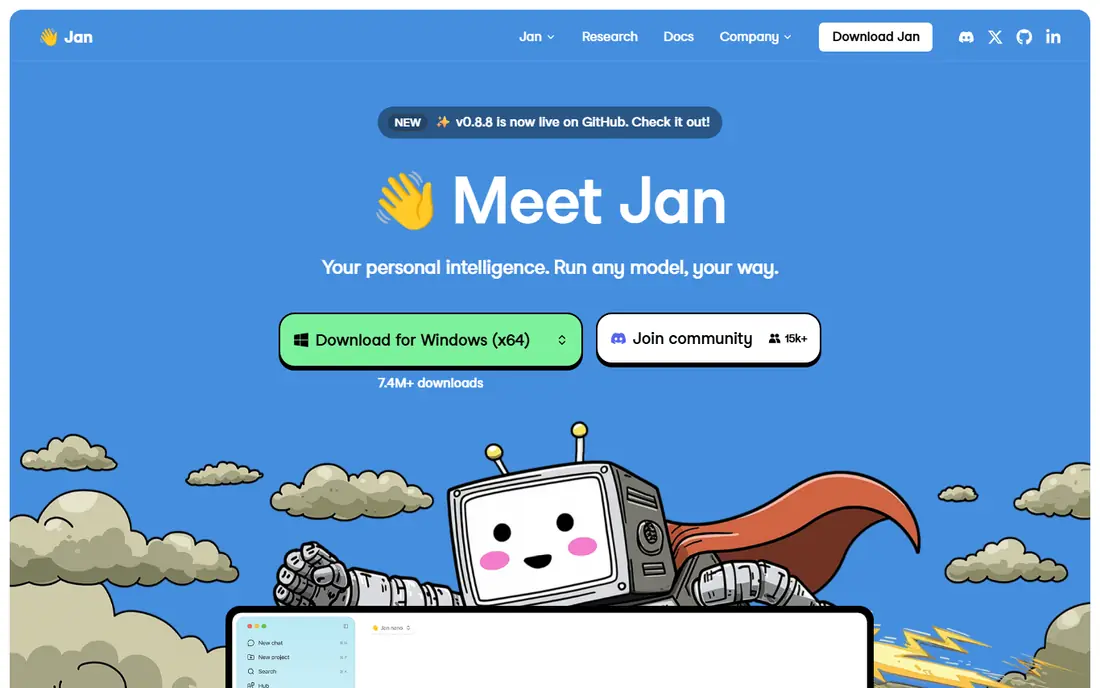
Jan suits users who want an open source desktop app for running models locally, with room to extend it. It is a practical choice for users who want an open local AI desktop app, especially when setup time is short. Its openness is the strength, since the code and model choices stay under user control. It starts free, which keeps the first step low risk while you test it. The catch is setup, since first-time users need to download models and learn the interface.
- Open source desktop app for local models
- Extension system for features
- Works offline
- Setup can take a few steps for new users
- Model downloads are large
LocalAI
Ideal for: developers who want a local API for models
LocalAI suits developers who want a local service that answers the same API calls as hosted AI services. That is why it earns a place here for developers who want a local API for models, even with the limits noted below. Its API compatibility is the draw, since existing apps can point at a local server with little code change. It starts free, which keeps the first step low risk while you test it. The catch is skill, since setup and tuning assume a developer.
- Open source API compatible with common AI APIs
- Runs many model types locally
- Self-hosted control
- Needs technical setup
- Documentation assumes developer knowledge
AnythingLLM
Ideal for: teams who want local models plus documents
AnythingLLM suits teams that want to ask questions of their own documents using local models. For teams who want local models plus documents, the balance of price and features is hard to beat in this group. Its document chat is the strength, since files can be searched and summarized inside a workspace. It starts free, which keeps the first step low risk while you test it. The catch is setup, since document collections need care to give good answers.
- Chat with documents using local or hosted models
- Team workspaces
- Self-hosted option
- Interface has many options for new users
- Best results need good document setup
Msty
Ideal for: users who want a polished local model app
Msty suits users who want a polished app for local models, with prompts and model management built in. It deserves a close look from users who want a polished local model app, provided the limits below are acceptable. Its design is the strength, since local and hosted models sit in one tidy interface. Pricing is listed on the vendor site, so check the current plan before you commit. The catch is tiers, since some advanced features need a paid plan.
- Clean interface for local and hosted models
- Prompt library and model management
- Works across desktop platforms
- Some advanced features are paid
- Local performance depends on hardware
Open WebUI
Ideal for: self-hosters who want a web chat for models
Open WebUI suits self-hosters who want a web-based chat interface for models running on their own server. That profile fits self-hosters who want a web chat for models well, as long as the trade-offs below are clear. Its flexibility is the draw, since it connects to several model backends and can be extended. It starts free, which keeps the first step low risk while you test it. The catch is hosting, since running it well takes server knowledge.
- Open source web interface for local models
- Works with Ollama and other backends
- Extensible with tools
- Needs self-hosting skill
- Interface setup takes time
How we picked these
We started from the topic itself and kept only products that truly fit it, exist, and work in October 2026. We checked each product homepage to confirm it loads and belongs to that product, and we read official feature and pricing pages rather than relying on review roundups alone. Where a price could not be verified from the vendor site, we wrote See website instead of guessing a number. We then compared the shortlist on fit for the stated use, price and free tier, ease of setup, and honest weaknesses. A product with a strong feature set but a poor fit for ordinary readers was left out, and we did not pad any list with products that only partly match the topic.
What to check before you choose
Start with the job you need done, not the longest feature list. A product that covers your main task well beats a larger platform whose extra features you never open, and a cheaper plan that fits your workflow beats a premium tier bought for status. Write down your must-have features before you compare, and use that list to judge each option below. Budget and total cost. Compare the starting price with what you will actually pay after a few months, including per-user fees, add-ons, and renewal prices. Free plans are useful for testing, but check their limits on users, storage, or usage before you build a workflow around them. Fit and switching cost. Check whether the product works with the tools you already use, and whether your data can be exported if you leave. A short trial answers both questions better than a sales page, so test the exact task you will do every week, not just the demo flow. Support and trust. Read the privacy policy and support options before you commit, especially when the product handles money, health, children, or private data. Public reviews help here, but weigh recent reviews more than old ones, since products and prices change. Once you have a shortlist of two or three, test them side by side for a few days. The right choice usually becomes clear once you use it for real work, and a careful trial now saves a painful switch later.
Frequently asked questions
What is the best ollama alternatives?
For most readers, LM Studio is our pick, because it covers the core needs with the fewest compromises. That said, the best choice depends on your budget and workflow, so readers with a tight budget or a special requirement may prefer one of the other options in this list.
Is there a free ollama alternatives?
Yes. LM Studio, GPT4All, Jan, LocalAI, AnythingLLM, Open WebUI offer free plans, though each free plan has limits worth checking before you rely on it.
How much does ollama alternatives cost?
Costs vary widely across this list, from free plans to quote-based enterprise pricing. Check the starting price in the comparison table, then read the vendor pricing page for the plan that matches your team size, since per-user fees and add-ons change the total.
Which option is best for beginners or small teams?
GPT4All is a good starting point for beginners or small teams, since it is easier to set up than the larger platforms here. If budget is the main concern, start with one of the free options and upgrade only when you hit a limit.
How did you choose these products?
We compared official feature pages, pricing pages, app store listings, privacy policies, and public reviews, and we checked each product homepage to confirm it belongs to that product. We kept only products that exist, work in October 2026, and truly fit the topic.
Can I switch later if I change my mind?
In most cases, yes, but switching costs time, especially if your data lives inside one tool. Before you commit, check whether you can export your data, and keep a backup of anything important so a future move stays possible.