OneNote Alternatives in 2026: 8 Tools Compared

- Notion suits teams and individuals who want notes, databases, and docs in one workspace.
- Evernote suits users who want a mature note app with web clipping and search.
- Obsidian and Joplin suit users who want local files, Markdown, and full control over notes.
- Bear, GoodNotes, Google Keep, and Apple Notes cover Mac, handwriting, quick notes, and Apple users.
Quick comparison
| Product | Ideal for | Price from | Free version | |
|---|---|---|---|---|
 Notion | All-in-one workspace | See website | Yes | Visit |
 Evernote | Mature note taking | See website | Yes | Visit |
 Obsidian | Local Markdown notes | Free | Yes | Visit |
 Bear | Mac and iOS notes | See website | Yes | Visit |
 Joplin | Open-source notes | Free | Yes | Visit |
 GoodNotes | Handwritten notes | See website | Free trial | Visit |
 Google Keep | Quick notes | Free | Yes | Visit |
 Apple Notes | Apple users | Free | Yes | Visit |
The best OneNote alternatives
We compared official feature pages, pricing pages, and app-store listings for note-taking tools available in October 2026. OneNote users range from students to teams, so the list covers workspaces, local note apps, handwriting apps, and quick capture tools.
Notion
Ideal for: All-in-one workspace
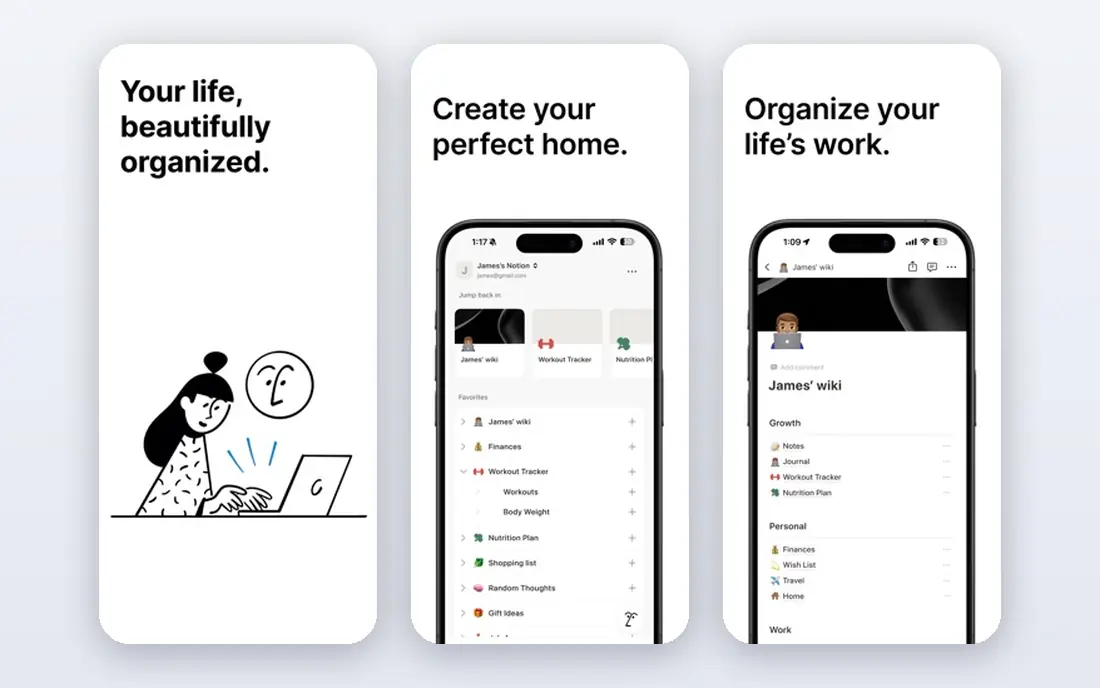
Notion combines notes, docs, wikis, tasks, and databases in one workspace, with AI features for drafting and search. Individuals can build a personal wiki, while teams can share pages, databases, and projects. A free tier covers personal use, with paid plans for teams.
Very large workspaces can feel slower than a plain note app, and offline use is limited. For a user who wants notes plus structure and collaboration, Notion is the most flexible OneNote alternative.
- Notes plus databases and docs
- Huge template library
- Collaboration features
- Can feel slow in very large workspaces
- Offline use is limited
Evernote
Ideal for: Mature note taking
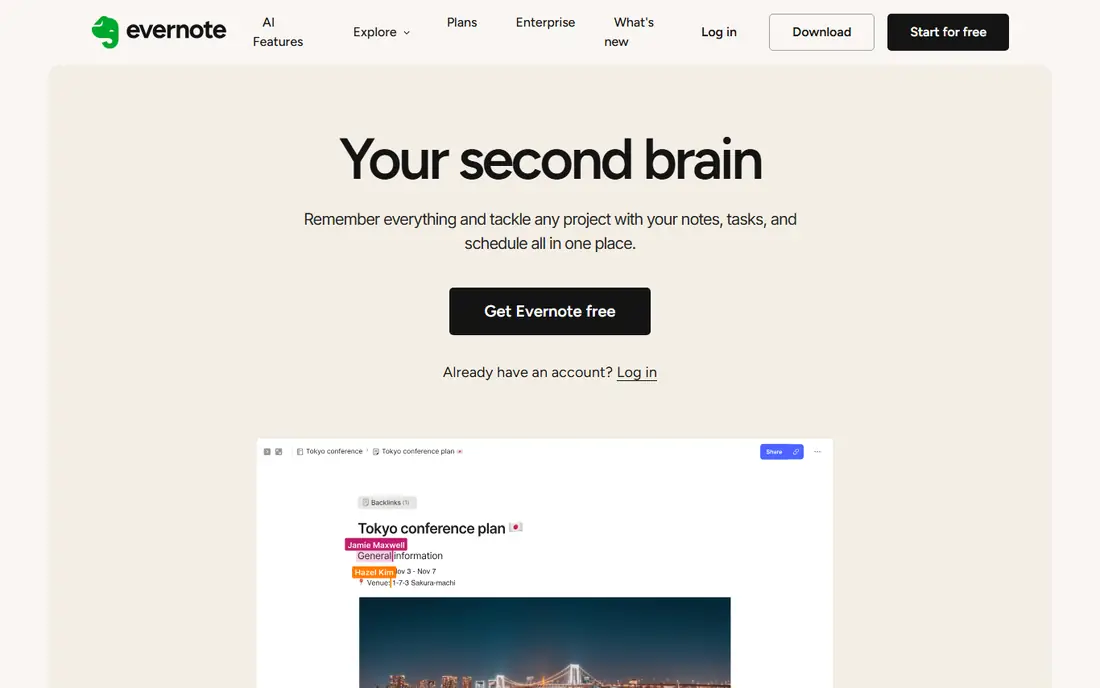
Evernote is a long-standing note app with web clipping, search across notes and attachments, and organization by notebooks, tags, and stacks. Its mobile and desktop apps sync across devices, and AI features help search and summarize notes. A free tier covers basic use with device and note limits.
The free tier is limited, and pricing is higher than some rivals. For a user who wants a mature note app with strong clipping and search, Evernote remains a reliable choice.
- Strong web clipping
- Search across notes and attachments
- Mature organization
- Free tier limits devices and notes
- Pricing is higher than some rivals
Obsidian
Ideal for: Local Markdown notes
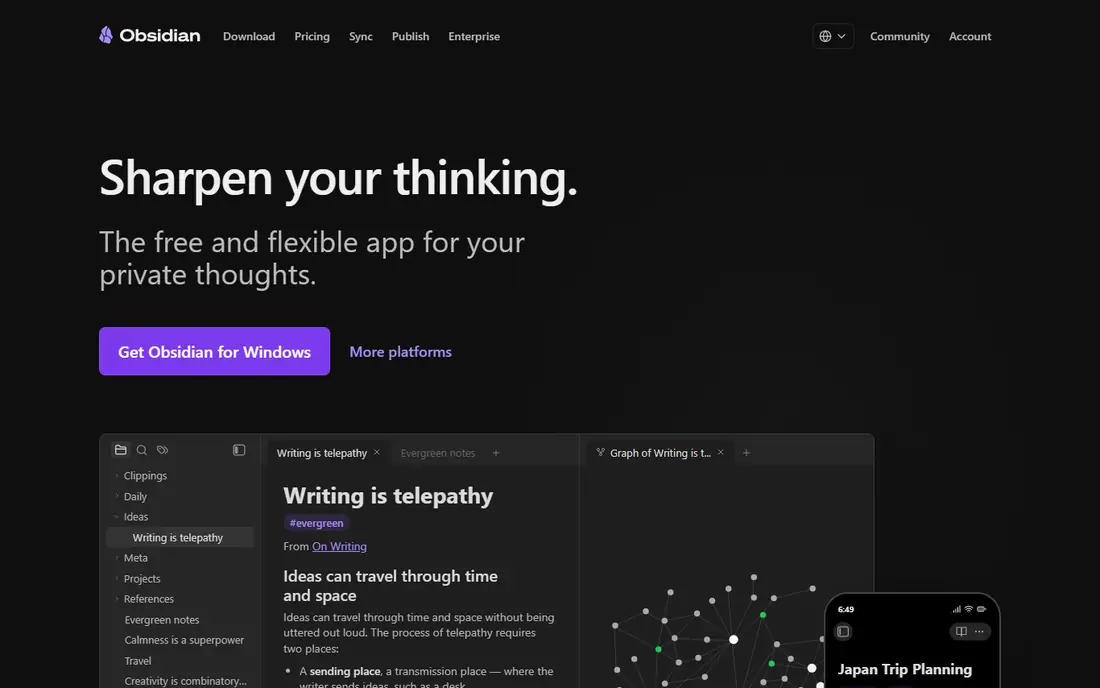
Obsidian is a note app that stores notes as local Markdown files, with a graph view that shows links between notes, backlinks, and a huge plugin library for tasks, calendars, and more. Users own their files, so notes work offline and can be edited in any text editor. A free tier covers personal use, with paid sync and publish add-ons.
Sync across devices needs a paid add-on or a third-party sync tool, and new users face a learning curve. For a user who wants local files and full control, Obsidian is the top choice.
- Local Markdown files you own
- Graph view
- Huge plugin library
- Sync and publish need paid add-ons
- Learning curve for new users
Bear
Ideal for: Mac and iOS notes
Bear is a clean Markdown note app for Mac, iPhone, and iPad, with fast editing, tags, and export to PDF, Word, and HTML. Its interface is polished and focused, with themes and typography that suit writers. A free tier covers basic notes, while a Pro plan adds sync and export features.
Bear is Apple only, so Windows and Android users need another tool. For an Apple user who wants a beautiful, fast note app, Bear is hard to beat.
- Clean Markdown editing
- Fast and polished
- Good export options
- Apple only
- Sync needs a paid plan
Joplin
Ideal for: Open-source notes
Joplin is a free, open-source note app for Windows, Mac, Linux, iOS, and Android, with Markdown notes, notebooks, tags, and web clipping. It syncs with Nextcloud, Dropbox, OneDrive, and Joplin Cloud, and its plugin system adds features. End-to-end encryption protects synced notes.
The interface is functional rather than polished, and some features need setup. For a user who wants a free, cross-platform note app with full data control, Joplin is a strong choice.
- Free and open source
- Markdown notes
- Sync with many services
- Interface is functional rather than polished
- Some features need setup
GoodNotes
Ideal for: Handwritten notes
GoodNotes is a handwriting note app for iPad, iPhone, and Mac, with excellent pen support, PDF annotation, and notebook organization. Students and professionals use it for lectures, meetings, and marking up documents, with search across handwritten notes. A free tier covers basic notebooks, with a paid plan for unlimited notebooks.
GoodNotes is best on iPad and Apple devices, and its handwriting focus means typed notes are secondary. For a student or professional who writes by hand on an iPad, GoodNotes is the top pick.
- Excellent handwriting on iPad
- PDF annotation
- Notebook organization
- Best on iPad and Apple devices
- Handwriting focus limits typed notes
Google Keep
Ideal for: Quick notes
Google Keep is a free, fast note app for quick notes, lists, reminders, and images, with labels and colors for organization. It integrates with Google Docs and other Workspace apps, and it syncs across web, Android, and iOS. Its simplicity suits capture on the go.
Organization is limited for large collections, and there is no dedicated desktop app. For a user who wants fast, free capture for short notes and reminders, Google Keep is ideal.
- Free
- Very fast for quick notes
- Integrates with Google Workspace
- Limited organization for large note collections
- No desktop app
Apple Notes
Ideal for: Apple users
Apple Notes is free on iPhone, iPad, and Mac, with folders, tags, handwriting, document scanning, and iCloud sync. It handles checklists, attachments, and collaborative notes well, and its integration with Apple devices makes capture easy. Recent versions add linking between notes and better organization.
Apple Notes is Apple only, and export outside Apple is limited. For an Apple user who wants a free, capable note app without another subscription, Apple Notes covers most OneNote needs.
- Free on Apple devices
- Good handwriting and scanning
- ICloud sync
- Apple only
- Export and sharing outside Apple are limited
How we picked these
We compared official feature pages, pricing pages, and app-store listings for note-taking tools available in October 2026. We favored tools with current products, a clear note-taking use case, and a range of prices, from free apps to paid workspaces. We also checked export formats, search at scale, and sync reliability, since a note app must protect years of accumulated knowledge. We did not include our own product in this list.
How to choose a OneNote alternative
Start with how you take notes. Handwriting points to GoodNotes or Apple Notes on iPad, while typed Markdown points to Obsidian, Bear, or Joplin. Team and workspace needs point to Notion, while quick capture points to Google Keep or Apple Notes.
Then check sync and export. A tool that locks notes in one platform costs more later, so prefer tools with export to Markdown, PDF, or Word. Test with your real notes for a week, including search and mobile use, before switching fully.
Note apps hold years of thinking, so check exit options before you invest. Confirm that you can export notes as Markdown, PDF, or another open format, including attachments and images, since a tool with weak export locks in your knowledge. Also test search on a large collection, not a few notes, since search quality decides whether old notes stay useful. For handwriting, test pen latency and palm rejection on your actual device, since specs do not capture feel. Sync reliability matters too: test across your devices for a week, including offline edits, and watch for conflicts or duplicates. Finally, keep a backup outside the app, such as an export folder or a synced copy, so a service outage or account problem never blocks access to your notes. A note system you trust is one you can leave and return to safely.
Handwriting and scanning features deserve a hands-on test if you take notes by hand. Check pen latency, palm rejection, and handwriting search on your actual tablet, since marketing videos hide lag and errors. For scanned documents, test text recognition quality on your own handwriting and on printed pages, and confirm that scanned files stay searchable after export. Also check how the app handles large notebooks over time, since a notebook with thousands of pages can slow down search and sync. Finally, think about longevity: notes you take today should still open in ten years, so prefer formats and export options that do not depend on one vendor's survival. A quick test with a semester of old notes reveals problems early.
Frequently asked questions
What is the best OneNote alternative?
Notion suits teams and individuals who want notes plus structure, while Evernote suits mature note taking with clipping. Obsidian and Joplin suit local-file users, and Bear or Apple Notes suit Apple users.
Is OneNote free?
Yes. OneNote is free for Windows, Mac, web, iOS, and Android, with a Microsoft account. Paid Microsoft 365 plans add storage and features, but the core note app is free.
Can I import OneNote notes into Notion?
Notion offers an importer for OneNote notebooks, though formatting and handwriting may need cleanup after import. Obsidian and Joplin also support imports through community tools and Markdown export.
Is Obsidian free?
Obsidian is free for personal use, with paid add-ons for sync and publish. Commercial use needs a paid license, but personal notes, plugins, and local files are free.
What is the best note app for students?
GoodNotes suits iPad handwriting for lectures, while Notion suits organization and collaboration. Obsidian suits students who want linked notes for study, and Google Keep suits quick reminders and lists.
How do I migrate notes from OneNote to another app?
Most tools offer an importer, but results vary. Notion has a OneNote importer, while Obsidian and Joplin work best with Markdown exports through community tools. Before migrating, export a test notebook and check formatting, images, handwriting, and attachments, since handwriting and ink often convert poorly. Migrate in sections, starting with active notebooks, and keep OneNote readable until you confirm the new system holds everything you need.