OnionPlay Alternatives in 2026: 7 Streaming Services Compared

- Netflix and Disney Plus suit viewers who want large, original movie and show libraries.
- Hulu suits US viewers who want current TV plus originals, while Peacock suits NBCUniversal fans.
- Tubi and Pluto TV suit viewers who want free, legal streaming with ads.
- Amazon Prime Video suits Prime members who want movies, shows, and rentals in one place.
- Legal services give reliable quality, subtitles, and device support that pirate sites cannot match.
Quick comparison
| Product | Ideal for | Price from | Free version | |
|---|---|---|---|---|
 Netflix | Large original library | See website | No | Visit |
 Hulu | Current US TV | See website | Free trial | Visit |
 Disney Plus | Family and franchise shows | See website | No | Visit |
 Peacock | NBCUniversal shows | See website | Yes | Visit |
 Tubi | Free movies and shows | Free | Yes | Visit |
 Pluto TV | Free live and on-demand TV | Free | Yes | Visit |
 Amazon Prime Video | Prime members | See website | Free trial | Visit |
The best legal OnionPlay alternatives
We compared official feature pages, pricing pages, and public reviews for seven legal streaming services. Our pick for most viewers is Netflix for its library depth, with Tubi close behind for free viewing.
Netflix
Ideal for: Large original library
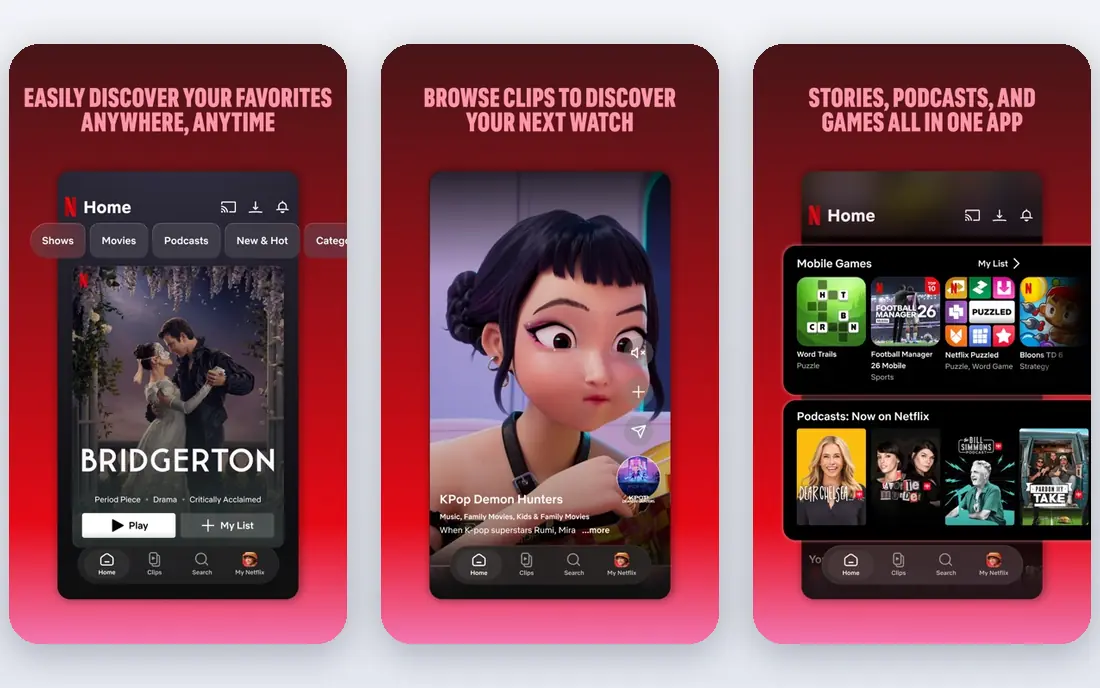
Netflix remains the largest subscription streaming service, with original films, series, documentaries, and licensed shows across genres. Its apps work reliably on phones, TVs, and browsers, with profiles, downloads, and subtitles. That depth makes Netflix the default legal alternative for movie and show fans.
Pricing rises with ad-free and 4K tiers, and content rotates by region, so some titles leave over time. For viewers who want one service with the most originals, Netflix is our top pick.
- Huge original catalog
- Reliable apps
- Strong recommendations
- Price rises with tiers
- Content rotates by region
Hulu
Ideal for: Current US TV
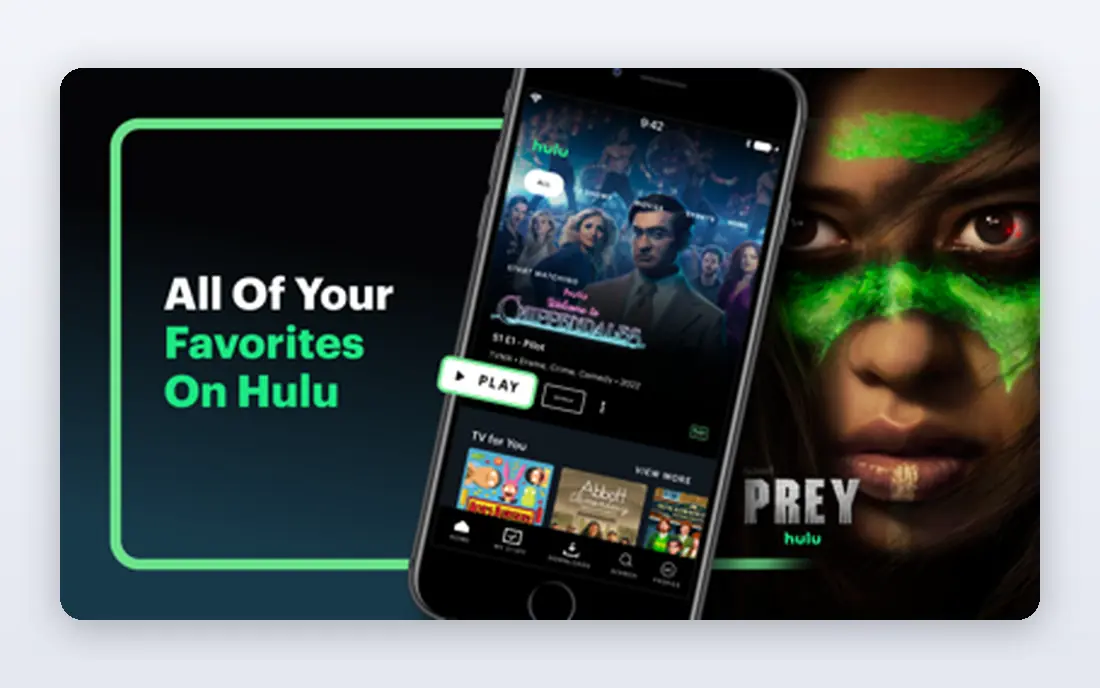
Hulu offers current US TV episodes soon after air, plus originals, films, and a live TV option for cord-cutters. That current-TV strength suits viewers who follow network and cable shows without a cable subscription. The library also includes FX, ABC, and other US content.
Hulu is US only, and lower tiers include ads. For US viewers who want current TV plus streaming originals, Hulu is a strong choice.
- Current TV episodes
- Originals
- Live TV option
- US only
- Ads on lower tiers
Disney Plus
Ideal for: Family and franchise shows
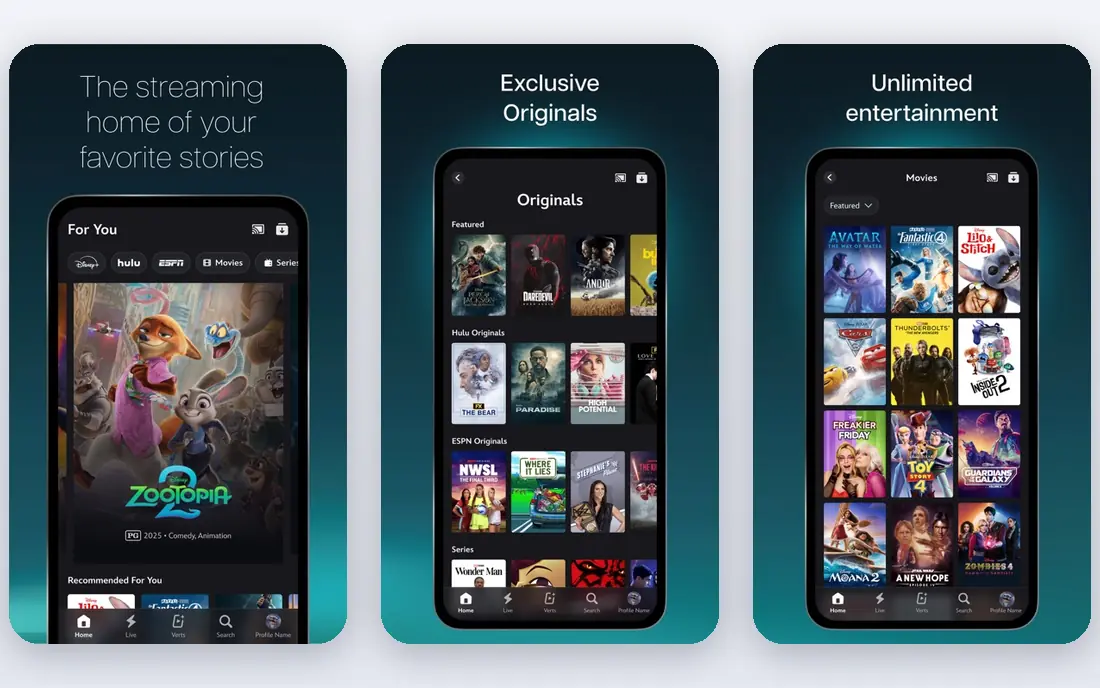
Disney Plus gathers Disney, Pixar, Marvel, Star Wars, and National Geographic content in one service, with family profiles and 4K support on many titles. That franchise depth suits families and fans of those worlds, plus viewers who want reliable, high-quality streams. Bundles with Hulu and ESPN add broader content in the US.
Adult drama and indie film ranges are narrower than Netflix, and content varies by region. For families and franchise fans, Disney Plus is an excellent legal alternative.
- Disney, Pixar, Marvel, and Star Wars
- Family profiles
- 4K support
- Narrower adult drama range
- Content varies by region
Peacock
Ideal for: NBCUniversal shows
Peacock streams NBCUniversal shows, films, live sports, and news, with a free tier for limited content and paid tiers for full access. That mix suits viewers who follow NBC shows, Bravo, or Premier League and other sports coverage. The free tier lets new users test before paying.
The library is smaller than Netflix, and lower tiers include ads. For NBCUniversal fans and free-tier testers, Peacock is a good legal option.
- NBC shows and films
- Live sports and news
- Free tier
- Library is smaller than Netflix
- Ads on lower tiers
Tubi
Ideal for: Free movies and shows
Tubi is a free, legal streaming service with a large library of movies and shows supported by ads. No subscription or card is needed, and apps work on most TVs, phones, and browsers. That free access makes Tubi the best first alternative for viewers who want movies without paying.
Ads interrupt viewing, and newer blockbuster releases are limited compared with paid services. For free, legal movie nights, Tubi is hard to beat.
- Free with ads
- Large movie library
- No subscription needed
- Ads interrupt viewing
- Newer releases are limited
Pluto TV
Ideal for: Free live and on-demand TV
Pluto TV offers free live TV channels plus on-demand movies and shows, mimicking cable with themed channels for movies, news, sports, and reality. No account is needed to start watching, and apps cover most devices. That live-channel feel suits viewers who like to browse rather than choose a title.
Ads and scheduled programming mean less control than on-demand services, and on-demand depth is thinner than Netflix. For free, legal TV-style viewing, Pluto TV is a great choice.
- Free live channels
- On-demand movies
- No account needed
- Ads and scheduled programming
- Less on-demand depth
Amazon Prime Video
Ideal for: Prime members
Amazon Prime Video comes with Prime membership, offering originals, licensed shows and films, plus rentals and purchases for newer titles. That bundle suits Prime members who already pay for shipping and want video included. Device support is broad, with downloads and profiles.
The interface mixes included titles with rentals, which can confuse browsing, and catalog varies by region. For Prime members, Prime Video is the best-value legal alternative here.
- Included with Prime
- Originals and rentals
- Broad device support
- Interface mixes rentals and included titles
- Catalog varies
How we picked these
We compared official feature pages, pricing pages, and public reviews for each service, and we favored legal services that still work in October 2026 and offer movies and shows in the US. We did not claim hands-on testing, and we weighed library depth, price, free options, and device support. Where a price was unclear at writing time we wrote "See website" rather than guessing.
What to check before you choose
Start with what you watch. Movie fans suit Netflix or Tubi, TV fans suit Hulu or Peacock, and families suit Disney Plus. Check whether your favorite shows are included in your region, since libraries differ by country. Test the free tier or trial first, especially for Tubi, Pluto TV, and Peacock, before paying for a subscription.
Next, check devices and profiles. A service must work on your TV, phone, and tablet, with profiles if a household shares it. Compare total cost if you stack services, since two or three subscriptions can exceed a cable bill. Finally, avoid pirate sites that promise every title free: they carry malware, scam, and legal risks that legal services avoid.
Also manage subscription costs with a simple rotation habit. Most viewers only watch one or two services heavily in a given month, so subscribing to everything at once wastes money. List the shows you actually watch, check which service holds them, and subscribe to one or two at a time, rotating as seasons arrive. Use free services like Tubi and Pluto TV as a base layer, so gaps between paid subscriptions still offer something to watch. Set calendar reminders before trials end and before renewals, since a forgotten trial can turn into months of unused charges. Share plans legally through family or household options where the service allows it, and check how many simultaneous streams your plan supports before sharing.
Device and quality checks round out the choice. Test each service on your main TV and phone, checking 4K support, subtitles, audio descriptions, and download options for travel. Subtitle quality varies, so test a show with fast dialogue or accents before committing to a service for a household member who relies on captions. Check parental controls if children will use the service, since profile PINs and content ratings differ across platforms. Keep a short watchlist in each app, and use a separate list app if you rotate services often, so you do not lose track of shows between subscriptions. Legal streaming with a little planning gives better quality, safety, and value than chasing every title on risky sites.
One more legal option is worth checking: library and public services that offer free streaming with a library card or public membership in some regions. Services like Kanopy and Hoopla partner with libraries to offer films and shows free to cardholders, with a rotating catalog that includes acclaimed movies and documentaries. Availability varies by library and region, so check your local library website for streaming offers before assuming none exist. Those services complement paid subscriptions well, especially for film lovers who want classics and independent titles that mainstream catalogs rotate out. A library card costs nothing in most places and can add a surprising amount of legal viewing to your rotation.
Frequently asked questions
What are the best onionplay alternatives?
Netflix is our pick for paid streaming, while Tubi and Pluto TV are the best free legal options. Hulu suits current US TV, Disney Plus suits families, Peacock suits NBC fans, and Prime Video suits Prime members. Choose based on what you watch and your budget.
Are free streaming sites like Tubi legal?
Yes, Tubi and Pluto TV are legal, ad-supported services with licensed content. They differ from pirate sites, which host content without rights and carry malware and legal risks. Stick to known legal services and official apps for safe viewing.
Why should I avoid pirate streaming sites?
Pirate sites can expose devices to malware, phishing, and scams, and they offer unreliable quality, broken links, and no subtitles or support. They also violate copyright law. Legal services give reliable streams, device apps, and customer support for a fair price or free with ads.
Which free streaming service is best?
Tubi suits on-demand movies and shows, while Pluto TV suits live-channel browsing. Both are free with ads and legal. Try both for a week and keep the one whose library matches your taste, since their catalogs differ.
Can I watch these services on my TV?
Yes, all services here offer apps for major smart TVs, streaming sticks, phones, tablets, and browsers. Check your specific TV model in the app store, since older models may lack newer apps. Casting from a phone also works for most services.