Best Open Source Alternatives to NotebookLM in 2026: 8 Tools Compared

- Obsidian and Logseq lead for open, local-first knowledge management, with Obsidian suiting linked notes and Logseq suiting outlines and journals.
- Joplin and Anytype suit users who want free, private notes with sync, while AFFiNE blends docs, whiteboards, and databases in one open workspace.
- SiYuan, Trilium, and Zettlr cover block editing, hierarchical notes, and Markdown publishing for more specific workflows.
- No open source tool copies NotebookLM exactly, since NotebookLM's hosted AI audio and source-grounded chat are Google-specific, so check which NotebookLM feature matters most to you.
Quick comparison
| Product | Ideal for | Price from | Free version | |
|---|---|---|---|---|
 Obsidian | Linked local notes | Free | Yes | Visit |
 Logseq | Outlinked journals and notes | Free | Yes | Visit |
 Joplin | Free private notes | Free | Yes | Visit |
 Anytype | Private local-first workspace | Free | Yes | Visit |
 AFFiNE | Open docs and whiteboards | Free | Yes | Visit |
 SiYuan | Block-based local notes | Free | Yes | Visit |
 Trilium Notes | Hierarchical personal notes | Free | Yes | Visit |
 Zettlr | Markdown research writing | Free | Yes | Visit |
The best open source alternatives to notebooklm
NotebookLM, from Google, lets users upload sources and chat with them, with AI summaries and audio overviews grounded in those documents. Open source alternatives rarely copy that hosted AI exactly, but they offer local-first notes, linked knowledge, and AI plugins that cover much of the research workflow with more privacy and control. We compared official feature pages, documentation, and public reviews, focusing on note structure, AI options, sync, and openness.
Obsidian
Ideal for: Linked local notes
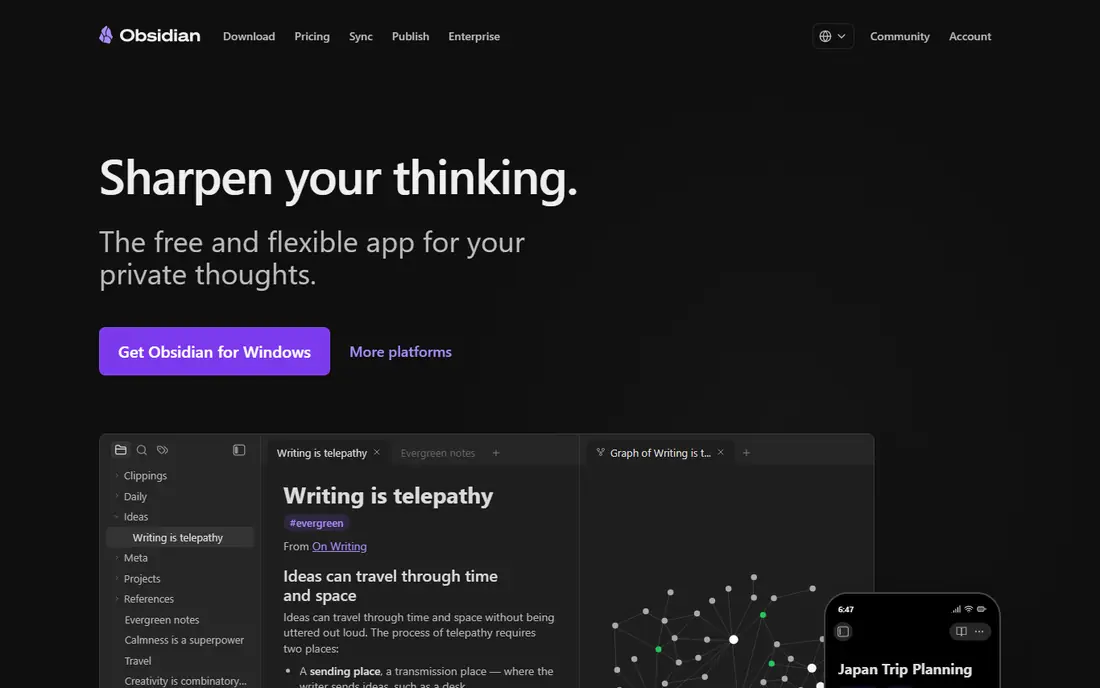
Obsidian stores notes as local Markdown files, with backlinks, graph view, tags, and a large plugin community that adds AI chat, summarization, and research workflows. That local-first design gives users full control over their data, and notes remain readable without Obsidian itself, since they are plain files. For researchers building a personal knowledge base, Obsidian is the most flexible open option.
Built-in AI is limited, so NotebookLM-style source chat needs community plugins and an AI provider, and official sync is paid, though third-party sync options exist. For local-first, linked research notes, Obsidian is our pick.
- Local Markdown notes
- Powerful linking and graph view
- Large plugin community including AI tools
- AI features need plugins or paid sync
- Learning curve for advanced use
Logseq
Ideal for: Outlinked journals and notes

Logseq is an open source, local-first knowledge tool built around outlines, journals, and linked blocks, which suits researchers who think in daily notes and connected ideas. Notes are stored locally as Markdown or Org files, and features such as flashcards, queries, and whiteboards support study and research workflows. Its privacy stance and open code appeal to NotebookLM users wary of uploading sources to a cloud service.
The outline model takes learning for users used to documents, and AI chat features depend on plugins. For journal-based research notes, Logseq is a strong open alternative.
- Open source outline and journal workflow
- Local files
- Good for daily research notes
- Outline model takes learning
- AI features are plugin-based
Joplin
Ideal for: Free private notes
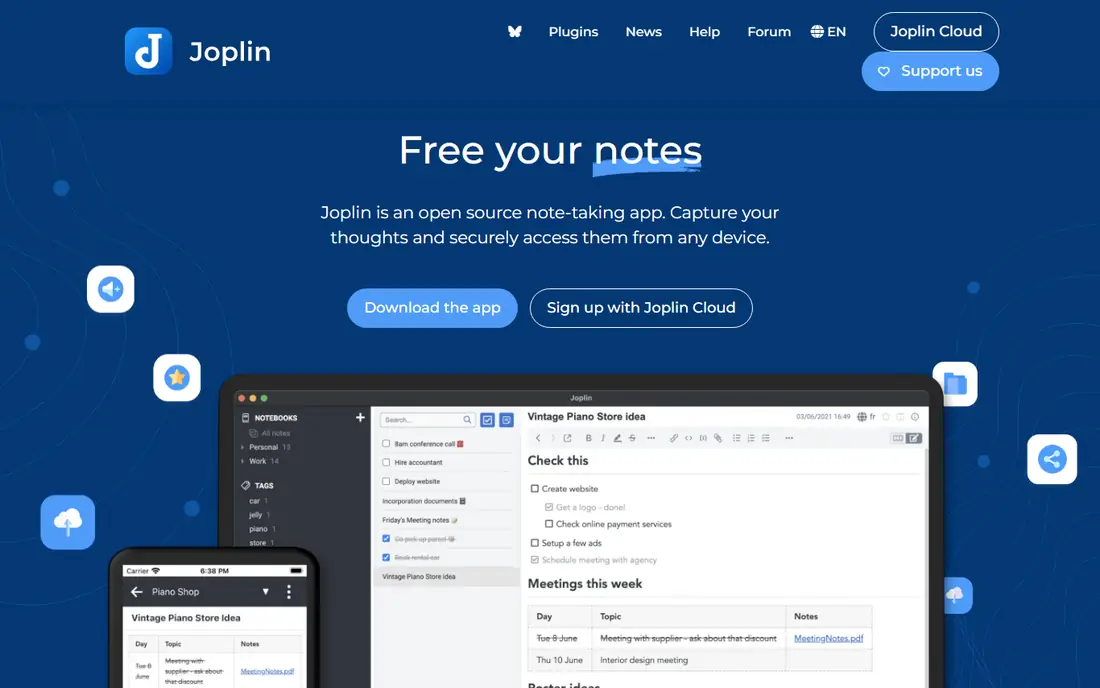
Joplin is a free, open source note app with notebooks, tags, Markdown editing, web clipping, and sync across desktop and mobile, including an end-to-end encryption option. That combination suits users who want private, reliable notes without a subscription, and who value data control over linked-graph features. Import from Evernote and other tools eases migration.
Linked knowledge and graph features are lighter than Obsidian, and AI chat is not built in. For free, private notes with sync, Joplin is a dependable choice.
- Free and open source
- End-to-end encryption option
- Sync across devices
- Linked knowledge features are lighter than Obsidian
- AI features are limited
Anytype
Ideal for: Private local-first workspace
Anytype is a local-first, privacy-focused workspace where notes, tasks, files, and databases are objects stored on your device, with encryption and peer-to-peer sync options. Its design feels modern, and its object model suits researchers who want notes plus structured data, such as project databases, in one private workspace. That privacy-first approach contrasts with cloud AI tools.
Anytype is newer than Obsidian or Joplin, so its plugin and template ecosystem is smaller, and AI features are still developing. For private, local-first workspaces, Anytype is a promising open option.
- Local-first objects for notes, tasks, and databases
- Encryption
- Good design
- Newer ecosystem
- AI and collaboration features are still developing
AFFiNE
Ideal for: Open docs and whiteboards
AFFiNE is an open source workspace combining documents, whiteboards, and databases, with self-hosting for teams that want control over data. That blend suits research teams that need notes plus visual planning and structured tables in one place, without separate tools for each. Its interface feels modern, and its open code invites community contributions.
AFFiNE is a newer project, so stability and AI features vary by version and setup, and NotebookLM-style source chat is not built in. For open, all-in-one research workspaces, AFFiNE is worth watching and trying.
- Open source docs, whiteboards, and databases in one workspace
- Self-hosting
- Modern interface
- Newer project
- AI features vary by plan and setup
SiYuan
Ideal for: Block-based local notes
SiYuan is a privacy-focused, local-first note app built around blocks, with backlinks, databases, and document organization for structured research notes. Its block model suits researchers who want to reuse and link small pieces of knowledge, similar to Notion blocks but stored locally. That structure helps build a knowledge base from sources over time.
The English-speaking community is smaller than Obsidian's, and the interface takes learning. For block-based local research notes, SiYuan is a capable open alternative.
- Block-based local notes with backlinks
- Privacy-focused
- Good for structured research
- Smaller English community than Obsidian
- Interface takes learning
Trilium Notes
Ideal for: Hierarchical personal notes
Trilium Notes, now maintained as TriliumNext, is a free, open source hierarchical note app where notes form a tree, can be cloned into multiple places, and support rich text, code, and attachments. A server option lets users sync and access notes from a browser, which suits personal knowledge bases that need structure. That hierarchy suits researchers with large, organized note collections.
The interface feels technical compared with Obsidian or Anytype, and AI features are not built in. For hierarchical, self-hosted notes, Trilium is a solid open choice.
- Free and open source
- Hierarchical notes with cloning
- Self-hostable server option
- Interface feels technical
- AI features are not built in
Zettlr
Ideal for: Markdown research writing
Zettlr is a free, open source Markdown editor designed for researchers and writers, with citation support, Zettelkasten-style linking, and export to many formats. It suits academic users who write papers from notes and sources, with features for managing references and producing formatted output. That writing focus distinguishes it from general note apps.
Note management and graph features are lighter than Obsidian, and AI chat is not built in. For Markdown research writing, Zettlr is an excellent open tool, best paired with a reference manager for full research workflows.
- Free Markdown editor for research
- Citations and Zettelkasten support
- Good for academic writing
- Note management is lighter than Obsidian
- AI features are not built in
How we picked these
We compared official feature pages, documentation, and public reviews for open source tools that support research notes, linked knowledge, or local-first knowledge management as alternatives to NotebookLM. We noted honestly that no open tool replicates NotebookLM's hosted source-grounded chat and audio overviews exactly, and we focused on privacy, local storage, linking, and plugin AI options. Closed-source note tools were left out, except where their openness was clear.
What to check before you choose a NotebookLM alternative
Start with the NotebookLM feature you miss most. If it is source-grounded chat, look for Obsidian or Logseq AI plugins and test them with your sources, since plugin quality varies. If it is audio overviews, no open tool matches NotebookLM directly, and you may need a separate text-to-speech or podcast tool. If it is privacy and local control, any tool here beats a hosted service.
Next, check sync and mobile needs, since local-first tools handle sync differently, and some charge for official sync. Confirm file format: Markdown notes remain portable, while database-based tools may lock data in. Finally, test import from NotebookLM or Google Docs, since moving sources and notes is the first step to any replacement.
Also consider backup habits for local-first notes, since local storage puts backup responsibility on you. Set up automatic backups to a second device or encrypted cloud storage, and test restoring from a backup before you rely on the system for important research. A local-first tool with no backup plan risks losing years of notes to a single device failure, which is a far bigger loss than any cloud subscription cost.
Frequently asked questions
What is the best open source alternative to NotebookLM?
Obsidian leads for linked local notes with AI plugins, Logseq leads for outline journals, and Joplin leads for free private notes with sync. The best choice depends on whether you value linking, outlining, privacy, or writing features most.
Can open source tools chat with my documents like NotebookLM?
Partly. Obsidian and Logseq AI plugins can chat with notes and sources using an AI provider, but they do not replicate NotebookLM's hosted, source-grounded chat exactly. Test plugins with your own documents before committing, since quality and grounding vary.
Is NotebookLM free?
NotebookLM offers a free tier with limits, plus a paid Pro tier through Google One or Workspace plans, with higher limits and features. Check Google's current NotebookLM pricing, since tiers and limits change.
Do these alternatives work offline?
Most tools in this list, including Obsidian, Logseq, Joplin, and Zettlr, store notes locally and work offline, with sync when you reconnect. AI plugin features need internet access to an AI provider, so offline AI chat is limited.
Can I keep my notes private with these tools?
Yes, local-first tools store notes on your device, and several offer encryption or self-hosting, giving more privacy control than hosted AI services. Check each tool's sync and plugin data handling, since AI plugins may send note content to an AI provider.