Best Open Source Alternatives in 2026: 8 Tools Compared

- LibreOffice is the broadest single replacement here, covering documents, spreadsheets, and presentations.
- GIMP and Inkscape cover image and vector design without a subscription.
- Nextcloud replaces cloud file storage and collaboration on your own server or a hosted plan.
- VLC, Blender, Signal, and Joplin show how far open source now reaches, from media to secure messaging and notes.
Quick comparison
| Product | Ideal for | Price from | Free version | |
|---|---|---|---|---|
 LibreOffice | Office documents and spreadsheets | Free | Yes | Visit |
 GIMP | Image editing | Free | Yes | Visit |
 Inkscape | Vector graphics | Free | Yes | Visit |
 Nextcloud | Self-hosted files and collaboration | Free | Yes | Visit |
 VLC | Media playback | Free | Yes | Visit |
 Blender | 3D modelling and animation | Free | Yes | Visit |
 Signal | Private messaging | Free | Yes | Visit |
 Joplin | Notes and to-do lists | Free | Yes | Visit |
The best open source alternatives
Open-source software is no longer a compromise for most everyday jobs. The tools below replace popular paid apps for office work, design, file storage, media, and notes, and they are free to use and study.
We compared official project pages, documentation, and download pages for each tool. Our pick for most people is LibreOffice, because it replaces a whole office suite at once and handles common document formats well.
Open source also means choice and control. You can run these tools on your own machines, avoid subscriptions, and keep your files in open formats that other tools can read.
LibreOffice
Ideal for: Office documents and spreadsheets
LibreOffice includes Writer, Calc, Impress, and more, covering the daily work of most office suites. It opens and saves common document formats, so sharing files with Office users usually works.
Very complex documents with heavy formatting may shift slightly between suites, so test important templates before a full switch. For most letters, reports, and spreadsheets, it is a smooth replacement.
Our view: start here if you want one free suite that replaces the core office apps.
Bottom line: LibreOffice is a strong fit for office documents and spreadsheets, and its main draw is full office suite. Weigh that against the limits above before you commit, and test it with your own real work during any trial or free period.
- Full office suite
- Handles common Office formats
- Runs on Windows, Mac, and Linux
- Some complex Office files may shift formatting
- Interface feels traditional
GIMP
Ideal for: Image editing
GIMP is the long-standing open-source image editor, with layers, masks, and retouching tools for photos and web graphics. It is a genuine alternative to paid photo editors for most everyday jobs.
New users face a learning curve, and the interface looks older than modern rivals. Community guides and tutorials close much of that gap.
Our view: the free desktop editor to learn if you edit photos regularly.
Bottom line: GIMP is a strong fit for image editing, and its main draw is deep retouching and layer tools. Weigh that against the limits above before you commit, and test it with your own real work during any trial or free period.
- Deep retouching and layer tools
- Large plugin library
- Cross-platform
- Dated interface
- Learning curve for new users
Inkscape
Ideal for: Vector graphics
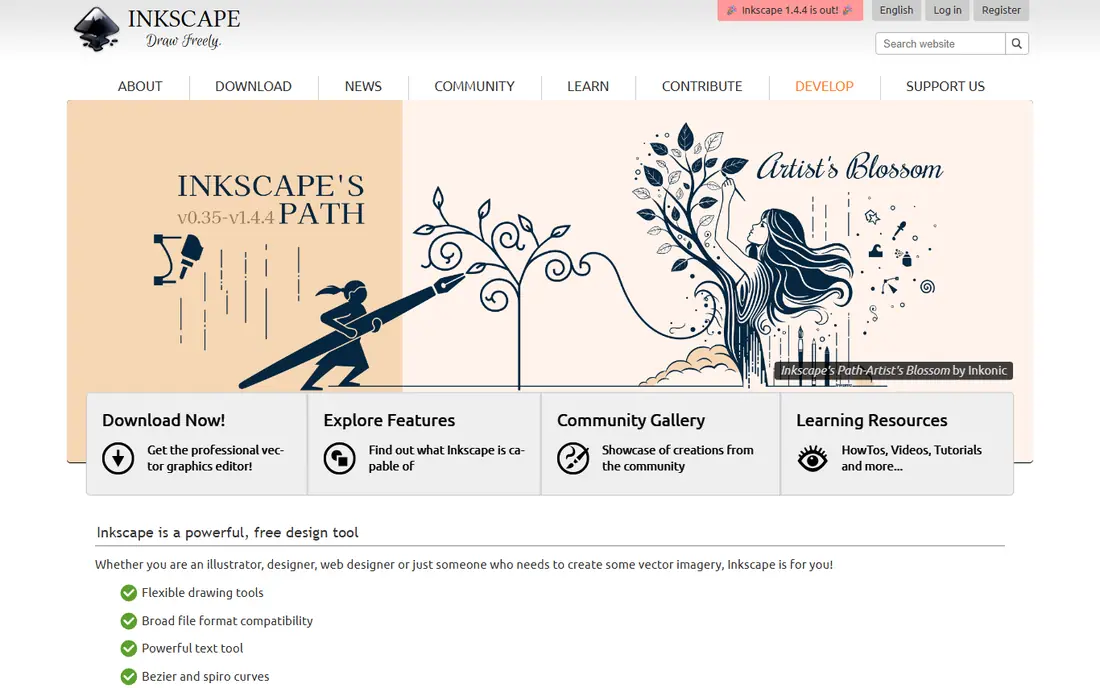
Inkscape draws vector graphics for logos, icons, illustrations, and diagrams, using SVG as its native format. That makes its files easy to use on the web and in other tools.
Print colour management is thinner than in paid tools, and huge files can slow down. For web and small business design, those limits rarely block real work.
Our view: the open vector tool to pair with GIMP for a complete free design setup.
Bottom line: Inkscape is a strong fit for vector graphics, and its main draw is full vector drawing. Weigh that against the limits above before you commit, and test it with your own real work during any trial or free period.
- Full vector drawing
- Native SVG
- Good for logos and diagrams
- Can slow on very large files
- Print colour tools are limited
Nextcloud
Ideal for: Self-hosted files and collaboration
Nextcloud replaces cloud storage and collaboration tools with software you can run on your own server. It covers file sync, sharing, calendars, contacts, and document editing through add-on apps.
Self-hosting brings responsibility for updates and backups, so small teams may prefer a hosted Nextcloud provider. Either way, your files stay under your control.
Our view: the best open route away from big cloud storage subscriptions.
Bottom line: Nextcloud is a strong fit for self-hosted files and collaboration, and its main draw is file sync, sharing, and office collaboration. Weigh that against the limits above before you commit, and test it with your own real work during any trial or free period.
- File sync, sharing, and office collaboration
- You control the server
- Many apps
- Self-hosting needs maintenance
- Hosted plans cost money
VLC
Ideal for: Media playback
VLC plays video and audio in a huge range of formats without extra codecs or accounts. It is light, fast, and free of ads, which is why it remains a default install for many people.
It is a player, not a full media library manager, so people with large collections may pair it with another tool. For simply playing a file, little else matches it.
Our view: install VLC first and worry about other media tools later.
Bottom line: VLC is a strong fit for media playback, and its main draw is plays almost any media file. Weigh that against the limits above before you commit, and test it with your own real work during any trial or free period.
- Plays almost any media file
- No ads or tracking
- Cross-platform
- Interface is plain
- Not a media library manager
Blender
Ideal for: 3D modelling and animation
Blender is a complete 3D creation suite covering modelling, sculpting, animation, rendering, and video editing. It is used by hobbyists and professionals alike, and its community produces endless tutorials.
Learning 3D takes time in any tool, and Blender is no exception. Rendering also needs capable hardware, though simpler projects run fine on ordinary machines.
Our view: the open-source tool that most clearly beats paid rivals on value.
Bottom line: Blender is a strong fit for 3D modelling and animation, and its main draw is full 3D suite for modelling, animation, and video. Weigh that against the limits above before you commit, and test it with your own real work during any trial or free period.
- Full 3D suite for modelling, animation, and video
- Huge community
- Regular releases
- Steep learning curve
- Needs decent hardware for rendering
Signal
Ideal for: Private messaging
Signal is a messaging app with end-to-end encryption turned on by default for messages and calls. It is run by a non-profit, carries no ads, and collects far less metadata than ad-funded rivals.
Its feature set is deliberately simpler than big social chat apps, and both sides need the app. For private one-to-one and group messaging, that trade is worth it for many people.
Our view: the best open choice for private messaging.
Bottom line: Signal is a strong fit for private messaging, and its main draw is end-to-end encryption by default. Weigh that against the limits above before you commit, and test it with your own real work during any trial or free period.
- End-to-end encryption by default
- No ads
- Independent non-profit backing
- Fewer social features than big chat apps
- Contacts must also use Signal
Joplin
Ideal for: Notes and to-do lists
Joplin is a note-taking app that stores notes in an open format and lets you sync through your own cloud storage or its paid sync service. It imports notes from other apps and works offline.
Its look is plain next to polished note apps, and sync setup takes a few steps. For people who want their notes to stay portable, that is a fair trade.
Our view: the open note app for people who want to own their notes.
Bottom line: Joplin is a strong fit for notes and to-do lists, and its main draw is markdown notes with sync options. Weigh that against the limits above before you commit, and test it with your own real work during any trial or free period.
- Markdown notes with sync options
- Import from other apps
- Offline first
- Interface is plain
- Sync setup needs a few steps
How we picked these
We compared official project pages, documentation, and download pages, and we checked that each project is actively maintained. We favoured tools with broad everyday use rather than narrow specialist software.
We did not claim hands-on testing. All eight tools are free open-source software, so pricing claims here are simple and verifiable from their project pages.
How to switch to open source software
Switch one tool at a time. Start with the lowest-risk replacement, such as VLC or LibreOffice, and use it for a week before changing anything else. A gradual switch avoids a week of frustration.
Test file compatibility early. Open your real documents, images, and notes in the new tool and check formatting, fonts, and exports. Most issues show up in the first test, not months later.
Use open formats where you can. Formats such as ODT, SVG, and Markdown keep your files readable by many tools, which protects you if you switch again later.
Budget learning time for the bigger tools. GIMP, Inkscape, and Blender reward a few tutorials, while LibreOffice and VLC feel familiar at once. Community forums and guides are part of the value here.
Finally, consider giving back if a tool becomes central to your work. Open-source projects run on donations, bug reports, and documentation help, and even a small donation helps keep a tool maintained.
Frequently asked questions
Is open source software really free?
Most open-source tools are free to download and use, including all eight here. Some projects offer paid hosting, support, or sync services, but the core software stays free.
Is open source software safe?
Well-known open-source projects are reviewed by many developers, and their code can be inspected. Download only from official project pages to avoid fake installers.
Can I use open source tools at work?
Yes, in most cases, but check your workplace rules and licence terms. Permissive and common open licences allow business use, though some have conditions worth reading.
What if I need support?
Community forums, documentation, and tutorials cover most questions. Some projects also sell commercial support for businesses that need guaranteed help.
Will my files still open in paid apps?
Often yes, if you use common formats. LibreOffice files open in Office apps, SVG files open in design tools, and Markdown notes open almost anywhere. Test important files first.