Openphone Alternatives in 2026: 8 Options Compared

- 1
 DialpadAI powered business phone for teamsVisit
- 2
 NextivaFull business phone for growing teamsVisit
- 3
 Google VoiceA cheap second number for solo usersVisit
- 4
 GrasshopperSimple virtual phone for small businessesVisit
- 5
 Ooma OfficeSmall business phone with hardware optionsVisit
- Dialpad and Nextiva lead for small teams that need a full business phone system.
- Google Voice suits solo users who want a cheap second number.
- Grasshopper and Ooma suit small businesses that want simple call handling.
- Check number porting, voicemail transcription, and CRM integration before switching.
Quick comparison
| Product | Ideal for | Price from | Free version | |
|---|---|---|---|---|
| Dialpad | AI powered business phone for teams | See website | Free trial | Visit |
| Nextiva | Full business phone for growing teams | See website | Free trial | Visit |
| Google Voice | A cheap second number for solo users | See website | Free | Visit |
| Grasshopper | Simple virtual phone for small businesses | See website | Free trial | Visit |
| Ooma Office | Small business phone with hardware options | See website | Free trial | Visit |
 RingCentral | Enterprise grade phone and meetings | See website | Free trial | Visit |
 Zoom Phone | Phone service for Zoom users | See website | Free trial | Visit |
 Sideline | A second number on your existing phone | See website | Free trial | Visit |
The best openphone alternatives
OpenPhone gives small teams a modern business phone number with shared inboxes and messaging. Alternatives differ in price, call features, and whether they offer a full phone system or just a second number.
Dialpad
Ideal for: AI powered business phone for teams
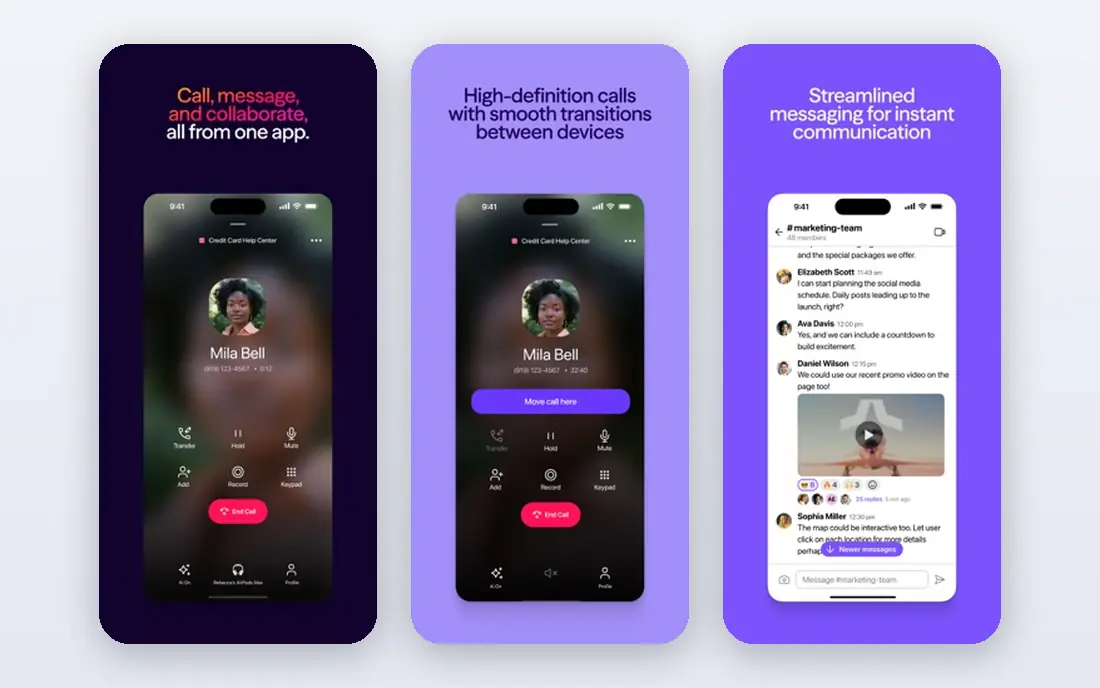
Dialpad offers business calling with AI summaries, shared inboxes, and video meetings in one platform. It suits small teams that want modern features without complex hardware. The apps are polished.
Pricing scales with features, and the best AI tools sit in higher tiers. For AI powered team calling, Dialpad is our pick.
- AI call summaries
- Shared inboxes
- Video meetings
- Pricing scales with features
- AI features need higher tiers
Nextiva
Ideal for: Full business phone for growing teams
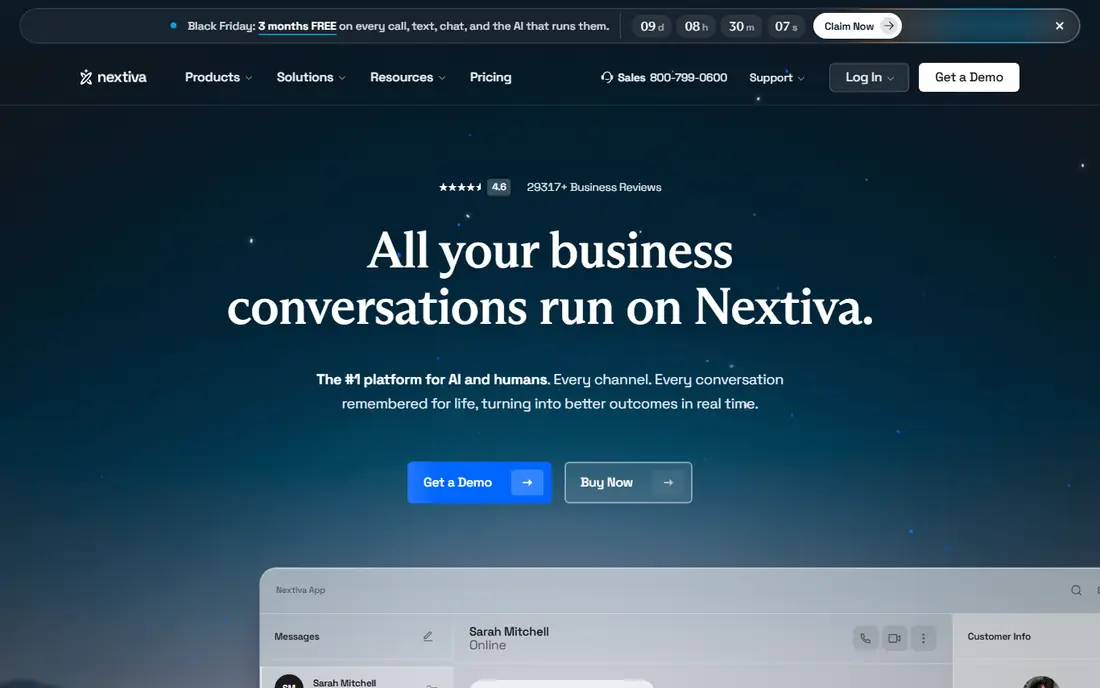
Nextiva provides a full business phone system with call routing, CRM integrations, and reliable quality. It suits growing teams that need a complete system. Support is well regarded.
Setup takes planning, and per user pricing adds up for larger teams. For a full growing team system, Nextiva is strong.
- Full phone system
- CRM integrations
- Reliable call quality
- Setup takes planning
- Pricing per user adds up
Google Voice
Ideal for: A cheap second number for solo users
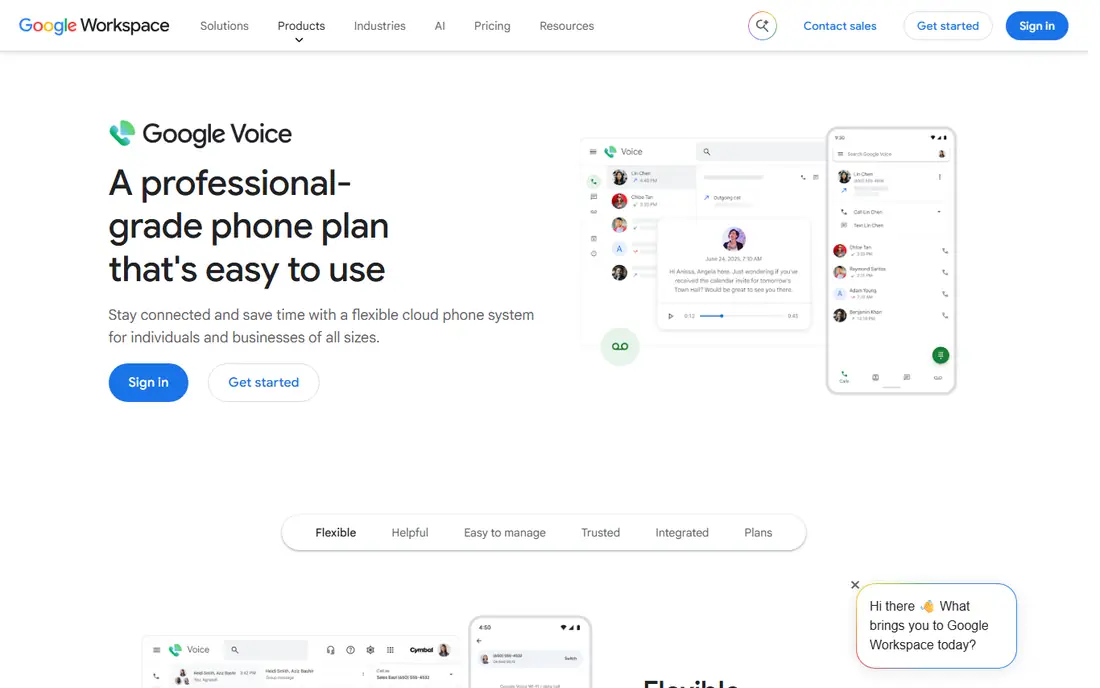
Google Voice gives a free second number for personal use, with simple apps, voicemail transcription, and call forwarding. It suits solo users who need a separate business number cheaply. Setup is quick.
Business features are basic, and support is limited. For a cheap solo number, Google Voice is hard to beat.
- Free for personal use
- Simple apps
- Voicemail transcription
- Business features are basic
- Support is limited
Grasshopper
Ideal for: Simple virtual phone for small businesses
Grasshopper offers a virtual phone number with extensions, call forwarding, and voicemail for small businesses. It suits owners who want a professional number without a full system. Setup is simple.
Team messaging depth is limited, and pricing is per number. For a simple virtual number, Grasshopper is a classic choice.
- Virtual number with extensions
- Simple setup
- Call forwarding
- No team messaging depth
- Pricing per number
Ooma Office
Ideal for: Small business phone with hardware options
Ooma Office provides small business phone service with desk phone options, a virtual receptionist, and affordable plans. It suits offices that want both apps and desk phones. Call quality is solid.
Advanced features sit in higher tiers, and hardware setup takes time. For offices wanting desk phones, Ooma is a good fit.
- Desk phone options
- Virtual receptionist
- Affordable plans
- Advanced features need higher tiers
- Setup for hardware takes time
RingCentral
Ideal for: Enterprise grade phone and meetings
RingCentral combines phone, video, and messaging with a large integration library and strong reliability. It suits larger teams that want one communications platform. The feature range is broad.
Pricing is higher, and complexity may overwhelm very small teams. For a full communications platform, RingCentral is a leader.
- Phone, video, and messaging in one
- Large integrations
- Reliability
- Pricing is higher
- Complexity for small teams
Zoom Phone
Ideal for: Phone service for Zoom users
Zoom Phone adds business calling to Zoom, with call routing, voicemail, and global coverage. It suits teams already using Zoom for meetings who want calling in the same app. Setup is straightforward for Zoom users.
It assumes Zoom familiarity, and pricing is per user. For Zoom teams, Phone is a natural add on.
- Zoom integration
- Call routing
- Global coverage
- Requires Zoom familiarity
- Pricing per user
Sideline
Ideal for: A second number on your existing phone
Sideline adds a second number to your existing phone, with texting and simple team options. It suits solo users and small teams who want separation without a second device. Setup is quick.
Features are basic compared with full systems, and carrier dependence varies. For a simple second number, Sideline is practical.
- Second number on one phone
- Simple texting
- Team options
- Features are basic
- Carrier dependence varies
How we picked these
We compared official feature pages, pricing, and integration lists for each service, checking call handling, messaging, voicemail, and CRM links. We favored services that state pricing and number porting plainly. We did not claim hands-on testing; our comparison rests on published features and public reviews.
We also checked whether each option is still offered and supported, and we left out products with unclear pricing, broken pages, or a poor fit for the topic. Where a price or free tier could not be confirmed from the vendor site, we wrote See website rather than guessing. Readers should still check the vendor page before buying, since prices and plans change.
How to choose an OpenPhone alternative
Start with team size and call volume. A solo user needs a simple second number, while a team needs shared inboxes, call routing, and analytics. Buying a full phone system for one person wastes money, while a simple app frustrates a growing team.
Check messaging and voicemail features. Many small businesses handle as many texts as calls, so SMS support, shared messaging, and voicemail transcription matter. Confirm whether messaging is included or an add on, since that changes the price.
Confirm number porting and coverage. You should be able to keep your existing business number when switching. Ask about porting time and whether toll free and international numbers are supported if you need them.
Test the apps your team will use daily. A phone system lives on mobile and desktop apps, so try calling, texting, and checking voicemail in a trial. Poor mobile apps frustrate teams more than missing advanced features.
Before you pay, confirm the total cost for the first year, including any add ons, renewal prices, and fees that only appear at checkout. A low starting price can hide a higher renewal rate, and a free tier can limit the feature you need most. Write down the features you will use weekly, and pay only for those.
After you choose, give the option a fair trial with your real workload, not just a quick tour. Set a reminder to review it after two to four weeks, and note what worked, what annoyed you, and what you never used. That review tells you whether to keep, upgrade, or switch before a renewal locks you in.
If the option disappoints, switch sooner rather than later. Export your data first, check whether you can keep your account history or settings, and confirm any cancellation terms. A good provider makes leaving straightforward, and a difficult exit is itself useful information about the service.
Talk to people who already use the option before you commit, especially for a business purchase. A short conversation with a current user reveals support quality, setup effort, and daily friction that marketing pages omit. Ask what surprised them after the first month, since early impressions often differ from longer use.
Keep a simple record of why you chose the option, including the price you were quoted and the features that mattered. That note makes renewal talks easier and helps a colleague or future you understand the decision. If the price rises or a key feature changes, the note shows whether the original reasons still hold.
Finally, plan the first week of use before you pay. List the setup steps, the data you need to move, and the people who need access. A clear first week plan turns a promising choice into a working routine, and it exposes missing features while you can still change your mind.
Save the vendor support page and the cancellation instructions in the same place as your receipt. When something goes wrong, you will want support details at hand rather than searching for them under pressure. A tidy record saves time and keeps a small problem from becoming a long one.
Keep notes on the first month of use, including any issues and how support handled them. Those notes give you clear evidence if you need a refund, an upgrade, or a switch, and they help you advise a friend or colleague who asks about the same choice later.
Frequently asked questions
What is the best OpenPhone alternative?
Dialpad is our pick for small teams that want AI features plus a full phone system, while Google Voice suits solo users on a budget. Nextiva is strong for growing teams. Your team size and call volume decide the winner.
Can I keep my business number when switching?
Yes, most providers support number porting from OpenPhone and other services, though porting time varies. Start the port before canceling your old service to avoid losing the number. Confirm the process with the new provider.
Do these services support texting?
Most do, including Dialpad, Nextiva, Grasshopper, and Google Voice, though SMS limits and MMS support vary. Check whether business texting is included in the plan or billed separately, especially for high volume texting.
How much does a business phone service cost?
Prices vary from free or low cost for a basic Google Voice number to per user monthly fees for full systems. Small teams often pay per user per month, with higher tiers adding analytics and integrations. Compare total cost at your user count.
Do I need hardware phones?
No, most modern services work through mobile and desktop apps, with optional desk phones for offices. Softphone apps suit remote teams, while offices may prefer desk phones for shared spaces.
How often should I review my choice?
Review it at least once a year, and sooner if your needs, budget, or team size change. Prices, features, and policies shift over time, and a better fit may appear. A short yearly check, comparing your current option with two alternatives, keeps you from paying for features you no longer use.