OpenText Alternatives in 2026: 8 Tools Compared

- 1
 BoxSecure content platformVisit
- 2
 SharePointMicrosoft content managementVisit
- 3
 M-FilesMetadata-driven managementVisit
- 4
 LaserficheDocument managementVisit
- 5
 DocuWareWorkflow and archivingVisit
- Box and SharePoint suit most teams for content management and collaboration.
- M-Files and Laserfiche suit companies that need metadata-driven document management.
- DocuWare and Hyland OnBase suit workflow-heavy organizations with compliance needs.
- Alfresco and Nuxeo suit teams that want open-source or developer-friendly content platforms.
Quick comparison
| Product | Ideal for | Price from | Free version | |
|---|---|---|---|---|
| Box | Secure content platform | See website | Yes | Visit |
| SharePoint | Microsoft content management | See website | No | Visit |
| M-Files | Metadata-driven management | See website | Free trial | Visit |
| Laserfiche | Document management | See website | Free trial | Visit |
| DocuWare | Workflow and archiving | See website | Free trial | Visit |
 Hyland OnBase | Enterprise content | See website | No | Visit |
 Alfresco | Open-source content | See website | Free trial | Visit |
 Nuxeo | Developer content platform | See website | Free trial | Visit |
The best OpenText alternatives
We compared official feature pages, pricing pages, and app-store listings for enterprise content management tools available in October 2026. OpenText covers content, records, and workflow at enterprise scale, so the list below covers cloud platforms, metadata tools, and open-source options.
Box
Ideal for: Secure content platform
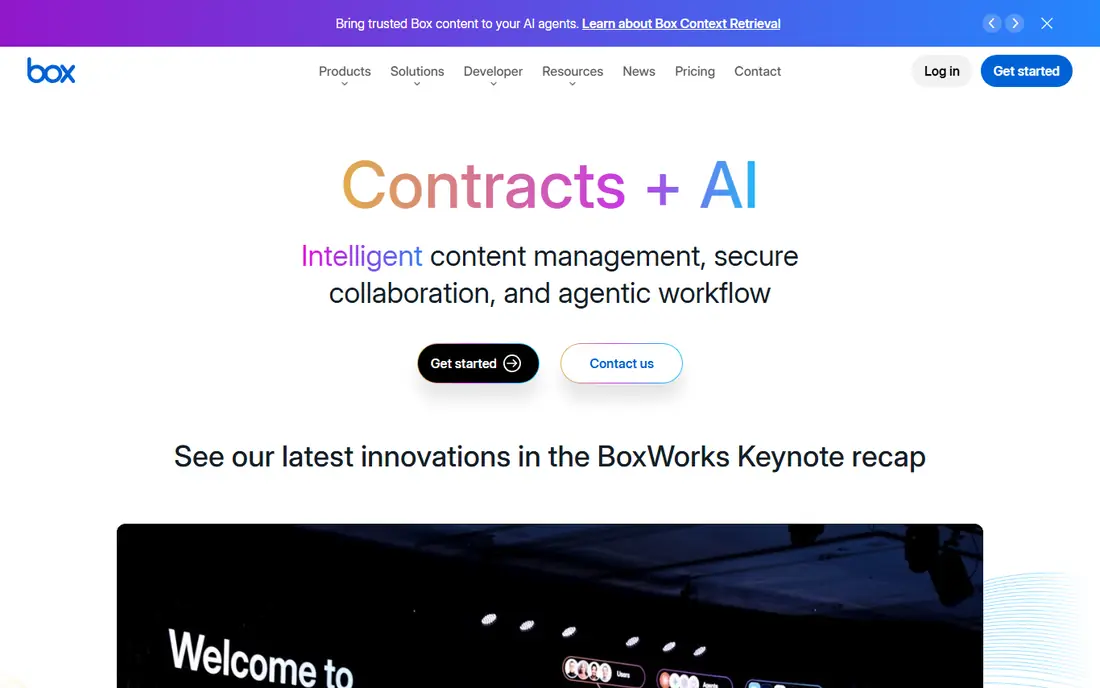
Box is a cloud content platform for secure sharing, collaboration, and workflow automation, with granular permissions, retention, and integrations across Google Workspace, Microsoft 365, and Salesforce. AI features help search and summarize content, while governance tools suit regulated industries.
Pricing grows with seats and storage, and advanced governance needs higher plans. For a company that wants a cloud-first OpenText alternative with strong security, Box is a leading choice.
- Strong security and compliance
- Workflow automation
- Large integration list
- Pricing grows with seats and storage
- Enterprise features need higher plans
SharePoint
Ideal for: Microsoft content management

SharePoint, part of Microsoft 365, offers sites, document libraries, lists, and workflows for content management and intranets. It integrates deeply with Teams, OneDrive, and Office apps, with permissions, versioning, and search across content. Many companies already have it through Microsoft 365.
Setup and governance need planning, especially for large intranets, and the interface can feel complex. For a Microsoft 365 company, SharePoint is the natural OpenText alternative with no extra vendor needed.
- Included with Microsoft 365
- Sites, libraries, and workflows
- Strong Office integration
- Setup and governance need planning
- Interface can feel complex
M-Files
Ideal for: Metadata-driven management
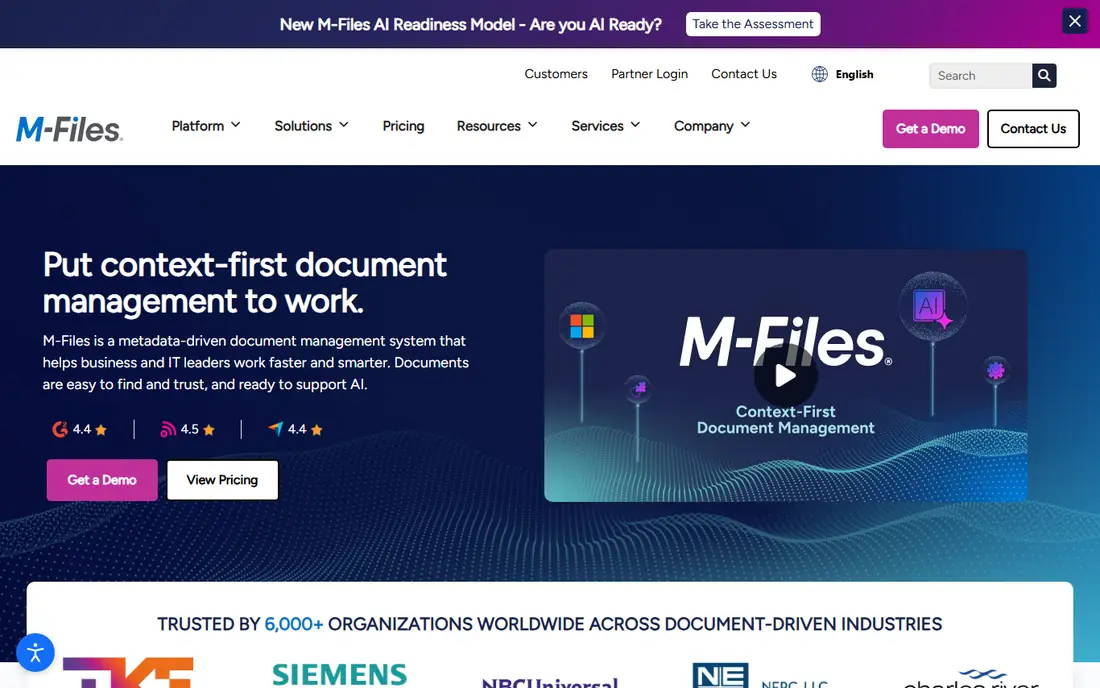
M-Files is a document management platform that organizes files by metadata rather than folders, so users find documents by what they are, not where they are stored. It offers workflow automation, versioning, and integrations with CRM, ERP, and Microsoft 365, with AI features for classification.
Pricing is quote-based and setup needs metadata planning to work well. For a company that struggles with folder chaos, M-Files' metadata approach is a distinctive advantage.
- Finds documents by metadata, not folders
- Workflow automation
- Strong integrations
- Pricing is quote-based
- Setup needs metadata planning
Laserfiche
Ideal for: Document management
Laserfiche is a document management and workflow platform covering capture, storage, automation, and records management, with cloud or on-premise deployment. It suits government, education, and financial firms that need compliance and long-term archiving, with tools for forms, approvals, and retention.
Pricing is quote-based and parts of the interface feel traditional. For an organization that needs records management plus workflow in one platform, Laserfiche is a strong choice.
- Document management plus workflow
- Strong records management
- Cloud or on-premise
- Pricing is quote-based
- Interface feels traditional in places
DocuWare
Ideal for: Workflow and archiving
DocuWare is a document management platform with workflow automation, intelligent indexing, and archiving, available in cloud or on-premise form. It suits finance, HR, and operations teams that process invoices, contracts, and employee files, with approvals and retention built in.
Pricing is quote-based and complex workflows need planning. For a team that wants document management plus workflow without enterprise complexity, DocuWare is a practical choice.
- Document management plus workflow
- Intelligent indexing
- Cloud or on-premise
- Pricing is quote-based
- Setup needs planning for complex workflows
Hyland OnBase
Ideal for: Enterprise content
Hyland OnBase is an enterprise content management platform covering document management, workflow, case management, and records, with strong use in healthcare, government, and insurance. It integrates with ERP, CRM, and core systems, with tools for capture, approvals, and compliance.
Pricing is quote-based and implementation needs expertise, so it suits larger organizations. For an enterprise that needs a full content platform with industry depth, OnBase is a leading OpenText alternative.
- Enterprise content and workflow
- Strong healthcare and government use
- Integrations
- Pricing is quote-based
- Implementation needs expertise
Alfresco
Ideal for: Open-source content
Alfresco, now part of Hyland, offers content services and process services with an open-source core and enterprise editions. It supports document management, workflow, search, and records, with flexible deployment in cloud or on-premise form. Developers can extend it through APIs and customizations.
The community edition needs self-support, and enterprise features sit on paid plans. For a team that wants an open-source content platform with enterprise options, Alfresco is a strong choice.
- Open-source core
- Content and process services
- Flexible deployment
- Community edition needs self-support
- Enterprise features need paid plans
Nuxeo
Ideal for: Developer content platform
Nuxeo is a content platform for developers, with a flexible data model, APIs, and workflow tools for building custom content apps. It supports documents, images, video, and structured data, with cloud or on-premise deployment and AI features for enrichment. It suits teams building a custom content solution rather than buying a fixed product.
Nuxeo needs development skill, and its community is smaller than Box or SharePoint. For a developer team that wants a platform to build on, Nuxeo's flexibility is a major strength.
- Developer-friendly content platform
- Flexible data model
- Cloud or on-premise
- Needs development skill
- Smaller community than Box or SharePoint
How we picked these
We compared official feature pages, pricing pages, and app-store listings for enterprise content management tools available in October 2026. We favored tools with current products, content and workflow features, and a range of deployment options. We also weighed governance, integration depth, and migration support, since an ECM platform must fit business processes, not just store files. We did not include our own product in this list.
How to choose an OpenText alternative
Start with your existing platform. Microsoft 365 companies should try SharePoint first, while cloud-first companies should try Box. Metadata-driven teams should try M-Files, while workflow-heavy organizations should compare Laserfiche, DocuWare, and OnBase.
Then test with a real document set. Check search, permissions, workflow, and retention on your actual files, and confirm integrations with your ERP or CRM. Content platforms fail when migration is rushed, so plan a pilot with one department before a full move.
Enterprise content projects succeed or fail on governance, so settle it early. Decide who owns each content type, which retention rules apply, and how permissions change when staff join or leave, before migrating a single folder. A pilot with one department will reveal gaps in metadata, search, and workflow that a vendor demo hides. Also check integration depth with your ERP, CRM, and HR systems, since content that cannot flow into business processes becomes another silo. Migration needs a plan for duplicates, outdated files, and personal folders, which often hold a large share of total volume. Clean before you move, not after, since migrating junk costs time and storage. Finally, budget for training and change management: a content platform only helps if staff actually file, tag, and find documents in it, and that behavior change needs support, not just software.
For regulated industries, ask vendors for specifics on audit logs, legal hold, and e-discovery, and test them on a sample matter before signing. A demo that shows a retention policy is not proof that it works across all content types, so verify with your compliance team on real document sets.
User adoption is the hardest part of any content platform rollout, so plan training around real tasks, not features. Teach staff how to file, find, and share the documents they handle every week, using their own files as examples, rather than walking through menus in the abstract. Identify champions in each department who can answer questions after formal training ends, since peer help sustains adoption better than manuals. Also measure usage after launch, including search success and filing rates, and fix the pain points that show up in the data. A platform that staff actually use, even if it has fewer features, beats a powerful system that sits empty while files pile up in email and shared drives.
Frequently asked questions
What is the best OpenText alternative?
Box suits most cloud-first companies, while SharePoint suits Microsoft 365 companies. M-Files suits metadata-driven teams, and Laserfiche or OnBase suit workflow and records-heavy organizations.
What is enterprise content management?
Enterprise content management, or ECM, covers capturing, storing, managing, and delivering content such as documents, records, and media, with permissions, workflow, and retention. OpenText, Box, SharePoint, and the tools on this list are ECM platforms.
Is SharePoint free?
SharePoint is included with many Microsoft 365 business plans, but it is not free on its own. Standalone SharePoint Online plans are also available, with pricing per user.
Can I migrate from OpenText to Box?
Yes. Box offers migration tools and services for OpenText and other ECM platforms, including content, metadata, and permissions. Plan the migration with a pilot, map metadata carefully, and test access before switching.
What is the difference between M-Files and Box?
M-Files organizes documents by metadata, so users find files by what they are rather than folder location. Box organizes files in folders with strong sharing and workflow, which suits teams that prefer a familiar folder structure.
How long does an ECM migration take?
It varies widely with volume and complexity. A small company with a few thousand documents may migrate in weeks, while a large enterprise with millions of files, complex permissions, and integrations may need six to twelve months. The slowest parts are usually content cleanup, metadata mapping, and permission design, not the technical move itself. Pilot with one department, validate search and permissions on real content, and keep the old system readable until the new one proves itself.