Otter.ai Alternatives for Multilingual Transcription

- Fireflies.ai is the best all round Otter alternative, with 100 plus languages, a free tier and Pro at $10 per seat per month on annual billing.
- Notta is the cheapest entry point, with Pro at $8.17 per month on annual billing and 58 languages.
- Descript is the best pick for creators who edit audio and video, with Overdub and a Hobbyist plan at $16 per seat per month on annual billing.
- Trint is the best pick for newsrooms and media teams, with collaborative editing and 50 plus transcription languages.
- Rev suits teams that need human accuracy on demand, with AI transcription at $0.25 per minute on a pay as you go basis.
Quick comparison
| Product | Ideal for | Price from | Free version | |
|---|---|---|---|---|
 Fireflies.ai | Meeting bot with CRM sync | $10 per seat/month (billed annually) | Yes | Visit |
 Notta | Multilingual value and free tier | $8.17 per month (billed annually) | Yes | Visit |
 Descript | Editing audio and video | $16 per seat/month (billed annually) | Yes | Visit |
 Trint | Newsrooms and media teams | $79 per seat/month (billed annually) | Free trial (7 days) | Visit |
 Sonix | Fast file transcription | $22 per month (billed annually) | Free trial | Visit |
 Rev | Human accuracy on demand | $0.25 per minute | No | Visit |
 MeetGeek | Meeting notes with AI summaries | $15 per user/month | Yes | Visit |
 tl;dv | Recording and clipping meetings | $18 per user/month | Yes | Visit |
The best Otter.ai alternatives for multilingual transcription
Fireflies.ai
Ideal for: Meeting bot with CRM sync
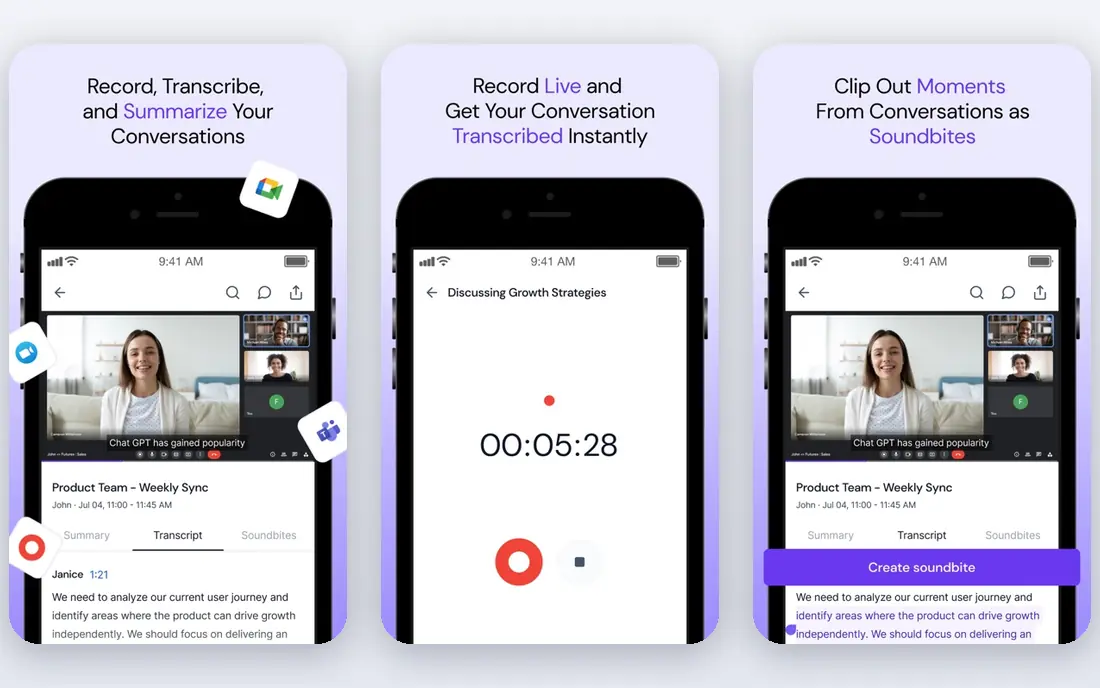
Fireflies.ai is the closest rival to Otter, and it wins on language coverage. It transcribes in 100 plus languages with auto detection, joins Zoom, Meet, Teams and Webex as a meeting bot, and adds AskFred, an AI assistant that can answer questions across a whole meeting history. The free tier offers unlimited transcription, rationed instead by 400 minutes of team storage and limited AI summaries, while Pro at $10 per seat per month on annual billing, or $18 billed monthly, lifts the caps and adds team features.
The catch is metering. Fireflies meters its AI features through separately metered AI credits, so the headline seat price is not the full cost when a team uses the AI features heavily. It also needs a bot in the meeting, which some guests notice. Fireflies.ai suits a sales or customer facing team that needs every call searchable and synced into a CRM, and it is a weaker pick for a team that wants a simple recorder with no bot and no credit system.
- Covers 100 plus languages with auto detection
- Free tier includes unlimited transcription, rationed by storage
- AI features are metered through separate AI credits
- Pro costs $18 per seat per month billed monthly
Notta
Ideal for: Multilingual value and free tier
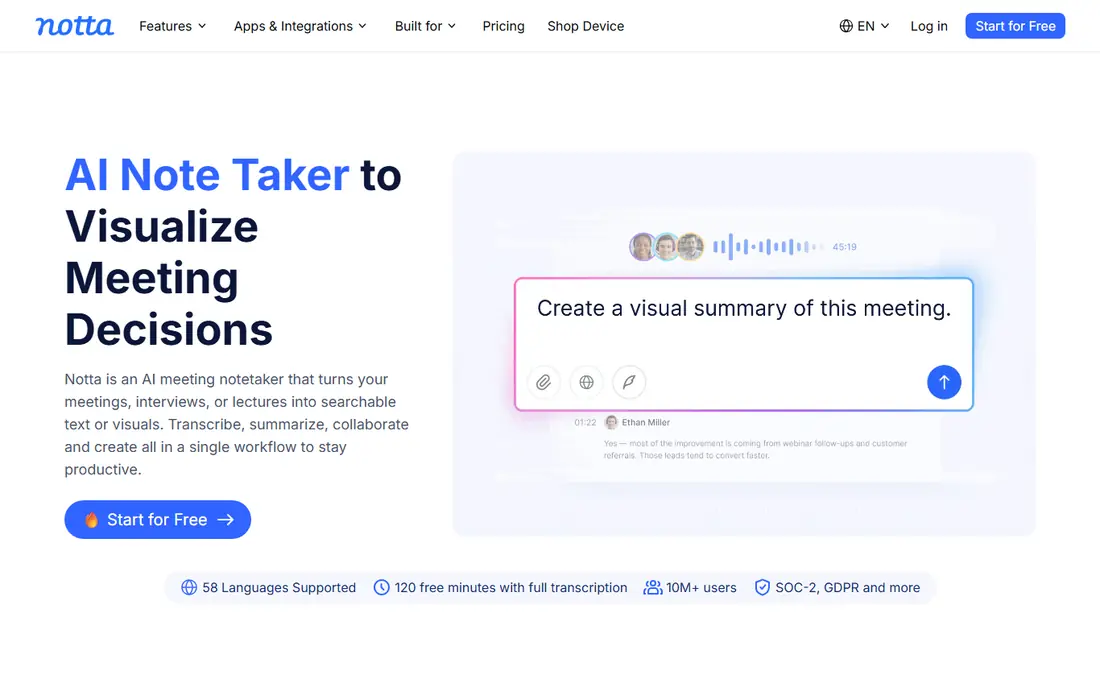
Notta is the value pick for multilingual transcription. The free tier gives 120 transcription minutes a month, Pro costs $8.17 per month on annual billing with 1,800 minutes, and Business costs $16.67 per seat per month on annual billing with unlimited transcription. It transcribes 58 languages with built in translation, and it works on web, mobile and desktop with a Chrome extension, so a recording started on a phone can be finished on a computer.
The limit is the free tier. Each recording on the free plan is capped at 3 minutes, which makes it more of a trial than a working tier, and some users report that AI features still have usage limits after paying. Notta suits a team that transcribes a lot of meetings in several languages and wants the lowest monthly bill, and it is a weaker pick for a team that needs long single recordings on the free tier.
- Free tier gives 120 transcription minutes a month
- Pro is one of the cheapest plans in this list
- Free tier caps each recording at 3 minutes
- AI features have usage limits even on the Pro plan
Descript
Ideal for: Editing audio and video
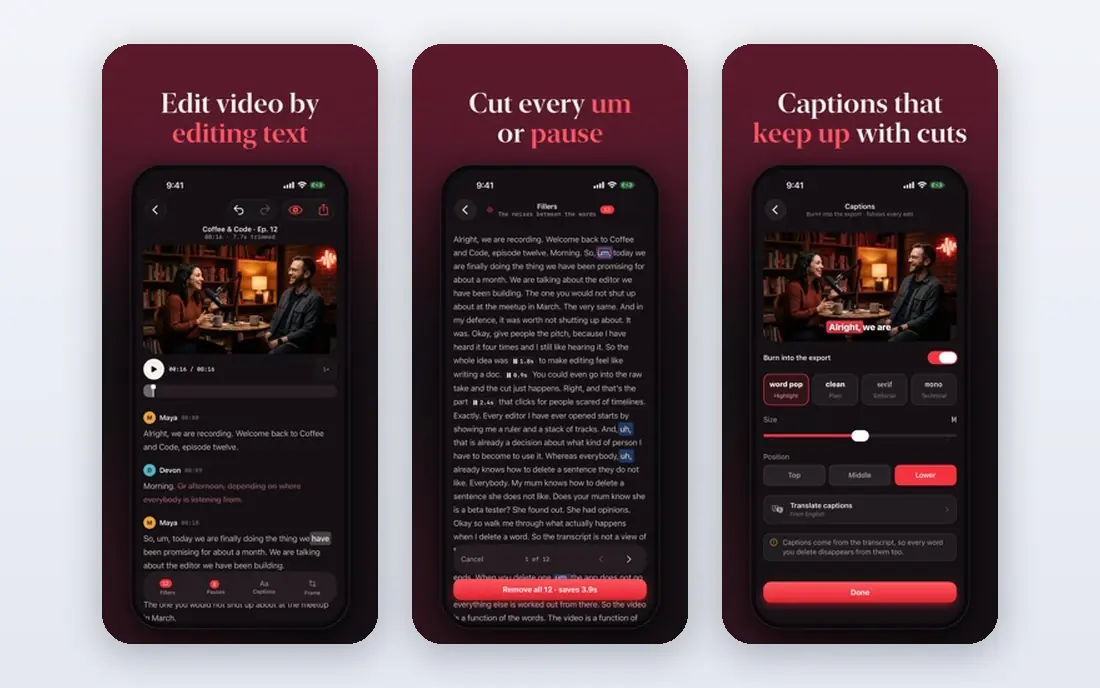
Descript takes a different approach to transcription. Its Overdub feature clones the voice of a podcast host or video presenter, then lets the editor fix a misspoken word by typing the correction instead of re-recording the whole take. The transcript is the editor, so a user can cut filler words, add captions and publish the episode from the same screen. The Hobbyist plan costs $16 per seat per month on annual billing, or $24 per seat billed monthly, and the free tier includes one media hour per month.
The catch is scope. The transcription only works inside Descript, so a team cannot export a plain transcript and use it in another tool without extra steps, and the tool is built for creators rather than for meeting notes. Descript suits a podcaster or video team that wants transcription plus editing in one place, and it is a poor fit for a business that only needs meeting notes in many languages.
- Overdub fixes words by typing instead of re-recording
- Full podcast and video editor included
- Transcription is tied to the Descript editor
- Hobbyist costs $24 per seat billed monthly
Trint
Ideal for: Newsrooms and media teams
Trint was built by a journalist, and it shows. Its verification mode syncs audio to text, so a user can click any sentence and hear exactly how it was said, and its Story Builder lets a team assemble interview clips into narratives. The current plans are Pro from $79 per seat per month on annual billing, Team from $69 per seat per month, and Business with custom pricing, and every plan includes unlimited transcription under a fair use policy, with 50 plus transcription languages and 70 plus translation languages.
The problem for most buyers is price. Trint is the steepest tool in this list, and there is no permanent free plan, only a 7 day trial. Trint suits a newsroom or media team that needs collaborative transcript editing at volume and can justify the cost, and it is not a fit for a small team that wants a low cost meeting recorder.
- Verification mode syncs audio to text for fact checking
- Story Builder assembles interview clips into narratives
- The steepest price in this list
- No permanent free plan, only a 7 day trial
Sonix
Ideal for: Fast file transcription
Sonix is built for file transcription rather than live meetings. A user uploads audio or video, and Sonix returns a transcript with timestamps, speaker labels and a built in editor, in more than 40 languages. The Premium plan costs $22 per month on annual billing and includes 10 hours of transcription a month, with extra hours billed separately, and there is also a pay as you go option at $10 per hour for users who transcribe rarely.
The catch is the workflow. Sonix has no meeting bot, so a team that wants live notes from a Zoom call must record the call first and upload the file afterwards. Sonix suits a researcher, journalist or producer who works from recorded files and wants fast, accurate transcripts, and it is a weaker pick for a team that needs a bot to join live meetings.
- Fast turnaround on uploaded files
- Supports more than 40 languages with speaker labels
- No meeting bot, it works from uploaded files
- Premium costs more than the cheapest rivals here
Rev
Ideal for: Human accuracy on demand
Rev is the pick when accuracy matters more than price. Its AI transcription costs $0.25 per minute on a pay as you go basis, with no subscription, and its human transcription service uses professional transcribers for the highest accuracy on difficult audio. The Rev Max subscription at $29.99 per month adds AI features, meeting notes and more minutes, but the pay as you go AI rate is the simplest way to start.
The limit is cost and time. Human transcription costs far more than AI and takes longer, since a person does the work, and there is no permanent free plan, so every minute is billed. Rev suits a legal, medical or research team that needs a transcript it can trust word for word, and it is a weaker pick for a team that transcribes many routine meetings and wants a low flat rate.
- Human transcription available for the highest accuracy
- AI transcription at $0.25 per minute with no subscription
- No permanent free plan
- Human transcription costs far more than AI and takes longer
MeetGeek
Ideal for: Meeting notes with AI summaries
MeetGeek joins Zoom, Meet and Teams, records the meeting, and writes a summary with action items and highlights, so a team can skip the call and read the notes instead. The free plan covers 5 hours of transcription a month, while the Pro plan at $15 per user per month adds more hours, more integrations and team workspaces. It also stores a searchable library of past meetings.
The catch is languages. MeetGeek covers fewer languages than Fireflies or Notta, so a team that meets in many languages may hit a gap. Team features such as shared workspaces and admin controls also need the higher tiers. MeetGeek suits a small team that wants clean meeting summaries with little setup, and it is a weaker pick for a team that needs broad multilingual coverage.
- Joins meetings and writes summaries automatically
- Free plan covers 5 hours of transcription a month
- Language coverage is narrower than Fireflies or Notta
- Higher tiers are needed for team features
tl;dv
Ideal for: Recording and clipping meetings
tl;dv records meetings on Zoom, Meet and Teams, transcribes them, and lets a user clip the best moments into short shareable videos, which suits sales teams that want to share a key answer with a colleague. The free plan covers unlimited recording with limits on AI features, while the Pro plan at $18 per user per month adds unlimited transcription, AI summaries and more integrations.
The limit is the language tier. Full transcription in many languages needs the Pro plan, so a multilingual team on the free plan will hit a wall fast. The clipping features also matter more to sales teams than to other buyers. tl;dv suits a sales or success team that shares meeting clips and wants transcripts alongside them, and it is a weaker pick for a team that only needs plain transcription in many languages.
- Records meetings and lets you clip the best moments
- Free plan covers unlimited recording with limits
- Transcription in many languages needs the Pro plan
- Clipping features matter more to sales teams than to others
Which alternative fits your meetings
| Meeting need | Best pick | Why | | A meeting bot with CRM sync | Fireflies.ai | 100 plus languages, Pro at $10 per seat | | Lowest cost multilingual plan | Notta | Pro at $8.17 per month, 58 languages | | Editing audio and video | Descript | Overdub and a full editor, Hobbyist at $16 | | Newsroom transcript editing | Trint | Verification mode, 50 plus languages | | Fast file transcription | Sonix | Premium at $22 per month, 40 plus languages | | Human accuracy on demand | Rev | AI at $0.25 per minute, human option available | | Clean meeting summaries | MeetGeek | Pro at $15 per user, 5 free hours a month | | Clipping meeting moments | tl;dv | Pro at $18 per user, clips plus transcripts |
How we chose
We compared the vendor pricing pages, product docs and feature lists for eight Otter.ai alternatives, checking the starting price, the free plan or trial, the languages covered and the transcription minutes included. We looked at whether the tool joins live meetings, works from uploaded files, or edits audio and video, and whether it suits a sales team, a newsroom, or a creator. We did not run hands on transcription tests, and we did not claim test results. Prices are from the vendor pricing pages checked on 2026-11-11.
What to check before you buy
Check how many languages the plan covers, since some tools charge extra for translation. Ask whether the tool joins live meetings as a bot or only works from uploaded files. Check the minute limits, because a plan with 120 minutes a month will not cover a team that meets daily. Test the transcript with accented speech and crosstalk, since accuracy drops fast on difficult audio. Finally, read the data terms to see how long recordings are stored and whether they are used to train models.
Frequently asked questions
Which Otter alternative is best for many languages?
Fireflies.ai covers the most languages in this list, with 100 plus languages and auto detection. Notta covers 58 languages and costs less, at $8.17 per month on annual billing for Pro. Trint covers 50 plus transcription languages and 70 plus translation languages, but it costs far more. A team that meets in many languages should trial Fireflies.ai and Notta first.
Can I transcribe meetings for free?
Yes, with limits. Fireflies.ai offers unlimited transcription on its free tier, rationed by 400 minutes of team storage. Notta gives 120 minutes a month free, with each recording capped at 3 minutes. Descript, MeetGeek and tl;dv also offer free tiers. A free tier suits light use, while a subscription makes sense when the team meets every day.
Do these tools join live meetings?
Fireflies.ai, MeetGeek and tl;dv join Zoom, Meet and Teams as a bot and record the call. Sonix and Rev work from uploaded files, so the meeting must be recorded first. Descript and Trint work from audio and video files rather than live calls. If live notes matter, pick a tool with a bot, and check whether guests need to approve it.
How accurate is AI transcription?
Accuracy depends on the audio. Clear speech in a quiet room with one speaker at a time transcribes well on most tools here. Accents, crosstalk, background noise and technical terms lower accuracy, and a human review is still wise for legal or published work. Rev offers human transcription when the transcript must be exact, at a higher price and a longer turnaround.
Can I export the transcript?
Yes, on most tools. Fireflies.ai, Notta, Trint, Sonix and Rev export transcripts as text, Word, PDF or SRT, and several sync the notes into a CRM or a docs tool. Descript keeps the transcript inside its editor, so exporting a plain transcript takes extra steps. Check the export formats on the exact plan you buy before you commit.