Best Panopto Alternatives in 2026: 8 Tools Compared

- Kaltura and YuJa are the closest full replacements for education-focused video platforms.
- Echo360 suits institutions that want lecture capture tied to classroom hardware.
- Vimeo and Wistia fit teams that need polished, branded video hosting with analytics.
- Loom and Camtasia suit quick recordings and edited instructional videos.
- Brightcove fits organizations that need enterprise video at large scale.
Quick comparison
| Product | Ideal for | Price from | Free version | |
|---|---|---|---|---|
 Kaltura | Education video platform at scale | See website | Free trial | Visit |
 YuJa | Campus video with accessibility focus | See website | Free trial | Visit |
 Echo360 | Lecture capture tied to classrooms | See website | Free trial | Visit |
 Vimeo | Polished, branded video hosting | See website | Free trial | Visit |
 Wistia | Marketing and training video with analytics | See website | Free trial | Visit |
 Loom | Quick async video messages | See website | Yes | Visit |
 TechSmith Camtasia | Edited instructional videos | See website | Free trial | Visit |
 Brightcove | Enterprise video at large scale | See website | Free trial | Visit |
The best Panopto alternatives
Panopto combines lecture capture, video hosting, search inside video, and LMS integration for schools and companies. Replacements split into education platforms that match it feature for feature, general video hosting tools with better branding, and recording tools for quick or edited content. The right pick depends on your audience and how much classroom integration you need.
Kaltura
Ideal for: Education video platform at scale
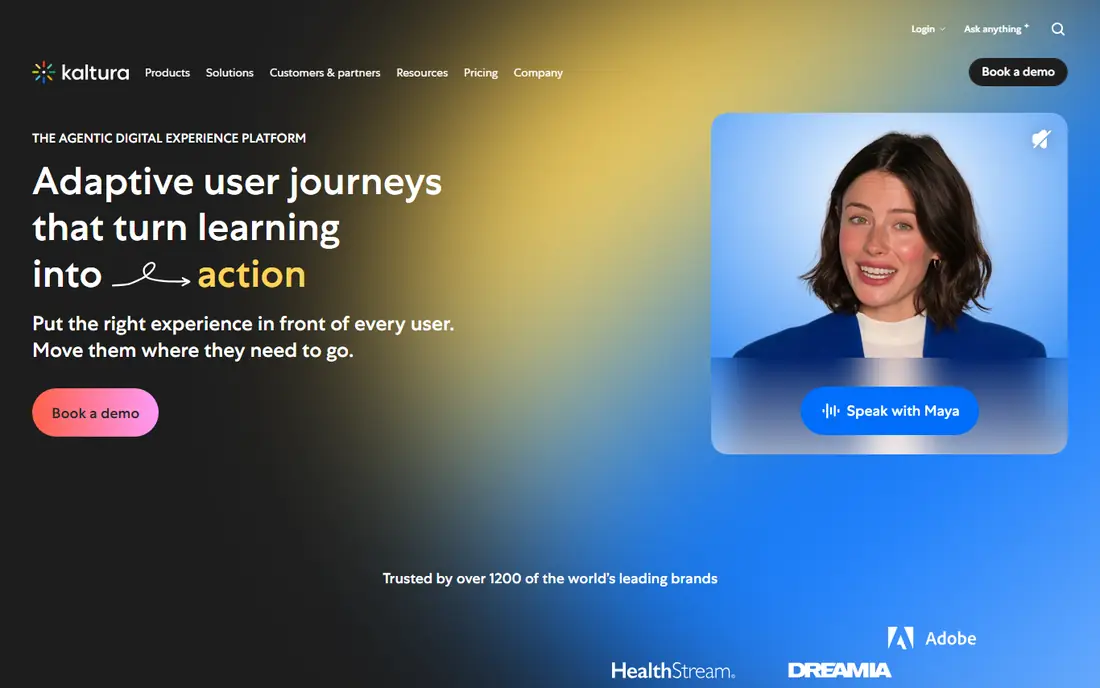
Kaltura is the most direct Panopto replacement for universities and large training organizations. It offers lecture capture, a video portal, LMS integration, live streaming, and accessibility features including captioning, all in a platform designed for education. The open-source core gives institutions flexibility, while Kaltura's cloud hosting removes the need to run it.
Setup and pricing are enterprise-grade, so smaller teams may find it more than they need. For institutions that want Panopto's full feature set, including searchable video and classroom capture, Kaltura is the closest match and our pick for most education buyers.
- Deep LMS integration
- Strong captioning and accessibility
- Open-source core with commercial hosting
- Enterprise pricing and setup effort
- Interface can feel complex
YuJa
Ideal for: Campus video with accessibility focus
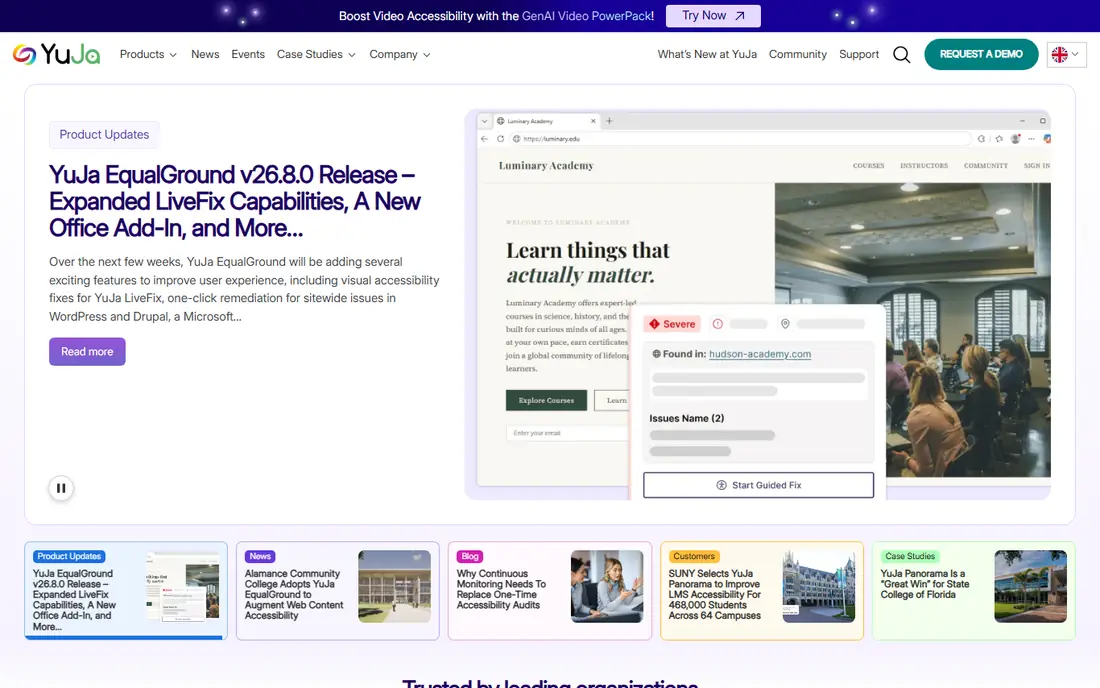
YuJa covers the same ground as Panopto with a strong emphasis on accessibility. Lecture capture, a media library, video quizzes, and captioning come together in one platform, and LMS integration keeps videos inside the courses students already use. Institutions that care about accessibility compliance tend to look at YuJa early.
It is less familiar outside higher education, and pricing is quote-based, so budgeting takes a conversation. For colleges and universities that want a Panopto-style platform with accessibility front and center, YuJa is a strong contender.
- Lecture capture plus video quizzing
- Strong accessibility and captioning
- LMS and classroom integrations
- Less well known outside education
- Pricing requires a quote
Echo360
Ideal for: Lecture capture tied to classrooms
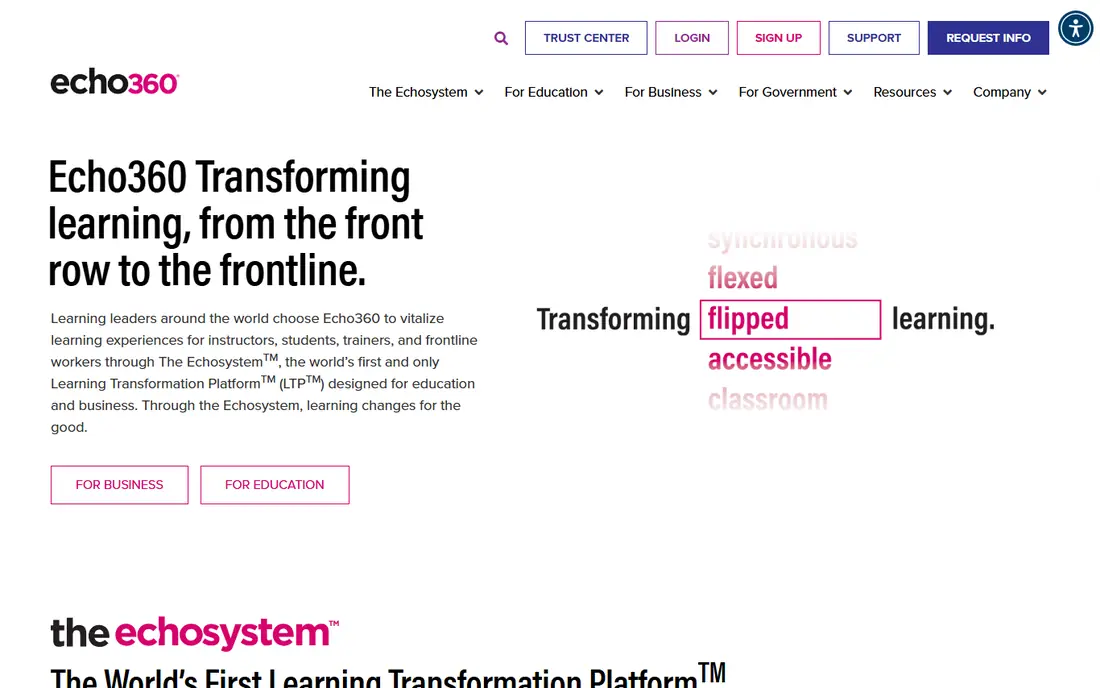
Echo360 started in lecture capture and still does it well, with scheduled classroom recording, engagement features such as polling and Q and A, and analytics on student viewing. It integrates with major learning management systems, so recordings land where students expect them.
The classroom hardware angle matters. Echo360 shines in rooms fitted for capture, while fully remote or asynchronous teams may get more from a software-only tool such as Loom or Vimeo. For institutions with lecture halls to equip, Echo360 is a natural Panopto alternative.
- Classroom capture hardware and software
- Student engagement tools
- LMS integration
- Hardware tie-in suits fixed classrooms more than remote recording
- Enterprise pricing
Vimeo
Ideal for: Polished, branded video hosting
Vimeo is the choice when presentation matters most. The player is clean, branding controls are strong, and analytics show who watched what and for how long. Teams use it for training libraries, marketing videos, and internal communications where the viewing experience reflects on the brand.
It lacks Panopto's classroom capture scheduling and in-video search depth, so it suits teams that record elsewhere and need a polished home for finished videos. For corporate training libraries and public-facing video, Vimeo is an excellent, well-supported host.
- Beautiful player and branding controls
- Good analytics
- Livestreaming and review tools
- Not built for lecture capture workflows
- Education features are thinner than Kaltura
Wistia
Ideal for: Marketing and training video with analytics
Wistia targets businesses that treat video as a communication and marketing channel. The player supports chapters, calls to action, and lead capture forms, and analytics go beyond view counts to show engagement heatmaps and drop-off points. That makes it useful for training videos where completion matters.
Large lecture archives with thousands of hours of content can get expensive, and classroom capture is not its job. For companies building a training or product video library where engagement data matters, Wistia is a polished, focused choice.
- Strong viewer analytics and lead capture
- Customizable player
- Chapters and calls to action
- Pricing scales with video volume
- Less suited to large lecture archives
Loom
Ideal for: Quick async video messages
Loom is the tool for the video you record in two minutes and send right away. Screen and camera recording, instant links, and viewer comments make it ideal for async updates, feedback on work, and short explainers. The free tier covers individual use, which makes it easy to start.
It is not a replacement for scheduled lecture capture or a searchable institutional archive. Loom suits teams and teachers who need quick, informal video communication, and it pairs well with a hosting platform for finished, long-form content.
- Fastest way to record and share a video
- Screen, camera, or both
- Free tier for individuals
- Not a lecture capture platform
- Library and search features are lighter than Panopto
TechSmith Camtasia
Ideal for: Edited instructional videos
Camtasia is for videos that need editing, not just recording. Screen capture, annotations, callouts, quizzes, and a full timeline editor let instructors produce polished tutorials that look deliberate rather than improvised. Captioning support helps with accessibility, and output goes to any hosting platform.
It does not host videos or manage a library, so teams need a platform such as Vimeo, Kaltura, or their LMS alongside it. For instructors and trainers who produce edited how-to videos, Camtasia remains the standard desktop tool.
- Full video editor built for tutorials
- Screen recording with annotations
- Good captioning support
- Desktop software, not a hosting platform
- Per-seat licensing
Brightcove
Ideal for: Enterprise video at large scale
Brightcove is the enterprise video platform for organizations that stream at scale, including media companies, large enterprises, and institutions with big audiences. It offers reliable global delivery, detailed analytics, live streaming, and monetization options that smaller tools lack.
The price and complexity reflect that positioning. Small teams will find Brightcove more than they need, but organizations that already stream to large audiences, or that need monetization and broadcast-grade reliability, will find it a proven, well-supported platform.
- Enterprise-grade streaming and analytics
- Strong monetization and live options
- Global delivery
- Enterprise pricing
- More platform than small teams need
How we picked these
We compared official feature pages, pricing pages, documentation, and public reviews for each tool, and we checked that each product is actively offered in October 2026. We kept tools that record, host, or deliver instructional video, and we spread the list across education platforms, general hosting, quick recording, and editing tools, since different Panopto users leave for different reasons. We did not include consumer video sites with no organizational controls.
What to check before you switch
Video platforms hold years of content, so migration and access matter as much as recording features.
LMS integration
Test the LMS integration with a real course, including gradebook passback if you use video quizzes. A platform that works in a demo but breaks inside your LMS will frustrate faculty and students alike.
Captioning and search
Check caption accuracy, turnaround, and whether captions are searchable. In-video search and accurate captions are accessibility requirements at many institutions, not nice extras.
Migration of existing videos
Ask how existing Panopto videos, folders, and permissions migrate. Bulk migration tooling varies widely, and a manual move of thousands of videos is a project in itself.
When you trial a video platform, test the full workflow from recording to playback rather than only the player. Upload a real lecture, check how long processing and captioning take, and confirm that captions can be edited for accuracy. Accessibility matters for many schools and workplaces, so check keyboard navigation, screen reader support, and caption quality on mobile devices. Also review how the platform handles retention: some teams need lectures kept for years, while others must delete old recordings on a schedule. Single sign-on and LMS gradebook links save support time, and a clear migration path for existing recordings avoids losing years of teaching material when you switch.
Search inside recordings is another feature worth testing, since students often look for one concept rather than rewatching a full lecture. Check whether spoken words, slide text, and captions are all searchable, and whether search results jump to the right moment. Quizzes and discussion threads inside the player can help engagement, but only if they work on phones as well as desktops. Also confirm storage limits and what happens when you reach them, since video libraries grow steadily and surprise overage fees are common.
Frequently asked questions
What is the closest alternative to Panopto?
Kaltura is the closest for education, matching lecture capture, hosting, LMS integration, and captioning. YuJa is nearly as close, with a stronger accessibility emphasis.
Can I use Vimeo or Wistia instead of Panopto?
Yes, for hosting finished videos, especially for corporate training. Neither replaces scheduled classroom capture or Panopto's in-video search, so education teams usually pair them with a capture tool or choose Kaltura or YuJa instead.
Do these tools support captions?
Yes, all eight offer captioning in some form, though accuracy, automation, and turnaround differ. Kaltura, YuJa, and Camtasia have the strongest accessibility stories for education, while Loom and Vimeo offer simpler captioning for short videos.
Can students watch on mobile devices?
Yes, all eight offer mobile-friendly playback, and most offer mobile apps or responsive players. Check offline viewing specifically if students need to watch without a reliable connection.
How hard is it to migrate from Panopto?
It depends on library size. Small libraries migrate with bulk export and import tools, while large archives with folders and permissions need vendor migration help. Get a migration plan in writing before signing with a new vendor.