Best Paragon Alternatives in 2026: 8 Options Compared

- Merge and Nango are strong picks for teams that need common integrations like HR, accounting and CRM without building each one by hand.
- Prismatic suits B2B software teams that want customer-facing integrations with a polished configuration experience.
- Workato, Tray.ai and Boomi fit larger teams that need enterprise automation alongside embedded integrations.
- Pipedream and MuleSoft cover opposite ends of the scale, from developer-friendly workflows to full enterprise integration.
Quick comparison
| Product | Ideal for | Price from | Free version | |
|---|---|---|---|---|
 Merge | unified APIs for common categories | See website | Free trial | Visit |
 Nango | open source integrations | See website | Yes | Visit |
 Prismatic | B2B customer integrations | See website | Free trial | Visit |
 Workato | enterprise automation and integration | See website | Free trial | Visit |
 Tray.ai | automation and embedded integrations | See website | Free trial | Visit |
 Boomi | enterprise integration platform | See website | Free trial | Visit |
 MuleSoft | API-led enterprise integration | See website | Free trial | Visit |
 Pipedream | developer-friendly workflows | See website | Yes | Visit |
The best Paragon Alternatives
Here are our picks for the best paragon alternatives, covering a mix of well-known leaders and strong smaller options. We compared official feature pages, pricing pages, app-store listings, privacy policies and public reviews to build this list.
Merge
Ideal for: unified APIs for common categories
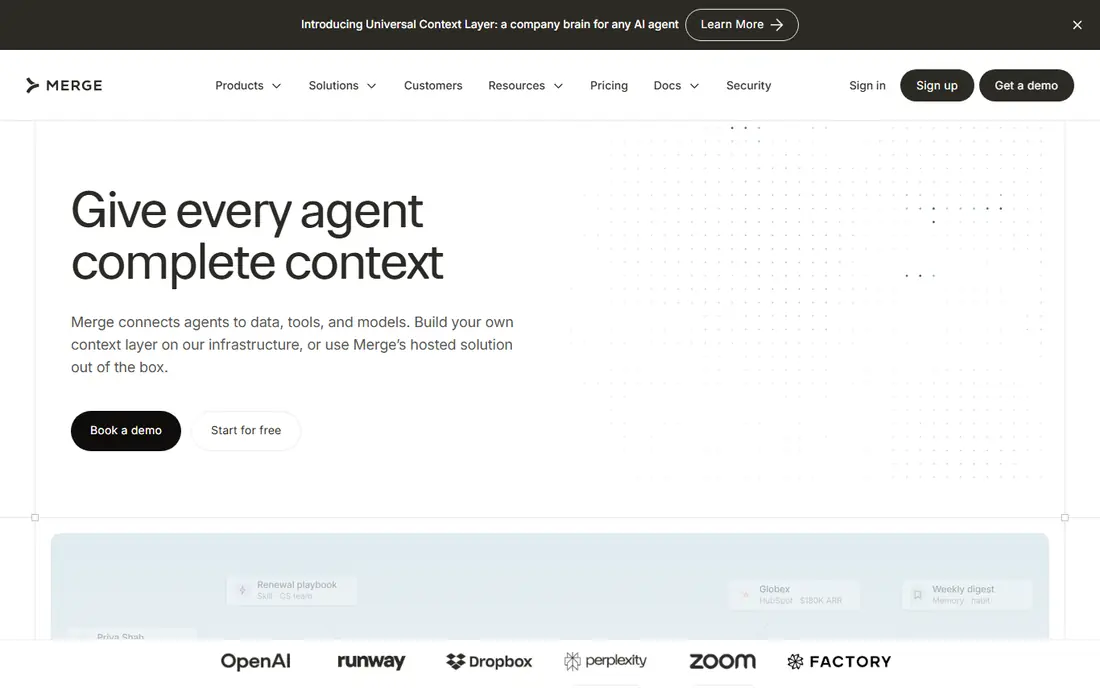
Merge provides unified APIs for common software categories, so a team can integrate with many HR, accounting or CRM systems through one API. It handles authentication and normalises data across systems, which removes much of the repetitive work of building integrations one by one.
Coverage is organised by category, so a system outside the main categories may need custom work or another approach. Pricing is quoted based on usage. For teams whose customers use common business systems, Merge is one of the fastest ways to ship integrations.
Bottom line: Merge suits unified APIs for common categories best. Its strongest point is unified APIs for HR, accounting and CRM, while the main drawback to weigh is coverage is category based. Check the current pricing page before deciding, since plans and limits change.
- Unified APIs for HR, accounting and CRM
- Managed authentication
- Good docs
- Coverage is category based
- Unusual systems may need custom work
Nango
Ideal for: open source integrations
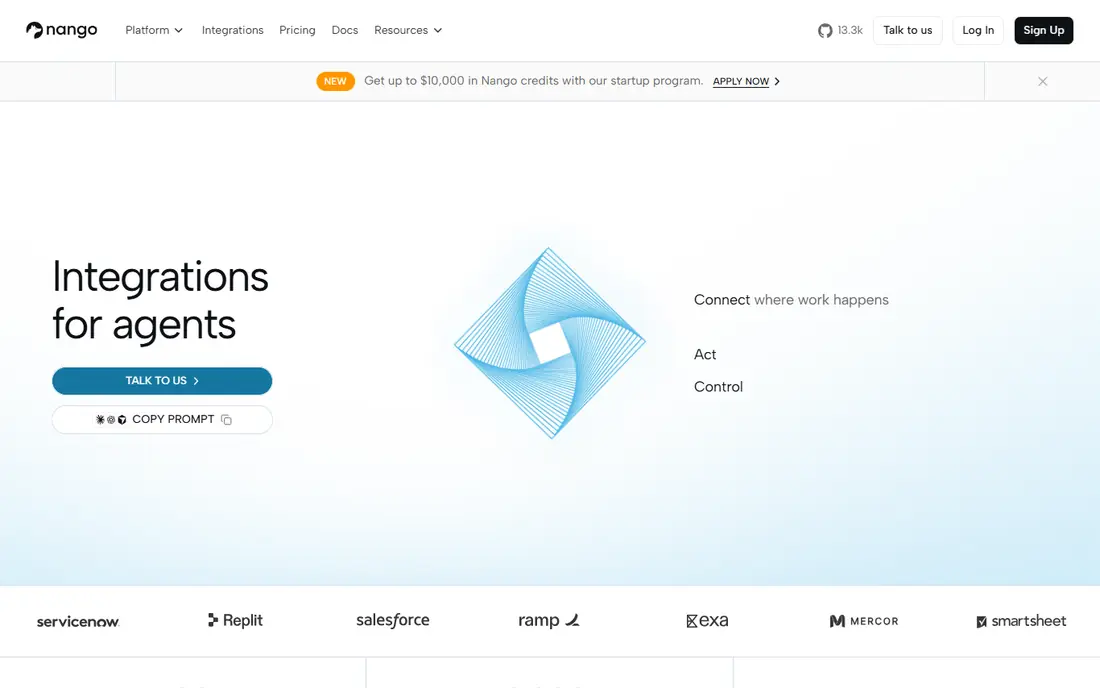
Nango is an integration platform with an open source core, which appeals to teams that want control over their integration layer. It offers a library of integrations, managed authentication and syncing, and the option to self-host. Developer documentation is solid, and the open model makes pricing more transparent.
Self-hosting saves subscription cost but needs engineering time to run and update. Teams that want a fully managed service should compare the hosted plan. For developer-led teams that value openness, Nango is a compelling Paragon alternative.
Bottom line: Nango suits open source integrations best. Its strongest point is open source option, while the main drawback to weigh is self-hosting needs engineering time. Check the current pricing page before deciding, since plans and limits change.
- Open source option
- Broad integration library
- Developer-friendly
- Self-hosting needs engineering time
- Support depends on plan
Prismatic
Ideal for: B2B customer integrations
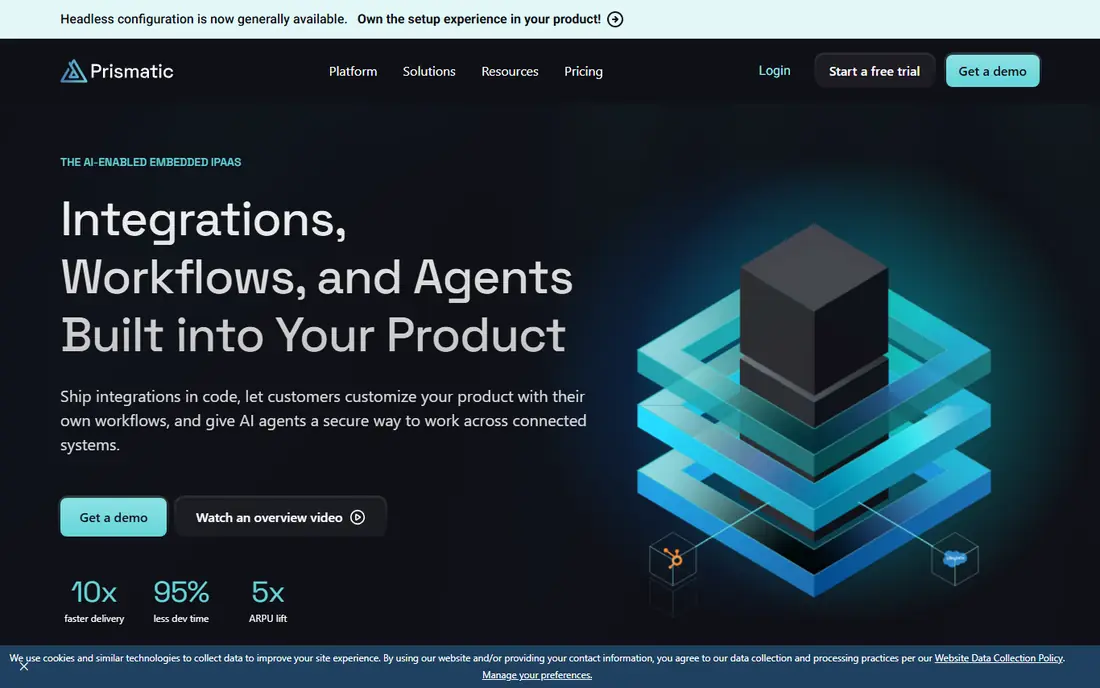
Prismatic is built for B2B software teams that offer integrations to their customers. It provides a designer for building integrations, an embedded marketplace where customers enable them, and tools for monitoring and support. That customer-facing angle is its main strength.
Pricing is quoted, and the designer takes time to learn for complex integrations. Smaller teams may find it more than they need. For SaaS companies whose customers expect self-serve integrations, Prismatic is a strong choice.
Bottom line: Prismatic suits B2B customer integrations best. Its strongest point is customer-facing integration designer, while the main drawback to weigh is pricing is quoted. Check the current pricing page before deciding, since plans and limits change.
- Customer-facing integration designer
- Embedded marketplace
- Good for SaaS teams
- Pricing is quoted
- Learning curve for the designer
Workato
Ideal for: enterprise automation and integration
Workato is an enterprise integration and automation platform with a large connector library and recipe-based workflows. It covers both internal automation and embedded integrations, which suits larger organisations that want one platform for both jobs. Security and governance features are strong.
Pricing and complexity reflect its enterprise focus, so small teams may find it heavy. Implementation often involves a longer project. For larger organisations that need automation at scale, Workato is a proven platform.
Bottom line: Workato suits enterprise automation and integration best. Its strongest point is large connector library, while the main drawback to weigh is enterprise pricing. Check the current pricing page before deciding, since plans and limits change.
- Large connector library
- Strong automation recipes
- Enterprise features
- Enterprise pricing
- Can be complex for small teams
Tray.ai
Ideal for: automation and embedded integrations
Tray.ai, formerly Tray.io, offers a visual builder for automation and embedded integrations, with a solid connector range. Teams can build integrations with drag-and-drop logic and embed them for customers, while also automating internal workflows on the same platform.
Pricing is quoted, and advanced builder features take time to master. For teams that want both internal automation and customer integrations in one tool, Tray.ai is a flexible option.
Bottom line: Tray.ai suits automation and embedded integrations best. Its strongest point is visual builder, while the main drawback to weigh is pricing is quoted. Check the current pricing page before deciding, since plans and limits change.
- Visual builder
- Embedded integration options
- Good connector range
- Pricing is quoted
- Advanced features need learning
Boomi
Ideal for: enterprise integration platform
Boomi is a mature integration platform used by large organisations to connect applications, data and clouds. It offers broad connectivity, data management and API tools, with a track record in complex enterprise environments. Teams with many systems to connect will find its depth useful.
Cost and complexity are enterprise level, and setup is a project rather than an afternoon task. Small teams should look at Merge or Nango first. For large integration programmes, Boomi is a reliable, well-supported choice.
Bottom line: Boomi suits enterprise integration platform best. Its strongest point is mature platform, while the main drawback to weigh is enterprise cost and complexity. Check the current pricing page before deciding, since plans and limits change.
- Mature platform
- Broad connectivity
- Strong data management
- Enterprise cost and complexity
- Setup takes time
MuleSoft
Ideal for: API-led enterprise integration
MuleSoft, part of Salesforce, takes an API-led approach to integration, with tools for designing, building and managing APIs across an organisation. Governance and reuse are strengths, which matters for enterprises with many APIs to maintain. The Salesforce connection helps teams already in that ecosystem.
Pricing is high, and the platform needs specialist skills to run well. It is not a quick fix for a startup that needs three integrations. For enterprises standardising on APIs, MuleSoft is a leading platform.
Bottom line: MuleSoft suits API-led enterprise integration best. Its strongest point is aPI-led approach, while the main drawback to weigh is high cost. Check the current pricing page before deciding, since plans and limits change.
- API-led approach
- Strong governance
- Salesforce ecosystem
- High cost
- Needs specialist skills
Pipedream
Ideal for: developer-friendly workflows
Pipedream is a developer-friendly platform for building workflows and integrations with code where needed. It connects a large library of apps, lets developers write steps in code, and offers a free tier for trying it out. That flexibility appeals to engineering teams that want control.
It expects more developer effort than a managed unified API, since edge cases and syncing logic sit with your team. Usage-based pricing needs watching at scale. For developer-led teams that want flexibility and a low starting cost, Pipedream is a good alternative.
Bottom line: Pipedream suits developer-friendly workflows best. Its strongest point is code-friendly workflows, while the main drawback to weigh is more developer effort than managed platforms. Check the current pricing page before deciding, since plans and limits change.
- Code-friendly workflows
- Large app library
- Free tier for trying
- More developer effort than managed platforms
- Pricing by usage
How we picked these
We started from the original product and what people use it for, then compared official feature pages, pricing pages, app-store listings, privacy policies and public reviews for each candidate. We kept only products that exist, work in October 2026 and genuinely fit the topic, and we left out products that were discontinued, unrelated or too thin to recommend.
We weighed fit for the topic first, then price and free options, ease of setup and the honest downsides that show up in reviews and documentation. Prices are given as listed on the vendor's own site where we could verify them, and we wrote See website where a price was quoted, unclear or likely to change by plan.
We also left out products that no longer exist, that have been folded into a different product, or that only partly fit the topic. A longer list would have been easier to write, but a list padded with poor fits helps nobody choose, so we kept the list to products we can genuinely recommend for this use.
How to choose an embedded integration platform
Start with the integrations your customers actually ask for. A platform that covers your top five requested systems is worth more than one with hundreds of connectors you will never use. Ask for the exact systems and data objects you need, not just a connector count.
Next, check how much code your team must write. Some platforms offer managed authentication and syncing, while others expect your team to handle edge cases. A platform that saves engineering time is the whole point, so test the hardest integration during a trial, not the easiest one.
Finally, check the pricing model. Some platforms charge per integration, some per customer and some by usage. Model the cost at your current customer count and at three times that count, since a model that looks cheap early can become painful as you grow.
Run a real trial before you pay. Sign up for the free tier or trial, connect it to a real project, and test the exact tasks you do every week rather than the demo workflow. Check how long setup takes, how clear the reporting is and how quickly support replies, since those details decide whether a tool survives past the first month.
Plan the switch, not just the signup. Export your data from the old tool, check what imports cleanly and what must be rebuilt by hand, and keep the old system running until the new one has handled real work. A short overlap period avoids lost data and gives your team time to learn the new workflow.
Frequently asked questions
What is Paragon used for?
Paragon is an embedded integration platform that lets software companies add integrations with third-party apps inside their own product. Customers connect their tools without leaving the product, and the platform handles authentication and data syncing.
What is the best Paragon alternative?
Merge is a strong pick for common categories like HR, accounting and CRM, while Prismatic suits B2B teams that want customer-facing integration workflows. Nango is a good option for teams that prefer an open source approach.
Are embedded integration platforms expensive?
Pricing varies widely, and most platforms quote based on customers, integrations or usage. Small teams should expect a meaningful monthly cost, and larger teams should model the price at scale before committing.
Do I need an integration platform, or can I build integrations myself?
Building one or two integrations in-house is reasonable. Once customers ask for ten or more, the maintenance burden grows fast, and a platform usually saves engineering time.
How long does it take to launch an integration?
With a platform, a common integration can go live in days or weeks rather than months. Custom or unusual systems take longer, and testing with real customer data is the step most teams underestimate.
Can I try these options before paying?
Yes, in most cases. Nearly every option on this list offers a free tier or a free trial, and we note that in the comparison table and in each product block. Use the trial for real work rather than a quick look, and check the renewal price before the trial ends so there are no surprises.