Best Patch Manager Plus Alternatives in 2026: 8 Options Compared

- 1
 Automoxcloud-native patchingVisit
- 2
 NinjaOnepatching plus device managementVisit
- 3
 PDQ DeployWindows deployment and patchingVisit
- 4
 Ivantienterprise patch and endpoint managementVisit
- 5
 Kaseya VSARMM for MSPs and IT teamsVisit
- Automox and NinjaOne are the leading cloud-native options, with patching plus device management in one console.
- PDQ Deploy and Action1 suit Windows-focused teams that want straightforward, affordable patching.
- Ivanti, Kaseya VSA and Datto RMM fit managed service providers and larger IT teams with broader needs.
- Atera suits smaller IT teams and MSPs that want patching inside an all-in-one management platform.
Quick comparison
| Product | Ideal for | Price from | Free version | |
|---|---|---|---|---|
| Automox | cloud-native patching | See website | Free trial | Visit |
| NinjaOne | patching plus device management | See website | Free trial | Visit |
| PDQ Deploy | Windows deployment and patching | See website | Free trial | Visit |
| Ivanti | enterprise patch and endpoint management | See website | Free trial | Visit |
| Kaseya VSA | RMM for MSPs and IT teams | See website | Free trial | Visit |
 Datto RMM | RMM with patching for MSPs | See website | Free trial | Visit |
 Action1 | affordable cloud patching | See website | Yes | Visit |
 Atera | all-in-one IT management | See website | Free trial | Visit |
The best Patch Manager Plus Alternatives
Here are our picks for the best patch manager plus alternatives, covering a mix of well-known leaders and strong smaller options. We compared official feature pages, pricing pages, app-store listings, privacy policies and public reviews to build this list.
Automox
Ideal for: cloud-native patching

Automox is a cloud-native patch management platform that handles Windows, macOS and Linux plus third-party applications from one console. Automation policies keep devices patched on schedule, and reporting shows compliance clearly. Its cloud model suits remote and hybrid teams.
Pricing is per device, which adds up for large fleets, and advanced features sit on higher tiers. For modern, cloud-based patching, Automox is a leading choice.
Bottom line: Automox suits cloud-native patching best. Its strongest point is cloud-based patching, while the main drawback to weigh is pricing is per device. Check the current pricing page before deciding, since plans and limits change.
- Cloud-based patching
- Broad OS and app coverage
- Good automation
- Pricing is per device
- Advanced features need higher tiers
NinjaOne
Ideal for: patching plus device management
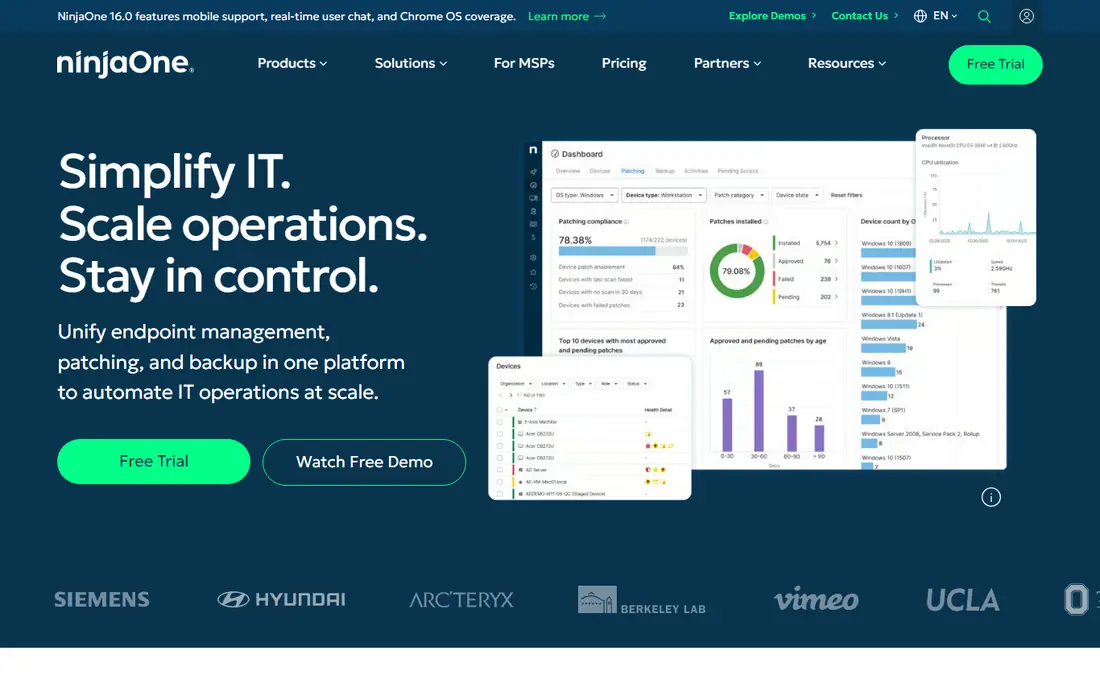
NinjaOne combines patch management with remote monitoring and management, giving IT teams one console for device health and updates. Its interface is clean, automation is strong, and patching covers OS and third-party apps. MSPs and IT teams value that combination.
Pricing is quoted, and the full value comes from using the wider platform. For patching inside a broader management tool, NinjaOne is a strong pick.
Bottom line: NinjaOne suits patching plus device management best. Its strongest point is patching with remote monitoring, while the main drawback to weigh is pricing is quoted. Check the current pricing page before deciding, since plans and limits change.
- Patching with remote monitoring
- Clean interface
- Good automation
- Pricing is quoted
- Full features need the wider platform
PDQ Deploy
Ideal for: Windows deployment and patching
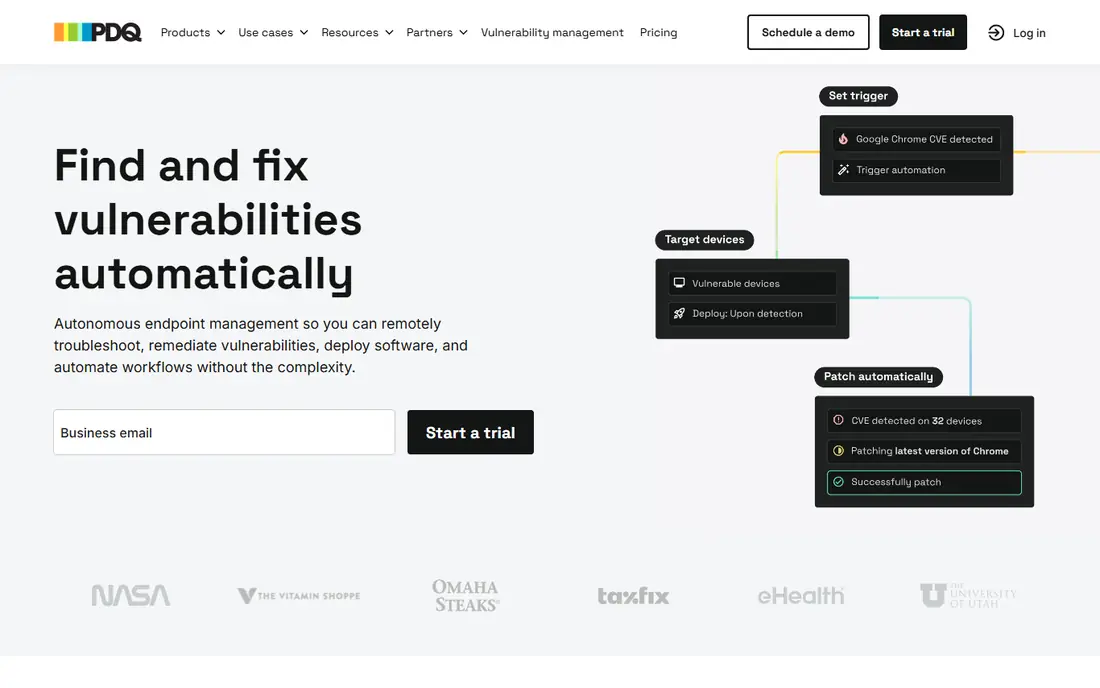
PDQ Deploy is a straightforward tool for deploying software and patches to Windows computers, with a package library for common applications. It is fast, affordable and easy to learn, which appeals to Windows-focused IT teams.
It covers Windows only, so mixed estates need another tool for macOS and Linux. For Windows patching on a budget, PDQ Deploy is hard to beat.
Bottom line: PDQ Deploy suits Windows deployment and patching best. Its strongest point is simple Windows patching, while the main drawback to weigh is windows only. Check the current pricing page before deciding, since plans and limits change.
- Simple Windows patching
- Affordable
- Fast deployments
- Windows only
- No macOS or Linux support
Ivanti
Ideal for: enterprise patch and endpoint management
Ivanti offers patch management as part of a broader endpoint management and security platform, with broad OS and application coverage. Large IT teams value its scale, reporting and integration with security workflows.
Pricing and setup reflect its enterprise focus. Smaller teams may find it more than they need. For large-scale patching with security integration, Ivanti is a major option.
Bottom line: Ivanti suits enterprise patch and endpoint management best. Its strongest point is broad patch coverage, while the main drawback to weigh is enterprise pricing. Check the current pricing page before deciding, since plans and limits change.
- Broad patch coverage
- Endpoint security integration
- Enterprise scale
- Enterprise pricing
- Setup takes time
Kaseya VSA
Ideal for: RMM for MSPs and IT teams
Kaseya VSA is a remote monitoring and management platform with patching built in, used widely by managed service providers and IT teams. Automation policies handle patching across client estates, and the wider platform covers monitoring, remote access and scripting.
Pricing is quoted, and the interface covers a lot, which takes learning. For MSPs that want patching inside a full RMM, Kaseya VSA is a strong choice.
Bottom line: Kaseya VSA suits RMM for MSPs and IT teams best. Its strongest point is patching inside a full RMM, while the main drawback to weigh is pricing is quoted. Check the current pricing page before deciding, since plans and limits change.
- Patching inside a full RMM
- Automation
- Good for MSPs
- Pricing is quoted
- Interface is broad
Datto RMM
Ideal for: RMM with patching for MSPs
Datto RMM, now part of Kaseya, provides remote monitoring and patching for managed service providers, with cloud delivery and automation for client estates. It suits MSPs that manage many small business networks from one console.
The main audience is MSPs, and pricing is quoted. For MSP patching and monitoring, Datto RMM remains a well-known option.
Bottom line: Datto RMM suits RMM with patching for MSPs best. Its strongest point is patching plus monitoring for MSPs, while the main drawback to weigh is mSPs are the main audience. Check the current pricing page before deciding, since plans and limits change.
- Patching plus monitoring for MSPs
- Cloud-based
- Good automation
- MSPs are the main audience
- Pricing is quoted
Action1
Ideal for: affordable cloud patching
Action1 is a cloud-based patch management platform with a free tier for smaller endpoint counts, which makes it easy to try. It covers Windows patching and third-party apps, with reporting that shows patch status clearly.
The free tier has endpoint limits, and advanced features need paid plans. For affordable cloud patching, especially for smaller teams, Action1 is a strong pick.
Bottom line: Action1 suits affordable cloud patching best. Its strongest point is free tier for smaller fleets, while the main drawback to weigh is free tier has endpoint limits. Check the current pricing page before deciding, since plans and limits change.
- Free tier for smaller fleets
- Cloud-based
- Good reporting
- Free tier has endpoint limits
- Advanced features need paid plans
Atera
Ideal for: all-in-one IT management
Atera combines patch management with remote monitoring, remote access, ticketing and reporting in an all-in-one platform priced per technician rather than per device. Small IT teams and MSPs value that pricing model and the breadth of features.
Patching is one part of a broad platform, so dedicated patch specialists may want deeper catalogue control. For small teams that want everything in one tool, Atera is a good choice.
Bottom line: Atera suits all-in-one IT management best. Its strongest point is patching inside an all-in-one platform, while the main drawback to weigh is patching is one part of a broad platform. Check the current pricing page before deciding, since plans and limits change.
- Patching inside an all-in-one platform
- Per-technician pricing
- Remote access
- Patching is one part of a broad platform
- Pricing model differs from per-device tools
How we picked these
We started from the original product and what people use it for, then compared official feature pages, pricing pages, app-store listings, privacy policies and public reviews for each candidate. We kept only products that exist, work in October 2026 and genuinely fit the topic, and we left out products that were discontinued, unrelated or too thin to recommend.
We weighed fit for the topic first, then price and free options, ease of setup and the honest downsides that show up in reviews and documentation. Prices are given as listed on the vendor's own site where we could verify them, and we wrote See website where a price was quoted, unclear or likely to change by plan.
We also left out products that no longer exist, that have been folded into a different product, or that only partly fit the topic. A longer list would have been easier to write, but a list padded with poor fits helps nobody choose, so we kept the list to products we can genuinely recommend for this use.
How to choose a patch management tool
Start with the systems you must patch. Windows, macOS and Linux coverage varies, and third-party application patching is a separate feature that matters as much as OS patches. Check your full software list against the tool's catalogue.
Next, check automation and reporting. Patches should deploy on a schedule, with clear reports on success, failure and compliance. A tool that patches but cannot prove it will fail audit and compliance checks.
Finally, test deployment on a small group first. Patching can break applications, so staged rollouts and rollback options matter. A trial on a pilot group will reveal problems before a full rollout.
Check the renewal price, not just the first bill. Introductory discounts, per-user charges and usage limits can change the cost sharply in year two, so ask for the standard price and model it at your expected team size. A tool that stays affordable as you grow is worth more than a cheap first month.
Read the fine print on limits. Free tiers and entry plans often cap users, projects, storage or monthly usage, and those caps decide whether a plan works in practice. Confirm the limits that matter to you in writing before you commit to a paid plan.
Frequently asked questions
What is Patch Manager Plus used for?
Patch Manager Plus, from ManageEngine, is a patch management tool that deploys OS and third-party application patches to Windows, macOS and Linux systems. It helps IT teams keep devices secure and compliant with automated patching.
What is the best Patch Manager Plus alternative?
Automox and NinjaOne are the strongest cloud-native alternatives, while PDQ Deploy suits Windows-only teams. Ivanti and Kaseya VSA fit larger teams and managed service providers.
Is there a free patch management tool?
Action1 offers a free tier for smaller numbers of endpoints, and WSUS is free for Windows patching from Microsoft. Full third-party patching and reporting usually need a paid tool.
Can patch tools update third-party apps?
Most tools here cover common third-party applications like browsers and office suites, though catalogue depth varies. Check that the apps your team uses are covered before buying.
How often should I patch?
Critical security patches should deploy quickly, often within days, while routine patches follow a monthly cycle. Staged rollouts help catch problems before they affect the whole estate.
Can I try these options before paying?
Yes, in most cases. Nearly every option on this list offers a free tier or a free trial, and we note that in the comparison table and in each product block. Use the trial for real work rather than a quick look, and check the renewal price before the trial ends so there are no surprises.