Top 5 PDF Drive Alternatives to Shortlist in 2026

- 1
 ManyBooksCurated free ebooksVisit
- 2
 Google BooksFinding and previewing booksVisit
- 3
 ScribdSubscription reading libraryVisit
- 4
 Internet ArchiveLargest digital libraryVisit
- 5
 Project GutenbergPublic-domain classicsVisit
- ManyBooks takes the first slot, best suited to curated free ebooks.
- ManyBooks, Google Books, Internet Archive, Project Gutenberg: these are the 4 tools out of 5 that offer a free plan.
- Before buying Google Books, weigh this: not a full lending library.
- For public-domain classics, Project Gutenberg is worth a look.
Direct answer
ManyBooks comes first here, mainly for curated free ebooks. For a different need, Google Books covers finding and previewing books and Scribd covers subscription reading library. Details, prices and limits for the rest of the 5 tools are below.
Quick comparison
| Product | Ideal for | Price from | Free version | |
|---|---|---|---|---|
| ManyBooks | Curated free ebooks | Free | Yes | Visit |
| Google Books | Finding and previewing books | Free | Yes | Visit |
| Scribd | Subscription reading library | See website | No | Visit |
| Internet Archive | Largest digital library | Free | Yes | Visit |
| Project Gutenberg | Public-domain classics | Free | Yes | Visit |
The best PDF Drive
Choosing PDF Drive usually comes down to price, fit and limits. This Ainotely guide sets 5 tools side by side on those three points, with the facts kept short and checkable.
ManyBooks
Ideal for: Curated free ebooks
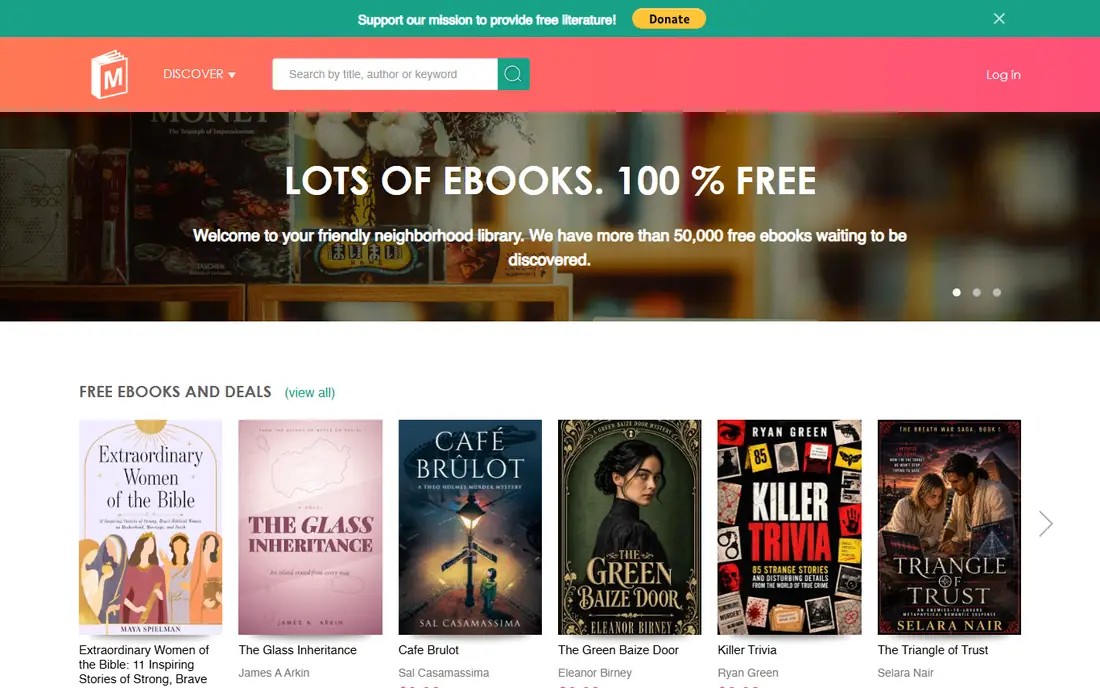
Pick ManyBooks if this describes you: curated free ebooks. The catalog is smaller than Gutenberg's, some titles are indie promotions instead of classics, and modern bestsellers are absent for copyright reasons.
For a reader who wants a curated free bookshelf with simple browsing, ManyBooks is a pleasant complement to Gutenberg. Price to start with ManyBooks: Free. You can start on ManyBooks without paying.
Trade-offs to know: No modern bestsellers.
- Several formats
- Clean browsing by genre
- Smaller catalog than Gutenberg
Google Books
Ideal for: Finding and previewing books
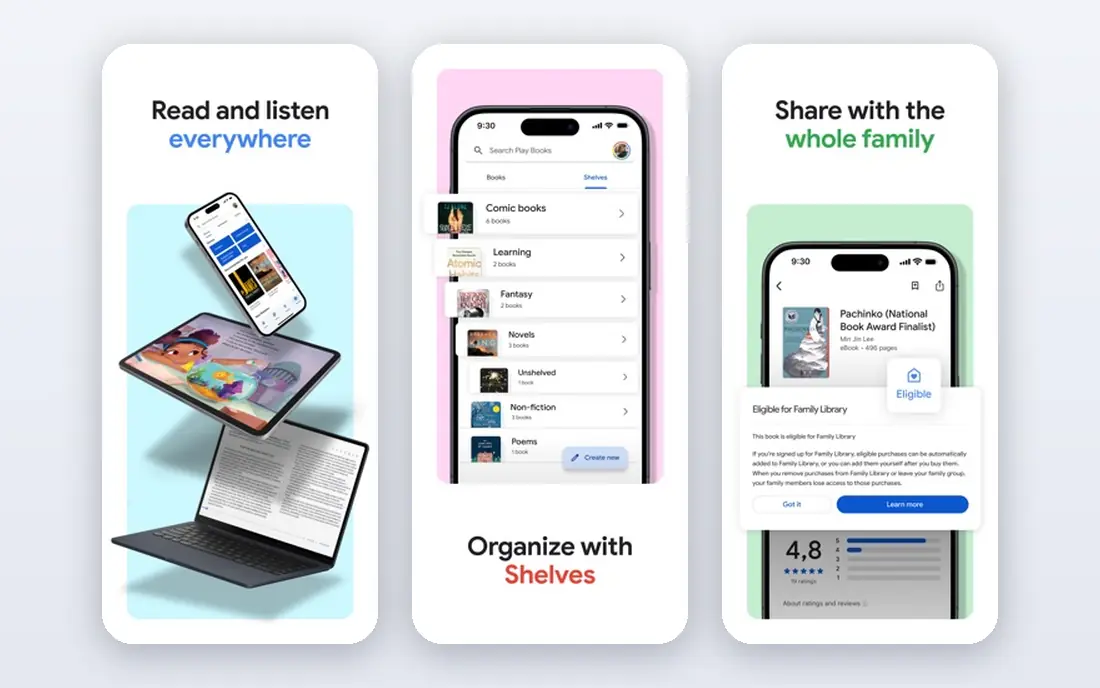
In short, Google Books is for finding and previewing books. For research, the capacity to search a phrase across an entire library and jump to the exact page is uniquely feature-rich.
Google Books pricing: Free. Free access exists with Google Books.
What to check first: Previews are restricted for in-copyright books.
- Full public-domain downloads
- Search inside millions of books
- Purchase links vary by region
Scribd
Ideal for: Subscription reading library
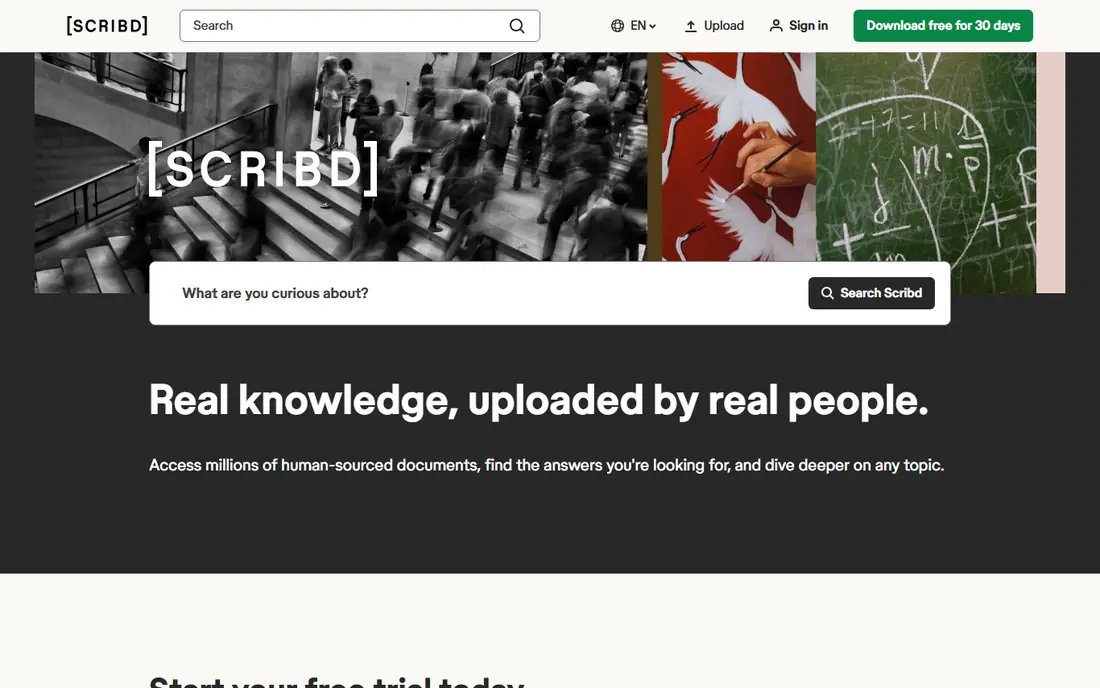
For subscription reading library, Scribd is a natural candidate. Scribd is the subscription alternative for readers who want a large library without buying books individually. More specifically, the catalog spans bestsellers, nonfiction, and niche titles, though availability rotates and some titles are restricted by monthly reading credits.
In daily use, a monthly subscription provides access to ebooks, audiobooks, magazines, and documents, with decent mobile apps and offline reading for travel. Pricing is subscription-based, so check the current plan on the vendor site, and there is no free plan, only a trial. As for the details, for an occasional reader, the free sources above include most needs at no cost. Pricing for Scribd is not stated here, so ask the vendor for current figures. Scribd has no permanent free option.
Where it falls short: Subscription-priced with no free plan.
- Large subscription library of books, audiobooks, documents
- Decent mobile apps
- Catalog rotates
Internet Archive
Ideal for: Largest digital library
Internet Archive is designed for largest digital library. Its texts collection bundles public-domain books available for unlimited download and in-copyright books available through controlled lending, alongside academic papers, magazines, and historical documents that no other source matches.
Where Internet Archive stands out: Wayback Machine for web history.
Watch-outs: Lending limits apply; Interface can overwhelm new users.
The interface can overwhelm new users, lending limits apply to in-copyright works, and search takes practice to filter effectively. Beyond that, for a researcher, student, or curious reader who wants the deepest possible collection, the Internet Archive is essential, and its preservation mission means works that disappear elsewhere frequently survive here. On cost, Internet Archive starts like this: Free. You can start on Internet Archive without paying.
- Largest collection of texts, audio, video
- Free borrowing and public-domain downloads
- Search needs practice for best results
Project Gutenberg
Ideal for: Public-domain classics
Project Gutenberg targets public-domain classics. Founded in 1971, it is the oldest digital library, offering over 70,000 free ebooks whose US copyright has expired, including works by Jane Austen, Charles Dickens, Mark Twain, and thousands of lesser-known authors. Worth adding: the catalog skews toward older works, since copyright keeps modern bestsellers out, and the website interface is functional instead of modern.
Downsides: No modern bestsellers.
Every book is completely legal to download, share, and read, with no account, no DRM, and no cost. Also, for a reader who wants classics legally and free, Project Gutenberg is unmatched. Its collection is the foundation that numerous other free ebook sites build on. Starting cost for Project Gutenberg: Free. Project Gutenberg offers a free plan.
- Public-domain works are completely legal
- Over 70,000 free ebooks
- Largely older classics
Our selection method
Selection started from tools commonly considered for PDF Drive, then narrowed to 5 that have clear pricing information or a clear quote process. Where a price is missing, the vendor does not list one publicly or ties it to a quote. Always confirm before budgeting. The ranking is editorial: typical fit first, then clear pricing, then free access. If your needs are unusual, read the profiles rather than relying on position.
What to confirm before you sign up
- Ask Scribd for a written quote, since no starting price is shown.
- Read the fine print on the free plans from ManyBooks, Google Books, Internet Archive and Project Gutenberg; seat, project and feature caps differ.
- Before choosing ManyBooks, weigh its main limit: smaller catalog than Gutenberg.
- Ask Google Books how an export works before you move any records in; an easy exit lowers the risk.
- Read the plan comparison for Project Gutenberg carefully; key features often start on a higher tier.
Frequently asked questions
Can I try these tools before paying?
Often, yes. ManyBooks, Google Books, Internet Archive and Project Gutenberg have a free plan. Use your own data and a real task during the test, and check what the free tier or trial limits before you rely on it.
Do these tools publish their prices?
Not all of them. Scribd publishes no starting price, so expect a quote request for it. The rest, ManyBooks included, show a starting price, though seats and billing terms still change the final cost.
Is ManyBooks the right pick for everyone comparing PDF Drive?
No single tool suits every team. ManyBooks comes first because it fits curated free ebooks, while Google Books suits finding and previewing books and Scribd suits subscription reading library. Match the tool to your own size, budget and workflow before deciding.
How are the tools for PDF Drive ordered?
The order follows typical fit for PDF Drive, with ManyBooks first and Project Gutenberg last, then price clarity and free access. It is editorial judgement, not a score, so another team could rank the tools differently.