6 PdfFiller Alternatives Worth a Look in 2026

- 1
 Adobe AcrobatFull PDF editing, forms, and signingVisit
- 2
 Dropbox SignStraightforward e-signatures inside Dropbox workflowsVisit
- 3
 PandaDocSales proposals and contracts with signaturesVisit
- 4
 DocuSignLegally binding e-signatures at scaleVisit
- 5
 FoxitBudget-friendly PDF editing with signingVisit
- Top of the list is Adobe Acrobat, which targets full PDF editing, forms, and signing.
- Before buying PandaDoc, weigh this: PDF editing is lighter than Acrobat.
- Jotform Sign fits forms that end with a signature.
- Pricing across the list, from Adobe Acrobat to Jotform Sign, is by quote only.
- 2 of 6 tools offer a free plan: PandaDoc, Jotform Sign.
Direct answer
Our first pick is Adobe Acrobat, best for full PDF editing, forms, and signing. Dropbox Sign is the stronger choice for straightforward e-signatures inside Dropbox workflows, while PandaDoc suits sales proposals and contracts with signatures. The full list of 6 tools follows, with prices and free plan facts.
Quick comparison
| Product | Ideal for | Price from | Free version | |
|---|---|---|---|---|
| Adobe Acrobat | Full PDF editing, forms, and signing | See website | Free trial | Visit |
| Dropbox Sign | Straightforward e-signatures inside Dropbox workflows | See website | Free trial | Visit |
| PandaDoc | Sales proposals and contracts with signatures | See website | Yes | Visit |
| DocuSign | Legally binding e-signatures at scale | See website | Free trial | Visit |
| Foxit | Budget-friendly PDF editing with signing | See website | Free trial | Visit |
 Jotform Sign | Forms that end with a signature | See website | Yes | Visit |
The full pdfFiller list
Short on time? The summary and table above give the quick view of 6 tools for pdfFiller, and the profiles that follow give the detail behind each entry.
Adobe Acrobat
Ideal for: Full PDF editing, forms, and signing
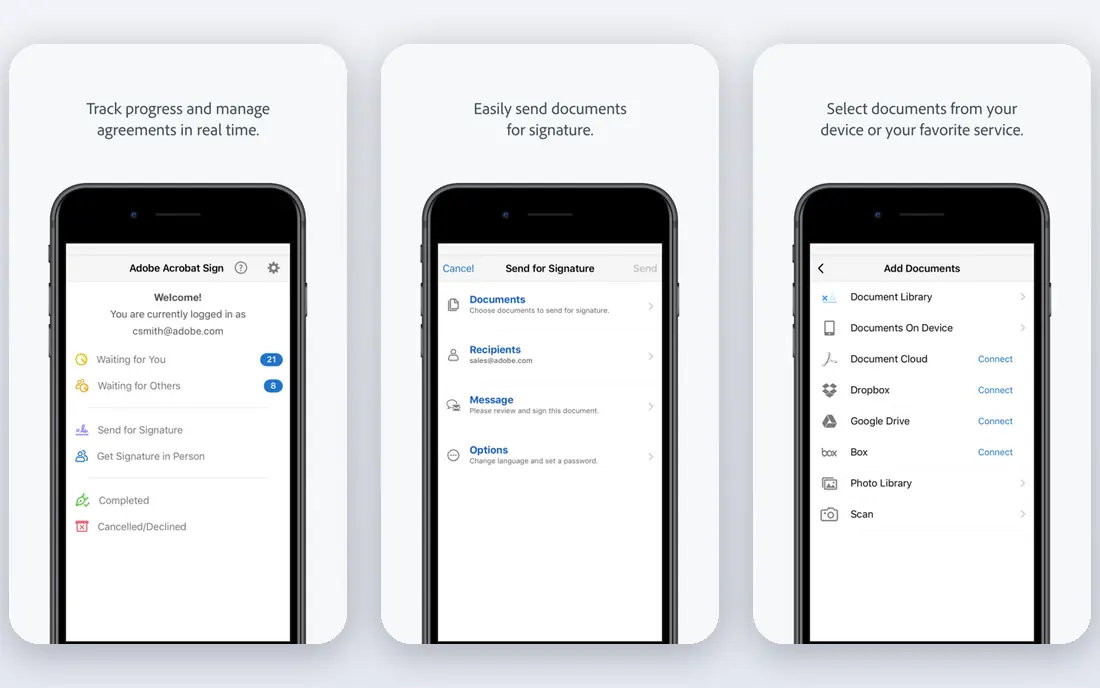
Adobe Acrobat is built with full PDF editing, forms, and signing in mind. Adobe Acrobat gives you the deepest PDF editing available, including text and image edits, form creation, redaction, comparison, and e-signatures through Adobe Sign.
Its editing depth is the reason it remains the PDF standard. This comparison lists no price for Adobe Acrobat; ask the vendor. On free options: Free trial.
Watch-outs: Subscription cost.
- Deepest editing
- Decent forms
- Interface is dense
Dropbox Sign
Ideal for: Straightforward e-signatures inside Dropbox workflows
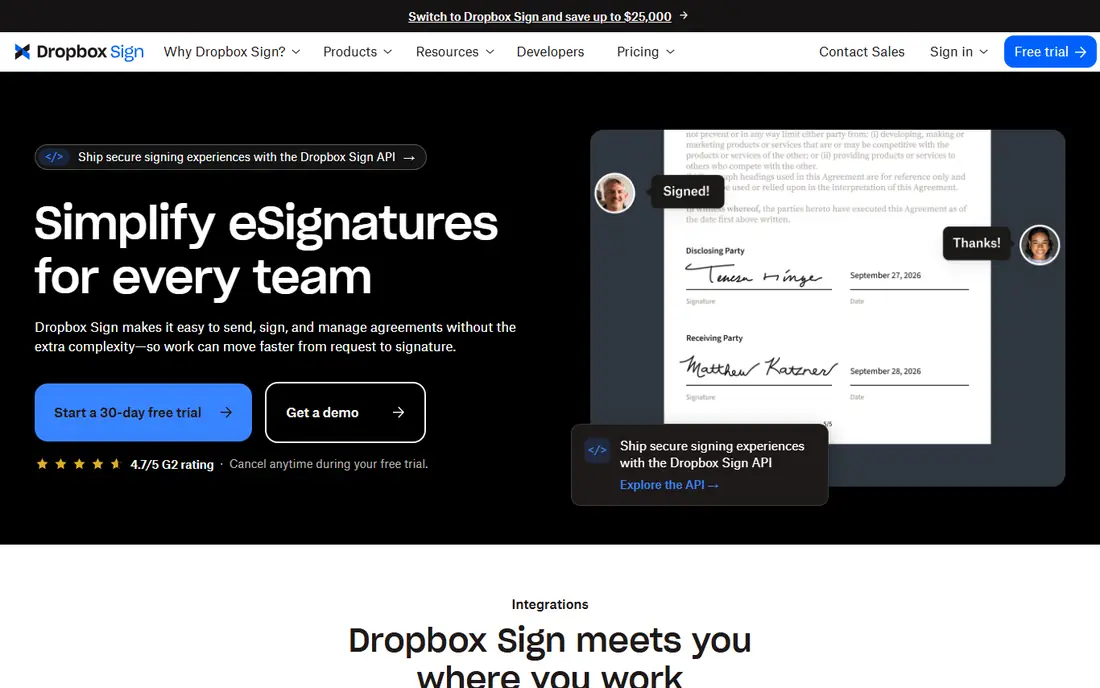
Think of Dropbox Sign for straightforward e-signatures inside Dropbox workflows. For a Dropbox-based team that needs straightforward, reliable signing, Dropbox Sign is a very good pick. Its simplicity is the reason small teams choose it.
Limits to weigh: Editing is restricted.
Beyond that, Dropbox Sign, formerly HelloSign, gives you straightforward e-signatures with a clean interface, templates, and audit trails, plus deep Dropbox integration for teams that store documents there. On top of that, advanced features like bulk sending and complicated workflows are fewer than DocuSign, and PDF editing is restricted. This comparison lists no price for Dropbox Sign; ask the vendor. As for free access: Free trial.
- Clean signing
- Very simple to use
- Advanced features are fewer than DocuSign
PandaDoc
Ideal for: Sales proposals and contracts with signatures
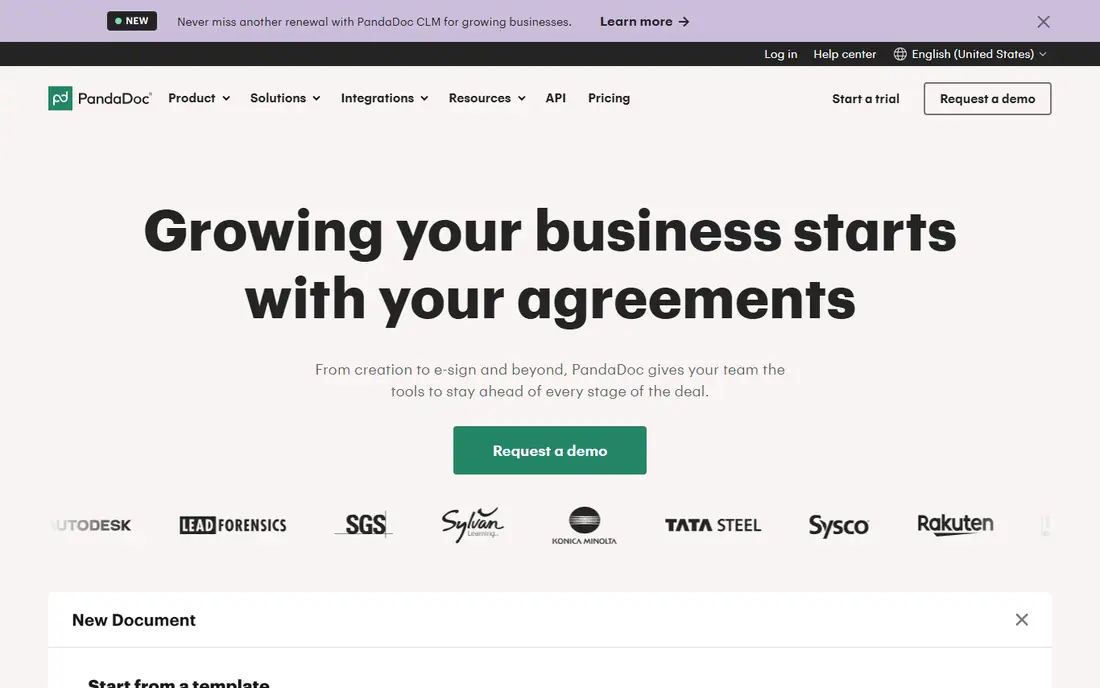
For sales proposals and contracts with signatures, PandaDoc is a natural candidate. PandaDoc merges document creation with e-signatures, including proposals, quotes, and contracts with templates, content blocks, and CRM integrations.
Where it falls short: PDF editing is lighter than Acrobat.
Worth adding: PDF editing is lighter than Acrobat, since PandaDoc centres on created documents instead of editing existing PDFs. Its analytics are the feature sales managers value most. PandaDoc shows no starting price here, so confirm the cost on the vendor site. PandaDoc offers a free plan.
- Analytics on document views
- Decent templates
- Pricing rises with features
DocuSign
Ideal for: Legally binding e-signatures at scale
DocuSign targets legally binding e-signatures at scale. Templates, bulk sending, and reminders save time for high-volume senders.
Trade-offs to know: Pricing rises with envelopes.
As for the details, pricing rises with envelope counts, so high-volume senders should model costs carefully. DocuSign does not show a starting price in this comparison, so check the vendor site for current pricing. On free options: Free trial.
- Industry standard
- Wide integrations
- Editing features are lighter than Acrobat
Foxit
Ideal for: Budget-friendly PDF editing with signing
Foxit targets budget-friendly PDF editing with signing. The Pro version brings advanced features and team management. From a buyer's view, the ecosystem is smaller than Adobe, and some features feel less refined.
Its perpetual license choices also appeal to buyers who dislike subscriptions. For everyday use, Foxit PDF Editor gives you solid PDF editing at a lower price than Acrobat, including text edits, forms, redaction, and e-signatures. No starting price is listed for Foxit here; confirm pricing on the vendor site. Free access: Free trial.
Limits to weigh: Smaller ecosystem than Adobe.
- Lower price than Acrobat
- Decent editing
- Some features are less refined
Jotform Sign
Ideal for: Forms that end with a signature
Where Jotform Sign fits: forms that end with a signature. Jotform Sign combines Jotform's form builder with e-signatures, so a form submission can end with a legally binding signature in one flow. In daily use, the free plan includes entry-level use, whereas premium plans add more submissions and features.
For a team whose documents start as forms, Jotform Sign is the most natural pick here. Its form-first design saves a separate step compared to signing tools alone. Jotform Sign shows no starting price here, so confirm the cost on the vendor site. You can start on Jotform Sign without paying.
What to check first: PDF editing is restricted.
- Simple signing
- Free plan available
- Signing depth is less than DocuSign
How we compared the tools
Selection started from tools commonly considered for pdfFiller, then narrowed to 6 that have clear pricing information or a clear quote process. Treat prices as a snapshot: vendors change plans often, so check the vendor site for the figure that applies today. Tools are placed by general fit for pdfFiller, with price clarity and free access as tie-breakers. A different team can reasonably rank them differently.
Things to verify first
- Request quotes from Adobe Acrobat, Jotform Sign and the others; the list shows no fixed prices.
- Look at free plan limits closely: PandaDoc and Jotform Sign have one, and the caps decide whether it is usable for real work.
- Run a trial of Adobe Acrobat, Dropbox Sign, DocuSign and Foxit with real work before paying for a year; your own workflow is the best test.
- Before choosing Adobe Acrobat, weigh its main limit: subscription cost.
- Check the support hours and onboarding help DocuSign offers; smaller vendors vary a lot here.
- Ask PandaDoc how an export works before you move any records in; an easy exit lowers the risk.
Frequently asked questions
Which options for pdfFiller have a free plan?
PandaDoc and Jotform Sign offer a free plan in this list. Free plans usually cap users, projects or features, so check the limits on the vendor page. Several others offer a trial instead.
Can I try these tools before paying?
Often, yes. PandaDoc and Jotform Sign have a free plan and Adobe Acrobat, Dropbox Sign, DocuSign and Foxit offer a free trial. Use your own data and a real task during the test, and check what the free tier or trial limits before you rely on it.
How are the tools for pdfFiller ordered?
Adobe Acrobat sits first and Jotform Sign last because the order follows typical fit for pdfFiller, then price clarity and free access. It is a judgement call, so read each profile for fit and limits.
Is Adobe Acrobat the right pick for everyone comparing pdfFiller?
No single tool suits every team. Adobe Acrobat comes first because it fits full PDF editing, forms, and signing, while Dropbox Sign suits simple e-signatures inside Dropbox workflows and PandaDoc suits sales proposals and contracts with signatures. Match the tool to your own size, budget and workflow before deciding.