Best Pentaho Alternatives in 2026: 8 Data Integration and Analytics Tools Compared

- Tableau and Power BI suit teams that want polished business intelligence dashboards and reporting.
- Apache Superset and KNIME suit teams that want open source analytics and data workflows.
- Talend and Apache NiFi suit teams that want data integration and pipeline building.
- Alteryx and Qlik suit teams that want analytics with strong data preparation and discovery.
Quick comparison
| Product | Ideal for | Price from | Free version | |
|---|---|---|---|---|
 Tableau | Polished BI dashboards | See website | Free trial | Visit |
 Power BI | Microsoft BI reporting | See website | See website | Visit |
 Apache Superset | Open source BI | See website | Yes | Visit |
 Talend | Data integration pipelines | See website | See website | Visit |
 Alteryx | Analytics and prep | See website | See website | Visit |
 Qlik | Data discovery BI | See website | See website | Visit |
 Apache NiFi | Open source data flows | See website | Yes | Visit |
 KNIME | Open source analytics | See website | Yes | Visit |
The best Pentaho alternatives
Pentaho, now part of Hitachi Vantara, is a data integration and business intelligence platform covering ETL, reporting, and analytics. The tools below cover similar ground, and they differ in focus: some are BI dashboards, some are data integration platforms, and some are open source workflow tools. The right pick depends on whether you need dashboards, pipelines, or both, and on your budget and technical skills.
Tableau
Ideal for: Polished BI dashboards
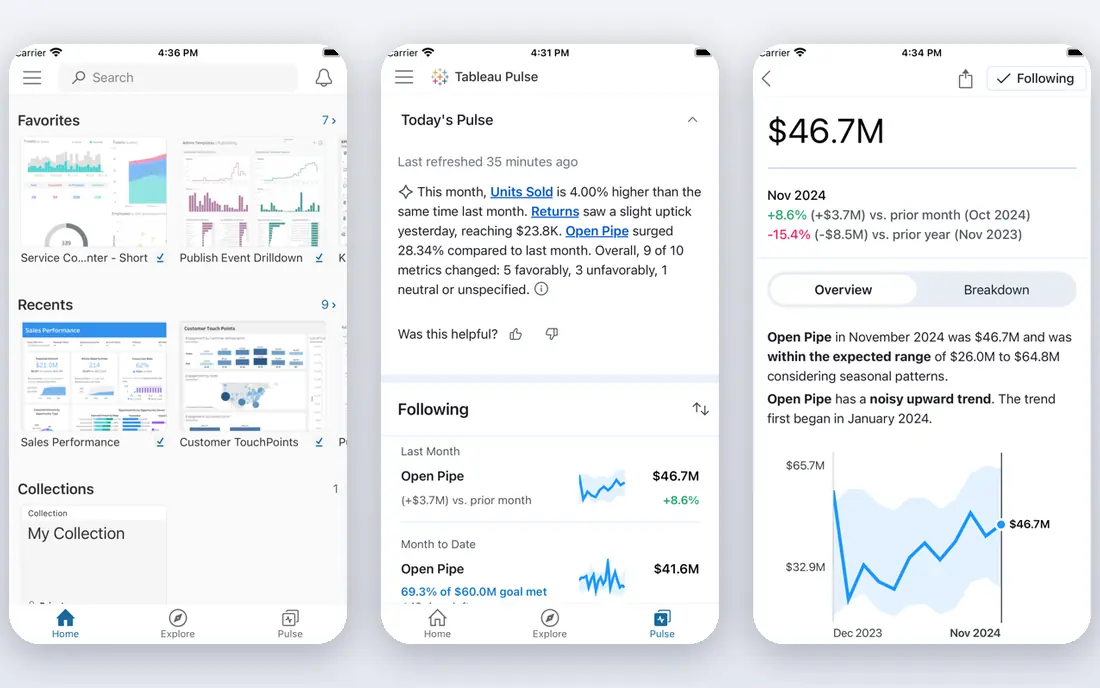
Tableau is the leading business intelligence tool for polished, interactive dashboards, with drag-and-drop analysis that lets analysts explore data without coding. Visualizations are excellent, connectors cover many databases and cloud sources, and sharing through Tableau Cloud or Server suits teams of all sizes. The community and learning resources are extensive.
Pricing suits larger budgets, and heavy data preparation often happens in other tools first. For teams that want the best dashboards, Tableau is our pick.
- Excellent visualizations
- Strong drag-and-drop analysis
- Wide data connectors
- Pricing suits larger budgets
- Needs data preparation elsewhere
Power BI
Ideal for: Microsoft BI reporting
Power BI, from Microsoft, offers business intelligence with strong data modeling, DAX formulas, and deep integration with Excel, Azure, and Microsoft 365. Pricing is affordable compared with Tableau, and the free desktop app covers report building. The service suits organizations already invested in Microsoft tools.
It shines most inside the Microsoft ecosystem, and the desktop app is Windows-only. For Microsoft-centered teams, Power BI is a strong choice.
- Strong Microsoft integration
- Affordable
- Good data modeling
- Best inside Microsoft ecosystem
- Desktop app is Windows-only
Apache Superset
Ideal for: Open source BI
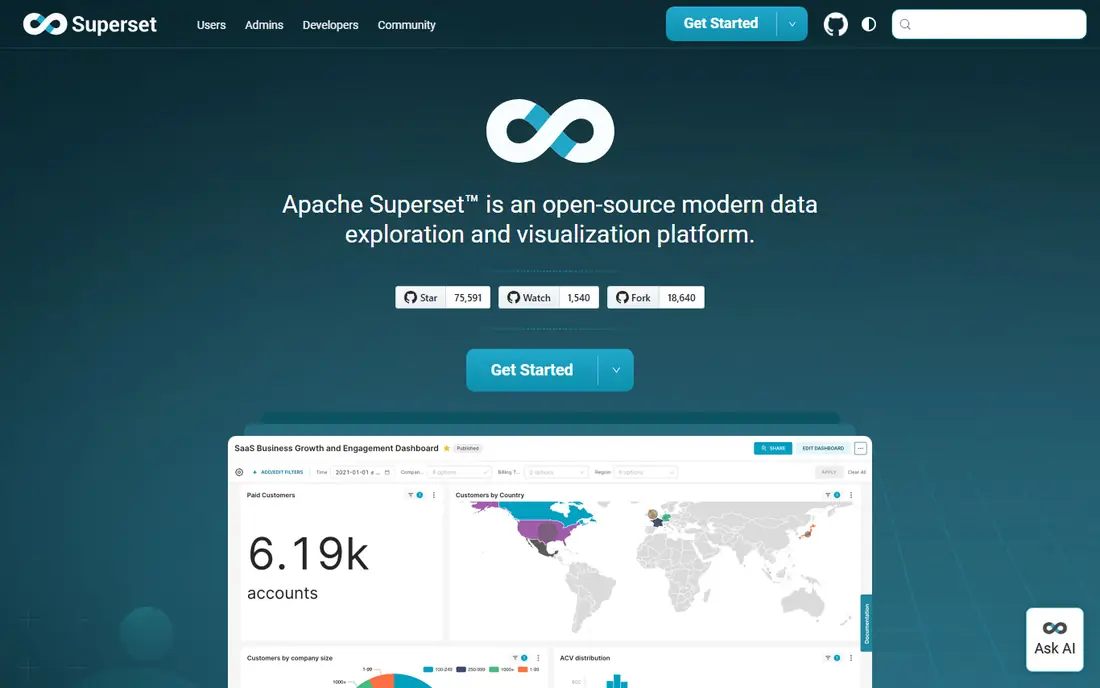
Apache Superset is a free, open source business intelligence platform with good visualizations, dashboards, and a SQL Lab for data exploration. It suits technical teams that want BI without licensing costs and can host the platform themselves. The community is active, and the tool integrates with many databases.
Setup needs technical skills, and enterprise features like advanced governance are fewer than commercial tools. For teams that want open source BI, Superset is a practical pick.
- Free and open source
- Good visualizations
- SQL Lab for exploration
- Needs technical setup
- Fewer enterprise features
Talend
Ideal for: Data integration pipelines
Talend offers data integration and ETL with visual pipeline design, broad connectors, and data quality tools that suit organizations moving data between systems and warehouses. The platform covers batch and real-time integration, and Talend is now part of Qlik, which adds BI options alongside integration. Cloud and on-premises deployment both exist. Note that Talend is now part of Qlik, and its integration products continue under Qlik Talend Cloud.
The learning curve is real, and pricing suits larger teams. For organizations that need serious data integration, Talend is a reliable pick.
- Strong ETL and data integration
- Broad connectors
- Good data quality tools
- Learning curve
- Pricing suits larger teams
Alteryx
Ideal for: Analytics and prep
Alteryx combines data preparation, blending, and advanced analytics in a drag-and-drop workflow designer that analysts can use without heavy coding. Automation features schedule workflows, and the platform suits teams that prepare messy data for BI tools. Spatial and predictive analytics add depth beyond basic reporting.
Pricing suits larger budgets, and the designer is Windows-focused. For analysts who need powerful preparation and analytics, Alteryx is a strong choice.
- Powerful drag-and-drop analytics
- Strong data preparation
- Good automation
- Pricing suits larger budgets
- Windows-focused designer
Qlik
Ideal for: Data discovery BI
Qlik offers business intelligence built on an associative engine that lets users explore data freely, seeing connections across datasets without predefined queries. Qlik Sense suits self-service analytics, while Qlik Cloud adds sharing and governance. Embedded analytics options suit products that need dashboards inside apps.
The learning curve is real for the associative model, and pricing varies by product. For teams that want discovery-driven BI, Qlik is a good fit.
- Associative data engine
- Strong discovery
- Good embedded analytics
- Learning curve
- Pricing varies by product
Apache NiFi
Ideal for: Open source data flows
Apache NiFi is a free, open source data integration tool with a visual interface for designing data flows, routing, and transformation between systems. It suits technical teams building pipelines for streaming and batch data, with processors for many protocols and formats. The tool scales from single nodes to clusters.
Setup needs technical skills, and BI dashboard features are limited, since NiFi focuses on moving data rather than visualizing it. For teams that want open source pipelines, NiFi is worth evaluating.
- Free and open source
- Visual data flow design
- Strong routing and transformation
- Needs technical setup
- BI features limited
KNIME
Ideal for: Open source analytics
KNIME is a free, open source analytics platform with visual workflows for data preparation, machine learning, and reporting, plus extensions for many data sources and techniques. The desktop platform is free, and the community shares workflows and components. The tool suits analysts and data scientists who want code-optional analytics.
The learning curve is real for complex workflows, and enterprise collaboration features need the paid server. For teams that want open source analytics, KNIME is a strong choice.
- Free open source analytics platform
- Visual workflows
- Strong extensions
- Learning curve
- Enterprise features need paid server
How we picked these
We compared official feature pages, pricing, integration capabilities, and public reviews for each tool, and we checked that each product is actively offered in October 2026. We favored tools with real data integration or BI capabilities, not simple spreadsheet add-ons, and we kept a mix of commercial BI, integration platforms, and open source tools. We left out tools with no working signup or trial and tools that have shut down.
How to choose a Pentaho replacement
Pentaho covers both integration and BI, so most replacements cover only one side well. Plan for that split.
Decide whether you need pipelines, dashboards, or both
If your main need is dashboards, Tableau or Power BI suit you, with data preparation handled elsewhere. If your main need is pipelines, Talend or NiFi suit you, with dashboards added separately. If you need both, pair an integration tool with a BI tool, or consider Qlik, which now includes Talend alongside its BI platform.
Check connectors for your sources
List every database, API, file store, and warehouse you use, and confirm each tool connects to them natively. A tool that needs custom code for your core sources will cost more in maintenance than its license saves. Test connectors with real data volumes during the trial, not just sample datasets.
Weigh open source against commercial support
Open source tools like Superset, NiFi, and KNIME save license costs but need technical staff for setup, upgrades, and support. Commercial tools cost more but include support, governance, and managed hosting. Choose based on your team's skills and the cost of downtime, not license price alone.
Governance and security deserve a check, especially when dashboards expose sensitive business data. Confirm that the tool supports role-based access, row-level security where needed, and audit logs that show who viewed or changed reports. For regulated industries, check data residency options and whether the platform meets your compliance requirements. A BI tool that cannot control who sees what will create problems as adoption grows beyond a small analyst team.
Training and community support also matter, since data tools repay learning over time. Compare documentation quality, training courses, and community forums for each option, and check whether your team can get help quickly when pipelines break or dashboards misbehave. Open source tools often have strong communities but slower formal support, while commercial vendors offer support contracts at a price. Choose the support model that matches how your team actually works when things go wrong.
Performance testing rounds out the evaluation, since dashboards that load slowly will not get used. Test each tool with your largest datasets and most complex queries, and check how it handles concurrent users during peak reporting times. A platform that feels fast on sample data can struggle with production volumes, so trial with real data before committing to a migration.
Finally, document your pipelines and dashboards as you build them, since the next analyst will thank you. Clear names, descriptions, and ownership for each data flow prevent the tangle of undocumented jobs that made the old Pentaho estate hard to maintain in the first place.
Frequently asked questions
What is Pentaho?
Pentaho is a data integration and business intelligence platform, now part of Hitachi Vantara, covering ETL, reporting, and analytics. The tools here offer similar capabilities with different emphasis on dashboards, pipelines, and open source options.
Which Pentaho alternative is best for dashboards?
Tableau and Power BI suit dashboards best, with polished visualizations and broad sharing options. Qlik also suits dashboard and discovery needs, while Superset offers a free open source dashboard option.
Which alternative is best for data integration?
Talend and Apache NiFi suit data integration best, with visual pipeline design and broad connectors. Alteryx also covers data preparation and blending, while KNIME handles analytics workflows that include integration steps.
Which alternatives are open source?
Apache Superset, Apache NiFi, and KNIME are open source and free to use, though enterprise features and support may be paid. They suit technical teams that can host and maintain the platforms themselves.
Can I migrate Pentaho jobs to these tools?
Migration depends on your Pentaho jobs, since ETL logic rarely converts automatically. Most teams rebuild key pipelines in the new tool, using the migration as a chance to clean up old jobs. Test rebuilt pipelines against Pentaho outputs before switching over.