Best Pihole Alternatives in 2026: 8 Options Compared

- 1
 AdGuard Homeself-hosted ad and tracker blockingVisit
- 2
 NextDNScloud DNS filteringVisit
- 3
 Technitium DNS Serverself-hosted DNS with blockingVisit
- 4
 DNSFiltermanaged DNS filteringVisit
- 5
 Control Dcustomisable cloud DNSVisit
- AdGuard Home is the closest like-for-like swap, with a similar self-hosted setup and a clear web dashboard.
- NextDNS and Control D suit people who want network-wide blocking without running any hardware at home.
- Technitium DNS is a strong self-hosted pick for users who are comfortable with a server and want full control, while DNSFilter offers managed filtering without hardware.
- Quad9, CleanBrowsing and OpenDNS work well as simple DNS changes, though they block less than a dedicated filter.
Quick comparison
| Product | Ideal for | Price from | Free version | |
|---|---|---|---|---|
| AdGuard Home | self-hosted ad and tracker blocking | Free | Yes | Visit |
| NextDNS | cloud DNS filtering | See website | Yes | Visit |
| Technitium DNS Server | self-hosted DNS with blocking | Free | Yes | Visit |
| DNSFilter | managed DNS filtering | See website | Free trial | Visit |
| Control D | customisable cloud DNS | See website | Free trial | Visit |
 CleanBrowsing | family-safe DNS filtering | See website | Yes | Visit |
 OpenDNS | simple reliable DNS filtering | See website | Yes | Visit |
 Quad9 | privacy-focused secure DNS | Free | Yes | Visit |
The best Pihole Alternatives
Here are our picks for the best pihole alternatives, covering a mix of well-known leaders and strong smaller options. We compared official feature pages, pricing pages, app-store listings, privacy policies and public reviews to build this list.
AdGuard Home
Ideal for: self-hosted ad and tracker blocking
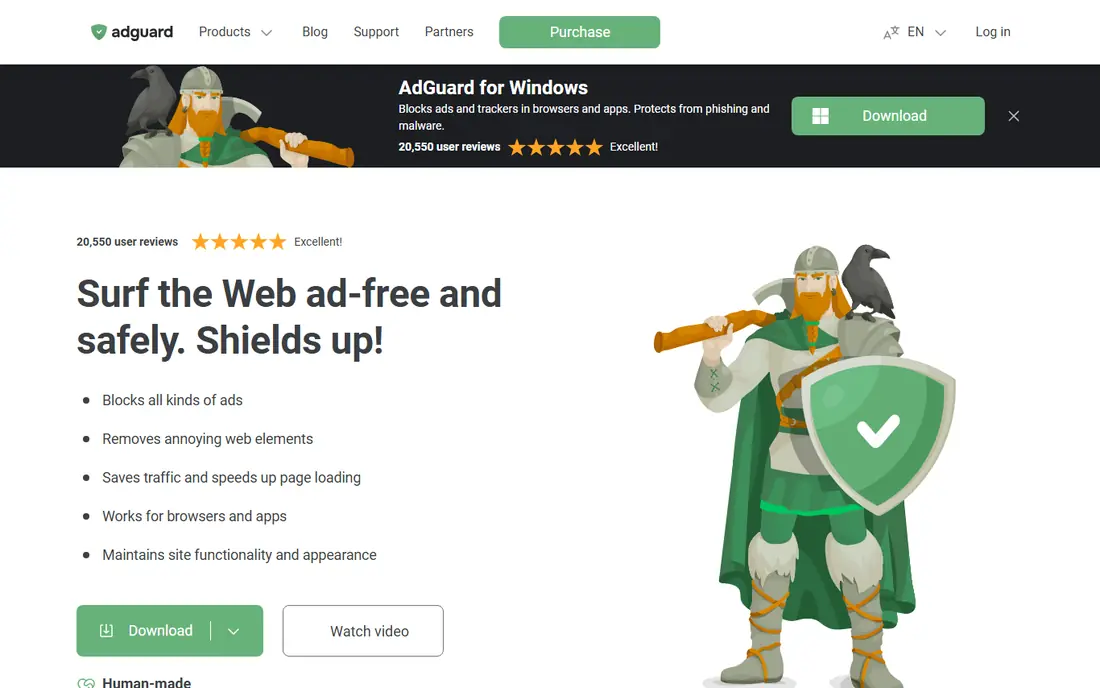
AdGuard Home is the most direct replacement for Pi-hole, and many users move between the two. It runs on your own hardware, blocks ads and trackers at the DNS level for every device on the network, and offers a clean dashboard for stats and rules. Setup is well documented, and the default filter lists cover most needs without tuning.
Like Pi-hole, it needs a machine that stays on and someone willing to update it now and then. If your server goes down and you have no backup DNS, the network loses name resolution, so set a fallback. For Pi-hole users who want a change, AdGuard Home is the first tool to try.
Bottom line: AdGuard Home suits self-hosted ad and tracker blocking best. Its strongest point is similar role to Pi-hole, while the main drawback to weigh is needs a device that stays on. Check the current pricing page before deciding, since plans and limits change.
- Similar role to Pi-hole
- Clear dashboard
- Good filter lists
- Needs a device that stays on
- Setup needs basic networking knowledge
NextDNS
Ideal for: cloud DNS filtering
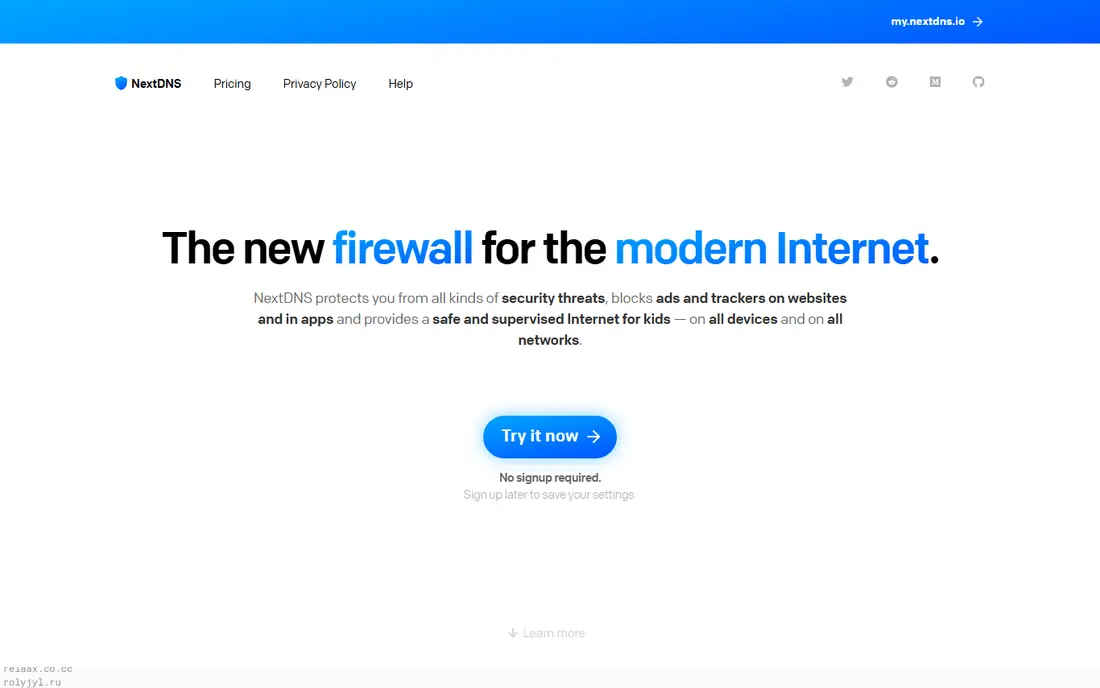
NextDNS brings Pi-hole style filtering to a cloud service, which removes the hardware problem entirely. You set it up on your router or devices, and filtering follows you onto mobile networks too. The dashboard shows queries, blocks and allowlists in detail, and the rule options are unusually flexible for a hosted service.
The free tier covers a limited number of monthly queries, and a busy household can pass that limit, so check your usage during the trial. Paid plans are modestly priced and remove the cap. If you want Pi-hole results without running a server, NextDNS is the strongest option.
Bottom line: NextDNS suits cloud DNS filtering best. Its strongest point is no hardware needed, while the main drawback to weigh is free tier has a monthly query limit. Check the current pricing page before deciding, since plans and limits change.
- No hardware needed
- Works on mobile data
- Detailed analytics and rules
- Free tier has a monthly query limit
- Full features need a paid plan
Technitium DNS Server
Ideal for: self-hosted DNS with blocking
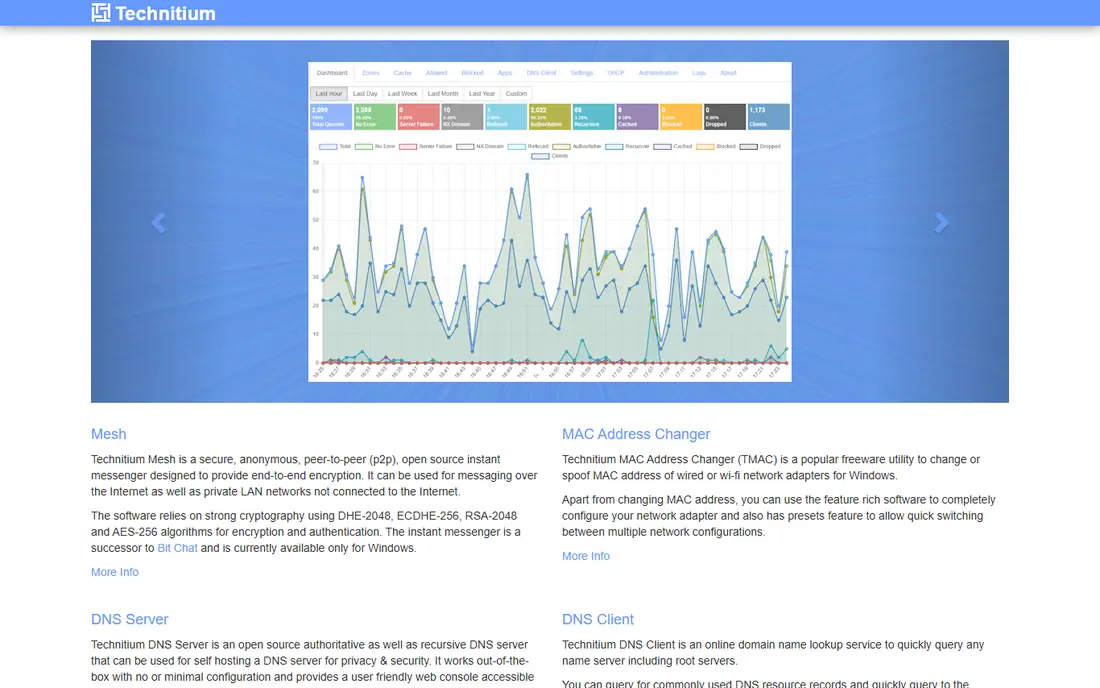
Technitium DNS Server is a free, self-hosted DNS server with ad blocking built in, and it suits users who want more than a simple blocklist. It supports modern DNS protocols, lets you build detailed rules, and runs on Windows, Linux and macOS. For a home lab or a skilled user, that flexibility is a real draw.
The interface assumes you know DNS basics, and there is no vendor support line to call. Users who found Pi-hole easy may find Technitium a step up in complexity. If you enjoy tuning your network and want a free, capable DNS server, it is well worth installing.
Bottom line: Technitium DNS Server suits self-hosted DNS with blocking best. Its strongest point is no cost, while the main drawback to weigh is interface assumes networking knowledge. Check the current pricing page before deciding, since plans and limits change.
- No cost
- Flexible DNS features
- Runs on several platforms
- Interface assumes networking knowledge
- Community support only
DNSFilter
Ideal for: managed DNS filtering
DNSFilter is a managed DNS filtering service that protects networks without any hardware to run. It blocks malware, phishing and unwanted content categories at the DNS level, with reporting that shows what was blocked and why. Small businesses and schools value its straightforward setup and policy controls.
Full features sit on paid plans, and customisation is less deep than a self-hosted tool like Technitium. For a managed filter that simply works, DNSFilter is a practical Pi-hole alternative.
Bottom line: DNSFilter suits managed DNS filtering best. Its strongest point is managed service, no hardware needed, while the main drawback to weigh is paid plans for full features. Check the current pricing page before deciding, since plans and limits change.
- Managed service, no hardware needed
- Malware and content filtering
- Good reporting
- Paid plans for full features
- Less customisation than self-hosted tools
Control D
Ideal for: customisable cloud DNS
Control D is a cloud DNS service with unusually detailed control. You can build profiles for different devices, block categories of content, and redirect services through different regions. That flexibility suits households and small teams that want different rules for different users without running hardware.
The range of options can feel overwhelming at first, and the full feature set sits on paid plans. A free tier covers basic filtering for trying it out. If you want cloud convenience with fine-grained control, Control D is one of the most flexible services available.
Bottom line: Control D suits customisable cloud DNS best. Its strongest point is very flexible profiles, while the main drawback to weigh is pricing is per user for full features. Check the current pricing page before deciding, since plans and limits change.
- Very flexible profiles
- Works across devices
- Malware and ad blocking
- Pricing is per user for full features
- Setup has many options
CleanBrowsing
Ideal for: family-safe DNS filtering
CleanBrowsing focuses on safety, with filters aimed at families, schools and organisations that want to block adult content and malware. Setup is a simple DNS change, and the free tier covers basic filtering without an account. For parents, that simplicity is the point.
Customisation is limited compared with NextDNS or Control D, and ad blocking is a secondary feature rather than the main goal. If your priority is a safer network for children with minimal setup, CleanBrowsing is a sensible choice, and paid plans add reporting and custom rules.
Bottom line: CleanBrowsing suits family-safe DNS filtering best. Its strongest point is simple setup, while the main drawback to weigh is less customisation than NextDNS. Check the current pricing page before deciding, since plans and limits change.
- Simple setup
- Family and security filters
- Free tier available
- Less customisation than NextDNS
- Ad blocking is not the main focus
OpenDNS
Ideal for: simple reliable DNS filtering
OpenDNS, run by Cisco, is one of the longest-running DNS filtering services, and its basic Home service is free. Changing your router DNS to OpenDNS adds phishing and malware blocking with almost no setup, and reliability is strong thanks to its large network.
The free tier is basic, with limited customisation and no dedicated ad blocking, so users who want detailed control should look at NextDNS instead. For a quick, dependable safety improvement with minimal effort, OpenDNS remains a solid starting point.
Bottom line: OpenDNS suits simple reliable DNS filtering best. Its strongest point is long-running service, while the main drawback to weigh is free tier is basic. Check the current pricing page before deciding, since plans and limits change.
- Long-running service
- Easy DNS change
- Phishing and malware blocking
- Free tier is basic
- Ad blocking is limited
Quad9
Ideal for: privacy-focused secure DNS
Quad9 is a free, privacy-focused DNS service run by a nonprofit, and it blocks domains known to host malware and phishing. Its privacy policy is clear about not selling user data, which appeals to users who worry about what a DNS provider sees. Setup is a single DNS change on a router or device.
Quad9 does not block ads, since that is not its purpose, and customisation is minimal. It is best used as a secure, private DNS resolver, either on its own or alongside another tool for ad blocking. For users who value privacy and security over ad filtering, Quad9 is an excellent free choice.
Bottom line: Quad9 suits privacy-focused secure DNS best. Its strongest point is no cost, while the main drawback to weigh is no ad blocking by design. Check the current pricing page before deciding, since plans and limits change.
- No cost
- Blocks known malicious domains
- Privacy-focused policy
- No ad blocking by design
- Limited customisation
How we picked these
We started from the original product and what people use it for, then compared official feature pages, pricing pages, app-store listings, privacy policies and public reviews for each candidate. We kept only products that exist, work in October 2026 and genuinely fit the topic, and we left out products that were discontinued, unrelated or too thin to recommend.
We weighed fit for the topic first, then price and free options, ease of setup and the honest downsides that show up in reviews and documentation. Prices are given as listed on the vendor's own site where we could verify them, and we wrote See website where a price was quoted, unclear or likely to change by plan.
We also left out products that no longer exist, that have been folded into a different product, or that only partly fit the topic. A longer list would have been easier to write, but a list padded with poor fits helps nobody choose, so we kept the list to products we can genuinely recommend for this use.
How to choose a DNS filter
First, decide where the filtering should run. A self-hosted tool on your own hardware gives you full control and no subscription, but it needs maintenance and a device that stays on. A cloud DNS service works everywhere your devices go, including mobile data, and needs no hardware at all.
Next, check what you want blocked. Some tools focus on ads and trackers, others add malware blocking and parental controls. If you need to allow specific sites or services, check that the tool offers a simple allowlist, since an aggressive blocklist can break apps and streaming services.
Finally, think about privacy. A DNS service sees the domains you look up, so read its privacy policy before signing up. Self-hosted tools keep that data at home, while cloud services should state clearly how long they keep logs and where they are stored.
Check the renewal price, not just the first bill. Introductory discounts, per-user charges and usage limits can change the cost sharply in year two, so ask for the standard price and model it at your expected team size. A tool that stays affordable as you grow is worth more than a cheap first month.
Read the fine print on limits. Free tiers and entry plans often cap users, projects, storage or monthly usage, and those caps decide whether a plan works in practice. Confirm the limits that matter to you in writing before you commit to a paid plan.
Frequently asked questions
What is the best Pi-hole alternative?
AdGuard Home is the closest match for most Pi-hole users, with similar self-hosted blocking and a friendly dashboard. NextDNS is the best cloud option for people who do not want to run hardware.
Can I block ads without a Raspberry Pi?
Yes. Cloud DNS services like NextDNS, Control D and Quad9 filter ads and trackers at the DNS level, with no hardware needed. You change the DNS settings on your router or devices, and filtering applies network-wide.
Do DNS filters block YouTube ads?
Mostly no. Video ads are often served from the same domains as the video itself, so DNS filtering cannot separate them reliably. DNS filters work best on banner ads, trackers and known ad domains across websites and apps.
Will a DNS filter slow my internet?
In most cases the effect is small, and a nearby DNS server can even feel faster than a slow default one. If you notice delays, try a different server location or provider, since routing varies by region.
Is DNS filtering enough for security?
It helps, but it is only one layer. DNS filtering blocks known bad domains, yet it cannot inspect encrypted page content or replace antivirus software and browser protections. Use it alongside those tools, not instead of them.
Can I try these options before paying?
Yes, in most cases. Nearly every option on this list offers a free tier or a free trial, and we note that in the comparison table and in each product block. Use the trial for real work rather than a quick look, and check the renewal price before the trial ends so there are no surprises.