Best PimEyes Alternatives in 2026: 7 Face and Image Search Tools Compared

- 1
 FaceCheck.IDFace search checksVisit
- 2
 Lenso.aiAI image and face searchVisit
- 3
 TinEyeReverse image searchVisit
- 4
 Google LensGeneral image searchVisit
- 5
 Social CatfishIdentity and image verificationVisit
- FaceCheck.ID and Lenso.ai offer dedicated face search, but they carry serious privacy limits.
- TinEye and Google Lens suit general reverse image search without face-specific matching.
- Social Catfish and Berify suit checking whether your own photos appear elsewhere online.
- Yandex Images offers broad reverse image search, with its own privacy trade-offs.
- Only search images you own or have consent to use, and check each service opt-out page.
Quick comparison
| Product | Ideal for | Price from | Free version | |
|---|---|---|---|---|
| FaceCheck.ID | Face search checks | See website | Free trial | Visit |
| Lenso.ai | AI image and face search | See website | Free trial | Visit |
| TinEye | Reverse image search | See website | Yes | Visit |
| Google Lens | General image search | Free | Yes | Visit |
| Social Catfish | Identity and image verification | See website | No | Visit |
 Berify | Image and video search | See website | Free trial | Visit |
 Yandex Images | Broad reverse image search | Free | Yes | Visit |
The best PimEyes alternatives
PimEyes is a face recognition search engine that finds photos of a person across the web. The tools below offer related image search features, with different privacy rules and use cases. We compared official feature pages, pricing pages, privacy policies, and public documentation.
Privacy and lawful-use disclaimer: only search images you own or have clear consent to use. Never use face search to identify strangers, stalk someone, or harass another person. Face search can return wrong matches, and results should never be treated as proof of identity. Check each service privacy policy and opt-out page before use, and respect local laws on biometric data.
FaceCheck.ID
Ideal for: Face search checks
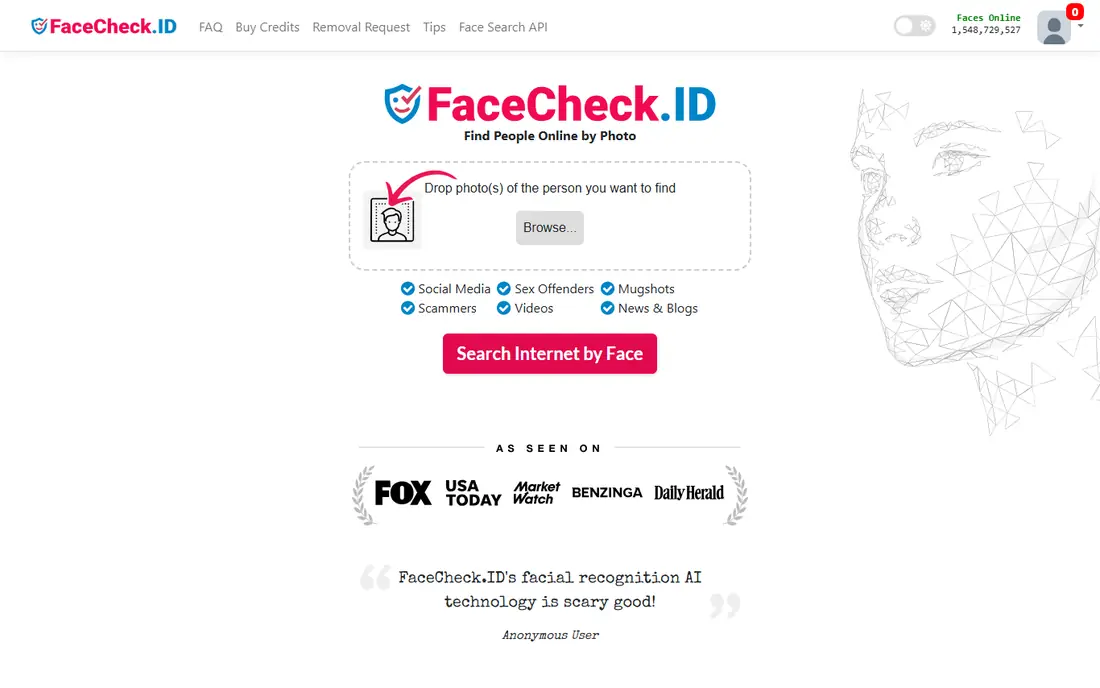
FaceCheck.ID lets users upload a photo and search for matching faces in public web images. People use it to check for impersonation or misuse of their own photos, which is a legitimate protective use. Its site describes privacy steps and removal requests, which users should read before uploading anything sensitive.
The same power that helps victims of impersonation can harm others if misused, so we list it with caution. Only use it on your own image or with consent, and treat any match as a lead to verify, not as proof. For a dedicated face search check on your own photo, FaceCheck.ID is the closest functional alternative here.
- Dedicated face search across public images
- Simple upload and results view
- Privacy and removal request options described on site
- Face search raises serious privacy concerns
- Accuracy is not guaranteed and false matches occur
Lenso.ai
Ideal for: AI image and face search
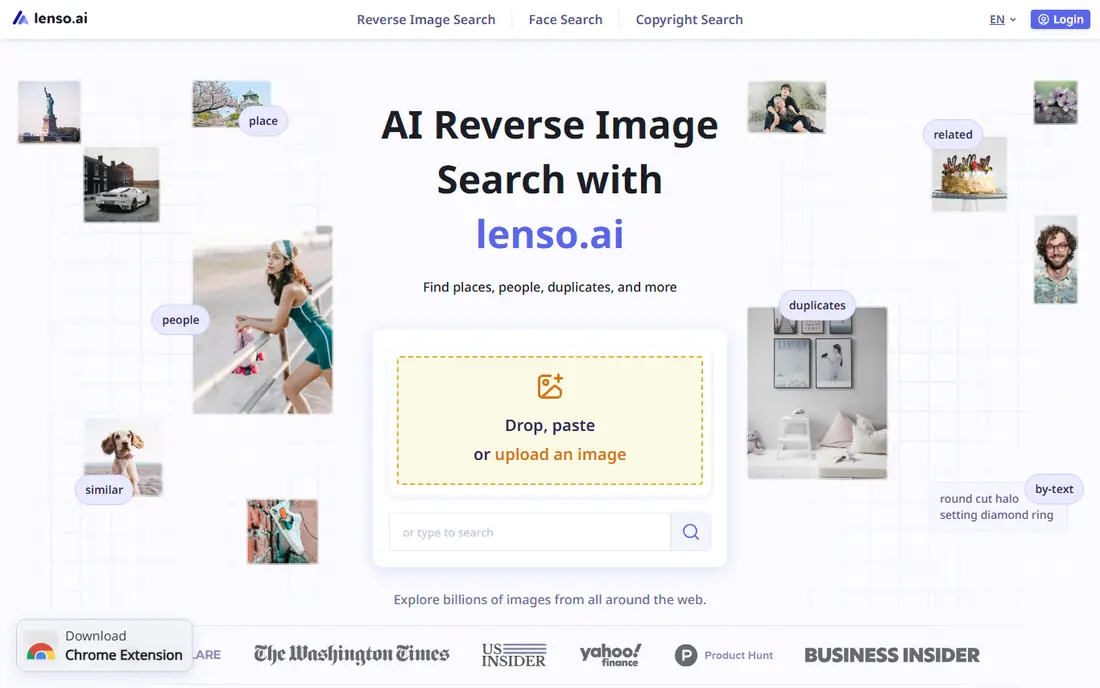
Lenso.ai offers AI-powered image search, including face search, place search, and duplicate detection. Users can search by image rather than keywords, which helps find where a photo appears or locate similar images. Its interface is modern and its filters help narrow large result sets.
As with any face search, misuse risks are real, and accuracy limits apply. Use it only for your own images or with consent, and check its privacy policy for data retention. Lenso.ai suits users who want a broader image search tool that also handles faces.
- AI image search including face, place, and duplicate search
- Modern interface
- Search filters for refining results
- Face search carries the same privacy risks as other tools
- Free searches are limited
TinEye
Ideal for: Reverse image search
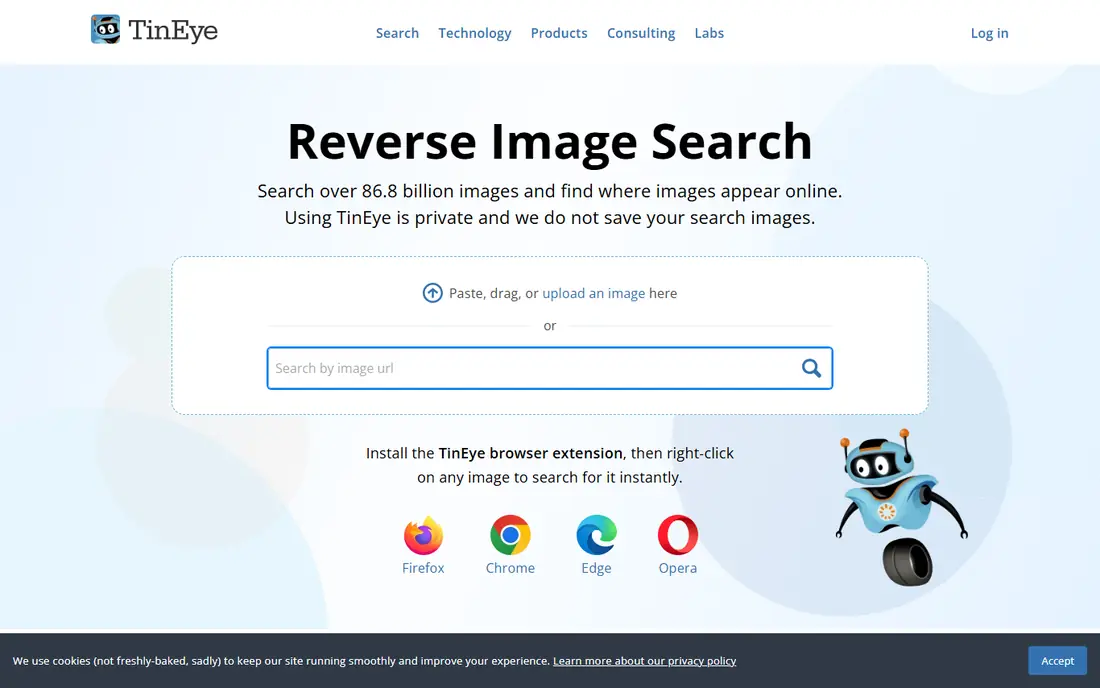
TinEye is a reverse image search engine that finds where an image appears online, including modified copies. Photographers, journalists, and brand owners use it to track misuse of their work. Because it matches images rather than faces, it avoids some of the biometric concerns of face search tools.
It will not find different photos of the same person, which is a key limit for face search users. For tracking your own photos or artwork, though, TinEye is a respected, privacy-conscious choice. Its free tier covers casual checks well.
- Long-running reverse image search with a large index
- Tracks where an image appears
- No face recognition focus
- Finds exact and near-duplicate images, not face matches across different photos
- Paid tiers for heavy use
Google Lens
Ideal for: General image search
Google Lens identifies objects, products, landmarks, plants, and text from photos, and finds visually similar images. It is free, built into many phones and browsers, and simple enough for anyone to use. For general reverse image search, it is often the first tool worth trying.
Lens is not designed to identify people, and it should not be used to try to identify strangers. For finding products, artwork, or places from a photo, it is fast and reliable. Our pick for general image search is Google Lens, because it is free and already on most devices.
- Free and widely available on phones and browsers
- Strong object, product, and landmark recognition
- Easy to use
- Not a dedicated face search tool
- Results depend on Google index coverage
Berify
Ideal for: Image and video search
Berify searches for images and video frames across the web, helping photographers and brands find unauthorized use of their content. Its monitoring feature alerts users when their images appear in new places, which suits creators who publish often. Video frame search sets it apart from image-only tools.
Its index is smaller than the largest search engines, so results may miss some uses. For creators tracking their own work, Berify is a useful specialist tool. Check its current plans for monitoring limits.
- Reverse image and video search
- Monitors where images appear
- Useful for photographers and brands
- Smaller index than Google or TinEye
- Paid plans for ongoing monitoring
Yandex Images
Ideal for: Broad reverse image search
Yandex Images offers reverse image search that can return visually similar photos, including similar faces. It is free and broad, and researchers often note its strong image matching. That breadth makes it useful for finding where a photo appears or locating similar images.
Users should read its privacy and data policies carefully, and use it only on images they own or have consent to use. Never use it to identify strangers. For a free, broad reverse image check on your own photo, Yandex Images is an option, used with those limits in mind.
- Broad reverse image search with face-similar results
- Free to use
- Strong for finding similar photos
- Privacy and data policies deserve careful reading
- Face-similar results raise misuse risks
How we picked these
We compared official feature pages, pricing pages, privacy policies, and public documentation, looking for reverse image or face search features that match PimEyes. We favored services with stated privacy or opt-out practices, and we excluded law-enforcement-only tools that consumers cannot use. We did not claim hands-on testing, and we stress that face search accuracy is limited and misuse can cause real harm.
We also weighed practical details that matter after signup. That included how easy each product is to set up, whether support answers promptly, and whether pricing stays clear as usage grows. We read user complaints as well as praise, since repeated complaints about billing, onboarding, or missing features often signal a real weakness. Where a product had a known limitation, we said so in its write-up rather than smoothing it over. Our goal was a shortlist that a reader can trust for pimeyes alternatives, not a list of every vendor in the market. Readers with unusual needs should still test their top two choices, since fit depends on budget, team size, and the features used every day.
What to check before you use a face search tool
Start with consent and purpose. If the photo is not yours and you lack consent, do not search it. For your own photos, read how long uploads are kept, whether they train models, and how to request removal. A service without a clear opt-out or removal page is a warning sign.
Next, treat results with skepticism. Face matching can confuse lookalikes, relatives, and old photos, so verify any match through another source before acting. If you find misuse of your image, use the platform reporting tools and the search service removal process, and consider legal advice for serious cases. Never contact or confront a stranger based on a search result alone.
Testing your shortlist before you commit
A short trial answers questions that no comparison table can settle. Sign up for your top two choices, run a real task from your own work, and watch how long it takes and where you get stuck. For pimeyes alternatives, that real task might be a weekly workflow you repeat, a report you need every month, or a setup step your team must repeat for new members. If a tool slows that task down, it will cost time every week, no matter how good its feature list looks.
Pay attention to support during the trial as well. Send a question through the normal support channel and note how long a useful answer takes. Check billing clarity too: confirm what the trial includes, when it ends, and what the first paid invoice will actually show. A tool that is hard to cancel, or that hides fees until checkout, deserves caution.
Finally, ask who else on your team must use the tool. A product that only one person likes will stall, while a product the whole team adopts will pay for itself. Gather quick feedback from the people who will use it daily, compare their notes with your own, and then choose. That small amount of trial discipline prevents most bad purchases, and it costs far less than switching tools again in six months.
Budgeting the full cost, not just the headline price
Headline prices rarely tell the full story. Add up per-user fees, add-on charges, implementation help, and any training your team needs, then compare that total across your shortlist. A cheaper plan that needs three paid add-ons can end up costing more than a fuller plan from a rival. Check renewal terms as well, since introductory discounts often expire after the first term and the second year price is the one you will actually live with.
Think about exit costs too. Before you commit, confirm how your data exports, whether your content or history moves cleanly, and what happens if you pause or cancel. A tool with clean exports gives you freedom later, while a tool that locks data in makes switching painful. Choosing with the full cost and the exit path in mind keeps your pimeyes alternatives decision sound for the long term, not just for the first month.
Frequently asked questions
Is PimEyes legal to use?
Legality depends on your location and purpose, and biometric privacy laws vary widely. Searching your own photo for misuse is a common lawful use, while identifying strangers can break privacy laws and platform rules. Check local law before use.
Can I remove my photos from face search results?
Many services offer opt-out or removal request pages, including PimEyes itself. Search each service site for its opt-out page, and also request removal from the site hosting the original photo.
How accurate is face search?
Accuracy varies by photo quality, age, angle, and lighting, and false matches happen. Treat results as leads to verify, never as proof of identity.
What is the safest alternative for finding my own photos?
TinEye and Google Lens suit general image tracking without face-specific matching. For face-specific checks on your own photo, read the privacy policy first and use removal options.
Can face search tools identify anyone from a photo?
No tool can reliably identify every person, and many services limit or block celebrity and private-person searches. Even when a match appears, it may be wrong, so independent verification is essential.
Social Catfish
Ideal for: Identity and image verification
Social Catfish helps users verify whether an online contact is who they claim to be, using reverse image search and public record checks. People use it to spot romance scams and fake profiles, which is a protective use when the image is one sent to them in a conversation. Reports can reveal when a photo is stolen or reused.
It is a paid service, and its findings are leads, not legal proof. Use it carefully, and never use it to stalk or harass. For scam-checking a profile that contacted you, Social Catfish is a focused option.