Best Pinecone Alternatives in 2026: 7 Vector Databases Compared

- Qdrant is our pick for most teams, with a managed cloud and a self-hosted open-source version.
- Weaviate suits teams that want built-in modules for search, generation, and data import.
- Milvus and Vespa suit large-scale deployments where performance and control matter more than simplicity.
- Elasticsearch and OpenSearch suit teams that already run search infrastructure and want vectors alongside text search.
Quick comparison
| Product | Ideal for | Price from | Free version | |
|---|---|---|---|---|
 Qdrant | Most teams needing vector search | Free | Yes | Visit |
 Weaviate | AI apps with built-in modules | Free | Yes | Visit |
 Milvus | Large-scale vector deployments | Free | Yes | Visit |
 Chroma | Prototypes and small apps | Free | Yes | Visit |
 Vespa | Search at very large scale | Free | Yes | Visit |
 Elasticsearch | Teams already running search | See website | Free trial | Visit |
 OpenSearch | Open-source search with vectors | Free | Yes | Visit |
The best Pinecone alternatives
Pinecone made vector search easy for AI apps, but teams now have good reasons to look elsewhere. Some want to self-host, some want lower costs at scale, and some want a database that also handles ordinary search and filtering.
We compared official documentation, pricing pages, and feature lists for each option below. Our pick for most teams is Qdrant, because it pairs a managed cloud with a strong open-source version and clear filtering. Teams that already run Postgres may prefer pgvector, though we focus here on dedicated vector stores.
Vector search is a fast-moving area, so check current docs before you build. Limits, pricing tiers, and hosted regions change often, and the best choice depends on your data size and query load.
Qdrant
Ideal for: Most teams needing vector search
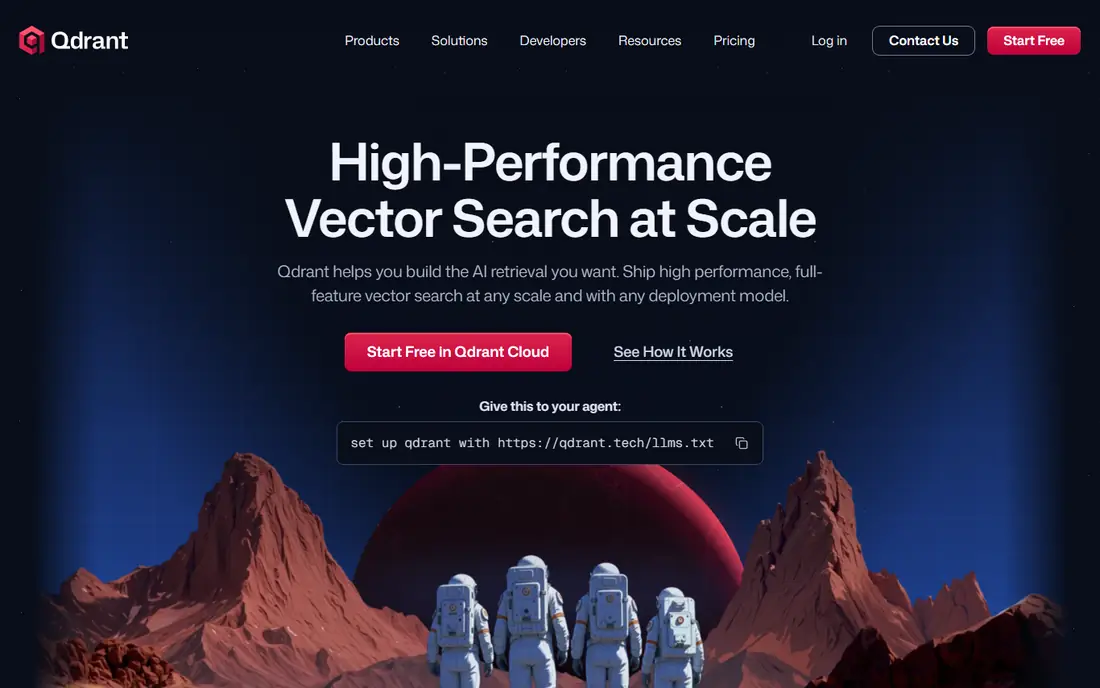
Qdrant is a vector database built for similarity search with rich payload filtering. You can store vectors alongside metadata and filter results by that metadata in the same query, which is handy for real apps with user, category, or permission rules.
It runs as open-source software you can host yourself, and as a managed cloud for teams that prefer not to run infrastructure. Documentation is clear, and client libraries cover common languages.
Our view: the best starting point for most new vector search projects in 2026.
Bottom line: Qdrant is a strong fit for most teams needing vector search, and its main draw is managed cloud and self-hosted options. Weigh that against the limits above before you commit, and test it with your own real work during any trial or free period.
- Managed cloud and self-hosted options
- Strong filtering
- Clear documentation
- Smaller ecosystem than older search engines
- Large clusters need planning
Weaviate
Ideal for: AI apps with built-in modules
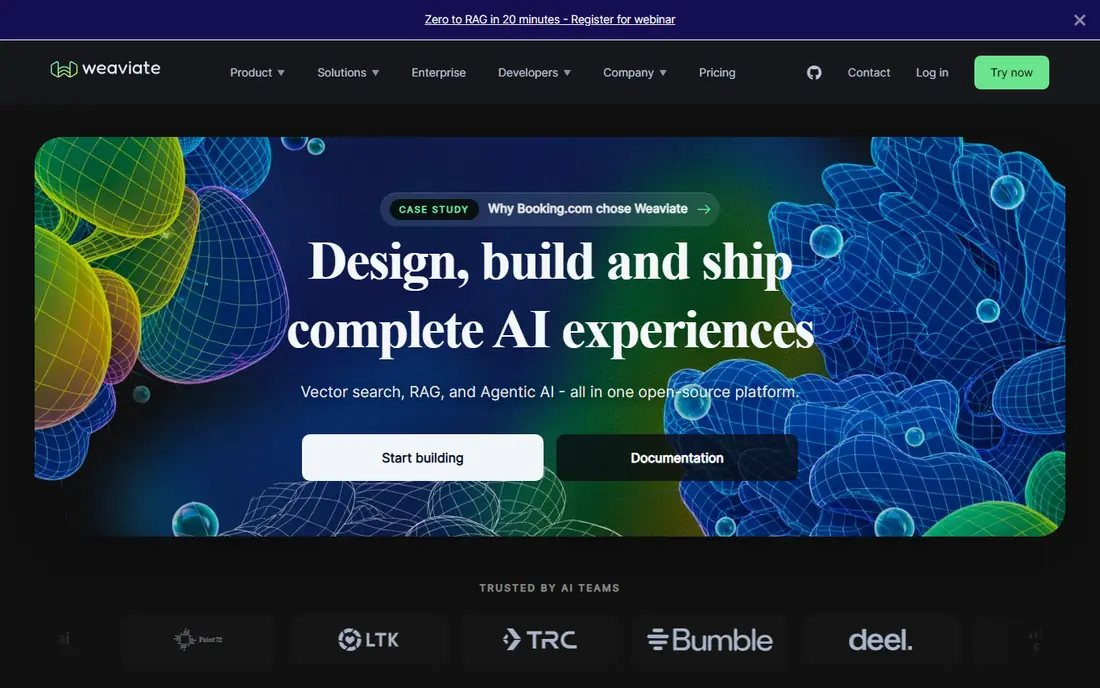
Weaviate is an open-source vector database with modules that connect to embedding models, language models, and data sources. That modular design helps teams that want search, retrieval, and generation in one system.
It also offers a managed cloud, so small teams can start without running servers. The range of modules is a strength, but it also means more choices to understand at the start.
Our view: a strong pick for AI apps that need more than plain vector storage.
Bottom line: Weaviate is a strong fit for aI apps with built-in modules, and its main draw is modular design for search and generation. Weigh that against the limits above before you commit, and test it with your own real work during any trial or free period.
- Modular design for search and generation
- Managed cloud available
- GraphQL and REST APIs
- Concept and module choices take time to learn
- Hosted pricing needs a quote for larger use
Milvus
Ideal for: Large-scale vector deployments
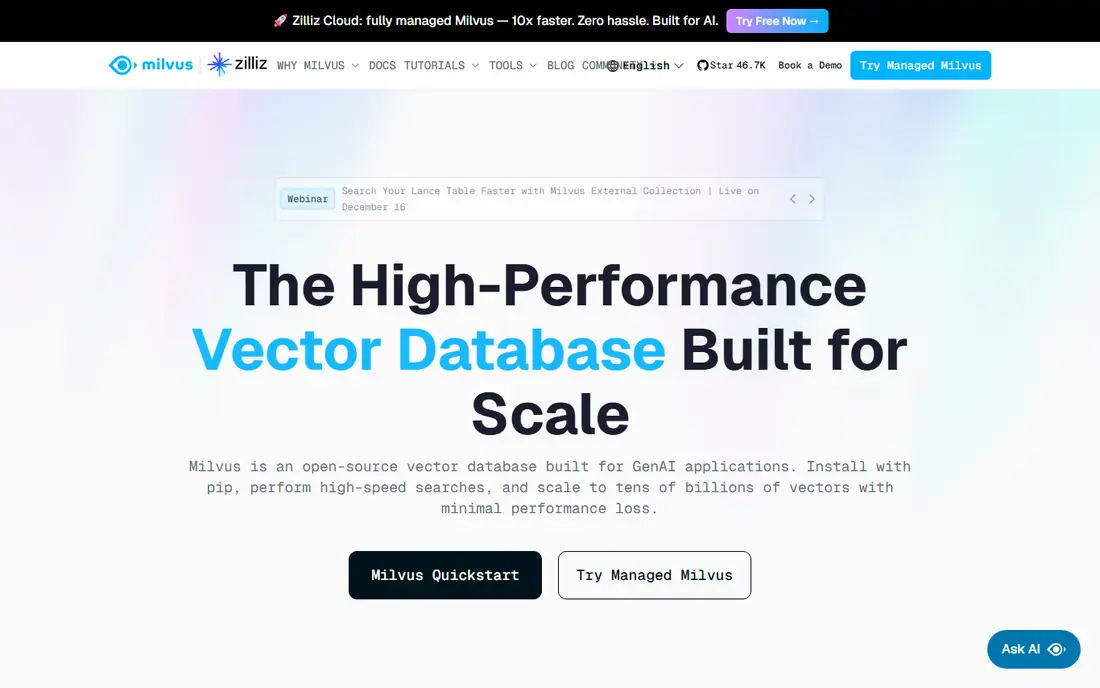
Milvus is an open-source vector database designed for large collections and high query loads. Its distributed design lets teams scale storage and search separately as data grows.
That power comes with operational weight. Milvus suits teams with infrastructure experience or a managed offering, rather than a solo developer who wants the simplest possible setup.
Our view: choose Milvus when scale is the main worry and you have the team to run it.
Bottom line: Milvus is a strong fit for large-scale vector deployments, and its main draw is built for very large vector collections. Weigh that against the limits above before you commit, and test it with your own real work during any trial or free period.
- Built for very large vector collections
- Distributed design
- Wide language support
- Heavier to run than simpler options
- Setup suits experienced teams
Chroma
Ideal for: Prototypes and small apps
Chroma is a lightweight open-source vector store that is popular for prototypes and small apps. It is easy to install, easy to use from Python, and quick for testing retrieval ideas.
For production at scale, teams often move to a heavier database, but Chroma is a fine place to prove an idea. Its simplicity is the point, and it shows in the short setup time.
Our view: the fastest way to test a retrieval idea before committing to a larger system.
Bottom line: Chroma is a strong fit for prototypes and small apps, and its main draw is very easy to start. Weigh that against the limits above before you commit, and test it with your own real work during any trial or free period.
- Very easy to start
- Python friendly
- Good for local development
- Less suited to huge production workloads
- Hosted options are newer
Vespa
Ideal for: Search at very large scale
Vespa is an open-source engine for search, recommendations, and ranking at large scale. It handles vectors, text, and structured data together, with ranking rules you can tune in detail.
That flexibility brings complexity. Vespa suits teams that already think in terms of ranking and retrieval quality, and who are willing to invest in configuration.
Our view: a serious option for large search and recommendation systems with demanding ranking needs.
Bottom line: Vespa is a strong fit for search at very large scale, and its main draw is combines vector, text, and ranking. Weigh that against the limits above before you commit, and test it with your own real work during any trial or free period.
- Combines vector, text, and ranking
- Proven at large scale
- Flexible ranking expressions
- Steep learning curve
- Configuration is detailed
Elasticsearch
Ideal for: Teams already running search
Elasticsearch is a mature search and analytics engine that now supports vector search alongside its long-standing text search. Teams that already run it can add vectors without adopting a second system.
Its strength is breadth: text search, aggregations, and dashboards sit next to vector queries. The cost is operational effort, since clusters need care, and pricing depends on deployment type.
Our view: a practical choice if your team already runs Elasticsearch and wants vectors in the same stack.
Bottom line: Elasticsearch is a strong fit for teams already running search, and its main draw is mature search platform. Weigh that against the limits above before you commit, and test it with your own real work during any trial or free period.
- Mature search platform
- Vector search alongside text
- Wide tooling and integrations
- Running clusters takes effort
- Licensing and pricing need careful reading
OpenSearch
Ideal for: Open-source search with vectors
OpenSearch is an open-source search and analytics suite with vector search built in. It grew from a fork of Elasticsearch and is maintained as a community project with managed options from cloud providers.
For teams that want open-source search plus vectors without licence fees, it is a strong fit. Self-hosting still takes effort, and managed hosting will carry its own price.
Our view: the open-source route for teams that want text and vector search in one system.
Bottom line: OpenSearch is a strong fit for open-source search with vectors, and its main draw is open-source search and analytics. Weigh that against the limits above before you commit, and test it with your own real work during any trial or free period.
- Open-source search and analytics
- Vector search included
- No licence fees for the software
- Managed hosting costs still apply if you do not self-host
- Community docs vary by feature
How we picked these
We compared official documentation, pricing pages, and feature lists, and we looked for managed options, self-hosting, filtering, and scale. We favoured databases with clear docs and active maintenance, since vector tooling changes fast.
We did not run benchmarks or claim hands-on testing. Where pricing depended on deployment size, we wrote See website rather than inventing a figure.
How to choose a Pinecone alternative
Start with hosting. If you do not want to run infrastructure, pick a managed cloud such as Qdrant Cloud or Weaviate Cloud. If data must stay in your own systems, an open-source option you can self-host is the safer route.
Next, check filtering and metadata. Real apps rarely search vectors alone. You will want to filter by user, category, date, or permissions, so test that your shortlist handles those filters in the same query.
Then think about scale honestly. A prototype with thousands of vectors has different needs from a production system with millions. Chroma is fine for the first case, while Milvus or Vespa suit the second.
Also check client libraries and docs for your language. A database with a well-kept client for your stack will save more time than a small speed advantage on paper.
Finally, test retrieval quality with your own data. Load a sample set, run real queries, and check whether the top results make sense. Benchmarks on public data do not always match your content.
Frequently asked questions
Why would I move away from Pinecone?
Common reasons are cost at scale, a wish to self-host, and a need for filtering or text search in the same system. Some teams also prefer open-source tools they can run anywhere.
Can I self-host a Pinecone alternative?
Yes. Qdrant, Weaviate, Milvus, Chroma, Vespa, and OpenSearch all offer open-source versions you can run yourself, with managed clouds as an alternative.
Do I need a separate vector database at all?
Not always. If you already run Postgres, Elasticsearch, or OpenSearch, their vector features may be enough. A dedicated store pays off when vector scale or query load grows.
Which option is easiest for a prototype?
Chroma is the easiest to start with, especially for Python prototypes. Qdrant is also quick to start and easier to grow later.
How do I migrate vectors from Pinecone?
Export your vectors and metadata, then import them into the new store with its bulk tools or client libraries. Re-check embedding dimensions and metadata fields, since mismatches cause silent errors.