Best Pixiv Alternatives in 2026: 7 Art Community Platforms Compared

- 1
 DeviantArtLarge art communityVisit
- 2
 ArtStationProfessional artist portfoliosVisit
- 3
 BehanceDesign portfoliosVisit
- 4
 TumblrSocial art feedsVisit
- 5
 NewgroundsCreative communityVisit
- DeviantArt and ArtStation suit artists who want large, professional art communities.
- Behance suits designers and illustrators seeking client visibility.
- Tumblr and Newgrounds suit artists who want social feeds and creative communities.
- Cara suits artists concerned about AI training and artist-first policies.
- Artfol suits mobile-first artists who want a simple portfolio feed.
Quick comparison
| Product | Ideal for | Price from | Free version | |
|---|---|---|---|---|
| DeviantArt | Large art community | Free | Yes | Visit |
| ArtStation | Professional artist portfolios | Free | Yes | Visit |
| Behance | Design portfolios | Free | Yes | Visit |
| Tumblr | Social art feeds | Free | Yes | Visit |
| Newgrounds | Creative community | Free | Yes | Visit |
 Cara | Artist-first portfolios | Free | Yes | Visit |
 Artfol | Mobile art portfolios | Free | Yes | Visit |
The best Pixiv alternatives
Pixiv is a Japanese art community focused on illustration, manga, and fan art. The platforms below offer art portfolios and discovery for illustrators and designers, with different moderation and audience styles. We compared official feature pages, community guidelines, and public help documentation.
Content filters and age-appropriate settings note: art platforms vary in what adult or sensitive content they allow and how filters work. Check each platform content policy, turn on safe search or content filters where available, and use age-appropriate settings for younger artists. Parents and guardians should review platform age rules before a teen joins, and artists should read each site rules on sensitive content before posting. We focus this list on moderated, general art platforms suitable for broad audiences.
DeviantArt
Ideal for: Large art community

DeviantArt is one of the largest art communities online, with portfolios, groups, journals, and print sales for illustrators, photographers, and digital artists. Its size means broad discovery, and its groups help niche artists find an audience. Content filters and mature content settings let users control what they see.
The interface can feel busy, and new artists may struggle for visibility among millions of members. For an artist who wants a large, general art community, DeviantArt is our pick for breadth. Use its filter settings to shape your feed.
- Very large art community with groups and journals
- Portfolio and print options
- Mature content filters and settings
- Interface can feel crowded
- Discovery favors popular artists
ArtStation
Ideal for: Professional artist portfolios
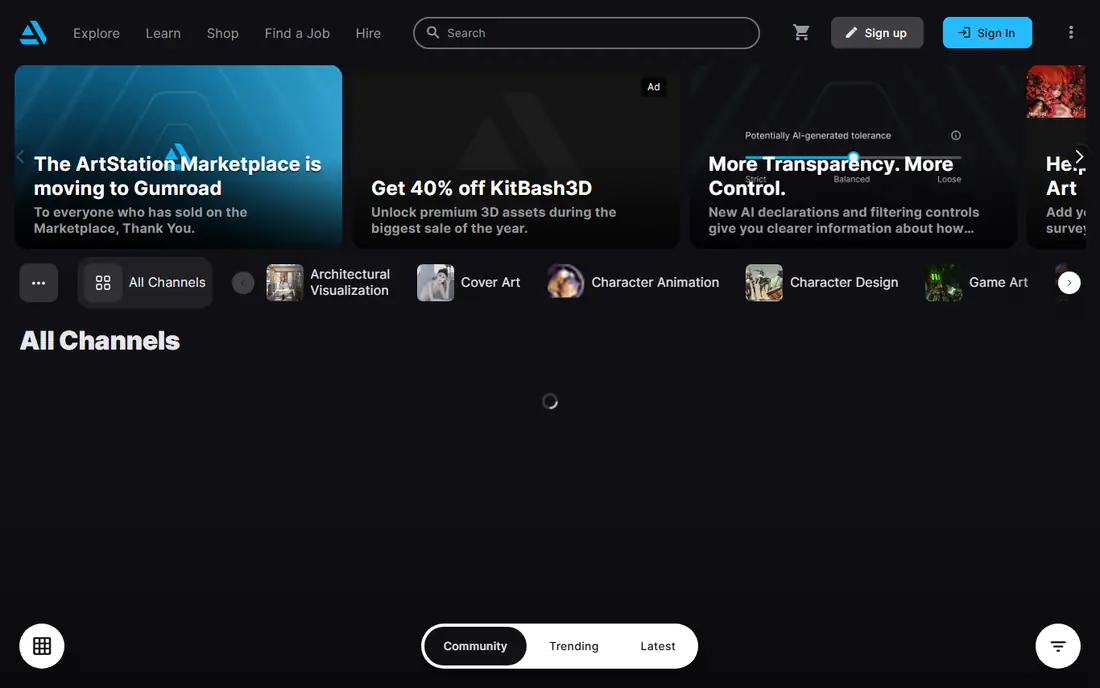
ArtStation is the professional portfolio platform for concept artists, illustrators, and 3D artists in games and film. Its presentation quality is high, its job board connects artists with studios, and its marketplace sells assets and tutorials. Recruiters browse ArtStation for hiring, which gives it career value beyond social features.
Beginners may find the professional standard daunting, and casual fan art gets less attention. For an artist building a professional portfolio, ArtStation is a strong pick. Use its content settings to control feed visibility.
- Professional portfolios favored by game and film artists
- Job board and marketplace
- High-quality presentation
- Professional focus can intimidate beginners
- Discovery favors polished work
Behance
Ideal for: Design portfolios
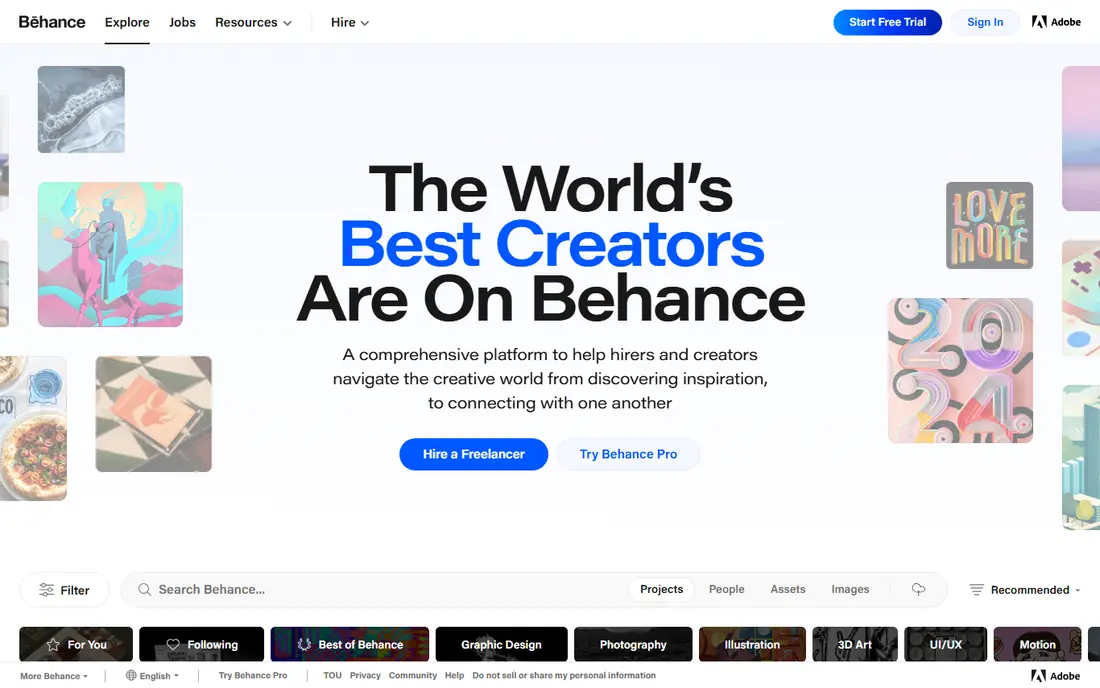
Behance, from Adobe, showcases design, illustration, photography, and motion projects as full case studies, which suits designers seeking client work. Its Adobe integration makes publishing from Creative Cloud tools easy, and its job listings connect creatives with employers. Project presentation quality is consistently high.
Pure illustration communities feel less social here than on DeviantArt or Pixiv. For a designer or illustrator seeking client visibility, Behance is a strong pick. Its free access lowers the barrier for new portfolios.
- Adobe-linked portfolios with broad client visibility
- Project case studies
- Job and freelance listings
- Design focus means less illustration community feel
- Adobe account needed for full use
Tumblr
Ideal for: Social art feeds
Tumblr blends blogging with social art sharing, where illustration, comics, and fan art spread through reblogs and tags. Its fandom communities are active, and artists can mix art posts with text, polls, and longer writing. That social feel suits artists who enjoy community interaction beside portfolios.
Discovery depends heavily on tags and who you follow, so building an audience takes consistent posting. For an artist who wants social art sharing with fandom reach, Tumblr is a good pick. Check its current content policies before posting sensitive work.
- Social blogging with art reblogs and tags
- Strong fandom and illustration communities
- Flexible post formats
- Discovery depends on tags and follows
- Content policies restrict some adult content
Newgrounds
Ideal for: Creative community
Newgrounds is a long-running creative community for art, animation, games, and music, with voting, reviews, and front-page features that reward good work. Its indie culture is supportive, and its art portal suits illustrators and animators who want feedback. That community feel appeals to artists tired of algorithm feeds.
The site design feels dated, and its audience is smaller than the largest platforms. For an artist who values community feedback and indie culture, Newgrounds is a distinctive pick. Use its content ratings to filter what you browse.
- Long-running creative community for art, animation, and music
- Voting and feedback systems
- Supportive indie culture
- Interface feels dated
- Audience is smaller than DeviantArt
Cara
Ideal for: Artist-first portfolios
Cara is an artist-first portfolio and social platform built by artists, with stated protections against AI training on posted work and tools for portfolios, feeds, and job listings. Illustrators concerned about AI scraping have moved there in large numbers, and its community is focused and supportive. That artist-first stance sets it apart.
It is newer and smaller than DeviantArt or ArtStation, so audience reach is still growing. For an artist who prioritizes control over their work and an artist-led community, Cara is a strong pick. Check its current policies on AI and content use.
- Artist-first platform with AI training protections
- Portfolio and feed features
- Growing illustrator community
- Newer platform with a smaller audience
- Features still developing
Artfol
Ideal for: Mobile art portfolios
Artfol is a mobile-first art community app with portfolios, feeds, challenges, and community features designed for phone use. Artists can post, discover, and join challenges easily, which suits illustrators who work and share from mobile devices. Its clean feed keeps focus on artwork.
Desktop portfolio depth and audience size lag behind ArtStation and DeviantArt. For a mobile-first artist who wants a simple, focused art app, Artfol is a good pick. Use its content settings to shape your browsing experience.
- Mobile-first art portfolio app with a clean feed
- Challenges and community features
- Simple posting
- Mobile focus means less desktop portfolio depth
- Smaller audience than larger platforms
How we picked these
We compared official feature pages, community guidelines, and public help documentation, looking for art portfolio, discovery, and community features that match Pixiv. We favored moderated platforms that are actively maintained and work in October 2026, and we mixed large communities with artist-first options. We did not claim hands-on testing, and we note that content policies and filter settings vary, so check each platform before joining or posting.
We also weighed practical details that matter after signup. That included how easy each product is to set up, whether support answers promptly, and whether pricing stays clear as usage grows. We read user complaints as well as praise, since repeated complaints about billing, onboarding, or missing features often signal a real weakness. Where a product had a known limitation, we said so in its write-up rather than smoothing it over. Our goal was a shortlist that a reader can trust for pixiv alternatives, not a list of every vendor in the market. Readers with unusual needs should still test their top two choices, since fit depends on budget, team size, and the features used every day.
What to check before you join
Start with your goal: professional portfolio, social community, or client visibility. ArtStation and Behance suit career portfolios, while DeviantArt, Tumblr, and Cara suit community and discovery. Check each platform content policy, filter settings, and age rules, especially for younger artists or sensitive work.
Next, test posting and discovery with a few real pieces. Check image quality, tagging, and how new artists gain visibility, since algorithm differences matter greatly. Also review rights: read terms on how the platform may use your art, including AI training policies, before uploading original work. Cara and ArtStation publish clearer artist protections than some rivals, so compare terms carefully.
Testing your shortlist before you commit
A short trial answers questions that no comparison table can settle. Sign up for your top two choices, run a real task from your own work, and watch how long it takes and where you get stuck. For pixiv alternatives, that real task might be a weekly workflow you repeat, a report you need every month, or a setup step your team must repeat for new members. If a tool slows that task down, it will cost time every week, no matter how good its feature list looks.
Pay attention to support during the trial as well. Send a question through the normal support channel and note how long a useful answer takes. Check billing clarity too: confirm what the trial includes, when it ends, and what the first paid invoice will actually show. A tool that is hard to cancel, or that hides fees until checkout, deserves caution.
Finally, ask who else on your team must use the tool. A product that only one person likes will stall, while a product the whole team adopts will pay for itself. Gather quick feedback from the people who will use it daily, compare their notes with your own, and then choose. That small amount of trial discipline prevents most bad purchases, and it costs far less than switching tools again in six months.
Budgeting the full cost, not just the headline price
Headline prices rarely tell the full story. Add up per-user fees, add-on charges, implementation help, and any training your team needs, then compare that total across your shortlist. A cheaper plan that needs three paid add-ons can end up costing more than a fuller plan from a rival. Check renewal terms as well, since introductory discounts often expire after the first term and the second year price is the one you will actually live with.
Think about exit costs too. Before you commit, confirm how your data exports, whether your content or history moves cleanly, and what happens if you pause or cancel. A tool with clean exports gives you freedom later, while a tool that locks data in makes switching painful. Choosing with the full cost and the exit path in mind keeps your pixiv alternatives decision sound for the long term, not just for the first month.
Frequently asked questions
What is Pixiv?
Pixiv is a Japanese online art community where illustrators share original art, manga, and fan art, with tags, bookmarks, and rankings. It is especially popular for anime and manga style illustration.
Which Pixiv alternative is best for illustrators?
DeviantArt and Cara suit illustrators best for community and portfolios, while ArtStation suits professional illustration careers. Tumblr suits social sharing and fandom illustration.
Are these platforms safe for younger artists?
Most platforms have age rules and content filters, but enforcement varies. Parents should review age requirements, enable filters, and monitor accounts for younger artists. Check each platform terms before joining.
Can I sell art on these platforms?
Yes, DeviantArt, ArtStation, and Behance offer print sales, marketplaces, or client connections. Check commission, payout, and rights terms for each platform before selling.
How do I protect my art from AI training?
Read each platform terms on AI training and data use, use watermarking or protective tools where offered, and consider artist-first platforms such as Cara. No platform can guarantee full protection, so check current policies.