Best Post Planner Alternatives in 2026: 8 Options Compared

- Our pick for most people is Buffer, because it balances price, features and ease of use for the widest group of readers.
- Free plans are real here, but the limits matter: check what Hootsuite and Later actually include before you commit.
- Prices in this guide come from vendor pricing pages and current comparisons checked in October 2026, and they can change, so confirm the plan on the vendor site before you buy.
- The best choice depends on your budget, your experience level and how much support you want, not on which brand is most famous.
Quick comparison
| Product | Ideal for | Price from | Free version | |
|---|---|---|---|---|
 Buffer | Simple social scheduling for small teams | See website | Yes | Visit |
 Hootsuite | Social management for larger teams | See website | Free trial | Visit |
 Later | Visual scheduling for Instagram and TikTok | See website | Yes | Visit |
 Sprout Social | Social management with strong analytics | See website | Free trial | Visit |
 SocialBee | Content categories and recycling for small teams | See website | Free trial | Visit |
 Metricool | Scheduling plus analytics and ads tracking | See website | Yes | Visit |
 Publer | Affordable scheduling with bulk tools | See website | Yes | Visit |
 Planable | Collaboration and approval for social content | See website | Free trial | Visit |
The best Post Planner Alternatives in 2026
We compared official feature pages, pricing pages, app store listings, privacy policies and public reviews to build this list for post planner alternatives. Every option below exists and works today, and each one earns its place for a different kind of reader.
Buffer
Ideal for: Simple social scheduling for small teams
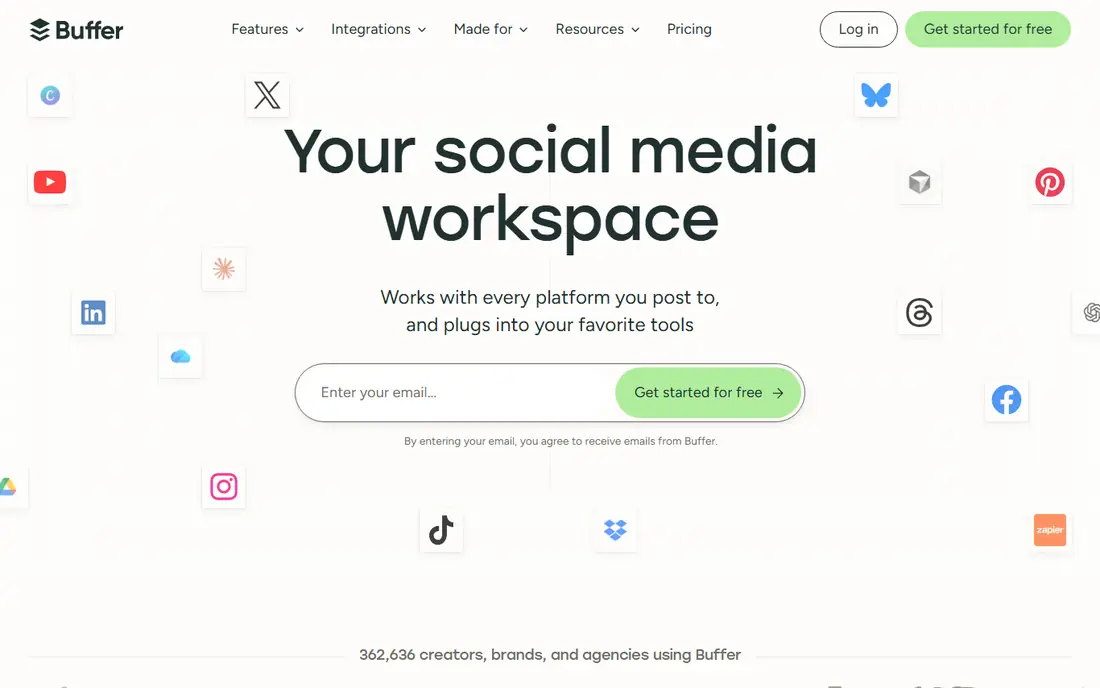
Here is the short version. Buffer suits small teams that want simple social scheduling with clean analytics, without a heavy platform. It fits readers who want simple social scheduling for small teams, and its published feature set matches that promise rather than trying to cover every possible use case at once. The price picture is see website, with a free plan status of yes. Channel and post limits on lower tiers mean growing teams should check the cost at their channel count. Before you sign up, check the current plan limits on the official site, because caps on users, usage or features are where most buyers get surprised after the first month.
- Simple scheduling
- Analytics
- Free tier
- Channel limits on lower tiers
- Advanced features need paid plans
Hootsuite
Ideal for: Social management for larger teams
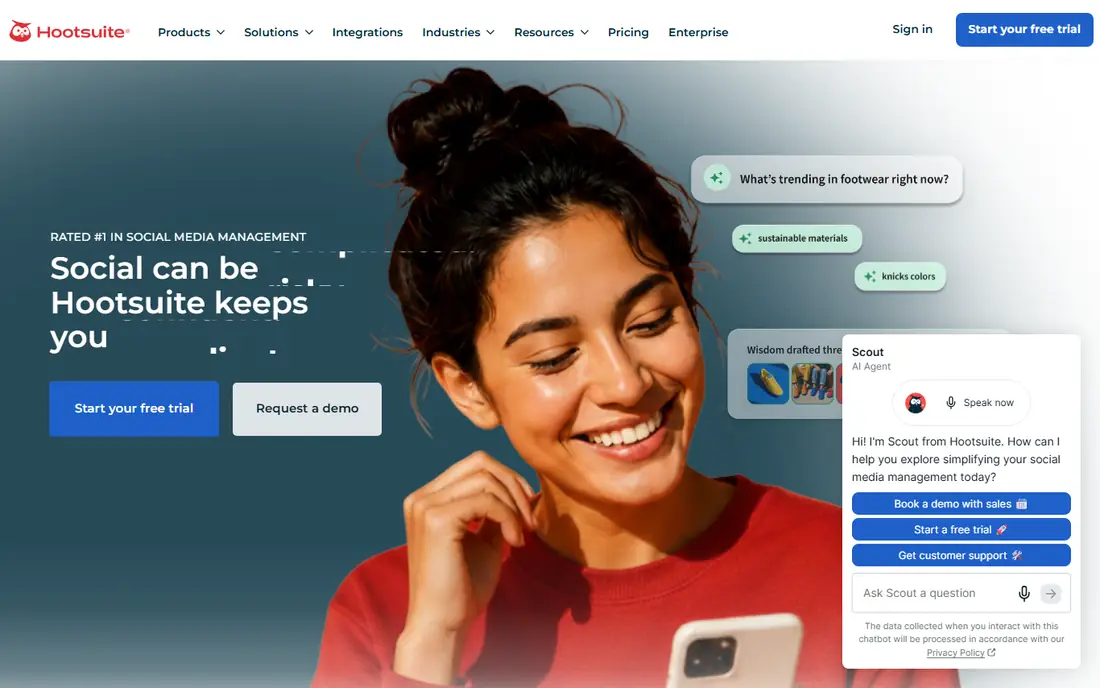
Start here if you want the safe default. Hootsuite suits larger teams that need scheduling, monitoring, analytics and team workflows in one platform. It fits readers who want social management for larger teams, and its published feature set matches that promise rather than trying to cover every possible use case at once. The price picture is see website, with a free plan status of free trial. The higher price and busy interface suit teams that use the full platform, not just scheduling. Before you sign up, check the current plan limits on the official site, because caps on users, usage or features are where most buyers get surprised after the first month.
- Scheduling, monitoring and analytics
- Team workflows
- Many integrations
- Pricing is higher than Buffer
- Interface can feel busy
Later
Ideal for: Visual scheduling for Instagram and TikTok

This one suits a specific kind of reader. Later suits brands focused on Instagram, TikTok and other visual platforms, with a visual planner and link-in-bio tools. It fits readers who want visual scheduling for instagram and tiktok, and its published feature set matches that promise rather than trying to cover every possible use case at once. The price picture is see website, with a free plan status of yes. Text-focused networks get thinner coverage, so check your channel mix first. Before you sign up, check the current plan limits on the official site, because caps on users, usage or features are where most buyers get surprised after the first month.
- Visual planner
- Link in bio
- Analytics for visual platforms
- Best for visual platforms
- Text-focused networks are thinner
Sprout Social
Ideal for: Social management with strong analytics
Consider this if the top picks do not fit. Sprout Social suits teams that need strong analytics and reporting beside scheduling and engagement. It fits readers who want social management with strong analytics, and its published feature set matches that promise rather than trying to cover every possible use case at once. The price picture is see website, with a free plan status of free trial. The higher price suits teams that use reporting and team workflows, not just basic scheduling. Before you sign up, check the current plan limits on the official site, because caps on users, usage or features are where most buyers get surprised after the first month.
- Scheduling, engagement and analytics
- Reporting
- Team tools
- Pricing is higher than simpler tools
- Setup takes time
Metricool
Ideal for: Scheduling plus analytics and ads tracking
Worth a close look before you decide. Metricool suits teams that want scheduling plus analytics and ads tracking in one affordable tool. It fits readers who want scheduling plus analytics and ads tracking, and its published feature set matches that promise rather than trying to cover every possible use case at once. The price picture is see website, with a free plan status of yes. The interface packs in a lot, so new users should start with one workflow. Before you sign up, check the current plan limits on the official site, because caps on users, usage or features are where most buyers get surprised after the first month.
- Scheduling
- Analytics
- Ads tracking
- Free tier
- Interface is busy in places
- Some features need paid plans
Publer
Ideal for: Affordable scheduling with bulk tools
This belongs on the shortlist for a reason. Publer suits budget-conscious teams that want affordable scheduling with bulk tools and analytics. It fits readers who want affordable scheduling with bulk tools, and its published feature set matches that promise rather than trying to cover every possible use case at once. The price picture is see website, with a free plan status of yes. Its smaller brand means you should check support and channel coverage for your networks. Before you sign up, check the current plan limits on the official site, because caps on users, usage or features are where most buyers get surprised after the first month.
- Affordable scheduling
- Bulk scheduling
- Analytics
- Smaller brand than Buffer
- Some advanced features are simpler
Planable
Ideal for: Collaboration and approval for social content
Do not overlook this one. Planable suits teams and agencies that need collaboration and client approval before posts go live. It fits readers who want collaboration and approval for social content, and its published feature set matches that promise rather than trying to cover every possible use case at once. The price picture is see website, with a free plan status of free trial. Scheduling-only teams may find its approval focus more than they need, but agencies get real value from it. Before you sign up, check the current plan limits on the official site, because caps on users, usage or features are where most buyers get surprised after the first month.
- Collaboration
- Approval workflows
- Visual preview
- Scheduling depth is thinner than Hootsuite
- Pricing grows with users
How we picked these
We started from official feature pages and pricing pages, then checked app store listings, privacy policies and public reviews to confirm each product still works and still fits the topic. Products that could not be verified, or that only partly matched the topic, were left out, even when they were well known. We favoured a mix of established leaders and strong smaller options, and we weighted price transparency, a usable free tier or trial, and honest limits more heavily than marketing claims. No product on this list paid for its place, and our pick for most people is the one we would suggest to a friend with ordinary needs and an ordinary budget.
How to pick a social scheduler that saves time instead of adding work
Start with your channels, because a tool that covers Instagram well may cover LinkedIn or TikTok poorly. Next, check team workflow: solo creators need simple scheduling, while agencies need collaboration, approvals and client views. Then check content needs: visual planning, evergreen recycling and bulk scheduling save different kinds of time. Trial the top two with a real week of posts, and watch whether scheduling, approvals and analytics actually reduce manual work. Also check analytics, link tools and inbox features, since a scheduler that cannot show what worked will not improve your content. Confirm pricing at your channel and user count, since per-user and per-channel pricing change the bill sharply. Confirm who will own the content calendar, because a scheduler without an owner quickly becomes an empty queue.
Frequently asked questions
What is the best Post Planner alternative?
Buffer suits simple scheduling, Hootsuite and Sprout Social suit larger teams, and Later suits visual platforms. The right pick depends on channels, team size and reporting needs.
Is there a free Post Planner alternative?
Buffer, Later, Metricool and Publer offer free tiers, though each limits channels, posts or features. Free tiers suit solo creators, while teams need paid plans.
What does a social media scheduler do?
A scheduler lets you plan, write and publish posts across social networks at chosen times, with analytics on performance. It saves time and keeps posting consistent.
Can I recycle evergreen content?
SocialBee and several other tools support evergreen recycling, so good posts can be reshared on a schedule. Check category and recycling rules during a trial.
Do schedulers support all social networks?
Most support major networks, but coverage and features vary by network, especially for TikTok, Threads and newer platforms. Check your exact channels before you choose.
SocialBee
Ideal for: Content categories and recycling for small teams
A strong option for a narrower need. SocialBee suits small teams that want content categories and evergreen recycling, so good posts keep working over time. It fits readers who want content categories and recycling for small teams, and its published feature set matches that promise rather than trying to cover every possible use case at once. The price picture is see website, with a free plan status of free trial. Analytics are simpler than Sprout or Hootsuite, so reporting-heavy teams should trial it first. Before you sign up, check the current plan limits on the official site, because caps on users, usage or features are where most buyers get surprised after the first month.