ON1 Photo RAW is the first pick on this list for all-in-one RAW editing. Listed starting prices: ON1 Photo RAW from $49.99. Affinity Photo fits professional editing without subscription; ACDSee Photo Studio fits Photo editing and management. Details, prices and limits for the rest of the 5 tools are below.
ON1 Photo RAW is aimed squarely at all-in-one RAW editing. It uses AI for tasks like masking and upscaling, and is available as a one-time purchase.
Downsides: Less external plugin support.
ON1 Photo RAW may struggle with performance on older hardware, and its plugin ecosystem is smaller than Adobe's. What you pay to start with ON1 Photo RAW: $49.99. As for free access: Free trial. Strengths: One-time purchase available.
Best for: Professional editing without subscription
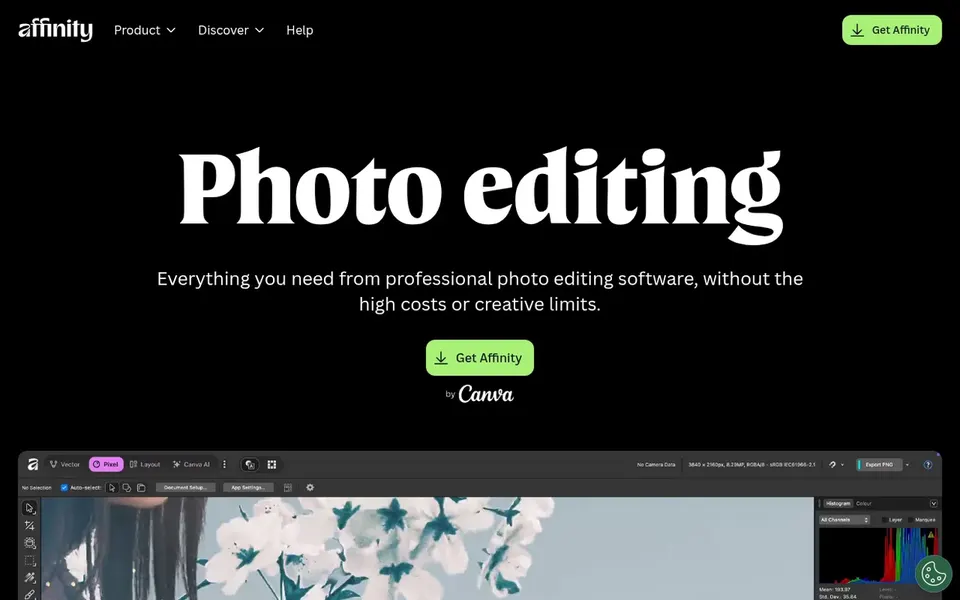
Affinity Photo serves professional editing without subscription. The application is available for desktop and iPad. It also does not contain dedicated photo management features.
Affinity Photo is a professional photo editor that emphasizes precision, speed, and creative freedom. It supplies a thorough set of tools for RAW development, retouching, and compositing, making it a good match for photographers and retouchers who want a capable alternative to subscription-based software. Users needing solid organization may prefer ACDSee Photo Studio. Affinity Photo does not show a starting price in this comparison, so check the vendor site for current pricing. Trial and free access: Not stated.
Where it falls short: Restricted ecosystem compared with Adobe.
For Photo editing and management, ACDSee Photo Studio is a natural candidate. ACDSee Photo Studio merges photo editing with digital asset management, offering tools for organizing, editing, and sharing images. It is well-suited for photographers who require to run large libraries and perform edits within a single application.
Trade-offs to know: Performance may lag on large catalogs.
From a buyer's view, ACDSee's interface and performance may not match newer competitors, particularly with very large photo collections. As for the details, the software also comes with video editing capabilities. Pricing for ACDSee Photo Studio is not stated here, so ask the vendor for current figures. As for free access: Not stated.
Corel PaintShop Pro works best for affordable versatile editing. PaintShop Pro is not available for macOS, and it lacks some high-end features found in professional-grade software. Corel PaintShop Pro is a photo editing software suite that provides a wide set of tools for retouching, compositing, and creative projects.
It is available for Windows and is commonly chosen by hobbyists and small companies seeking an economical alternative to premium editors. Worth adding: for cross-platform support, Affinity Photo or Adobe Photoshop are better choices. This comparison lists no price for Corel PaintShop Pro; ask the vendor. Free access: Not stated.
Points against: Less advanced for professional workflows.
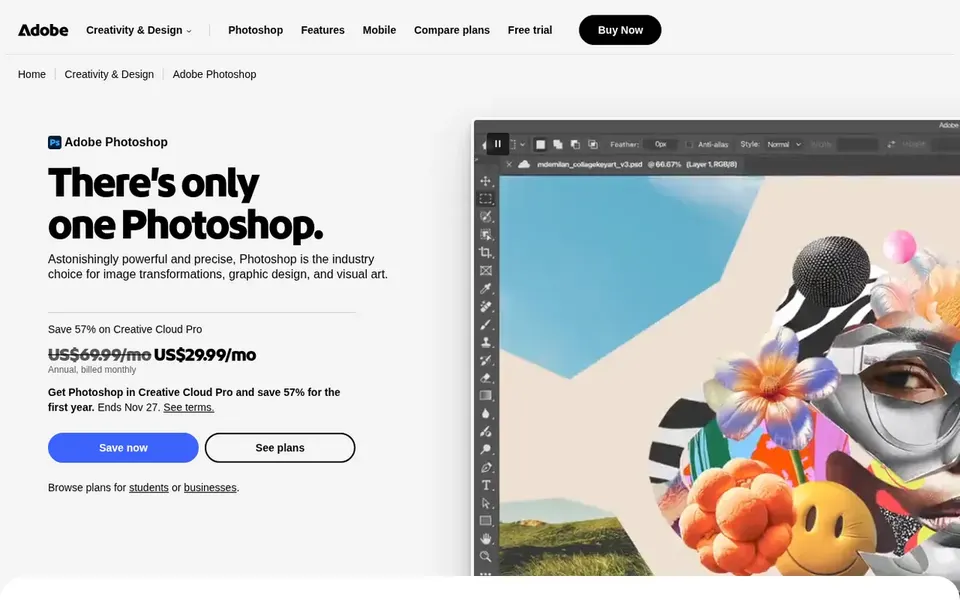
Adobe Photoshop works best for full editing and design. Adobe Photoshop is a professional photo editing and design application known for its capable layer-based editing, advanced selection tools, and deep filter library.
It fits photographers, designers, and digital artists who require precise control over their images. Pricing for Adobe Photoshop is not stated here, so ask the vendor for current figures. Free options: Not stated.
Confirm the entry price on the vendor page. For Affinity Photo, ACDSee Photo Studio, Corel PaintShop Pro and Adobe Photoshop that means a quote rather than a fixed price.
Take the trial from ON1 Photo RAW and push a live task through it before you pay.
Before choosing ON1 Photo RAW, weigh its main limit: can be resource-intensive.
Pick one real project and run it in ACDSee Photo Studio first; a small pilot shows fit faster than a checklist.
Check whether ON1 Photo RAW bills monthly or annually, and what cancelling early costs.
How we picked
For each of the 5 tools we noted price, free plan or trial, fit for ProPhotos and the main limit, using vendor pages and documentation. Where a vendor does not publish a price, the entry says quote. Where a price depends on seats or billing term, the entry says so. Position on the page reflects fit for a typical buyer first, with price clarity and free access breaking ties. Treat it as a guide, not a ruling.
Every price and plan detail on this page comes from the vendors’ own websites. We did not run hands-on tests unless the text says so, and we do not publish star ratings or review scores. See how we score and our disclosure.
Keep your shortlist in one place
Paste prices, trial dates and notes from this guide into Ainotely, our AI note app. It files them into a topic and pulls out tasks like “cancel trial by Friday”. Free 7-day trial, no card needed.
The order follows typical fit for ProPhotos, with ON1 Photo RAW first and Adobe Photoshop last, then price clarity and free access. It is editorial judgement, not a score, so another team could rank the tools differently.
Can I try these tools before paying?
Often, yes. ON1 Photo RAW offers a free trial. Use your own data and a real task during the test, and check what the free tier or trial limits before you rely on it. For the full picture, the cards above cover all 5 entries of this ProPhotos alternatives list, including price, free plan and limits.
Is ON1 Photo RAW the right pick for everyone comparing ProPhotos?
No single tool suits every team. ON1 Photo RAW comes first because it fits all-in-one RAW editing, while Affinity Photo suits professional editing without subscription and ACDSee Photo Studio suits Photo editing and management. Match the tool to your own size, budget and workflow before deciding.
What is the best free alternative to ProPhotos?
ON1 Photo RAW comes first here and is built for all-in-one RAW editing. Buyers with other needs may prefer Affinity Photo (for professional editing without subscription) or ACDSee Photo Studio (for Photo editing and management). Compare costs and limits first.
Does any tool for ProPhotos here have a free plan?
No tool in this list, ON1 Photo RAW and Adobe Photoshop included, has a permanent free plan. ON1 Photo RAW offer a trial. Trials and quotes are the usual route, so plan a short evaluation period.