Best Pylon Alternatives in 2026: 7 Tools Compared

- Plain is our pick for B2B teams that support customers inside Slack, Teams, or Discord and want one shared view per account.
- Zendesk and Freshdesk suit teams that need a classic helpdesk with tickets, knowledge bases, and broad integrations.
- Intercom suits product-led teams that mix support chat, onboarding, and AI answers in one product.
- HubSpot Service Hub and Salesforce Service Cloud suit teams already running on those platforms.
- Help Scout is the best pick for small teams that want a friendly shared inbox without enterprise complexity.
Quick comparison
| Product | Ideal for | Price from | Free version | |
|---|---|---|---|---|
 Zendesk | Classic enterprise helpdesk | See website | Free trial | Visit |
 Intercom | Chat-first product support | See website | Free trial | Visit |
 Freshdesk | Affordable full helpdesk | See website | Free trial | Visit |
 HubSpot Service Hub | HubSpot-based service teams | See website | Free trial | Visit |
 Plain | B2B support in Slack and Teams | See website | Free trial | Visit |
 Help Scout | Friendly shared inbox | See website | Free trial | Visit |
 Salesforce Service Cloud | Salesforce-based service teams | See website | Free trial | Visit |
The best Pylon alternatives
Pylon made B2B support feel native to Slack and chat, so a good replacement needs to handle business customers as accounts, not just one-off tickets. We compared official feature pages, pricing pages, and public reviews, focusing on channel support, account views, AI help, automation, and how each tool prices seats.
Zendesk
Ideal for: Classic enterprise helpdesk
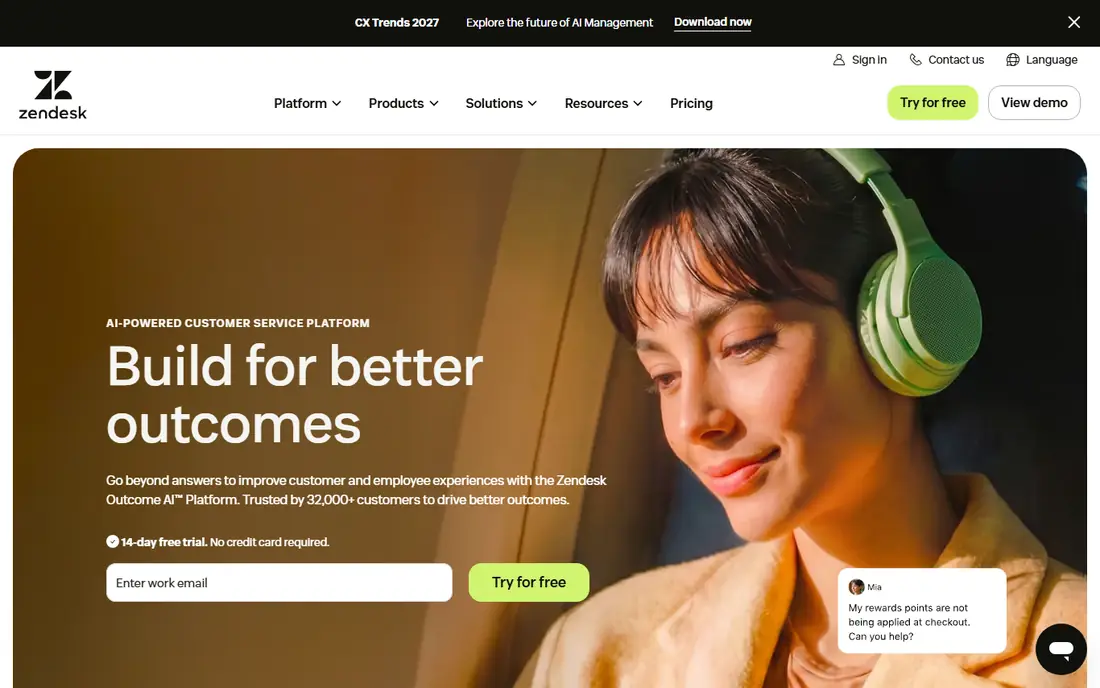
Zendesk remains the default enterprise helpdesk for a reason. It covers email, chat, phone, and social tickets, plus a knowledge base, customer context, automations, and reporting that managers can shape to their needs. Its integration library is one of the largest in support software, so most CRMs, chat tools, and data systems connect without custom work.
The trade-off is cost and complexity. Zendesk pricing scales with seats and add-ons, and a full setup needs admin time to get routing, macros, and views right. Smaller B2B teams may find Plain or Help Scout faster to run. For larger teams that need proven scale and deep reporting, Zendesk is still the safest choice.
- Mature ticketing, knowledge base, and reporting
- Huge integration library
- Strong AI add-ons
- Costs rise with seats and add-ons
- Setup and admin take real effort
Intercom
Ideal for: Chat-first product support
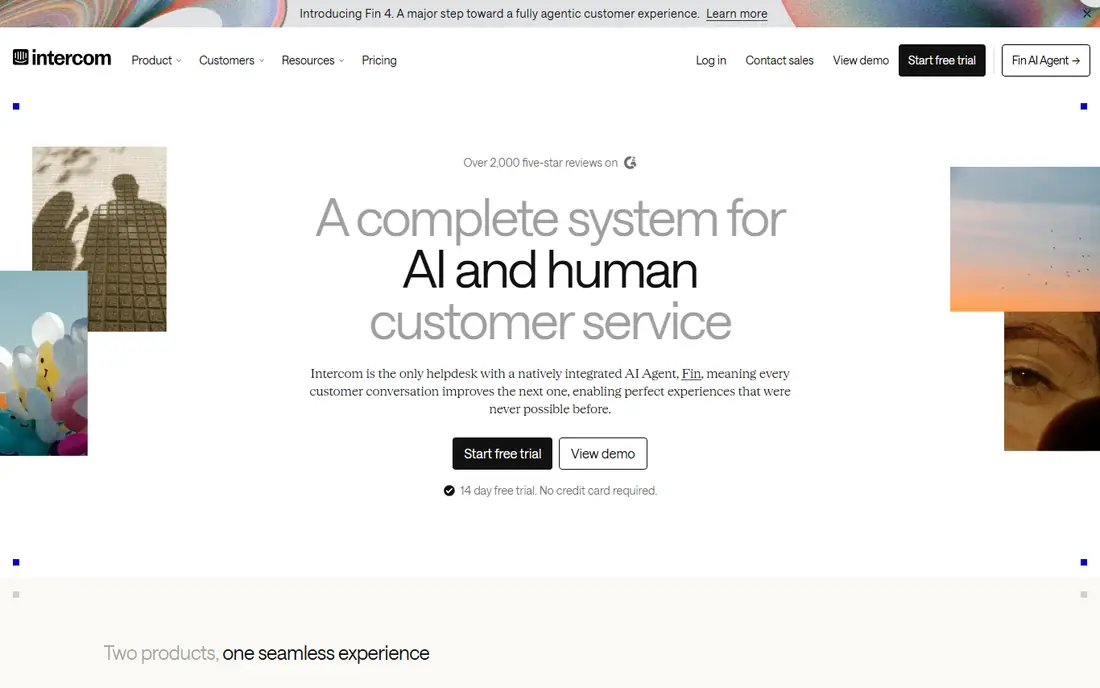
Intercom suits product teams that support users inside the product itself. Its messenger, help center, AI answers, and outbound messages live in one system, so support, onboarding, and engagement share the same customer data. That mix is powerful for software teams whose users expect fast chat answers rather than email ticket queues.
For B2B teams, the gap is account structure. Intercom organizes around contacts and conversations, while Pylon-style tools organize around customer companies with shared history. Pricing also needs care, since it can scale with contacts and add-ons. If your support happens mostly in-product and in chat, Intercom is a strong pick.
- Strong live chat and messenger
- AI answers and onboarding in one product
- Good product data
- Pricing can be hard to predict
- B2B account views are less central than in Plain
Freshdesk
Ideal for: Affordable full helpdesk
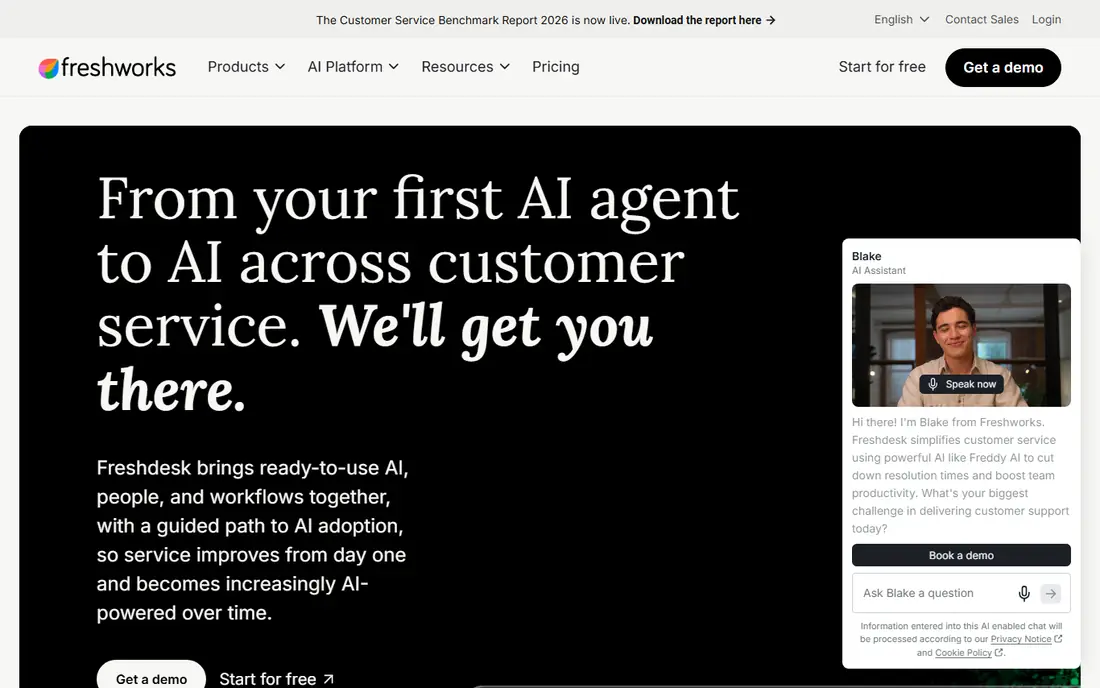
Freshdesk, from Freshworks, gives smaller teams a complete helpdesk without enterprise pricing. Tickets, shared inboxes, knowledge base, automations, and reporting come in one product, and the interface is easy for new agents to learn. Teams that already use Freshworks tools get extra value from shared customer data.
The limits show at the top end. Advanced AI, deeper analytics, and enterprise controls sit on higher tiers, and Freshdesk is not built around Slack-native B2B support in the way Pylon and Plain are. For teams that need a solid, affordable helpdesk for email and chat, Freshdesk is one of the best value options here.
- Full ticketing, knowledge base, and automation at fair prices
- Easy to learn
- Freshworks integrations
- Advanced AI and enterprise features sit on higher tiers
- Slack-native B2B support is less central
HubSpot Service Hub
Ideal for: HubSpot-based service teams
HubSpot Service Hub is the natural pick for teams already running sales and marketing on HubSpot. Tickets, shared inboxes, live chat, knowledge base, and customer feedback all tie to the same CRM records your sales team uses, so agents see deal history, company detail, and past conversations without switching tools.
Outside HubSpot, the case weakens. The product is priced and designed as part of the HubSpot platform, and teams on another CRM may find Zendesk or Freshdesk a better standalone fit. If HubSpot is already your system of record, Service Hub removes a whole layer of integration work and keeps service data where the rest of the business already looks.
- Tickets tied to HubSpot CRM records
- Shared inbox and knowledge base
- Good reporting for HubSpot users
- Best value only inside HubSpot
- Pricing rises with seats and hubs
Plain
Ideal for: B2B support in Slack and Teams
Plain is the closest Pylon-style replacement on this list. It is built for B2B teams whose customers talk on Slack, Microsoft Teams, Discord, email, and chat, and it gives each customer company a shared inbox showing open and past requests across channels. AI routing, triage, and a help center that turns good replies into articles help small teams handle more accounts without adding headcount.
The trade-off is focus. Plain is designed for B2B support, not for high-volume consumer queues with phone-first workflows, and its integration catalog is smaller than Zendesk. For software and services teams that live in Slack with their customers, that focus is exactly the point, and Plain is our top pick in this category.
- Native Slack, Teams, and Discord support
- Shared customer inbox per account
- API-first design
- Less suited to high-volume consumer tickets
- Smaller ecosystem than Zendesk
Help Scout
Ideal for: Friendly shared inbox
Help Scout is the friendly option for small support teams. Its shared inbox, knowledge base, and customer profiles cover the daily work of answering email and chat well, with a clean interface that new agents learn fast. Small businesses and startups that want to look professional without hiring a support admin will feel at home.
Enterprise depth is the limit. Complex routing, advanced AI, and large-scale reporting are thinner than in Zendesk or Salesforce, and phone support is lighter. For teams under about twenty agents with straightforward queues, Help Scout offers strong value and a calm daily workflow.
- Clean shared inbox and docs
- Easy for small teams
- Good value
- Less depth for enterprise routing and AI
- Phone support is lighter than rivals
Salesforce Service Cloud
Ideal for: Salesforce-based service teams
Salesforce Service Cloud is the enterprise pick for teams already on Salesforce. Cases, knowledge, chat, and field service tie directly to accounts, contacts, and opportunities, and its AI and automation tools can route, summarize, and resolve at large scale. For big B2B organizations with complex service processes, that depth is unmatched.
Small teams should be cautious. Service Cloud needs Salesforce admin skill, and licensing plus implementation costs run high. If Salesforce is not already your CRM, a standalone tool will be faster and cheaper. If it is, Service Cloud turns your CRM into a full service platform without a second system of record.
- Deep CRM-tied case management
- Strong AI and automation
- Enterprise scale
- Needs Salesforce expertise
- Costs and setup are high for small teams
How we picked these
We compared official feature pages, pricing pages, and public reviews, and we checked that the homepages listed here belong to the products named. We favored tools that support business customers across chat, email, and messaging channels, offer account or company views, and provide AI help or automation. We left out consumer-only chat widgets with no ticket or account structure, and we did not include Pylon itself, since this list is about replacements.
We also checked how each product fits different team sizes, since a tool built for enterprises can overwhelm a small team, while a tool built for solo users can stall a growing company. We favored products that scale sensibly, with tiers that add depth without forcing a painful migration later. Free and trial access mattered in our scoring, because a team should be able to test real work before paying. Products that hide core features behind sales calls scored lower than products that let buyers try the actual workflow first.
What to check before you switch
Start with your channels. List where customers actually reach you today, including Slack, Teams, email, chat, and phone, then confirm each finalist handles those channels natively rather than through a fragile add-on. A tool that treats Slack as an afterthought will frustrate the B2B customers Pylon served well.
Next, test the account view. Open a real customer company and check whether agents can see every open and past request, every contact, and every linked deal or subscription in one place. That shared view is what stops duplicate replies and repeated questions, and it is the feature most likely to decide the switch.
Finally, run a pilot with real tickets. Route a slice of live volume through the finalist for two weeks, measure first response and resolution times, and ask agents what slowed them down. Check seat pricing at your real team size, including any AI add-ons, before signing a yearly deal.
Look at total cost over two years rather than the first month alone. A low starting price can rise once you add team members, higher tiers, or the add-ons that hold the features you actually need, while a higher starting price sometimes includes everything and stays flat. List every seat, every add-on, and every usage limit for your real team size, then compare that full number across finalists. Also check contract terms, including minimums, renewal rules, and what happens to your data if you cancel. A tool that exports cleanly and charges fairly for extra seats is easier to live with than a cheaper tool that traps your work. Finally, weigh support quality alongside price, since fast help during setup and outages saves more money than a small monthly discount ever will.
Frequently asked questions
What is the best Pylon alternative for Slack-based B2B support?
Plain is our pick for Slack-based B2B support, since it is built around shared customer inboxes across Slack, Teams, Discord, email, and chat. Zendesk and Intercom can also connect to Slack, but Plain treats channel-native B2B support as its core job.
Is there a free Pylon alternative?
Most tools here offer free trials rather than permanent free plans. Help Scout and Freshdesk are among the more affordable starting points, but check current pricing pages for trial length and seat limits. A trial with real tickets is the best way to judge value.
Which alternative is best for small teams?
Help Scout suits small teams that want a clean shared inbox and docs without enterprise setup. Freshdesk is also strong for small teams that need fuller ticketing at a fair price. Plain suits small B2B teams whose customers live in Slack.
Do these tools include AI support features?
Yes, most do, but depth varies. Zendesk, Intercom, Salesforce, and Plain all offer AI routing, answers, or summaries, often as paid add-ons. Check whether AI features are included in the tier you plan to buy, since headline prices sometimes exclude them.
How hard is it to move from Pylon to another tool?
Ticket history and customer records usually move through exports or APIs, while workflows, automations, and Slack channel setups need rebuilding. Plan a pilot, rebuild one workflow first, and keep Pylon running until the new tool handles live volume cleanly.
How long does it take to switch?
Most teams can pilot a new tool in two to four weeks, including setup, data import, and training for the people who will use it daily. A full migration takes longer when years of history, templates, or integrations must move, so plan a staged rollout rather than a single cutover day. Start with one team or one workflow, measure results, and only then move the rest. Keep the old tool running during the overlap so nothing is lost if the new setup needs fixes. Rushing a switch usually costs more time than a careful pilot, since broken workflows frustrate the very people you need to win over.