Best Qualaroo Alternatives in 2026: 8 Options Compared

- Our pick for most people is Hotjar, because it balances price, features and ease of use for the widest group of readers.
- Free plans are real here, but the limits matter: check what Qualtrics and SurveyMonkey actually include before you commit.
- Prices in this guide come from vendor pricing pages and current comparisons checked in October 2026, and they can change, so confirm the plan on the vendor site before you buy.
- The best choice depends on your budget, your experience level and how much support you want, not on which brand is most famous.
Quick comparison
| Product | Ideal for | Price from | Free version | |
|---|---|---|---|---|
 Hotjar | Surveys plus heatmaps and recordings | See website | Yes | Visit |
 Qualtrics | Enterprise survey and experience research | See website | Free trial | Visit |
 SurveyMonkey | General surveys for any audience | See website | Yes | Visit |
 Typeform | Conversational surveys people finish | See website | Yes | Visit |
 Survicate | Onsite and email surveys for product teams | See website | Yes | Visit |
 Zonka Feedback | Feedback surveys for websites and stores | See website | Free trial | Visit |
 Refiner | In-app surveys for SaaS products | See website | Free trial | Visit |
 UserTesting | User research with video feedback | See website | Free trial | Visit |
The best Qualaroo Alternatives in 2026
We compared official feature pages, pricing pages, app store listings, privacy policies and public reviews to build this list for qualaroo alternatives. Every option below exists and works today, and each one earns its place for a different kind of reader.
Hotjar
Ideal for: Surveys plus heatmaps and recordings
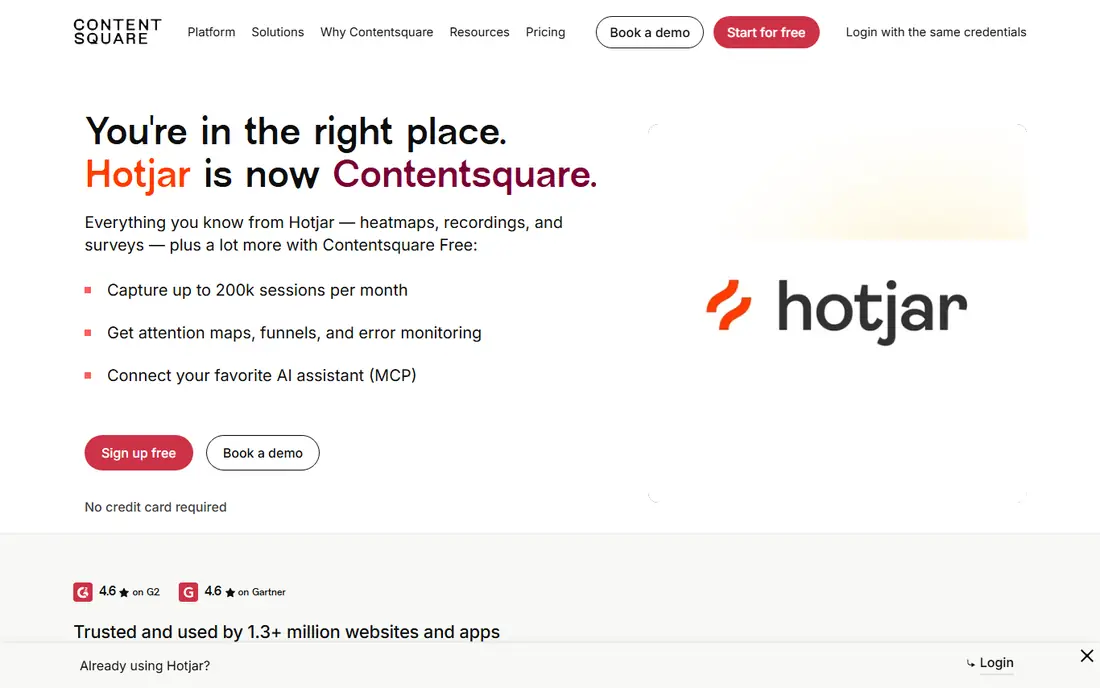
Here is the short version. Hotjar suits teams that want surveys beside heatmaps and recordings, so feedback sits next to behaviour data. It fits readers who want surveys plus heatmaps and recordings, and its published feature set matches that promise rather than trying to cover every possible use case at once. The price picture is see website, with a free plan status of yes. The free tier limits responses, so growing sites should budget for a paid plan. Before you sign up, check the current plan limits on the official site, because caps on users, usage or features are where most buyers get surprised after the first month.
- Surveys
- Heatmaps
- Session recordings
- Feedback widgets
- Free tier limits responses
- Pricing grows with traffic
Qualtrics
Ideal for: Enterprise survey and experience research

Start here if you want the safe default. Qualtrics suits large organisations that need deep survey logic and experience management at scale. It fits readers who want enterprise survey and experience research, and its published feature set matches that promise rather than trying to cover every possible use case at once. The price picture is see website, with a free plan status of free trial. The enterprise price and setup suit larger teams, not small sites that need a simple onsite survey. Before you sign up, check the current plan limits on the official site, because caps on users, usage or features are where most buyers get surprised after the first month.
- Deep survey logic
- Experience management
- Analytics
- Enterprise pricing
- Setup needs expertise
SurveyMonkey
Ideal for: General surveys for any audience

This one suits a specific kind of reader. SurveyMonkey suits general surveys sent by email or link, with templates and analytics that cover most research needs. It fits readers who want general surveys for any audience, and its published feature set matches that promise rather than trying to cover every possible use case at once. The price picture is see website, with a free plan status of yes. Onsite nudge-style surveys are thinner than Qualaroo, so check widget needs first. Before you sign up, check the current plan limits on the official site, because caps on users, usage or features are where most buyers get surprised after the first month.
- Easy survey builder
- Templates
- Analytics and sharing
- Onsite survey widgets are thinner than Qualaroo
- Pricing grows with features
Typeform
Ideal for: Conversational surveys people finish
Consider this if the top picks do not fit. Typeform suits teams that want surveys people actually finish, with a conversational design and logic. It fits readers who want conversational surveys people finish, and its published feature set matches that promise rather than trying to cover every possible use case at once. The price picture is see website, with a free plan status of yes. Onsite targeting and nudges are simpler than Qualaroo, so check that need before switching. Before you sign up, check the current plan limits on the official site, because caps on users, usage or features are where most buyers get surprised after the first month.
- Conversational forms
- Attractive design
- Logic and integrations
- Pricing grows with responses
- Onsite targeting is simpler than Qualaroo
Survicate
Ideal for: Onsite and email surveys for product teams
A strong option for a narrower need. Survicate is the closest Qualaroo-style alternative for many teams, with onsite surveys, targeting and product integrations. It fits readers who want onsite and email surveys for product teams, and its published feature set matches that promise rather than trying to cover every possible use case at once. The price picture is see website, with a free plan status of yes. The free tier limits responses, so check the cost at your real survey volume. Before you sign up, check the current plan limits on the official site, because caps on users, usage or features are where most buyers get surprised after the first month.
- Onsite surveys
- Email surveys
- Targeting and integrations
- Free tier limits responses
- Advanced targeting needs paid plans
Zonka Feedback
Ideal for: Feedback surveys for websites and stores
Worth a close look before you decide. Zonka Feedback suits teams that want website, email and in-app surveys with customer experience metrics. It fits readers who want feedback surveys for websites and stores, and its published feature set matches that promise rather than trying to cover every possible use case at once. The price picture is see website, with a free plan status of free trial. Its smaller brand means you should check support and integrations for your stack. Before you sign up, check the current plan limits on the official site, because caps on users, usage or features are where most buyers get surprised after the first month.
- Website, email and in-app surveys
- CX metrics
- Integrations
- Smaller brand than Qualtrics
- Pricing grows with responses
Refiner
Ideal for: In-app surveys for SaaS products
This belongs on the shortlist for a reason. Refiner suits SaaS products that want in-app surveys with targeting for NPS and product feedback. It fits readers who want in-app surveys for saas products, and its published feature set matches that promise rather than trying to cover every possible use case at once. The price picture is see website, with a free plan status of free trial. General website survey needs may fit Survicate or Hotjar better, so check your survey location first. Before you sign up, check the current plan limits on the official site, because caps on users, usage or features are where most buyers get surprised after the first month.
- In-app surveys
- Targeting
- NPS and product feedback
- SaaS focus
- Website survey scope is narrower
UserTesting
Ideal for: User research with video feedback
Do not overlook this one. UserTesting suits teams that want video user tests and a participant panel beside surveys. It fits readers who want user research with video feedback, and its published feature set matches that promise rather than trying to cover every possible use case at once. The price picture is see website, with a free plan status of free trial. It is not a simple survey replacement, so use it when video insight matters more than quick onsite polls. Before you sign up, check the current plan limits on the official site, because caps on users, usage or features are where most buyers get surprised after the first month.
- Video user tests
- Participant panel
- Insights platform
- Pricing is enterprise-focused
- Not a simple survey replacement
How we picked these
We started from official feature pages and pricing pages, then checked app store listings, privacy policies and public reviews to confirm each product still works and still fits the topic. Products that could not be verified, or that only partly matched the topic, were left out, even when they were well known. We favoured a mix of established leaders and strong smaller options, and we weighted price transparency, a usable free tier or trial, and honest limits more heavily than marketing claims. No product on this list paid for its place, and our pick for most people is the one we would suggest to a friend with ordinary needs and an ordinary budget.
How to pick a feedback tool that gets answers instead of annoyance
Start with where feedback happens. Onsite surveys catch visitors in the moment, email surveys reach customers after purchase, and in-app surveys reach product users inside the product. Next, check targeting: a survey shown to everyone annoys users, while a survey shown to the right segment at the right moment gets useful answers. Then check length and design, since short, well-designed surveys get far more completions than long forms. Trial the top two with a real survey on a real page, and watch response rate and answer quality, not just the dashboard. Also check analytics, integrations and follow-up, since feedback should flow into your CRM, product or support tools, not sit in a separate report. Confirm response limits and pricing, because per-response pricing changes the bill for high-traffic sites. Confirm privacy and consent handling, especially for surveys that collect personal data. Finally, close the loop: tell users what changed because of their feedback, or they will stop answering.
Frequently asked questions
What is the best Qualaroo alternative?
Survicate suits onsite surveys most closely, Hotjar suits surveys plus behaviour data, and Qualtrics suits enterprise research. The right pick depends on survey location and depth.
Is there a free Qualaroo alternative?
Hotjar, SurveyMonkey, Typeform and Survicate offer free tiers, though each limits responses or features. Free tiers suit small sites, while high-traffic sites need paid plans.
What is the difference between onsite surveys and email surveys?
Onsite surveys appear on a website during a visit, while email surveys are sent after a purchase or interaction. Onsite suits in-the-moment feedback, while email suits broader customer research.
How do I avoid annoying visitors with surveys?
Target surveys to relevant segments, limit frequency, keep surveys short, and show them at sensible moments. A survey on every page will hurt response rates and user experience.
What survey metrics should I track?
Track response rate, completion rate, NPS or satisfaction scores, and the themes in open answers. Pair survey data with behaviour data to see whether feedback matches what users actually do.