Best Quicken Simplifi Alternatives in 2026: 7 Options Compared

- 1
 YNABhands-on zero-based budgetingVisit
- 2
 Monarch Moneyall-round Simplifi replacementVisit
- 3
 PocketSmithcash flow forecastingVisit
- 4
 Empower Personal Dashboardfree account trackingVisit
- 5
 Rocket Moneysubscriptions plus budgetingVisit
- Monarch Money is our pick for most Simplifi users because it offers strong budgeting and account tracking in a clean app.
- YNAB suits budgeters who want a strict method and hands-on planning.
- A free dashboard suits users who mainly want free account and net worth tracking.
- Check bank sync support and pricing, since both vary and affect daily use.
Quick comparison
| Product | Ideal for | Price from | Free version | |
|---|---|---|---|---|
| YNAB | hands-on zero-based budgeting | See website | Free trial | Visit |
| Monarch Money | all-round Simplifi replacement | See website | Free trial | Visit |
| PocketSmith | cash flow forecasting | See website | Free trial | Visit |
| Empower Personal Dashboard | free account tracking | Free | Yes | Visit |
| Rocket Money | subscriptions plus budgeting | Free | Yes | Visit |
 Copilot Money | budgeting for Apple users | See website | Free trial | Visit |
 Goodbudget | envelope budgeting | Free | Yes | Visit |
The best quicken simplifi alternatives
We compared official feature pages, pricing pages, and app listings for budgeting tools that work in October 2026. Our pick for most Simplifi users is Monarch Money, because its budgeting, tracking, and reports cover the same ground in a polished app, but method-driven and free options below suit other users.
This is not financial advice. These apps track spending and budgets, but investing, debt, and tax decisions deserve advice from a qualified financial professional.
YNAB
Ideal for: hands-on zero-based budgeting
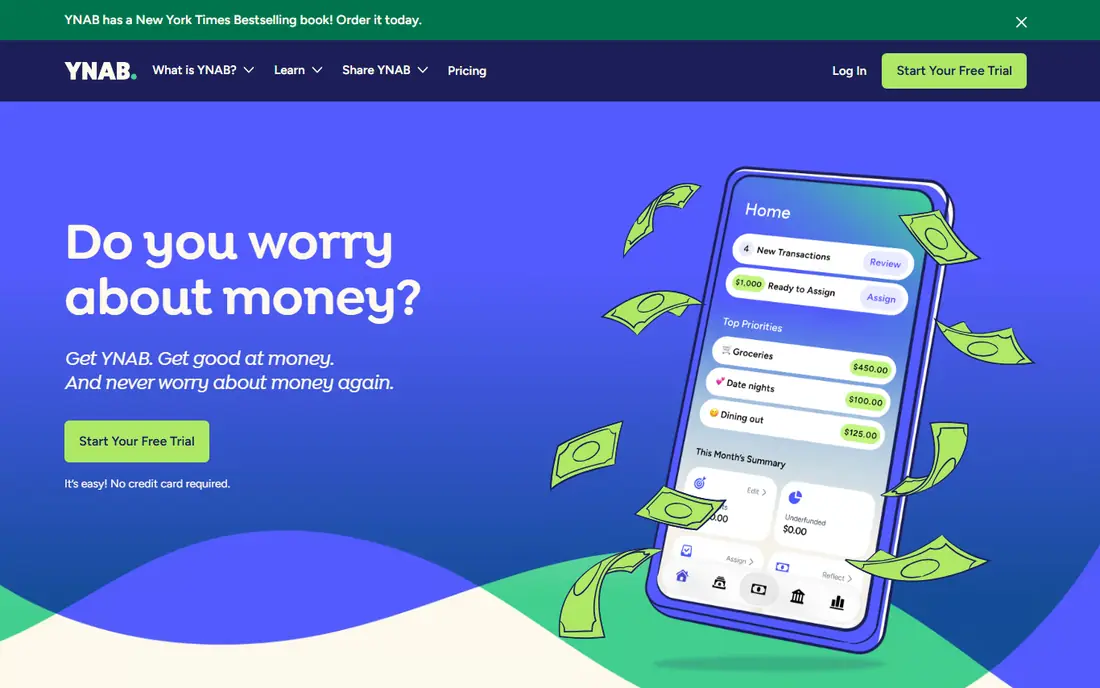
YNAB teaches zero-based budgeting where every dollar gets a job before spending. Its strength is method, which helps users who want active control over money. Support quality matters when something breaks, so read the help pages and the refund or cancellation terms before paying. Note which features sit behind higher tiers, because the headline plan rarely includes everything shown on the marketing page.
The catch is effort: it rewards regular use and punishes set-and-forget habits. Read the privacy policy for any product that holds personal or business data, and confirm who can see that data and how long it is kept.
Our view: if hands-on zero-based budgeting is your main need, this option deserves a trial, with the trade-offs above kept in mind. Set a reminder to review the plan after the first month, when real usage shows whether the tier you picked still fits. A clean export path matters, so confirm you can take your data out in a usable format if you later switch.
- Zero-based budgeting method
- Goal tracking
- Strong education
- Needs regular hands-on use
- No free tier beyond trial
Monarch Money
Ideal for: all-round Simplifi replacement
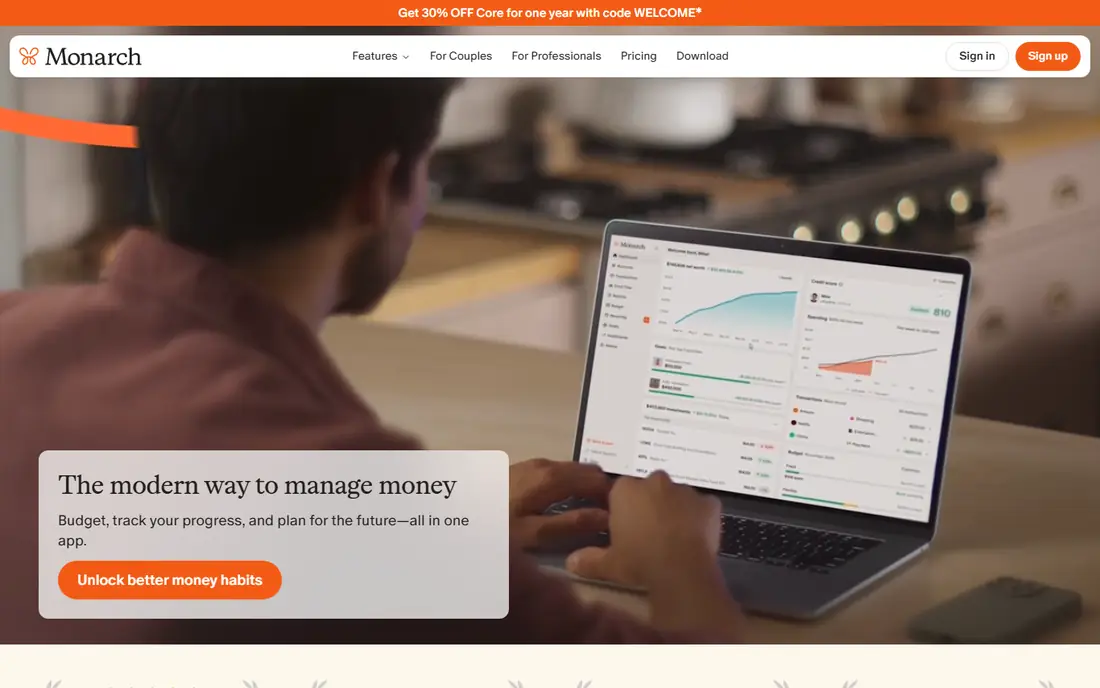
Monarch Money aggregates accounts and offers budgeting, reports, and goal tracking. Its strength is balance, since tracking and budgeting both feel polished. Watch for limits that only appear at scale, such as seats, projects, scans, or exports, since those decide the real monthly cost. If your team will use it daily, get one or two colleagues to try the same task in it and compare notes before you choose.
The catch is cost, since it needs a subscription after trial. A clean export path matters, so confirm you can take your data out in a usable format if you later switch.
Our view: this option is a strong candidate when all-round Simplifi replacement matters most, provided the limits above fit your budget. If you rely on it for work, confirm uptime, backup, and account recovery options before moving anything important into it. Check the pricing page before you commit, since plans and limits change and the page you see at signup is the one that counts.
- Account aggregation
- Budgeting
- Reports
- Goals
- Subscription only
- No permanent free tier
PocketSmith
Ideal for: cash flow forecasting
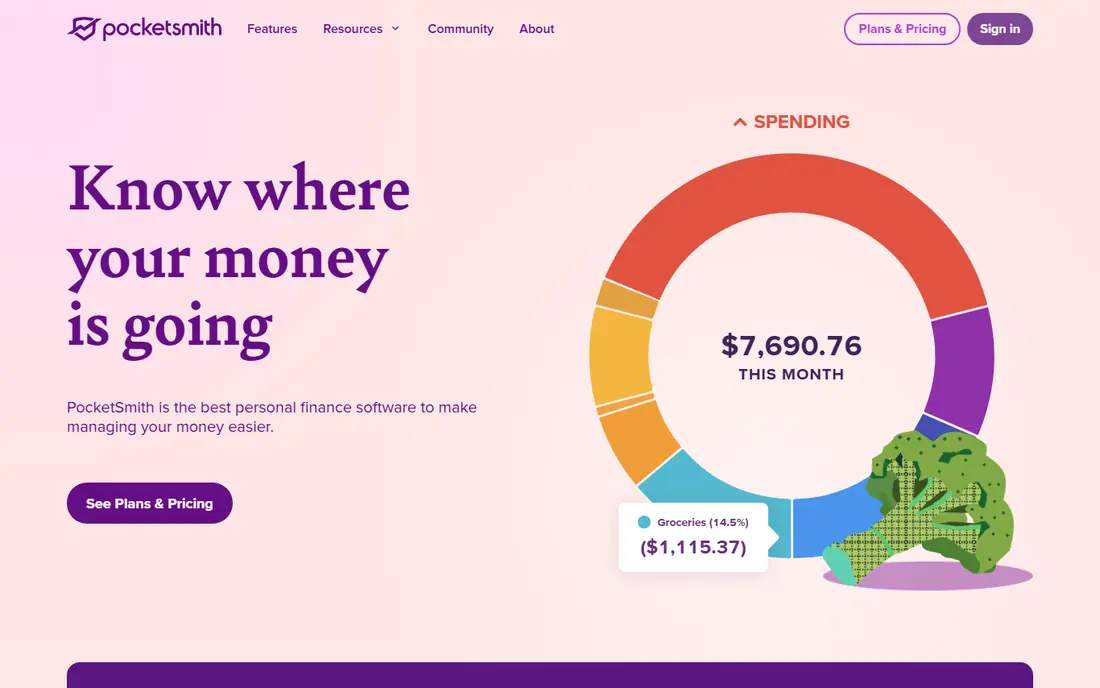
PocketSmith forecasts future balances from income, bills, and account data. Its strength is forecasting, which shows where money is heading, not just where it went. Compare at least two options on the same task, using the same sample project or data, so the comparison stays honest. Check the pricing page before you commit, since plans and limits change and the page you see at signup is the one that counts.
The catch is free limits, since live feeds need paid tiers. Note which features sit behind higher tiers, because the headline plan rarely includes everything shown on the marketing page.
Our view: shortlist this option if cash flow forecasting is what you are buying for, and compare it head to head with one other option here. Look at how it handles your existing tools, because a product that fits your current setup saves more time than one with a longer feature list. If your team will use it daily, get one or two colleagues to try the same task in it and compare notes before you choose.
- Forecasts
- Budgeting calendars
- Account tracking
- Free tier is limited
- Bank feeds need paid plans
Empower Personal Dashboard
Ideal for: free account tracking
This free dashboard shows accounts, net worth, and spending for free. Its strength is free tracking, which covers the core Simplifi viewing use. Check the pricing page before you commit, since plans and limits change and the page you see at signup is the one that counts. A clean export path matters, so confirm you can take your data out in a usable format if you later switch.
The catch is budgeting depth, since planning tools are lighter. A short trial or a free tier, where one exists, tells you more in a week than any feature list can.
Our view: this option earns its place here for buyers who put free account tracking first, and it is worth a close look before you decide. If your team will use it daily, get one or two colleagues to try the same task in it and compare notes before you choose. Note which features sit behind higher tiers, because the headline plan rarely includes everything shown on the marketing page.
- Free dashboard
- Net worth
- Spending views
- Budgeting is lighter
- Upsells for wealth services
Rocket Money
Ideal for: subscriptions plus budgeting
Rocket Money tracks subscriptions and budgets, with optional bill help. Its strength is subscription visibility, which often finds forgotten charges. Support quality matters when something breaks, so read the help pages and the refund or cancellation terms before paying. Look at how it handles your existing tools, because a product that fits your current setup saves more time than one with a longer feature list.
The catch is upselling, since its best bill features need paid plans. Read the privacy policy for any product that holds personal or business data, and confirm who can see that data and how long it is kept.
Our view: if subscriptions plus budgeting is your main need, this option deserves a trial, with the trade-offs above kept in mind. Set a reminder to review the plan after the first month, when real usage shows whether the tier you picked still fits. Support quality matters when something breaks, so read the help pages and the refund or cancellation terms before paying.
- Subscription tracking
- Budgets
- Bill negotiation options
- Premium features cost extra
- Free tier limits apply
Copilot Money
Ideal for: budgeting for Apple users
Copilot Money offers budgeting and account tracking with a clean Apple-focused design. Its strength is design on Apple devices, which makes daily checks pleasant. Watch for limits that only appear at scale, such as seats, projects, scans, or exports, since those decide the real monthly cost. Compare at least two options on the same task, using the same sample project or data, so the comparison stays honest.
The catch is platform: Android users should pick another tool. A clean export path matters, so confirm you can take your data out in a usable format if you later switch.
Our view: this option is a strong candidate when budgeting for Apple users matters most, provided the limits above fit your budget. If you rely on it for work, confirm uptime, backup, and account recovery options before moving anything important into it. Set a reminder to review the plan after the first month, when real usage shows whether the tier you picked still fits.
- Clean Apple-focused design
- Budgeting
- Account tracking
- Apple-first, so Android and web use is limited
- Subscription only
Goodbudget
Ideal for: envelope budgeting
Goodbudget plans spending with digital envelopes shared across a household. Its strength is shared budgeting, since partners can follow the same envelopes. Compare at least two options on the same task, using the same sample project or data, so the comparison stays honest. Read the privacy policy for any product that holds personal or business data, and confirm who can see that data and how long it is kept.
The catch is free limits, since more envelopes and sync need paid plans. Note which features sit behind higher tiers, because the headline plan rarely includes everything shown on the marketing page.
Our view: shortlist this option if envelope budgeting is what you are buying for, and compare it head to head with one other option here. Look at how it handles your existing tools, because a product that fits your current setup saves more time than one with a longer feature list. A short trial or a free tier, where one exists, tells you more in a week than any feature list can.
- Envelope method
- Household sharing
- Simple setup
- Free tier limits envelopes
- Bank sync needs paid plan
How we picked these
We compared official feature pages, pricing pages, app store listings, and privacy policies for each tool. We looked for account connections, budgeting methods, reports, bill tracking, security, and pricing. We did not run hands-on tests.
How to switch from Simplifi
Export your Simplifi data first, then check whether the new tool imports it or needs manual setup for accounts and categories.
Test bank connections during a trial. Sync reliability matters daily, so confirm your main banks connect and stay connected.
Rebuild your budget categories carefully. A clean category list makes reports useful from the first month.
Frequently asked questions
What is the best Quicken Simplifi alternative?
Monarch Money is best for most users, while YNAB suits method-driven budgeters and a free dashboard suits free tracking. PocketSmith suits forecasting fans.
Can I import data from Simplifi?
Some tools offer import options or guides, while others need manual account setup. Check each tool help pages before switching.
How much do Simplifi alternatives cost?
Most charge a yearly subscription, with a free dashboard on offer. Compare yearly cost against features you will actually use.
Are these apps safe with bank data?
Reputable apps use encryption and read-only connections, but review privacy policies and use two-factor authentication. Remove connections you no longer use.