Best Rancher Alternatives in 2026: 8 Products Compared

- 1
 PortainerSimple container managementVisit
- 2
 Red Hat OpenShiftEnterprise Kubernetes platformVisit
- 3
 VMware TanzuVMware shops running KubernetesVisit
- 4
 KubermaticMulti-cloud Kubernetes managementVisit
- 5
 Spectro Cloud PaletteFull lifecycle cluster managementVisit
- Portainer is our pick for most people, thanks to its balance of features, documentation, and price.
- Red Hat OpenShift is a strong second choice if you want a different strength, especially for enterprise kubernetes platform.
- If cost is the main concern, check the free options first, including VMware Tanzu and any free tier listed in the table below.
- For larger teams or stricter requirements, Kubermatic and Spectro Cloud Palette are worth a closer look, since they cover scale and control in more depth.
- Always confirm current pricing on the vendor site before you buy, since plans and free tiers change during the year.
Quick comparison
| Product | Ideal for | Price from | Free version | |
|---|---|---|---|---|
| Portainer | Simple container management | See website | Yes | Visit |
| Red Hat OpenShift | Enterprise Kubernetes platform | See website | Free trial | Visit |
| VMware Tanzu | VMware shops running Kubernetes | See website | No | Visit |
| Kubermatic | Multi-cloud Kubernetes management | See website | Free trial | Visit |
| Spectro Cloud Palette | Full lifecycle cluster management | See website | Free trial | Visit |
 HashiCorp Nomad | Simple workload orchestration | Free | Yes | Visit |
 Gardener | Kubernetes as a service at scale | Free | Yes | Visit |
 Rafay | Managed Kubernetes operations | See website | Free trial | Visit |
The best rancher alternatives
We compared official feature pages, pricing pages, app store listings, privacy policies, and public reviews to build this list. The options below cover the well-known leaders and smaller tools that earned a place on merit, and each one works in October 2026. Read the short notes, then use the buying guide at the end to narrow the list to one or two finalists for a trial.
Portainer
Ideal for: Simple container management
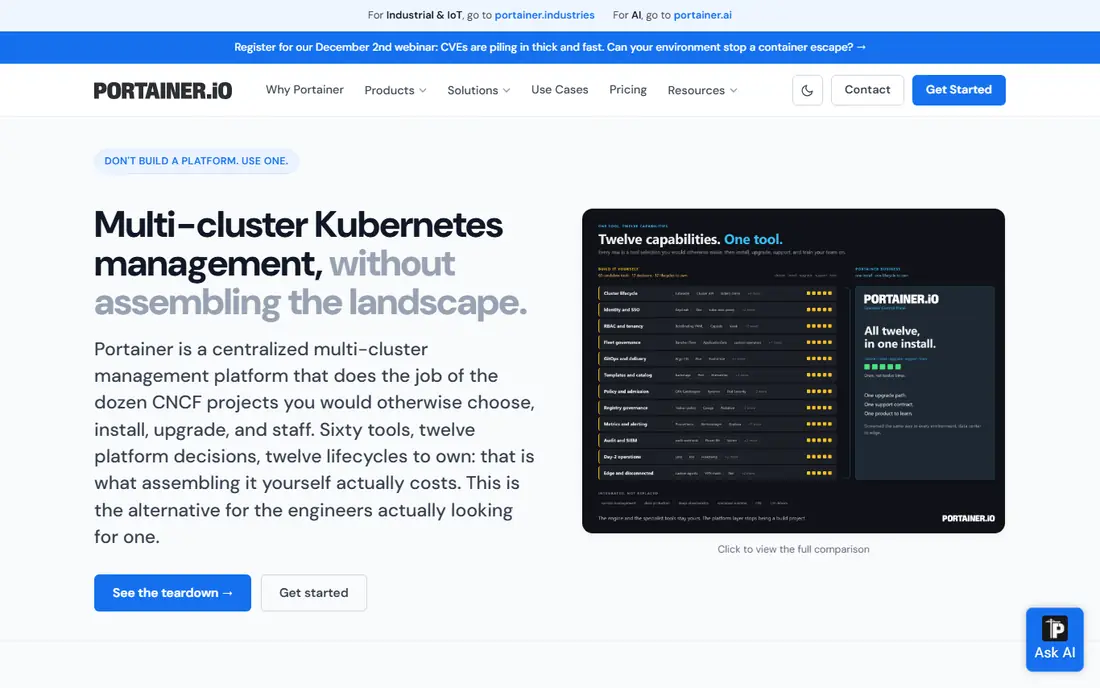
Portainer gives teams a simple web UI for Docker and Kubernetes, with a free community edition that covers many daily tasks. It suits smaller teams that want visual management without a heavy platform. Setup is quick, and the interface is easy to teach.
Its multi-cluster depth is less than full platforms, and advanced enterprise features are paid. Large fleets may outgrow it, but small and mid-size teams often find it enough.
- Simple UI
- Docker and Kubernetes
- Free community edition
- Enterprise features are paid
- Smaller multi-cluster depth
Red Hat OpenShift
Ideal for: Enterprise Kubernetes platform
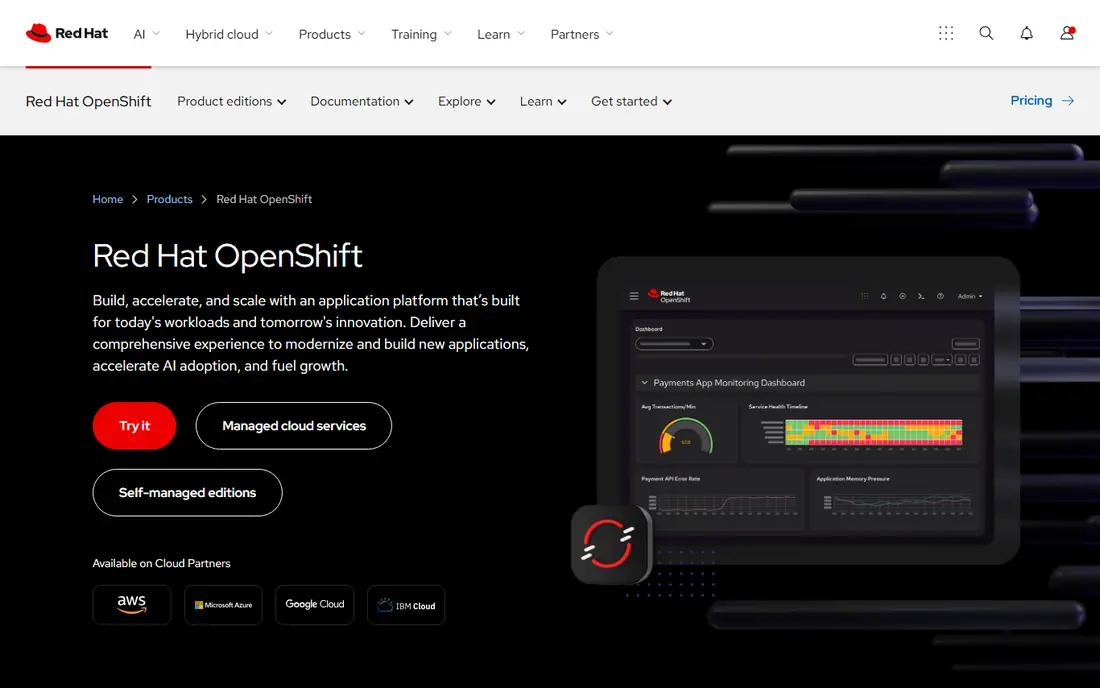
OpenShift is Red Hat's enterprise Kubernetes platform, with built-in security, developer tooling, and support. Large companies that need compliance, certification, and a vendor to call will value it. It packages Kubernetes with the extras enterprises expect.
It is complex and costly, with a learning curve for teams new to it. Smaller teams may find lighter tools faster and cheaper.
- Enterprise security
- Developer tools
- Red Hat support
- Complex
- Higher cost
- Learning curve
VMware Tanzu
Ideal for: VMware shops running Kubernetes
Tanzu brings Kubernetes management to VMware environments, with multi-cloud options and enterprise controls. Companies already running VMware get a familiar path to containers. Its tooling covers build, run, and manage stages.
Pricing is by quote and the value is highest inside the VMware world. Teams without VMware may find other platforms simpler.
- VMware integration
- Multi-cloud
- Enterprise controls
- Pricing by quote
- VMware ecosystem lock-in
Kubermatic
Ideal for: Multi-cloud Kubernetes management
Kubermatic manages Kubernetes clusters across clouds with automation that reduces manual setup. Its open source roots appeal to teams that want control, and its dashboard gives a clear view of many clusters. Multi-cloud teams benefit most.
The community is smaller than the biggest platforms, and full features need an enterprise plan. Test multi-cloud behavior in your own clouds before committing.
- Multi-cloud clusters
- Automation
- Open source roots
- Smaller community
- Enterprise plan needed for full features
Spectro Cloud Palette
Ideal for: Full lifecycle cluster management
Spectro Cloud Palette manages the full cluster lifecycle across clouds and data centers, with curated packs for common stacks. It suits teams running many clusters that want consistent setup. The platform handles day-two operations, not just provisioning.
It is a newer brand than some rivals, so references matter. Pricing needs a quote, and teams should validate support responsiveness during a trial.
- Lifecycle management
- Multi-cloud
- Curated packs
- Newer brand
- Pricing needs a quote
HashiCorp Nomad
Ideal for: Simple workload orchestration
Nomad is a simpler orchestrator that runs containers and other workloads with less complexity than Kubernetes. Teams that do not need the full Kubernetes ecosystem often find Nomad faster to run. It pairs well with other HashiCorp tools like Consul and Vault.
It is not Kubernetes, so the huge Kubernetes app ecosystem does not apply directly. Teams committed to Kubernetes tooling should choose a Kubernetes platform instead.
- Simple design
- Mixed workloads
- HashiCorp ecosystem
- Not Kubernetes
- Smaller app ecosystem
Gardener
Ideal for: Kubernetes as a service at scale
Gardener is an open source system for managing many Kubernetes clusters as a service, backed by SAP. It suits platform teams that run Kubernetes for many tenants or regions. Its automation is built for scale.
It assumes platform expertise, and its docs expect experienced operators. Smaller teams may find managed services simpler.
- Open source
- Multi-cloud
- SAP backing
- Needs expertise
- Docs assume experience
Rafay
Ideal for: Managed Kubernetes operations
Rafay offers managed Kubernetes operations across clouds with security and lifecycle controls. Platform teams that want to offload day-two work will like its automation. It covers provisioning, upgrades, and policy in one place.
Pricing is by quote, and it is newer than the largest platforms. A trial across your actual clouds is the right way to judge it.
- Managed operations
- Multi-cloud
- Security controls
- Pricing by quote
- Newer than giants
How we picked these
We started from the products that genuinely fit this topic and removed any that were discontinued, that did not serve US users, or that failed to match the core job. For each survivor, we checked the vendor official site for features and pricing, read app store listings where they exist, and looked at privacy policies and public reviews for known problems. We did not claim hands-on testing we did not do, and we left prices as See website wherever the vendor does not publish a clear figure.
Finally, we checked for known problems in public reviews and privacy policies, and we noted them where they matter, rather than hiding them. A product with a past privacy issue or a confusing renewal price still appears here if it is otherwise strong, but the write-up says so plainly, so you can weigh that risk yourself before you sign up.
We also weighed fit over fame. A famous product that only partly covers this topic lost out to a smaller tool that covers it well. That is why the list mixes leaders with strong smaller options, and why each write-up names one honest weakness alongside its strengths.
How to choose the right option for you
Start with the job, not the brand
Write down the one task you need done every week, then check which products do that task well without extra tools. Portainer covers the common case for most buyers, while HashiCorp Nomad suits a narrower need. If a product needs three add-ons to do your core job, it is probably the wrong pick, however popular it is.
Check the true cost
Compare the plan you will actually use, not the headline price. Count seats, usage, and any add-ons, and check renewal pricing as well as the first-year price. Free tiers help for testing, but they often cap the exact feature you will need later, so read the limits before you commit a team to one.
Run a short trial with real work
Pick two finalists and run each on a real task for a week, not a demo script. Watch setup time, support replies, and how it handles your edge cases. Red Hat OpenShift and VMware Tanzu are good trial candidates for many buyers, since they show their strengths quickly. The product your team actually uses beats the one with the longest feature list.
Match the tool to your team size
A tool built for a thousand users can slow a team of five with setup, approvals, and training, while a tool built for solo users can break when a whole department adopts it. Check seat limits, permission controls, and admin features against your real headcount, not your hoped-for headcount. If you plan to grow, ask whether the next tier up keeps your data and settings intact, or forces a migration. The cheapest plan that fits today is often the right start, as long as the upgrade path is clear.
Check support, privacy, and exit options
Read the privacy policy for how your data is used, especially for tools that handle customer data, health data, or financial data. Check support hours and response channels too, since a cheap tool with slow support costs more in lost time than a pricier one with fast help. Finally, confirm you can export your data in a usable format. A tool that locks your work inside its own format makes switching painful later, and that exit cost should count in your decision just like the monthly price.
Frequently asked questions
What are rancher alternatives?
Rancher Alternatives are tools and services that do the same core job as the original, with different prices, features, and trade-offs. The list above covers the strongest options we found that work in October 2026, from well-known leaders to smaller tools worth a look.
Which of these rancher alternatives is best for most people?
For most buyers, Portainer is the safest starting point, thanks to its balance of features and price. If your main need is enterprise kubernetes platform, start with Red Hat OpenShift instead, and run a trial before you commit.
Are there free rancher alternatives?
Yes, several options on this list offer a free tier or a free and open version, and the comparison table shows which ones. Free tiers usually cap usage or features, so check the limits against your real workload before you rely on one.
How much do rancher alternatives cost?
Prices range from free to enterprise quotes, and the table lists the starting price we could verify for each product. Where a vendor does not publish a clear price, we wrote See website, and you should ask for a quote based on your seats and usage.
What should I check before I pay for one of these rancher alternatives?
Check the plan limits, the renewal price, and the cancellation terms on the vendor site, and confirm the features you need are in the plan you will buy, not a higher tier. Read the privacy policy if the tool will hold customer or personal data, and test support with a real question during the trial. A short trial answers more than any sales page.
How hard is it to switch to a new option?
Switching effort depends on how much data and workflow you have built up. Export your data first, run the new tool alongside the old one for a short period, and move one team or project at a time. Most vendors on this list offer import tools or migration help.